New Noise Reduction Software Showdown: Which Delivers the Best Results?
High-ISO shooting is more capable than ever, but the cleanest files still come from smart post‑processing. We put today’s leading photo noise reduction options—Adobe Lightroom/Camera Raw Denoise, DxO PureRAW, Topaz Photo AI, and ON1 NoNoise—head‑to‑head to see which delivers the best balance of clean shadows, preserved detail, and natural color.
What We Compared
- Adobe Lightroom Classic/Camera Raw Denoise (integrated AI denoise inside Adobe’s ecosystem)
- DxO PureRAW (AI demosaic + denoise preprocessor with lens/camera modules)
- Topaz Photo AI (AI toolset with denoise, sharpen, and upscaling)
- ON1 NoNoise AI (standalone/plug‑in; integrates tightly with ON1 Photo RAW)
Quick Specs Comparison
| Feature | Adobe Denoise (Lightroom/ACR) | DxO PureRAW | Topaz Photo AI | ON1 NoNoise AI |
|---|---|---|---|---|
| Type | Built‑in module for Adobe workflows | External RAW preprocessor | AI enhancement suite | Standalone + plug‑in |
| Primary strength | Seamless, one‑click convenience | Class‑leading detail retention with low noise | Versatility (denoise + sharpen + upscale) | Good quality with friendly pricing |
| Integration | Inside Lightroom/ACR | Outputs enhanced DNG back to LR/PS | Plug‑ins + standalone app | Plug‑ins + deep ON1 Photo RAW integration |
| Output formats | Enhanced DNG | Enhanced DNG (plus TIFF/JPEG options) | DNG/TIFF/JPEG | DNG/TIFF/JPEG |
| Lens/camera profiles | Adobe profiles | Extensive DxO modules | Relies on existing profiles | ON1 profiles/lens data |
| Batch processing | Yes | Yes | Yes | Yes |
| GPU acceleration | Yes | Yes | Yes | Yes |
| Licensing | Subscription (Adobe Photography plan) | Perpetual license | Perpetual license | Perpetual license |
| Platforms | macOS, Windows | macOS, Windows | macOS, Windows | macOS, Windows |
Category-by-Category Analysis
Image Quality and Detail Retention
DxO PureRAW consistently produces extremely clean files while preserving micro‑detail thanks to its AI‑assisted demosaic + denoise pipeline. Fine textures (feathers, foliage, fabric weave) look natural, not waxy. Adobe’s Denoise has improved dramatically; it’s excellent for everyday use and often approaches DxO in cleanliness, but can be a touch softer in the most challenging ISO ranges. Topaz Photo AI cleans well and, when combined with its sharpening, can restore apparent crispness; care is needed to avoid over‑processing. ON1 NoNoise AI delivers solid cleanup suitable for most general work.
Color Fidelity and Tonal Smoothness
DxO maintains exceptionally smooth gradients and convincing color in shadow lifts. Adobe keeps color character consistent within its ecosystem—a big plus if you grade in Lightroom. Topaz and ON1 do well, but aggressive settings can shift color subtly; modest strength often yields the most natural look.
Speed and Workflow Integration
If you live in Lightroom/Camera Raw, Adobe Denoise is the fastest path—no exports, no round‑trips. DxO adds a preprocessing step but returns enhanced DNGs that slot neatly into LR/PS. Topaz and ON1 run as plug‑ins or standalone, with batch modes that suit culling-to-delivery pipelines.
Lens Corrections and Optics
DxO’s lens and camera modules are a differentiator, correcting distortion, vignetting, and aberrations alongside denoise. Adobe’s profiles are very good and broad in coverage. Topaz and ON1 can use available profiles, but they don’t lean on an optics module to the same extent as DxO.
High‑ISO Use Cases: Wildlife, Events, and Astro
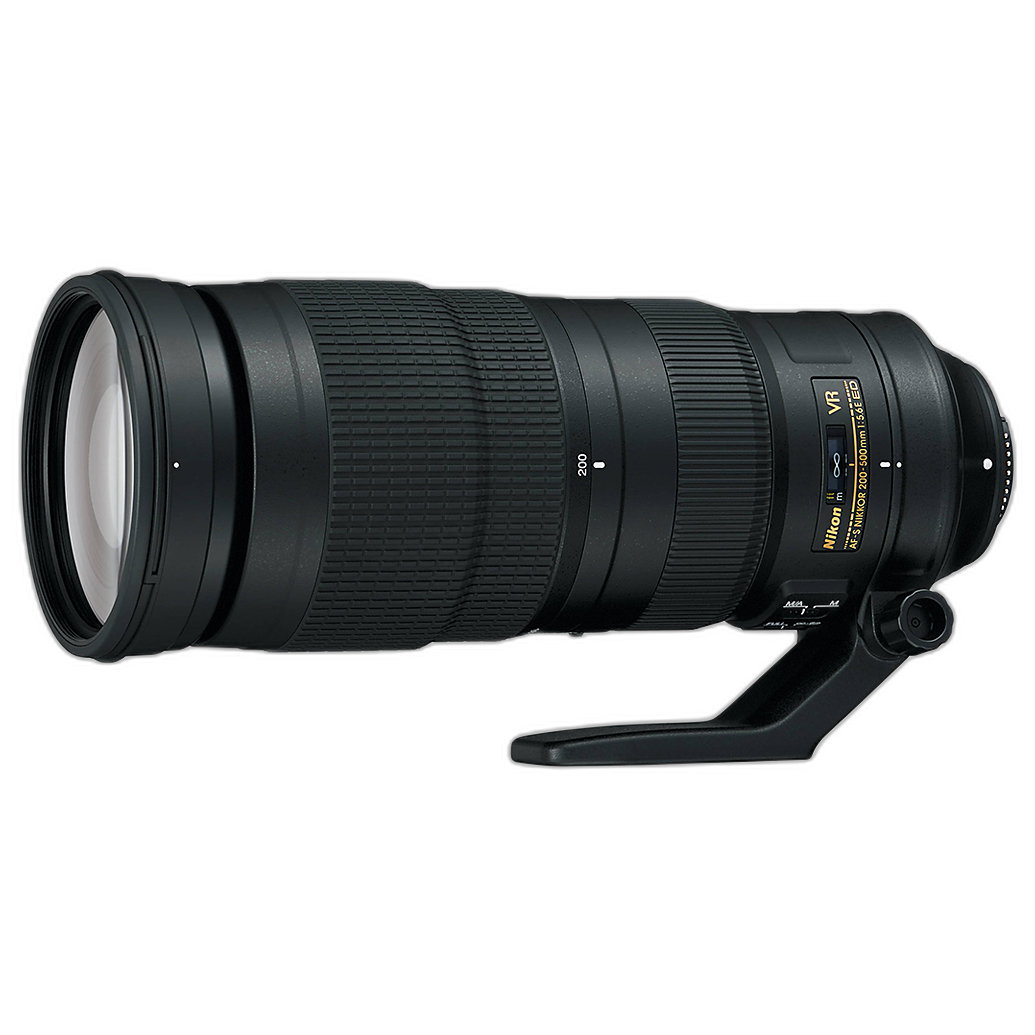
For wildlife and night events—where ISO is routinely pushed—DxO often extracts the cleanest detail from RAW files. Adobe Denoise is terrific for event shooters who need speed and consistent color across thousands of images. Topaz’s sharpen + denoise combo can rescue marginal files (motion blur + high ISO), while ON1 offers a pragmatic balance of cleanup and speed.
Artifacts and Natural Texture
All four tools can look great at moderate settings. At very high strengths, Topaz and ON1 may introduce more visible artifacts if sharpening is stacked aggressively. Adobe remains conservative and natural but may leave a hint more grain. DxO maintains texture authenticity while reducing chroma and luminance noise effectively.
Value and Licensing
Adobe’s Denoise comes with the Photography plan—excellent value if you already subscribe. DxO is a one‑time purchase delivering arguably the best pure denoise quality. Topaz’s single app covers multiple problems (denoise, sharpen, upscale), which can replace several utilities. ON1’s pricing is friendly, and if you use ON1 Photo RAW, the integration sweetens the deal.
Noise Reduction vs. Noise Cancellation
Audio “noise cancellation” (as in headsets and earbuds) is different from photo noise reduction. In imaging, we’re removing luminance and chroma noise from sensor data while preserving detail and color—so tuning strength and previewing at 100% is critical.
Stability for Long Exposures
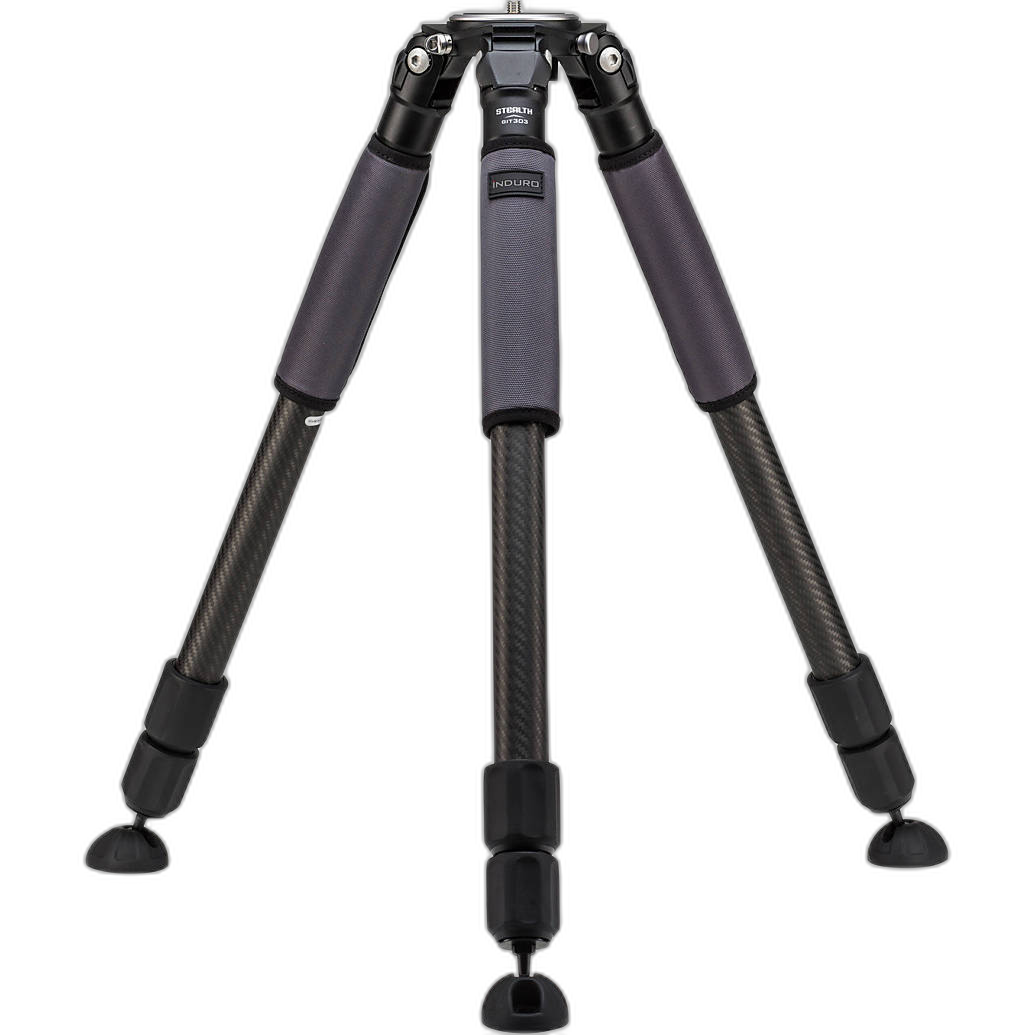
Capture still matters. A stable platform, accurate exposure, and optimal ISO will reduce how much denoise you need later—and help any software deliver better results.
Our Pick
If your priority is the cleanest files with the most natural fine detail, DxO PureRAW takes the crown. Its AI‑assisted demosaic + denoise and optics modules routinely produce the most refined RAW output we tested.
Best for Seamless Workflow: Adobe Denoise
For Lightroom/ACR users, Adobe’s built‑in Denoise is the speed champ and “good enough” in many cases—especially for event volume and consistent color.
Best for Versatility: Topaz Photo AI
Need denoise, sharpening, and upscaling in one? Topaz is a powerful fixer—just use conservative settings to avoid over‑processing.
Best Value for ON1 Users: ON1 NoNoise AI
A solid performer that integrates smoothly with ON1 Photo RAW and offers friendly licensing.
Conclusion
All four apps can deliver excellent results. If you want the absolute cleanest RAW files with convincing texture, choose DxO PureRAW. If you live in Lightroom, Adobe’s Denoise offers unbeatable convenience. For all‑in‑one fixes, Topaz Photo AI is compelling, while ON1 NoNoise AI brings strong value.
Whichever route you choose, you’ll get the best outcomes from clean capture and thoughtful workflow. Need help dialing in a high‑ISO kit or a stable shooting setup? The experts at Unique Photo can guide you—from bodies and lenses to tripods, lighting, and more.