Photo Contest Submissions: Specs, Editing Rules, and What Judges Prefer
Submitting to a photography contest shouldn’t be a guessing game. From file specs to editing boundaries and creative strategy, here’s a practical FAQ based on what contest organizers and judges commonly expect—plus pro tips from Unique Photo to help your entries stand out.
What resolution and file format do most contests require?
Most contests start with a digital round and ask for a JPEG in sRGB. Typical specs: longest edge between 2,000–5,000 pixels, 8-bit JPEG, with a file-size cap (often 2–20 MB). DPI isn’t relevant for digital viewing—pixel dimensions are. If a contest has a print round, they may later request a high-resolution TIFF or a larger JPEG (sometimes 300 PPI at a specified print size). Always read the exact rules and export accordingly.
- Safe default for initial rounds: sRGB, 3000–4000 px on the long side, JPEG quality around 80–90, embedded ICC profile.
- Keep the master file (RAW or high-bit TIFF/PSD) in case finalists are asked to provide high-res or original files.
RAW or JPEG: What do judges actually want?
For the first round, most contests want JPEGs only. Many reputable competitions will then ask finalists for the original RAW (or out-of-camera JPEG) to verify authenticity. Best practice: submit a well-prepared JPEG, but keep your RAW files untouched and organized. If a contest explicitly allows RAW uploads, make sure you understand how they will be reviewed and whether color management is preserved.
Want to tighten up your capture workflow so your RAW files hold maximum detail? A camera-specific guide can help you optimize exposure, picture controls, and noise handling before you ever hit post. Consider the Nikon D850 Guide to Digital SLR Photography by David Busch for in-depth setup and shooting techniques. 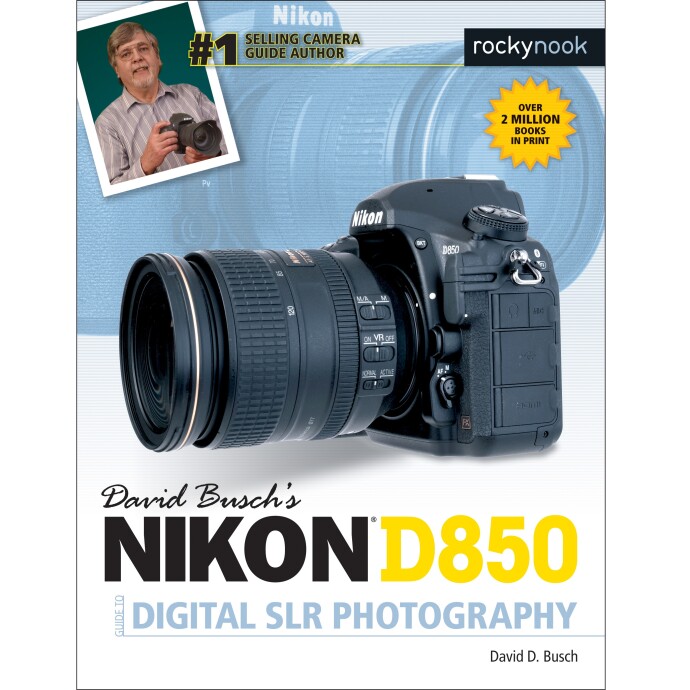
How much post-processing is acceptable?
Allowable editing depends on the category. Generally acceptable: exposure and color corrections, white balance, contrast, cropping, perspective fixes, sensor dust removal, global and subtle local adjustments. Often restricted or banned in documentary, photojournalism, and many nature categories: adding/removing major elements, sky replacement, AI content, heavy composites, or any manipulation that misrepresents the scene. Creative or open categories may allow composites—disclose your process if required and keep source files.
If you want to refine tasteful, competition-safe edits (and learn when to push further), our Editing and Enhancing Landscape and Nature Photography with Photoshop workshop is a solid fit. 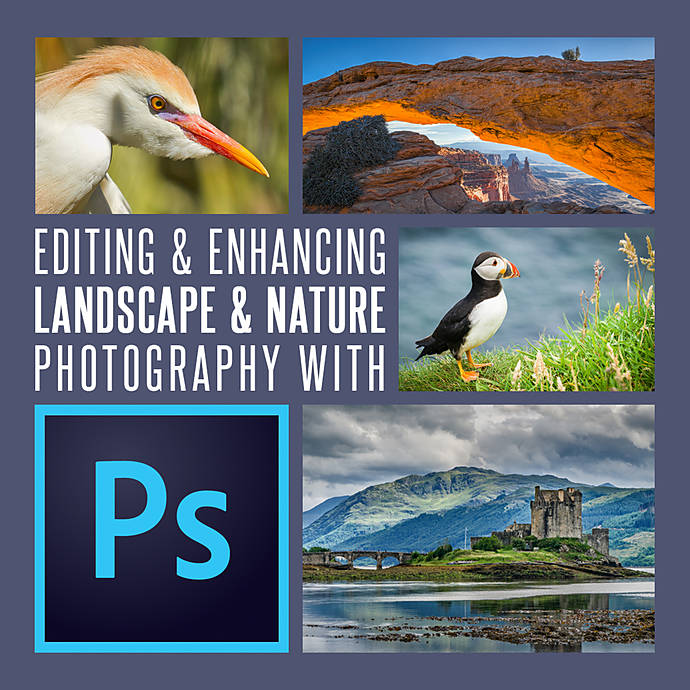
What color space, bit depth, and sharpening settings are safest?
For digital judging and web display, sRGB is safest—many platforms assume it. Export 8‑bit JPEG with the sRGB profile embedded. If a contest requests files for printing or special judging, they may ask for Adobe RGB or a TIFF; follow their spec exactly.
- Sharpen after resizing: export to the required pixel size first, then apply light output sharpening to avoid halos.
- Avoid extreme noise reduction or banding—judges often view on calibrated monitors.
- Embed the ICC profile so color is consistent across systems.
Is originality more important than technical perfection?
Judges reward images that deliver both impact and craft. A technically clean frame will never compensate for a weak concept—while a bold, original image with minor technical flaws can still rise. Aim for a compelling subject, strong composition, and faithful execution that matches the category’s intent.
Build a portfolio with variety and depth so you can submit your best match to each theme. For nature subjects, field time with a mentor accelerates results—join Macro and Landscape Photography at Duke Farms with Michael Downey to refine technique and vision in the field. 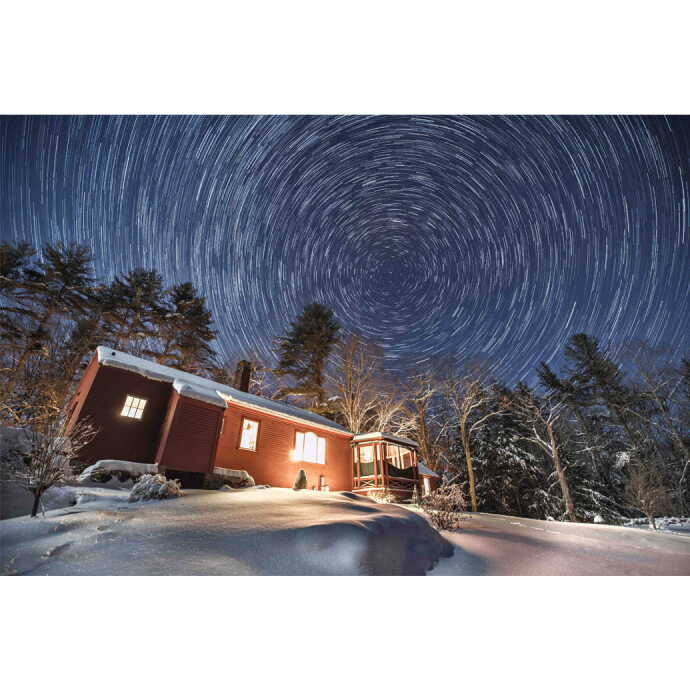
If your contest leans into action or sports categories, mastering timing and motion is key. Our Lights, Camera, ALPHA: Dynamic Sports and Action Photography session helps you capture crisp, high-impact frames under challenging conditions. 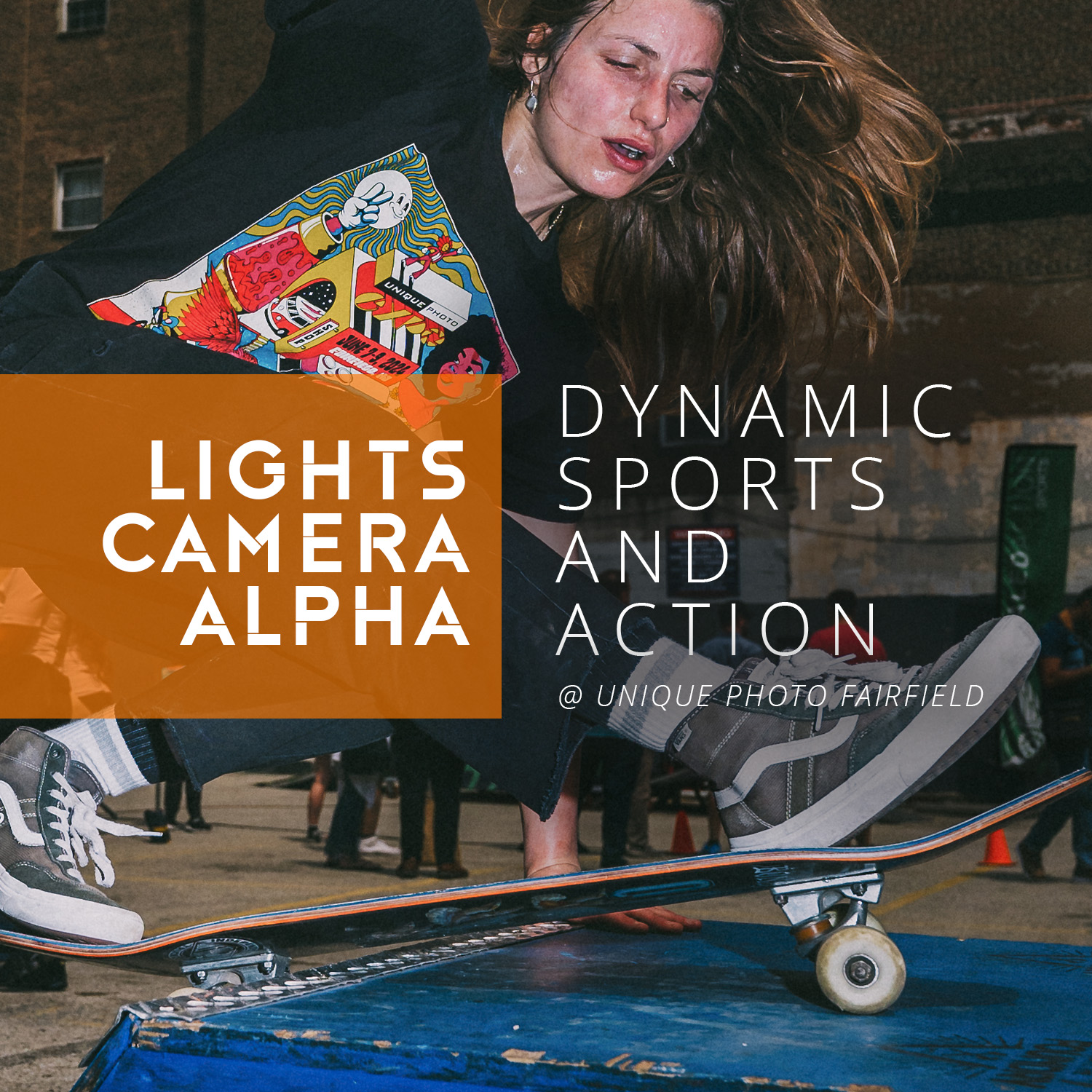
Are composites, HDR, focus stacking, or AI allowed?
Policies vary by contest and category:
- Photojournalism/documentary: Generally, no content additions or removals—keep edits corrective, not creative.
- Nature/wildlife: Many allow basic corrections; some permit focus stacking or exposure blending that faithfully represents the scene. Disclose methods if asked.
- Creative/open: Composites may be welcome—just follow disclosure rules and keep your source files.
- AI-generated or AI-replaced content: Frequently disallowed or must be declared; read the rules carefully.
For categories like astrophotography where stacking and calibration frames are standard, clarity and disclosure are crucial. If you’re building a competition-ready deep-sky workflow, our UUOnline: Astrophotography 4-Part Series with Temu Nana dives into acquisition and processing best practices. 
How should I name files, handle metadata, and captions?
Use clear, neutral filenames that match the contest’s convention (e.g., LastName_Title_Category.jpg). If judging is blind, avoid names that reveal your identity. Embed IPTC metadata (title, caption, keywords, location) when permitted, and supply model/property releases when people or private locations are involved. Keep a tidy paper trail—EXIF, RAW files, and release forms—so you’re ready if contacted by organizers.
Need a streamlined culling-to-export workflow, including metadata and post-production polish? Our Product Photography and Post Production Editing with Blake Taylor class focuses on efficient, repeatable processes that translate well to contest prep. 
What’s a smart pre-submission checklist?
- Re‑read the rules and confirm category fit.
- Export to the exact pixel size, color space, and format required.
- Inspect at 100% for dust, halos, chromatic aberration, banding, and artifacts.
- Embed the correct ICC profile (typically sRGB for digital rounds).
- Write a concise, informative caption; verify dates, species, and locations where relevant.
- Confirm you have model/property releases and can supply RAW files upon request.
- Name files per the contest’s convention and double-check deadlines/time zones.
Ready to elevate your next submission? Explore classes, books, and events at Unique Photo to sharpen both your vision and technique. Our team is here to help you choose the right tools, training, and workflow so your images look their best when it counts.