Photo Contest Rules Decoded: How to Comply, Stand Out, and Avoid DQs
Photo contests can be incredibly rewarding, but many strong images never make it to judging due to technicalities. Unique Photo’s experts break down the fine print so you can submit with confidence, match the brief, and present winning-quality files and prints.
What rules most commonly lead to disqualification?
Across contests, we see the same tripwires:
- Prior publication and exclusivity: Some contests ban images previously published or shared online; others don’t. Read for terms like “unpublished,” “personal social allowed,” or “no prior publication.”
- Subject ethics and permissions: Wildlife baiting, trespassing, and staged scenes are often prohibited. Model/property releases are frequently required for identifiable people or private locations.
- Editing limits: Many allow global tonal/color adjustments but restrict composites, content removal, or AI-generated content. Look for phrases like “no material alteration.”
- Watermarks, borders, and signatures: Usually not allowed. Submit clean files unless borders are explicitly permitted.
- Capture dates and eligibility: Some contests limit images to a date range or geographic area. Double-check timestamps in your metadata.
- File specs and naming: Wrong color space, file type, or naming convention can trigger instant rejection.
Create a personal checklist from the rules, then verify your image and metadata point-by-point before submitting.
How do I ensure my photo truly fits the theme and judging criteria?
Translate the brief into a one-sentence intent: “This photo shows [theme] by emphasizing [story/subject] using [technique/light/mood].” Compare your image against that sentence and the judging rubric (e.g., storytelling, originality, technical quality). Study past winners to see how they interpreted the theme without imitating them.
Building targeted skills helps you deliver on-theme images. Our hands-on workshops are designed to sharpen technique and vision in real-world settings—perfect for contests with nature, macro, or landscape categories. Consider:
Macro and Landscape Photography at Duke Farms with Michael Downey — refine composition, focus stacking fundamentals, and natural light control before your next submission. 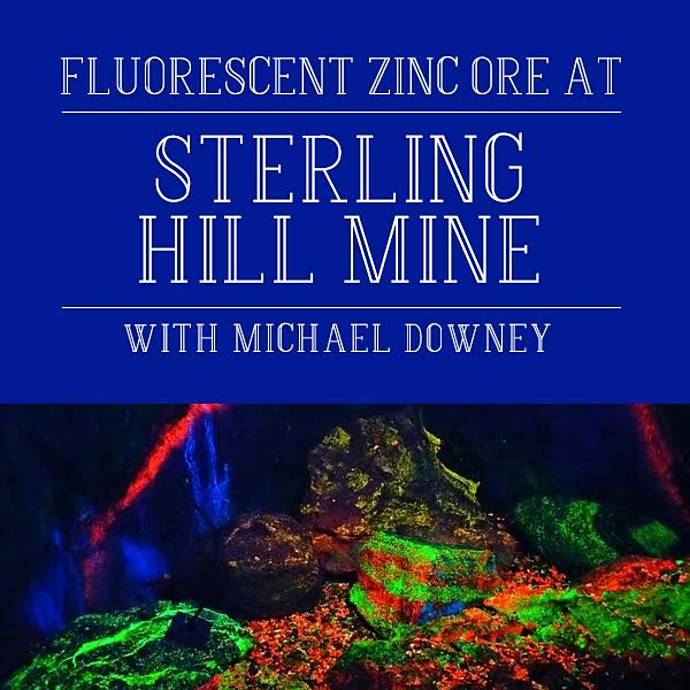
For specialty categories (low light, fluorescence, or minerals), practice is everything. Our excursion to photograph fluorescent zinc ore offers unique subject matter and exposure challenges similar to night or UV-adjacent genres:
Photograph Fluorescent Zinc Ore at Sterling Hill Mine — dial in long exposures and color rendition in unusual lighting.
What digital submission specs matter most?
Every contest differs, but these fundamentals cover most bases:
- File type and size: JPEG (high quality) is standard; some accept TIFF. Respect maximum dimensions (e.g., 3000 px on the long edge) and file size caps.
- Color space: Unless specified otherwise, sRGB is safest for web-based judging. Convert before export to avoid desaturation shifts.
- Resolution vs. dimensions: Judges care about pixel dimensions for screen viewing; 300 ppi is primarily a print metric, not a digital one.
- Metadata: Keep EXIF intact unless instructed to strip it; it’s often used to verify capture date and lens settings.
- Naming: Follow the exact pattern (e.g., LastName_Title_Category.jpg). Avoid special characters not listed in the rules.
Export a test file and review it on a calibrated display. If color management is new to you, soft-proofing and a quick test print can reveal issues early.
How much editing is allowed—and how do I prove compliance?
Most contests permit global tonal and color adjustments, cropping, and dust-spotting. Many prohibit adding/removing major elements, heavy composites, and AI-generated content. When in doubt, choose a stronger capture rather than relying on aggressive edits.
- Maintain originals: Keep RAW files with unaltered metadata.
- Non-destructive workflow: Save layered PSD/TIFF or sidecar files to demonstrate adjustments.
- Document composites when allowed: Some scientific or creative categories allow them—label clearly and follow disclosure rules.
Be prepared to submit RAWs or editing receipts if you reach finalist stages.
How do I prepare prints that meet size, finish, and border rules?
If a contest requires prints, read specs for paper size, finish (glossy, luster, metallic), borders, and mounting. Calibrate, soft-proof, and do a small test print to lock in color and density before the final print.
For in-house printing with precise color control, the Epson SureColor P5370 17-Inch Professional Photographic Printer delivers exhibition-grade output and excellent black density for monochrome and color work. 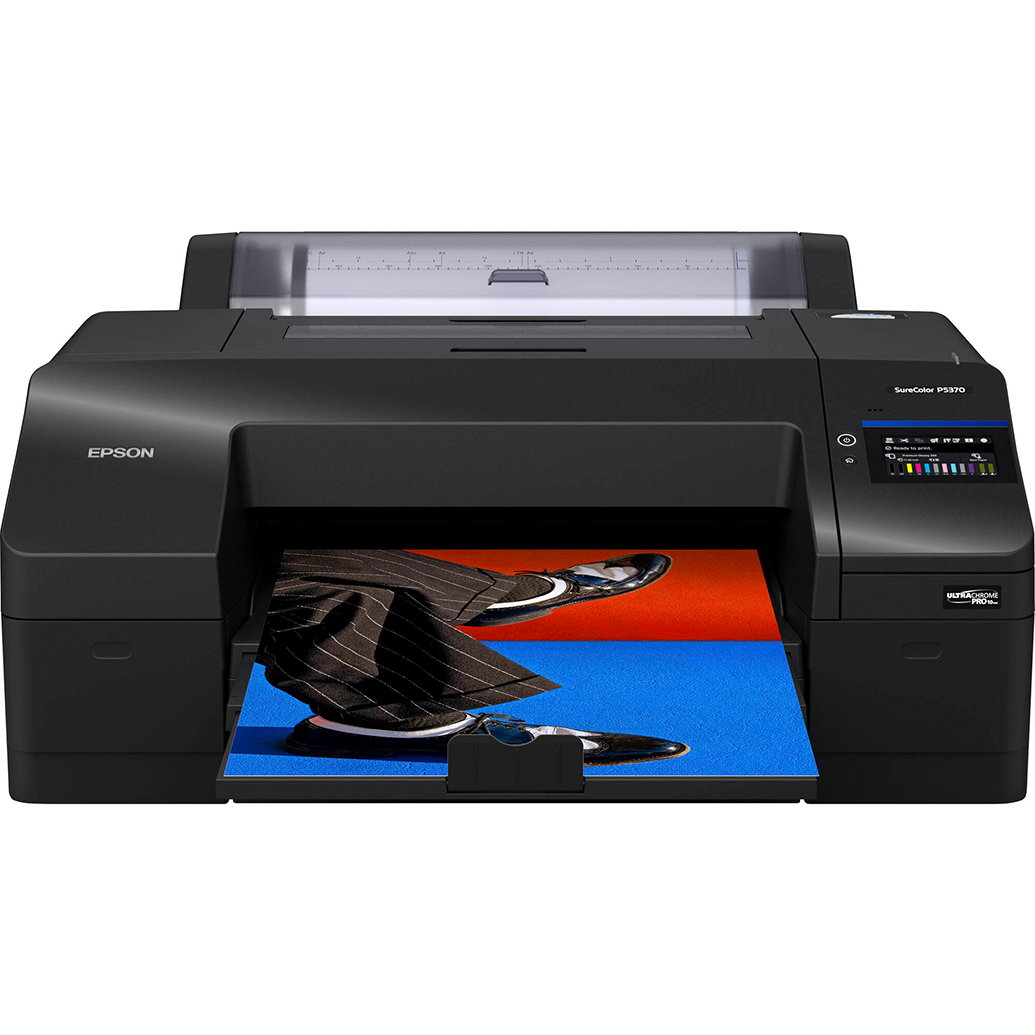
When contests call for a high-impact look and specify metallic media, Kodak Professional Metallic Photo Inkjet Paper (44 x 100) produces vibrant, pearlescent highlights that judges notice—ideal for dramatic subjects, when allowed by the rules. 
Need fast, consistent proofs or small required submissions? Our Unique Photo Lab 4x6 Print Glossy service is a quick way to check color and contrast before committing to large, contest-ready prints. 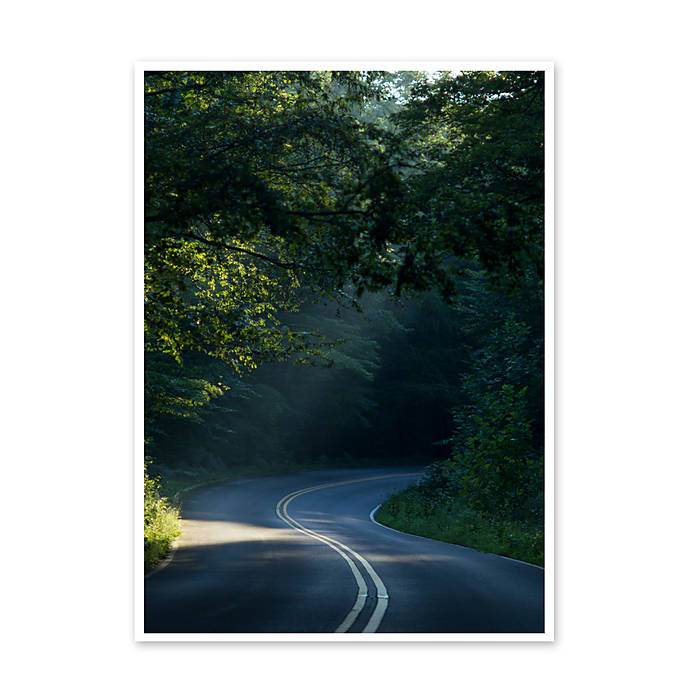
Should I submit similar images to multiple contests at once?
Check for exclusivity and “prior submission” clauses. Some contests allow simultaneous entries; others require exclusivity until results are announced. If a contest grants the organizer exclusive rights for a period, avoid entering the same or substantially similar images elsewhere until that period ends.
To stay organized, keep a dedicated archive of “available,” “in competition,” and “awarded/embargoed” images. Physical prints can help you curate series and track what’s been sent where—store them cleanly so they’re ready when a print call opens:
Pioneer 4 x 6 In. Bi-Directional Memo Photo Album (200 Photos) - Black — ideal for sequenced proofs and captions. 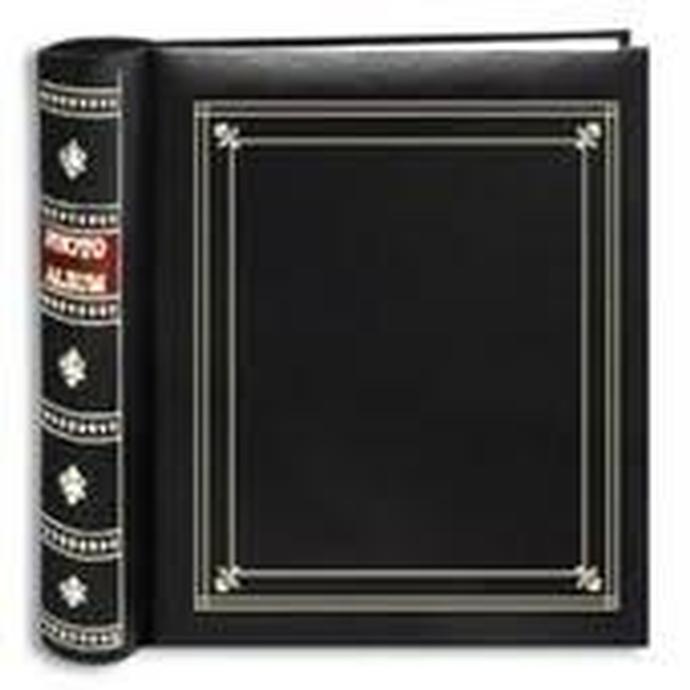
Expanding a working set? Add Pioneer Album Refill Pages for BP-200 Album to keep series intact as you iterate. 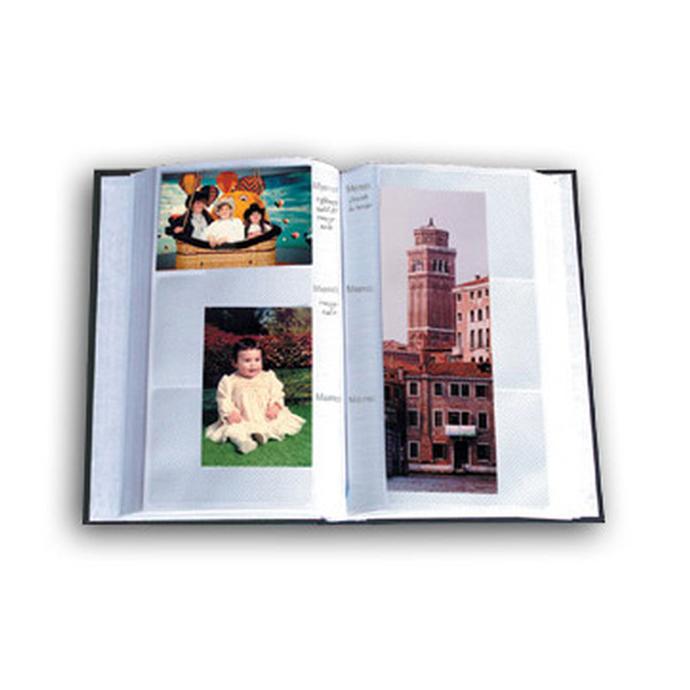
What documentation should I keep for finalists and winners?
Many contests will request proof of authorship and permissions at later stages. Maintain a simple package for each entry:
- Original RAW files and out-of-camera JPEGs.
- Layered edit files or sidecars showing your workflow.
- Model and property releases (dated and signed), plus contact info for subjects when feasible.
- Location permits when applicable.
- A short caption and gear/exposure data.
Keep this bundle together so you can respond quickly if the organizer asks for verification.
How should I title, caption, and categorize my entry?
Titles should be concise and descriptive without explaining the entire image. Captions can provide context, especially for documentary, nature, or science categories. If categories are ambiguous, choose the one that aligns with the primary subject and storytelling intent—then ensure your post-processing is consistent with that category’s rules.
Final pre-submission checklist
- Theme fit: Does the image instantly communicate the brief?
- Rules: Size, color space, format, naming, borders, watermarks—all verified.
- Ethics and permissions: Releases and location rights ready.
- Editing: Within limits; originals and layered files saved.
- Prints (if required): Calibrated workflow, test print reviewed, final paper/size matches specs.
- Exclusivity: Eligible for this contest and not bound elsewhere.
Have questions about print choices or color management? Visit Unique Photo in Fairfield, NJ or online. Our team can help you choose the right printer and paper, or handle the printing for you through our lab—and our Unique University workshops can sharpen the skills you’ll bring to your next winning entry.