Online Photo Competition Submission FAQ: Rules, Watermarks, Metadata & More
Entering online photo competitions can be exciting, but the submission process deserves just as much care as the image itself. From protecting your work to following technical requirements precisely, a few smart preparation steps can help you avoid disqualification and present your photography professionally.
At Unique Photo, we regularly help photographers refine their workflows for sharing, printing, archiving, and presenting images. Below, we answer some of the most common questions about preparing submissions for online contests.
What are the risks of submitting high-resolution images online?
The main concern with uploading high-resolution files is control. A larger file can be easier for others to download, repost, or misuse if the contest platform has weak protections or if the rules allow broad usage rights. High-resolution submissions can also expose more embedded information than you intended, including metadata and detailed capture data.
That said, many reputable competitions legitimately require higher-resolution files for judging, publication, or exhibition printing. The safest approach is to submit exactly what the contest asks for—nothing larger. If the rules specify a long edge, pixel count, file size, or resolution limit, export to that specification rather than sending your full master file.
It is also wise to keep your original RAW files and layered edits securely archived offline. If you want a tangible reference set of your work outside of cloud storage, making proof prints through the Unique Photo Lab 4x6 Print Glossy service can be a practical way to maintain a physical edit sequence for key contest images.
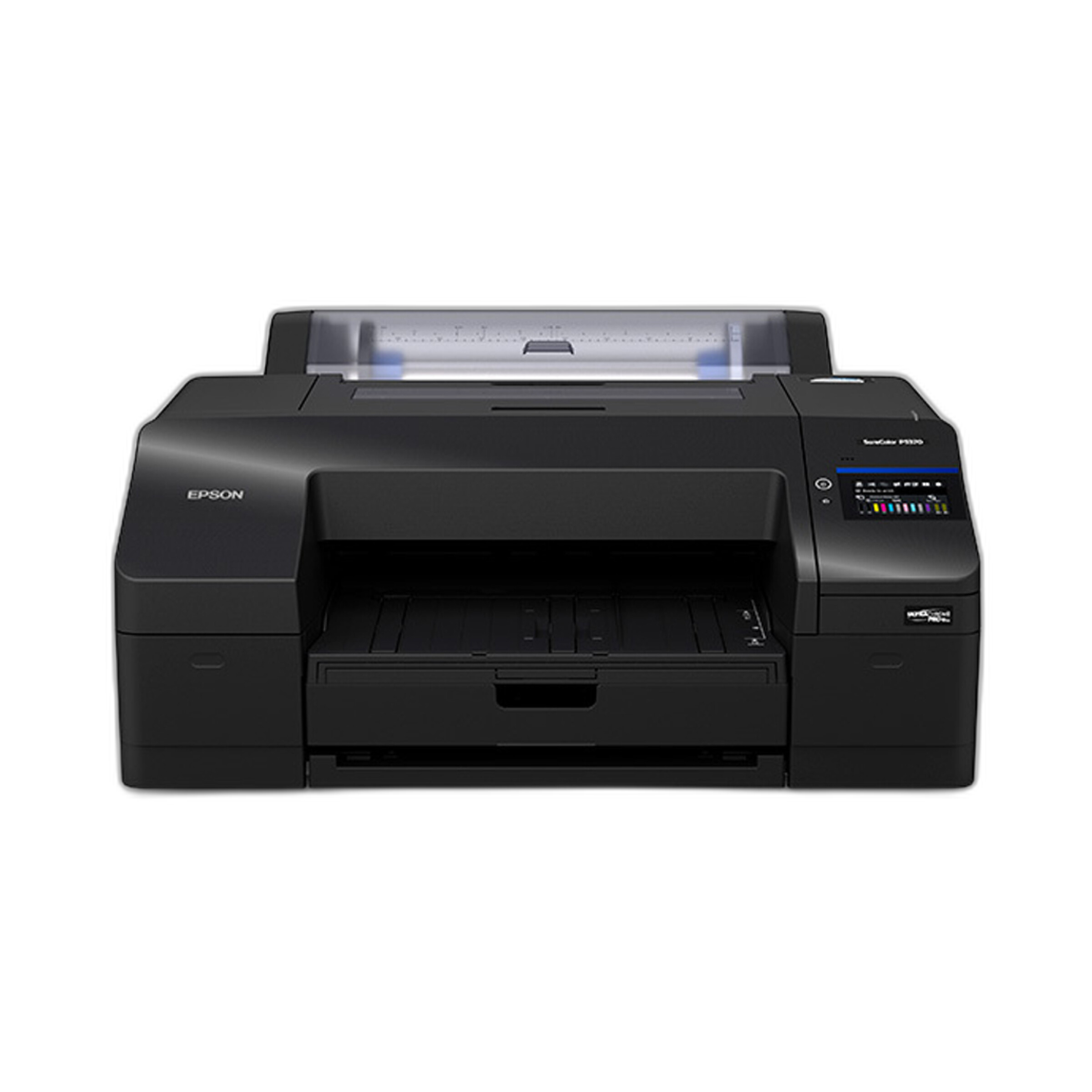
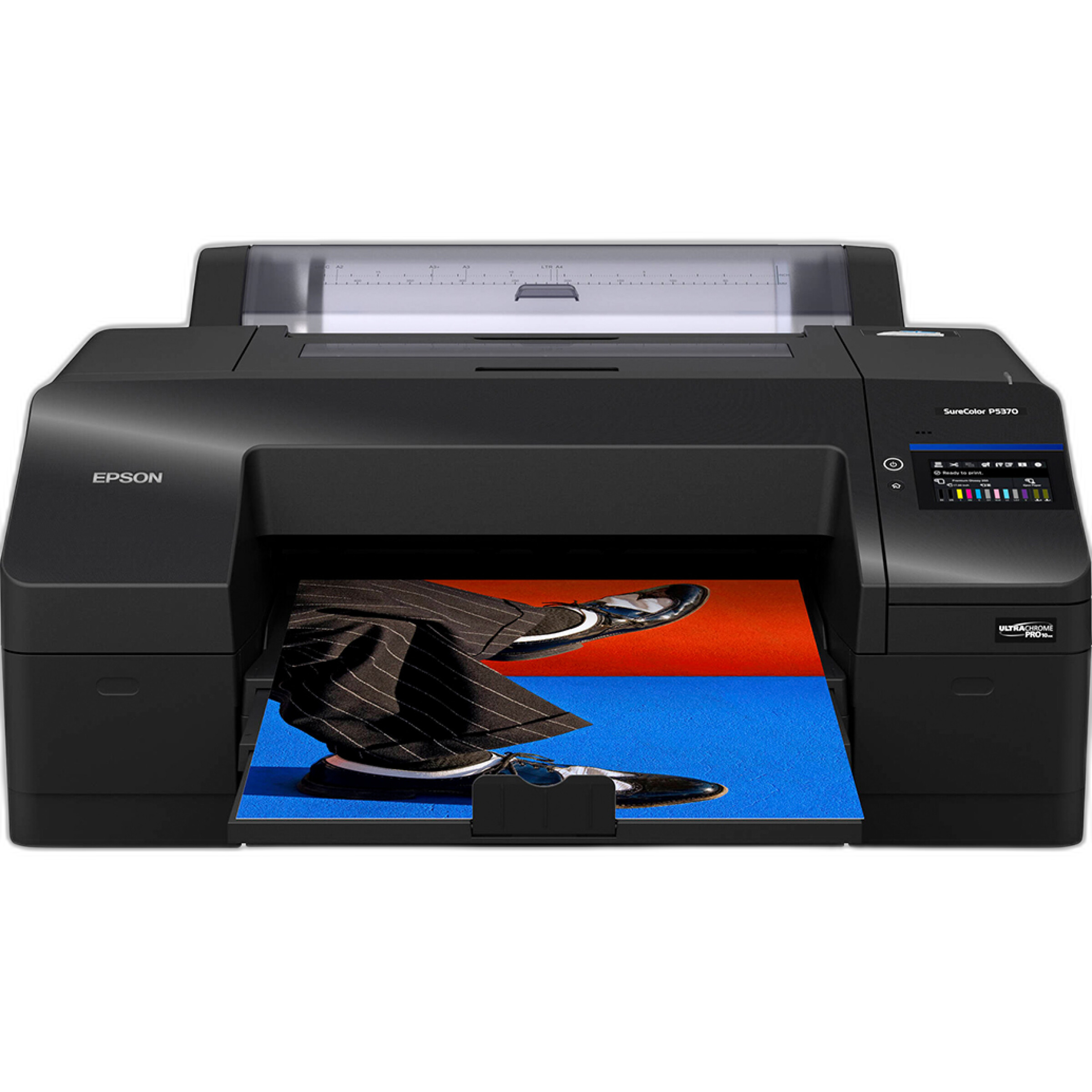
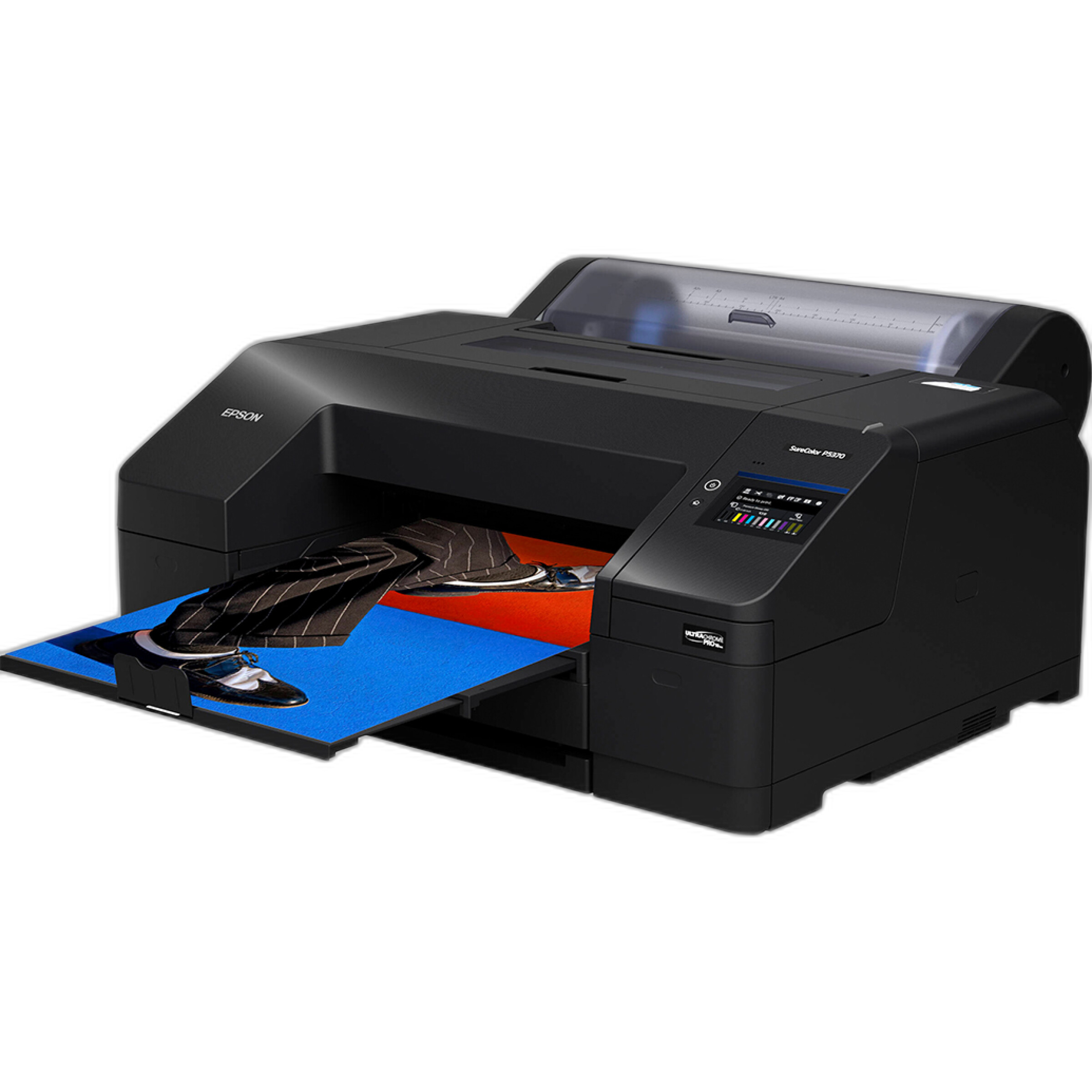
For photographers producing exhibition-quality review prints at home before entering serious competitions, the Epson SureColor P5370 17-Inch Professional Photographic Printer is a strong option for evaluating color, tonal transitions, and fine detail prior to submission.
Should I watermark my contest images?
In most cases, no—unless the competition explicitly allows or requests it. Many online contests prohibit visible watermarks because they can interfere with blind judging or distract from the image itself. A watermark may also make an otherwise strong submission look less polished if the contest expects clean presentation.
If you are concerned about unauthorized reuse, start by reviewing the contest organizer's reputation and usage terms. A reputable competition should clearly state how submitted images may be displayed, promoted, archived, or licensed. Rather than adding a visible watermark that could lead to rejection, it is usually better to submit a correctly sized file and retain your copyright documentation, original captures, and editing history.
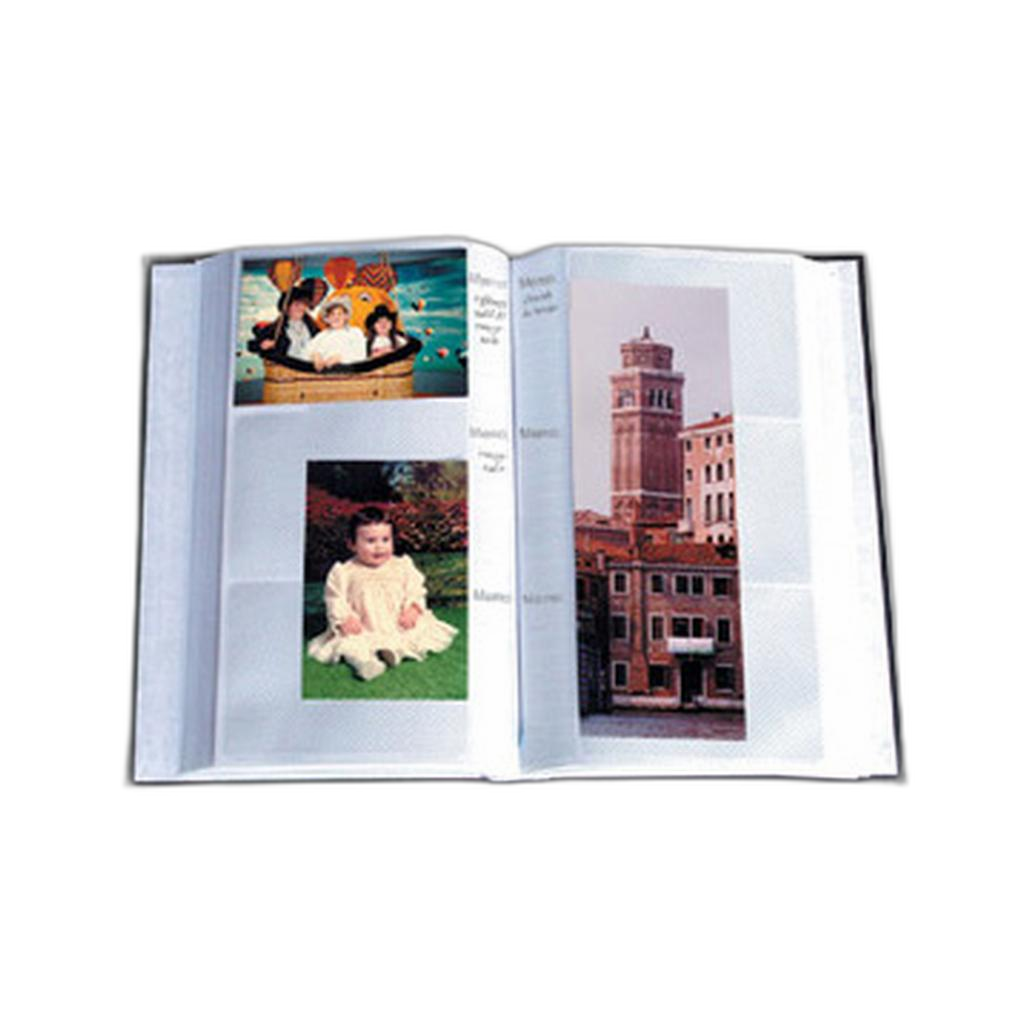
For your own records, many photographers like to keep printed proofs or organized portfolios of submitted images. A simple storage solution like the Pioneer 4 x 6 In. Bi-Directional Memo Photo Album can help you track which images were entered, where they were sent, and how they were captioned.

How do I read and interpret contest submission rules?
Read the rules slowly and treat them like a checklist. Pay close attention to eligibility, capture date restrictions, editing limitations, AI and compositing policies, file format requirements, sizing rules, naming conventions, and deadlines with time zones. A technically excellent image can still be disqualified over a simple procedural miss.
Watch for phrases such as minimal editing only, no content removal, single exposure, or must provide RAW upon request. These clauses often matter more than people expect. If the contest includes categories like wildlife, documentary, travel, or photojournalism, editing standards may be stricter than for open creative categories.
It is also important to distinguish between copyright ownership and usage license. Some contests let you retain full copyright while granting the organizer limited rights to promote the event. Others may request broad, perpetual usage rights. If the terms seem excessive or unclear, think carefully before submitting.
Photographers looking to strengthen their eye for presentation and sequencing may benefit from educational experiences like EXPO: Stories from the Road - Photography Across Worlds w. Matthew Borowick, where visual storytelling and audience presentation can inform how you choose competition-ready work.
What metadata should I include or strip before submitting?
The answer depends on the contest rules. Some competitions want full metadata intact, especially for documentary, nature, or wildlife categories where capture details may support authenticity. Others ask entrants to remove identifying metadata to preserve anonymous judging. Never assume—follow the stated requirement exactly.
Metadata can include camera and lens information, copyright notices, captions, GPS coordinates, editing software details, and contact information. The most sensitive field is often location data. If your image was made in a protected wildlife area, private residence, or vulnerable landscape, GPS coordinates may create privacy, conservation, or safety concerns.
A good default workflow is to create two export presets: one with copyright and contact metadata preserved, and one with identifying or location-sensitive information removed. That makes it easier to adapt quickly from one contest to another without mistakes.
If you are building a more deliberate submission practice, keeping printed references and notes alongside your digital archive can help. Products like the Pioneer Album Refill Pages for BP-200 Album are useful for maintaining organized physical records as your portfolio grows.
How should I prepare my file for the best online presentation?
Start with the contest's required color space, file type, dimensions, and file size. If no color space is specified, sRGB is typically the safest choice for online viewing. Export a carefully sharpened JPEG for screen display rather than reusing a print-oriented file. Oversharpening can create halos and texture artifacts that judges will notice on calibrated displays.
Check your image on more than one screen before submitting. An image that looks bright and punchy on a phone may appear too dark or oversaturated on a desktop monitor. It can also be helpful to make a small print proof to verify tonality and composition away from a backlit screen. The Unique Photo Lab 4x6 Print Glossy service is an easy way to do a quick physical review before final upload.
For advanced at-home proofing and portfolio development, the Epson SureColor P5370 gives photographers more control over print evaluation, especially when preparing for contests that may lead to exhibitions or publication-quality reproductions.
Should I keep a separate archive of contest submissions?
Absolutely. A dedicated archive helps you track where each image was submitted, whether exclusive rights were granted, whether an image can be entered elsewhere, and which version of the file was used. This is especially important if different contests require different crops, captions, or metadata settings.
A practical archive can include your RAW file, final edited master, exported contest JPEG, screenshots or PDFs of the rules, confirmation emails, and any release forms. Some photographers also keep physical reference prints arranged by project or year. The Pioneer 4 x 6 In. Bi-Directional Memo Photo Album is helpful for compact print organization, while the Pioneer TS-246 Oxford Brass Corner Photo Album can suit photographers who want a more classic archival presentation for selected work.
What if a contest asks for proof of authenticity or original files?
This is common in reputable competitions, especially in documentary, wildlife, and travel categories. Organizers may request RAW files, out-of-camera JPEGs, or a sequence of captures to confirm that your editing stayed within their rules. You should be ready to provide those files promptly and in an organized way.
That means keeping your originals untouched, preserving your editing history when possible, and avoiding destructive overwrites. If your image involves focus stacking, compositing, sky replacement, or object removal, make sure those techniques are allowed before entering. Even when an edit looks subtle, it may violate a category's integrity standards.
Workshops and field experiences can also improve how intentionally you shoot for competition-worthy results in-camera. Programs like Macro and Landscape Photography at Duke Farms with Michael Downey help photographers build stronger capture discipline, which can reduce the need for heavy post-production later.

How can I choose the right image for a competition?
The strongest contest image is not always your most technically complex one. Judges often respond to clarity, emotional impact, timing, composition, and how well the image fits the category. A great wildlife frame may fail in an abstract category, while a quiet landscape may outperform a more dramatic file if the contest values subtle storytelling.
Try narrowing your shortlist and living with it for a day or two before submitting. View each candidate on screen, as a small print, and with the rules in front of you. Ask yourself whether the image feels complete without explanation. If the contest includes a caption, write it carefully and make sure it supports rather than overexplains the photograph.
For inspiration and portfolio refinement, immersive experiences such as Photograph Fluorescent Zinc Ore at Sterling Hill Mine can push your creative range and help you build distinctive work for future entries.

Preparing for an online photo competition is really about balancing presentation, compliance, and protection. If you need help with proof prints, printers, education, or portfolio organization, Unique Photo has the tools and expertise to support your next submission from first edit to final upload.