Contests

Copyright vs Watermarks in Photography Contests: What to Protect, What to Submit, and When to Print

Copyright vs Watermarks in Photography Contests When entering a photography contest, two concerns come up again and again: who owns your image after submission…

UP
Unique Photo·Sep 8, 2026·6 min read
Copyright vs Watermarks in Photography Contests: What to Protect, What to Submit, and When to Print

Copyright vs Watermarks in Photography Contests

When entering a photography contest, two concerns come up again and again: who owns your image after submission, and whether you should place a watermark on the file you send. These are related, but they are not the same thing. Copyright is your legal ownership of the photograph. A watermark is only a visible overlay meant to discourage casual misuse or identify authorship. In most contests, understanding the difference matters more than the gear used to create the image.

To make this comparison practical, we are pairing the legal and presentation side of contest submissions with two output-focused tools from Unique Photo: the Epson SureColor P5370 and the Canon imagePROGRAF TM-305. Why printers? Because many contests involve both digital submissions and exhibition-quality prints, and your decisions about visible marks, metadata, and final presentation often affect how your work is judged.

Epson SureColor P5370 professional photographic printer

At a Glance: Copyright Protection vs Watermarking vs Print Presentation

FactorCopyrightWatermarkEpson SureColor P5370Canon imagePROGRAF TM-305
Primary purposeLegal ownership and controlVisible attribution/deterrenceFine-art and photographic print outputLarge-format output for display, posters, and presentation
Automatic or applied?Automatic upon creation in many jurisdictions, stronger with registration where applicableManually added during export/editingUsed after editing for final print productionUsed after editing for large-format output
Contest impactDefines your rights in terms and licensingMay be prohibited or penalized if it affects judgingSupports gallery-quality contest printsSupports larger presentation and display formats
Best use caseProtecting ownership before and after submissionOnline previews or informal sharingPhotographers prioritizing color-critical exhibition printsEntrants needing bigger printed pieces or display-oriented output
RiskNot reading contest licensing termsDistracting judges or violating rulesOverkill if you only submit digital filesLess tailored to purely photographic fine-art workflows
Recommended for contests?Yes, always understand itOnly if the rules explicitly allow itYes, for print contests and portfolio-quality outputYes, for large-format display needs

Why Copyright Matters More Than a Watermark

A watermark can be cropped, cloned out, or ignored. Copyright is what gives you the real basis to control reproduction, publication, and licensing. In photography contests, the first step is not deciding where to place your logo across the frame. It is reading the contest terms carefully to confirm:

  • whether you retain full copyright,
  • what license you grant by entering,
  • whether the organizer can use your image only for contest promotion or for broader commercial purposes,
  • and whether winners or all entrants are bound by different usage clauses.

A fair contest usually lets you keep your copyright while granting the organizer a limited license to display or promote the competition. A red flag is language that asks for perpetual, unrestricted, royalty-free commercial usage from every entrant.

Bottom line on copyright

If the contest terms are weak, a watermark will not fix that. Legal rights and licensing terms matter more than visible marks.

Should You Use a Watermark in a Contest Entry?

Usually, no—unless the contest specifically allows or requires it. Judges generally need to evaluate composition, retouching, tonal transitions, and detail without distraction. Many contests prohibit visible watermarks because they can bias judging or obscure the image itself.

That said, there are situations where watermarking still makes sense:

  • posting a teaser image on social media before the official announcement,
  • sharing previews with a client or team privately,
  • uploading low-resolution promotional copies separate from the judged file.

For the actual contest submission, clean files are usually the safer choice. Instead of a visible watermark, embed metadata where permitted and keep your original RAW files, layered edits, and export history.

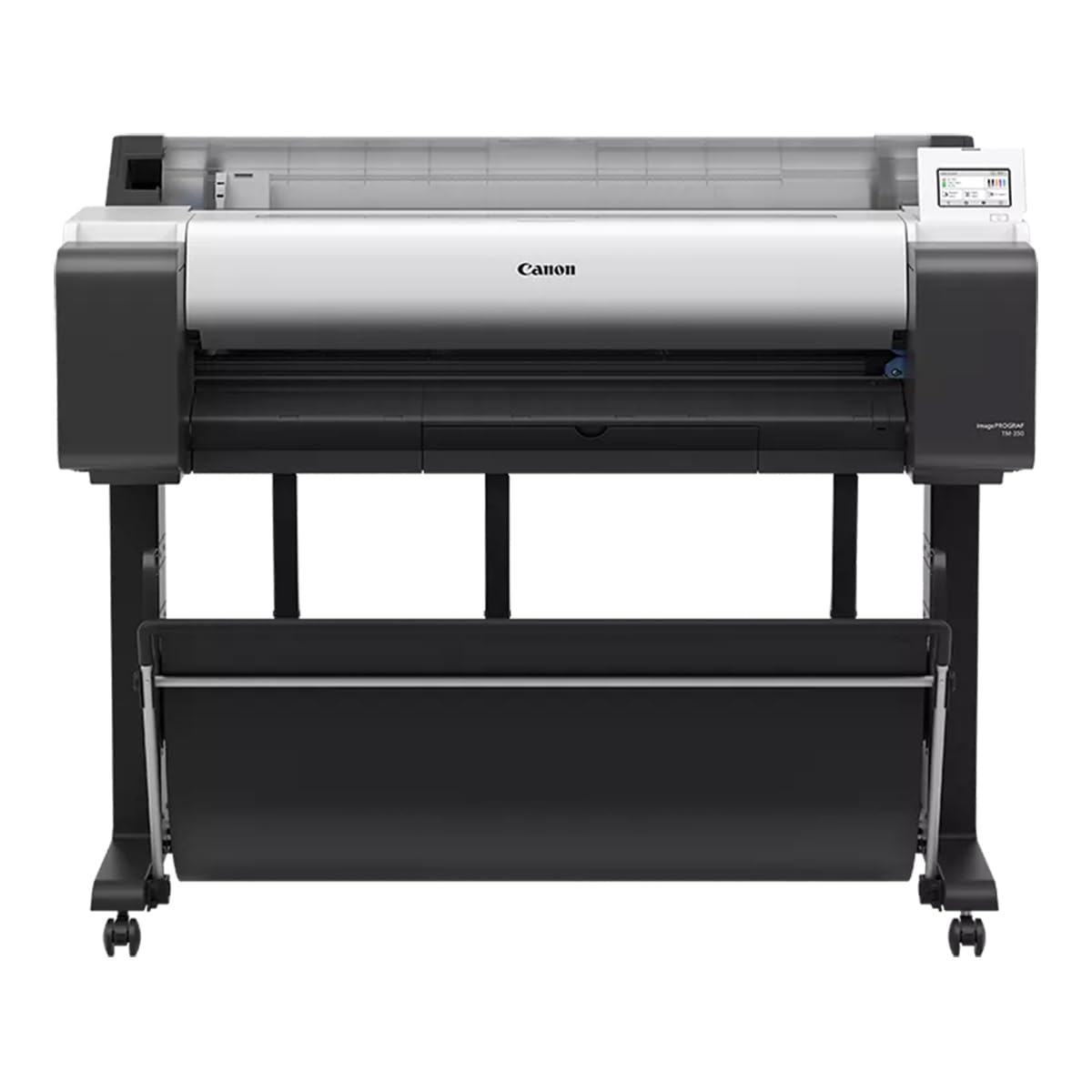
Canon imagePROGRAF TM-305 large format printer

Contest Submission Strategy: Clean File vs Marked File

Submission approachProsConsBest used when
Clean, unwatermarked fileProfessional presentation, no distraction, meets most contest rulesLess visible deterrence against casual repostingOfficial contest entries
Watermarked fileVisible attribution, some deterrence for online copyingCan hurt judging, may violate rules, can look unprofessionalOnly for allowed previews or promotional sharing
Printed signature on border/backMaintains clean image area while preserving authorship cuesNot relevant for digital-only contestsPrint competitions and gallery submissions

How Printing Changes the Conversation

In print-based contests, watermarking inside the image area is even less desirable. A print should look intentional, finished, and exhibition-ready. If identification is needed, it is often better placed on the back of the print, on a certificate, or in a margin outside the image area if the rules allow it.

This is where printer choice matters. For photographers preparing work for juried exhibitions, tonal control, paper handling, and consistent output can matter more than any protective overlay. A refined print says professionalism; a giant watermark often says uncertainty.

Epson SureColor P5370

The Epson SureColor P5370 is the more natural fit for photographers focused on fine-art and photographic contest prints. If your goal is a polished exhibition piece with subtle gradation and photo-first output, this is the stronger match in the context of contests.

Epson SureColor P5370 angled view

Canon imagePROGRAF TM-305

The Canon imagePROGRAF TM-305 makes more sense when your contest workflow includes larger display graphics, presentation materials, or oversized prints. It is the better comparison point for entrants who need scale and presentation flexibility, even if the contest output is less purely photographic in nature.

Category-by-Category Comparison

1. Ownership Protection

Winner: Copyright. This is your real protection. Always assume your photograph is valuable intellectual property and review entry terms before uploading anything.

2. Visual Presentation to Judges

Winner: Clean file without watermark. In most judged environments, less is more. A watermark can interfere with the image and distract from your craft.

3. Online Deterrence

Winner: Watermark, narrowly. For casual online sharing outside the actual contest file, a modest watermark may discourage quick reposting. It is not foolproof, but it can help.

4. Print Competition Readiness

Winner: Epson SureColor P5370. For photographers producing serious contest prints, the Epson is the more photography-centered choice.

5. Oversized Display and Presentation

Winner: Canon imagePROGRAF TM-305. If your submission environment leans toward larger printed presentation materials, the Canon has the edge in this comparison.

Our Pick

Best overall advice: protect your work through copyright awareness and careful review of contest licensing terms, but submit a clean, unwatermarked file unless the rules say otherwise.

Best printer for photographic contest entrants: the Epson SureColor P5370. For most photographers entering juried print competitions, it is the clearer fit thanks to its professional photographic orientation.

Choose the Canon imagePROGRAF TM-305 instead if your needs center more on large-format presentation output than classic fine-art photo printing.

Conclusion

In photography contests, copyright and watermarks are not interchangeable. Copyright protects your ownership; a watermark only adds a visible label. The strongest approach is to understand the contest rules, keep control of your originals, avoid unnecessary visible marks in judged files, and present the final work as professionally as possible. If your contest path includes print submission, tools like the Epson SureColor P5370 and Canon imagePROGRAF TM-305 can support that final presentation step. For photographers building a contest-ready workflow, Unique Photo offers the printing tools and expertise to help you prepare your images with confidence.

Filed under:

Contests

Comments