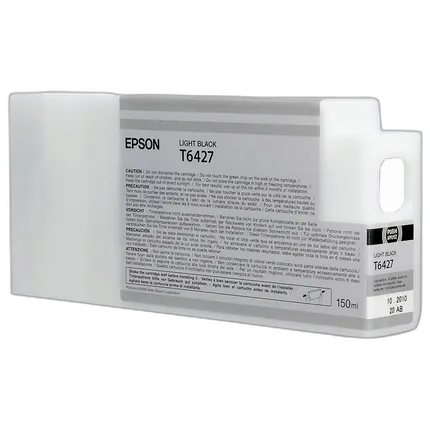
Epson T642 Ultrachrome HDR Light Black Ink Cartridge

Questions? Ask our experts
Key Features
- Epson UltraChrome HDR
- Represents our latest generation of pigment ink technology
- Utilizing ten colors – including an all-new White and Cleaning Cartridge
- Produces the widest color gamut ever from an Epson Stylus Pro printer
- Compatible with: Epson Stylus Pro 7890, 7890 Designer Edition, 7900, 7900 Proofing Edition, 9890, 9890 Designer Edition, 9900, 9900 Proofing Edition
Questions? Ask our experts
Recommended Accessories
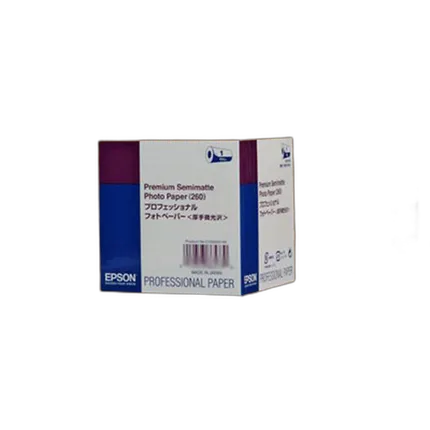
Epson 44x100 Premium Semi-matte Paper - Roll
- Highest color gamut available for vivid color reproduction
- RC paper base for actual photo prints
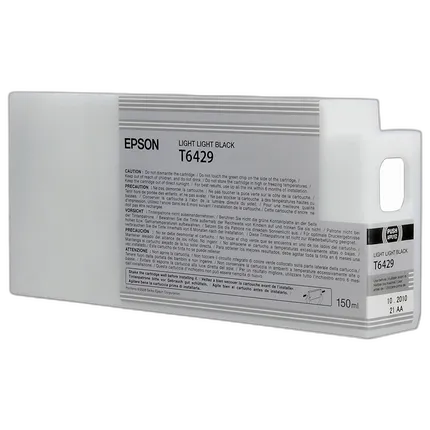
Epson T642 Ultrachrome HDR Light Light Black Ink Cartridge
- Epson UltraChrome HDR
- Represents our latest generation of pigment ink technology
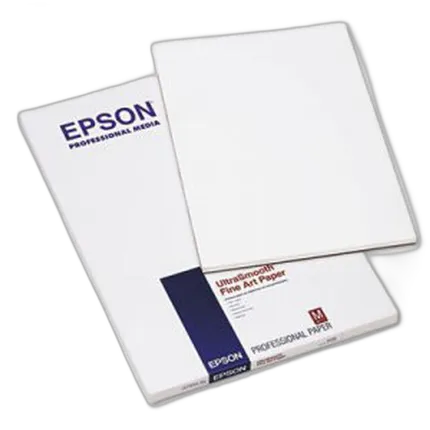
Epson 13x19 Ultra Smooth Fine Art Paper - 25 Sheets
- - 100% cotton hot press for long term durability - Acid free and pH buffered to preserve fine art and photos - Natural white, ultra smooth surface for incredible detail and accurate reproduction - Outstanding D-Max for prints with exceptional contrast - Dries instantly for easy handling with Epson inks

Epson 8.5x11 Cold Press Bright Paper - 25 Sheets
- Acid free
- 100% Cotton rag media
Overview
Being able to print crisp documents with astounding clarity and detailing on a consistent basis is certainly an admirable quality for any cartridge. But the Epson Light Black 150 ml Ultra Chrome HDR Ink Cartridge not only does this regularly and exceedingly well, it also brings about a sense of durability to your photographs, so that they last longer than what is normally expected. Since this cartridge's ink comes with a fast drying formula, it is useful in producing images that have the impression of being created in a photo lab. Embodied with a pigment based ink technology, the cartridge decreases unwanted effects caused by water and smudges and works astonishingly well with the Epson Stylus Pro 7900 and 9900 Printers.
- Epson 150 ml Light Black Ultrachrome HDR Ink Cartridge
No creators have tagged this product yet.
Articles featuring this product
Community questions about this gear
Ask a question
0
votes
2
answers
251
How should I store the unused Photo Black or Matte Black cartridge for an Epson R2880?
Photography Stack Exchange contributor
14y ago
0
votes
2
answers
270
0
votes
2
answers
236
Can you replace an Epson 3880 ink channel with another color to change or extend the printer’s gamut?
Photography Stack Exchange contributor
8y ago
0
votes
2
answers
220
How can I reduce glossy dark areas on a UV-printed photo on wood?
Photography Stack Exchange contributor
12y ago
0
votes
2
answers
230
What’s the best current method for making high-quality large black-and-white prints?
Photography Stack Exchange contributor
11y ago
You may also like
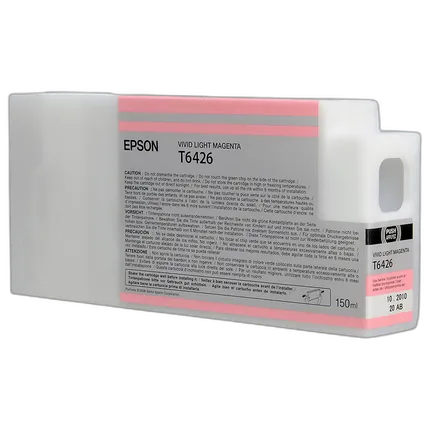
Epson T642 Ultrachrome HDR Vivid Light Magenta Ink Cartridge
- Epson UltraChrome HDR
- Represents our latest generation of pigment ink technology
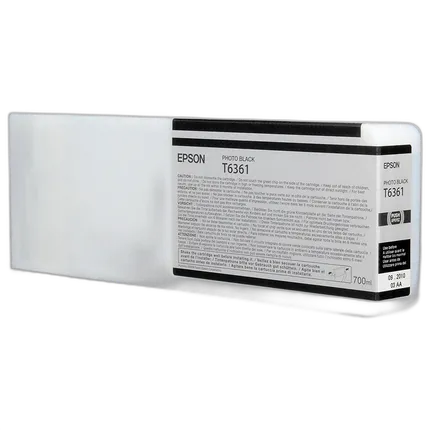
Epson T636 Photo Black HDR Ink Cartridge
- Epson UltraChrome HDR
- Represents our latest generation of pigment ink technology
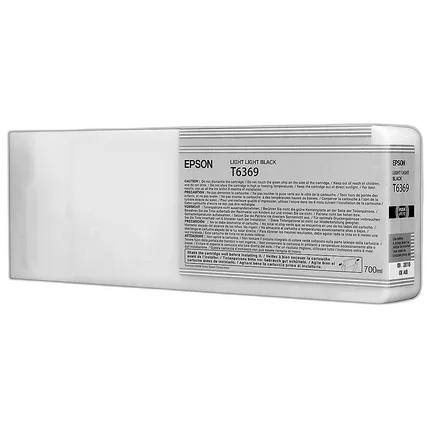
Epson T636 Light Light Black HDR Ink Cartridge
- Epson UltraChrome HDR
- Represents our latest generation of pigment ink technology
Epson 8.5x11 In. Hot Press Natural Paper - 25 Sheets
- - Acid Free - 25 Sheets

Epson 11.7x16.5 Ultra Premium Luster Paper - 50 Sheets
- - Highest color gamut available for vivid color reproduction - RC paper base Produces prints with the look and feel of actual photo prints - Luster E surface finish - Dries instantly for easy handling with Epson inks
Epson 13x19 Cold Press Natural Paper - 25 Sheets
- Textured Matte Finish
- 19 mil (sheet)/ 19 mil (roll)
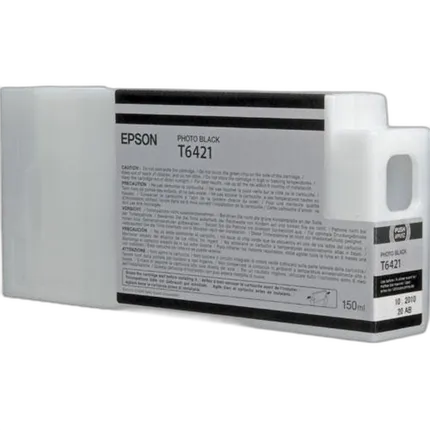
Epson T642 Ultrachrome HDR Photo Black Ink Cartridge
- Epson UltraChrome HDR
- Represents our latest generation of pigment ink technology
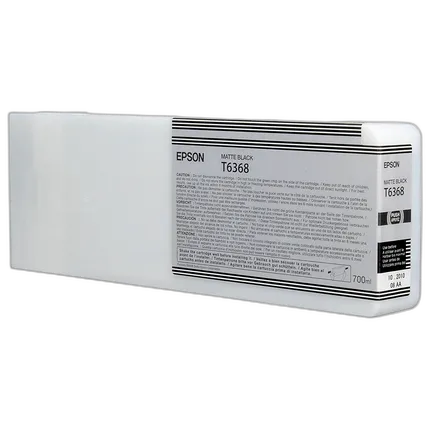
Epson T636 Matte Black HDR Ink Cartridge
- Epson UltraChrome HDR
- Represents our latest generation of pigment ink technology
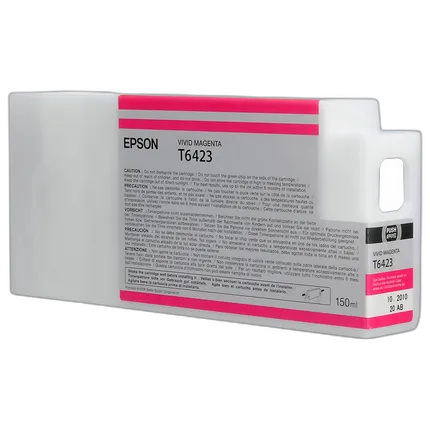
Epson T642 Ultrachrome HDR Vivid Magenta Ink Cartridge
- Epson UltraChrome HDR
- Represents our latest generation of pigment ink technology
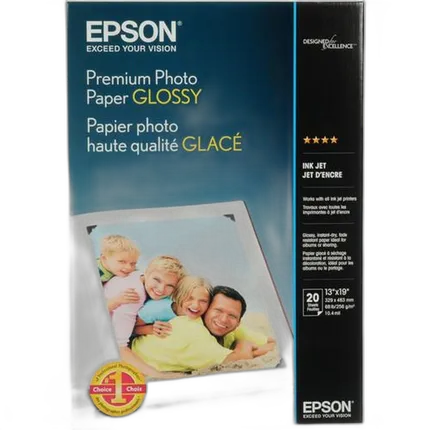
Epson 13x19 Premium Gloss Paper - 20 Sheets
- - Heavyweight, bright white paper with a glossy photo finish - True Photographic Images with vivid, high-quality color - Guaranteed to work with ALL Ink Jet Printers