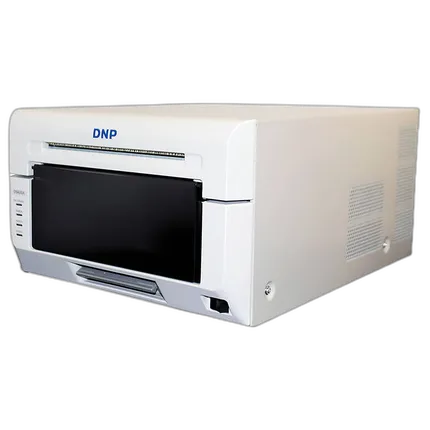
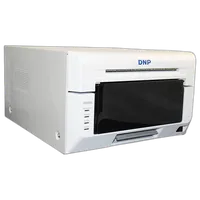
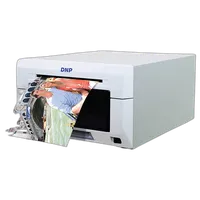
DNP DS620A Dye Sub Photo Printer
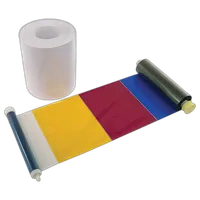
Key Features
- DNP DS620A Dye Sub Photo Printer
- For Windows OS systems
- Dye sublimation and thermal transfer technology
- 300 dpi
- High-speed & high-quality modes
- Matte and glossy finish options
- USB 2.0 connectivity
- Roll Paper Feed
- Color: White
Overview
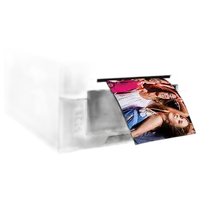
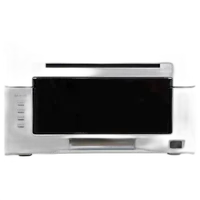
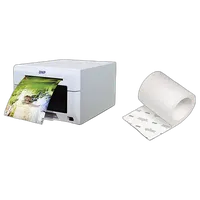
The DNP DS620A Dye Sub Photo Printer gets your digital photographs printed in high quality. It can be used with Windows OS systems from XP to Win 8.0 via USB 2.0 interface. The dye sublimation and thermal transfer printing technology offer 300 dpi resolution prints. The YMC ink palette applies an overcoat when printing the image. You can choose from glossy and matte surface finish. This photo printer delivers 4×6-inch photo in 8.3 seconds, 5×7-inch photo in 14.1 seconds, and 6×8-inch photo in 15.7 seconds. The printer can provide up to 400 prints in an hour with the roll feed.
Brand
printer specifications
| Printer Technology | Dye sublimation / thermal transfer |
| Maximum Printer Resolution | 300 dpi |
| Ink Palette | YMC + overcoat |
detailed specifications
| OS Supported | Windows XP, Vista, 7, 8 |
| Power Requirements | 100-240 VAC, 50/60 Hz |
| PC Interface | USB 2.0 |
| Max. Power Consumption | Standby: < 0.5 W |
paper handling
| Maximum Printable Area | 6 x 8" (15.2 x 20.3 cm) |
| Print Speed | 4 x 6" (10.2 x 15.2 cm) in 8.3 sec, 5 x 7" (12.7 x 17.8 cm) in 14.1 sec, 6 x 8" (15.2 x 20.3 cm) in 15.7 sec |
| Paper Surface | Glossy, Matte |
physical specifications
| Dimensions | 10.8 x 14.4 x 6.7" (27.4 x 36.6 x 17.0 cm) |
| Weight | 26.4 lb (12 kg) |
| Color | White |
- DNP DS620A Dye Sub Photo Printer
- 4 x 6" Print Catcher
- 5 x 7" Spacer
- USB Cable
- Power Cord
- Driver CD
No creators have tagged this product yet.
Articles featuring this product
Community questions about this gear
Ask a question
0
votes
2
answers
149
What causes blotchy output on one side of a dye-sublimation printer?
Photography Stack Exchange contributor
8y ago
0
votes
2
answers
166
You may also like
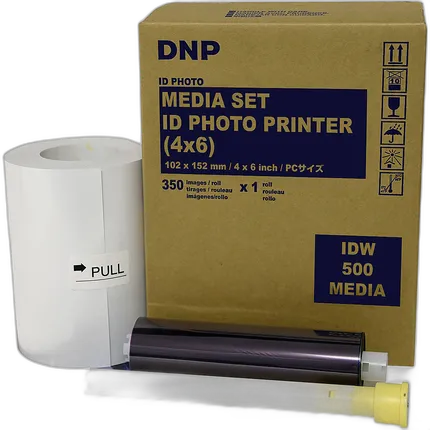
DNP IDW500 Media Set (4 x 6, 350 Prints)
- DNP IDW500 Media Set
- For ID photo printer
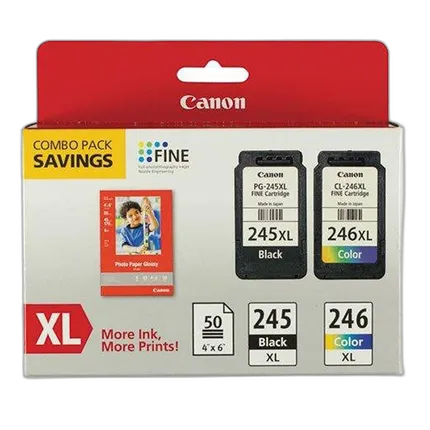
Canon PG-245XL/CL-246XL with Photo Paper - 50 Sheets
- - For the PIXMA MG2420 and MG2520 - 50 Sheets
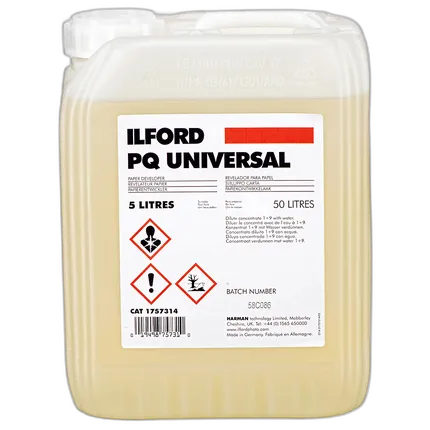
Ilford 5L PQ Universal Paper Developer
- Liquid concentrate
- Clean working
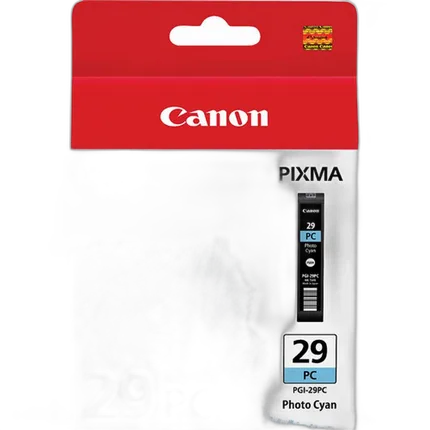
Canon PGI-29 6 Color Pack
- - Contains one of each PGI-29: Cyan, Photo Cyan, Magenta, Photo Magenta, Red, and Yellow - Compatible with: PIXMA PRO-1
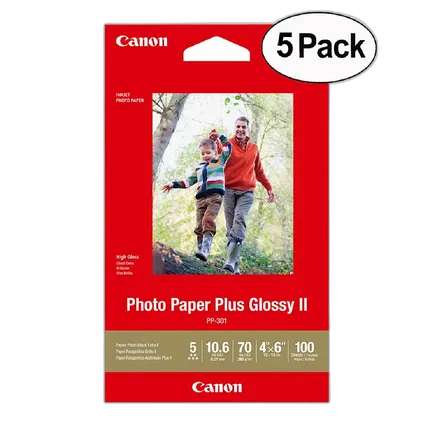
Canon 4x6in Photo Paper Plus Glossy II (5 Pack 500 Sheets)
- Canon 4×6-inch Photo Paper Plus Glossy II
- For photograph prints
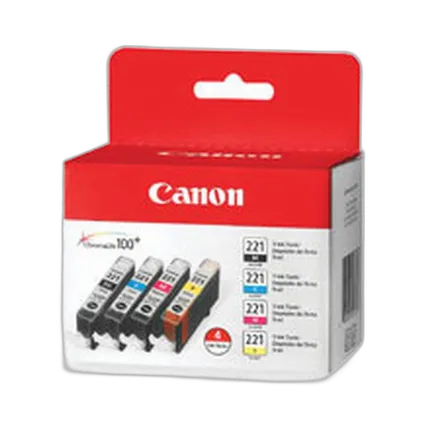
Canon CLI-221 Ink Tanks (4 Pack)
- - Features Black, Cyan, Magenta and Yellow colors - Improved Color - A wider color gamut - Better color fastness - Genuine Canon ink - ChromaLife100+ system - Compatible with: MP560 House Party Bundle, PIXMA iP3600, iP4600, iP4700, MP560 Printer Bundle, MP560 Wireless, MP560 Wireless with PP201, MP620 Wireless, MP620B Blue Wireless, MP640 Wireless, MP640R Wireless, MP980 Wireless, MP990 Wireless, MX860 Wireless, MX860 + FREE High Resolution Paper, MX870 Wireless, Scrapbooking Bundle
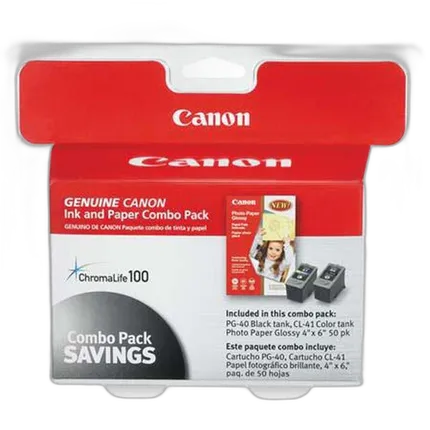
Canon PG-40 / CL-41 Ink Tank Combo Pack with GP502 Paper
- - Canon PG-40/CL-41 Ink Cartridge - 50 Sheets of 4.0 x 6.0" Glossy Photo Paper - For PIXMA photo printers