Blackmagic Design DaVinci Resolve 17 Studio (Dongle)


Key Features
- Blackmagic Design DaVinci Resolve Studio (Activation Card)
- For Windows, Mac, and Linux OS systems
- 15 new features
- Non-linear video editing
- Node-based color grading
- Fusion VFX
- Fairlight audio post-production
- Apple Metal and CUDA GPU processing
Overview
The Blackmagic Design DaVinci Resolve Studio offers professional-quality results. It encapsulates advanced color correction methods, a non-linear video editing interface, Fairlight audio post-production and Fusion VFX compositing along with motion graphics in a single package. Each of these tools has a dedicated tab where you can access their settings. The activation card lets you upgrade from Resolve 14 to the Resolve 15 version for free. You can use the DaVinci Resolve with Windows, Mac, and Linux OS systems. The included activation card can be used for running the software on up to two systems.
Brand
system requirements
| System Requirements | macOS: macOS 10.12.6 Sierra, 16 GB of system memory is recommended and 32 GB is recommended minimum when using Fusion, Blackmagic Design Desktop Video version 10.4.1 or later, CUDA Driver version 8.0.63, NVIDIA Driver version - as required by your GPU, RED Rocket-X Driver 2.1.34.0 and Firmware 1.4.22.18 or later, RED Rocket Driver 2.1.23.0 and Firmware 1.1.18.0 or later; Windows: Windows 10 Creators Update, 16 GB of system memory is recommended and 32 GB is recommended minimum when using Fusion, Blackmagic Design Desktop Video version 10.4.1 or later, NVIDIA/AMD/Intel GPU Driver version - As required by your GPU, RED Rocket-X Driver 2.1.34.0 and Firmware 1.4.22.18 or later, RED Rocket Driver 2.1.23.0 and Firmware 1.1.18.0 or later; Linux: CentOS 6.8; 32 GB of system memory is recommended minimum, Blackmagic Design Desktop Video version 10.4.1 or later, NVIDIA/AMD Driver version - As required by your GPU, RED Rocket-X Driver 2.1.34.0 and Firmware 1.4.22.18 or later, RED Rocket Driver 2.1.23.0 and Firmware 1.1.18.0 or later; Pre-Installation Notes: DaVinci Resolve 15 requires a database upgrade from previous versions. Support for decoding and encoding of easyDCP formats is not currently available. Collaboration is currently not supported when using Shared Nodes. |
| System Requirements | macOS: macOS 10.12.6 Sierra, 16 GB of system memory is recommended and 32 GB is recommended minimum when using Fusion, Blackmagic Design Desktop Video version 10.4.1 or later, CUDA Driver version 8.0.63, NVIDIA Driver version - as required by your GPU, RED Rocket-X Driver 2.1.34.0 and Firmware 1.4.22.18 or later, RED Rocket Driver 2.1.23.0 and Firmware 1.1.18.0 or later; Windows: Windows 10 Creators Update, 16 GB of system memory is recommended and 32 GB is recommended minimum when using Fusion, Blackmagic Design Desktop Video version 10.4.1 or later, NVIDIA/AMD/Intel GPU Driver version - As required by your GPU, RED Rocket-X Driver 2.1.34.0 and Firmware 1.4.22.18 or later, RED Rocket Driver 2.1.23.0 and Firmware 1.1.18.0 or later; Linux: CentOS 6.8, 32 GB of system memory is recommended minimum, Blackmagic Design Desktop Video version 10.4.1 or later, NVIDIA/AMD Driver version - As required by your GPU, RED Rocket-X Driver 2.1.34.0 and Firmware 1.4.22.18 or later, RED Rocket Driver 2.1.23.0 and Firmware 1.1.18.0 or later; Pre-Installation Notes: DaVinci Resolve 15 requires a database upgrade from previous versions. Support for decoding and encoding of easyDCP formats is not currently available. Collaboration is currently not supported when using Shared Nodes. |
- Blackmagic Design DaVinci Resolve Studio (Activation Card) DV/RESSTUD
- Activation Code
No creators have tagged this product yet.
Articles featuring this product
Blackmagic Pocket Cinema 6K vs Sony FX3 for Documentary Filming: The Practical Guide
May 6, 2026
·
Unique Photo
Post-Processing Software Showdown: Lightroom vs. Capture One vs. DxO PhotoLab
Aug 2, 2026
·
Unique Photo
Upgrading Your Kit for Indie Filmmaking: Blackmagic Pocket 6K Pro vs Sony FX30 Alternatives at Uniqu
Oct 3, 2026
·
Unique Photo
Community questions about this gear
Ask a question
0
votes
2
answers
430
Can I stop a Pixel 6 from “auto-editing” photos after I take them?
Photography Stack Exchange contributor
3y ago
0
votes
2
answers
256
0
votes
2
answers
440
How can I photograph an old printed photo with a smartphone so it looks like a scan?
Photography Stack Exchange contributor
8y ago
0
votes
2
answers
237
What’s the best way to carry and quickly switch between two cameras for sports photography?
Photography Stack Exchange contributor
8y ago
You may also like
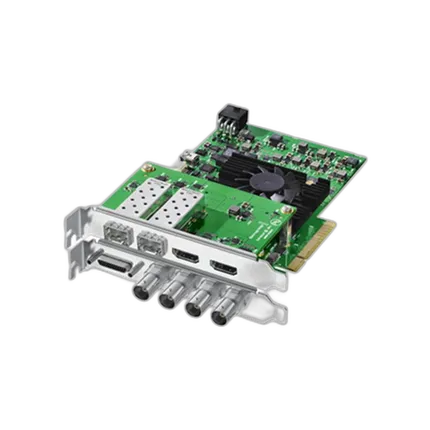
Blackmagic Design DeckLink 4K Extreme 12G
- Works with any video format & resolution
- Highest quality connections
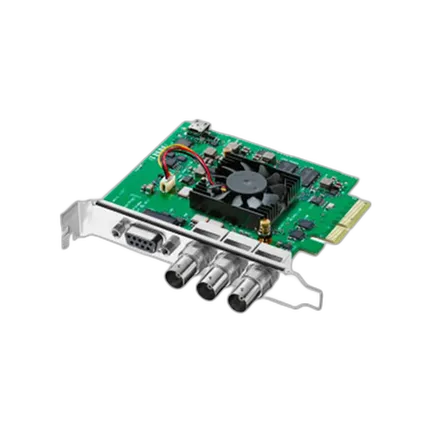
Blackmagic Design DeckLink SDI 4K
- Works with any video format & resolution
- Highest quality connections