If you're trying to decide which photo editing software deserves a place in your workflow, this guide is for you. Whether you're a beginner moving beyond basic edits, a serious enthusiast refining RAW files, or a working photographer looking for the best balance of speed, color, noise reduction, and cataloging, the choice between Adobe Lightroom, Capture One, and DxO PhotoLab can have a real impact on how efficiently you work and how your images ultimately look. Each platform has a distinct philosophy: Lightroom emphasizes ecosystem and workflow, Capture One is known for color control and tethering, and DxO PhotoLab stands out for image quality tools like noise reduction and optical corrections.
Because software needs vary so much by shooting style, we've broken this showdown into practical buying advice. We've also included a few helpful Unique Photo products relevant to photographers and hybrid creators building a stronger post-production setup.
Quick Answer: Which One Is Best?
Choose Lightroom if you want the most familiar all-around workflow and cloud integration.
Choose DxO PhotoLab if your top priority is image quality, especially noise reduction and lens corrections.
How Lightroom, Capture One, and DxO PhotoLab Differ
Lightroom is often the default choice because of its broad adoption, familiar interface, mobile/cloud options, and integration with Photoshop. It is especially appealing for photographers who want catalog management, easy presets, and a workflow that scales from hobbyist use to professional volume editing.
Capture One is favored by many portrait, fashion, commercial, and studio photographers. Its session-based workflow, advanced layers, excellent tethering, and highly regarded color tools make it a strong fit for shooters who demand fine control.
DxO PhotoLab takes a slightly different approach. It focuses heavily on technical image quality, with class-leading noise reduction, sharpening, and lens-specific optical corrections. It can be a compelling option for landscape, travel, wildlife, and high-ISO photographers who want the cleanest files possible.
Feature Comparison Table
| Software | Best For | Major Strengths | Potential Drawbacks |
|---|---|---|---|
| Adobe Lightroom | All-around editing and catalog workflow | Cataloging, presets, cloud/mobile ecosystem, Photoshop integration | Subscription model, less refined tethering than Capture One |
| Capture One | Studio, portrait, commercial, tethered shooting | Color tools, layers, tethering, sessions, precise control | Steeper learning curve, workflow can feel more specialized |
| DxO PhotoLab | Maximum image quality and correction | Noise reduction, lens corrections, sharpening, RAW optimization | Less comprehensive asset management ecosystem |
Which Software Fits Your Workflow?
Choose Lightroom if: you want an approachable editing environment, sync across devices, strong organizational tools, and easy compatibility with other Adobe apps. Wedding photographers, event shooters, travel photographers, and creators already paying for Creative Cloud often find Lightroom the most convenient choice.
Choose Capture One if: your work depends on superior tethering, advanced skin tone control, nuanced color grading, or a session-based studio workflow. It is particularly compelling for portraitists, product photographers, and commercial shooters.
Choose DxO PhotoLab if: you regularly shoot in difficult light, work at higher ISO values, or want software that gets the absolute most technical quality from your camera and lenses. Landscape and wildlife shooters often appreciate what DxO can do with detail and noise.
Recommended Products for Building a Better Post-Processing Workflow
While Lightroom and DxO PhotoLab themselves are not listed here, these Unique Photo products support the broader conversation around professional post-production, color work, and getting more from Capture One or advanced finishing workflows.
Rocky Nook - Capture One Pro 10 by Sascha Erni
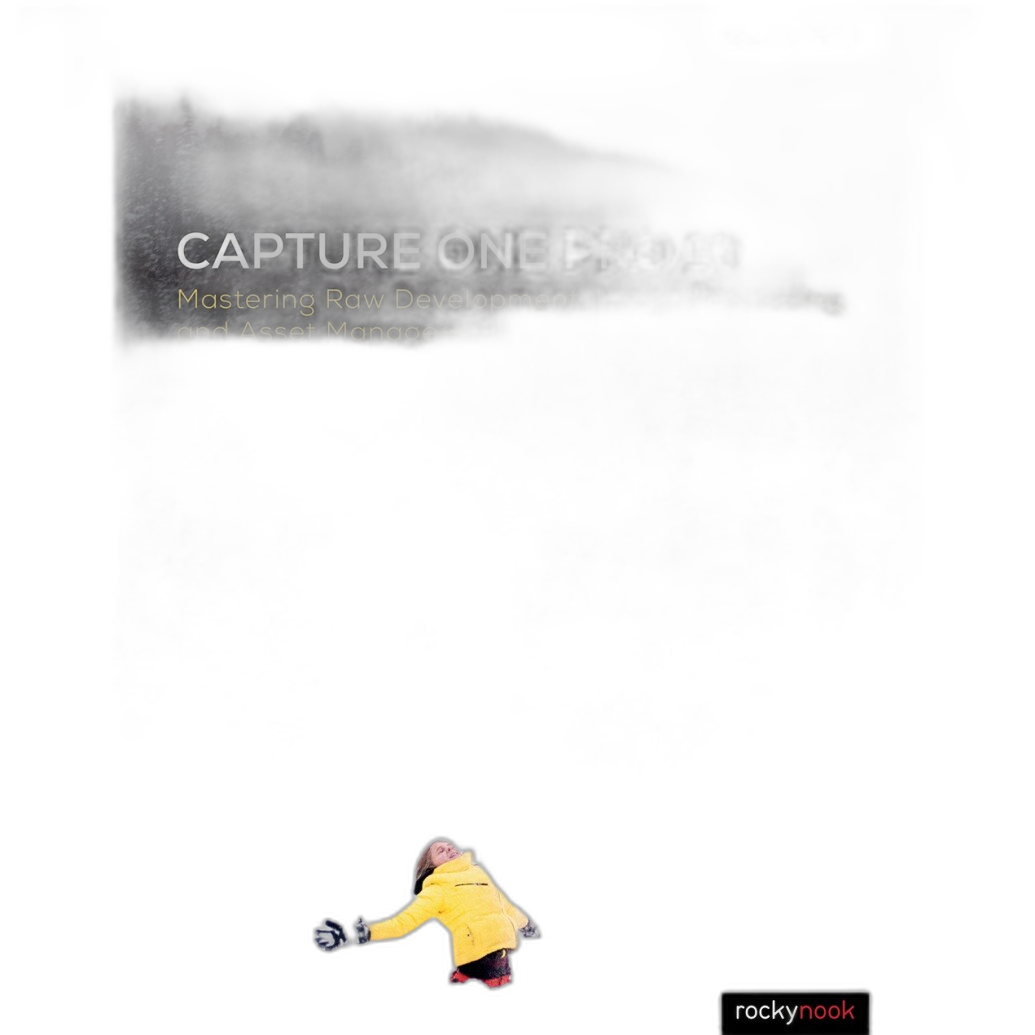
If you're leaning toward Capture One but want help shortening the learning curve, this guidebook is a smart companion. Capture One is powerful, but that power can be intimidating at first. A dedicated instructional resource can help you understand sessions, catalogs, color editing, layers, and workflow customization more quickly. For photographers serious about mastering Capture One rather than just dabbling in it, this is an easy recommendation.
Why buy it: Great for photographers moving from Lightroom or starting with Capture One and wanting to unlock its deeper tools faster.
Rocky Nook - Capture One Pro 9 by Sascha Erni
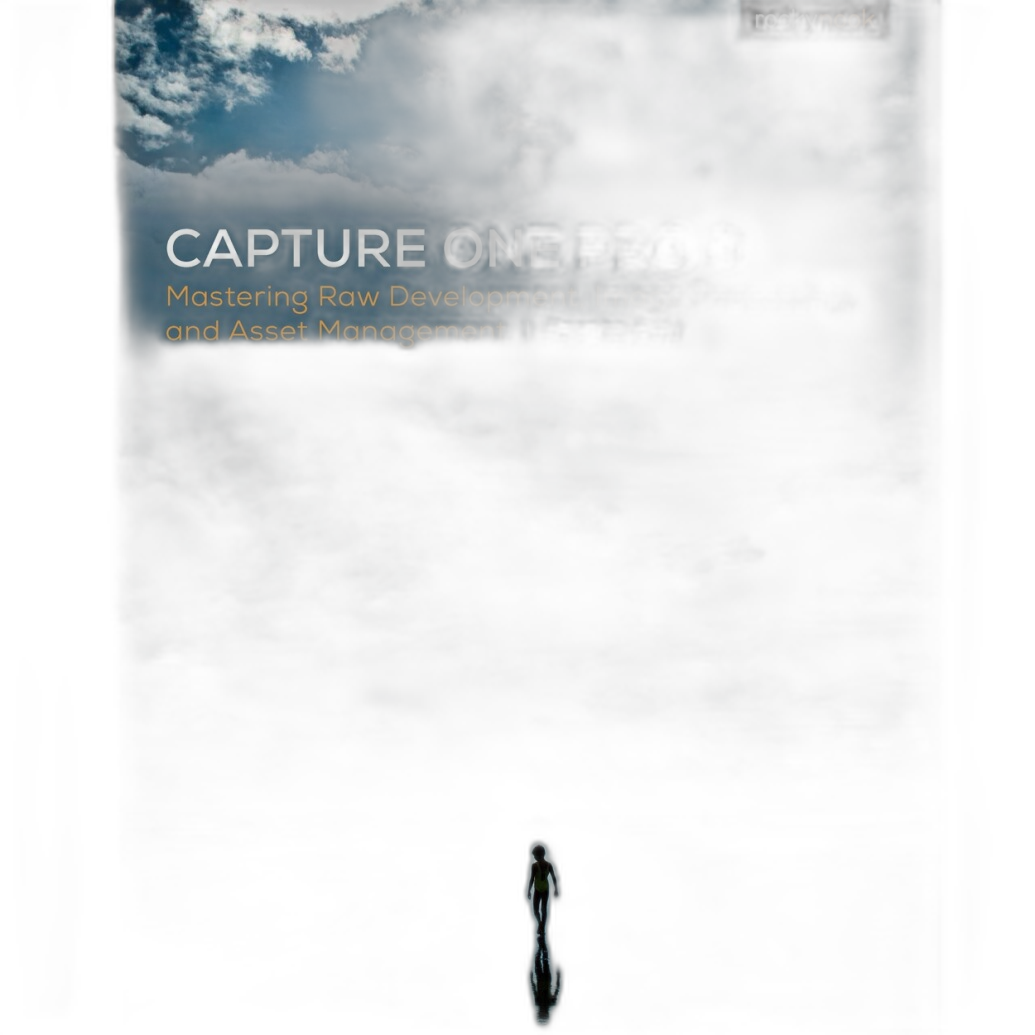
This earlier Capture One reference is still relevant for photographers who prefer print learning materials and want to better understand the Capture One workflow philosophy. While software versions evolve, many of the core concepts around organization, color, and RAW processing remain useful. It's a practical add-on for users evaluating whether Capture One's more advanced controls justify the switch from Lightroom.
Why buy it: Helpful for understanding Capture One's strengths before fully committing to a new editing ecosystem.
Blackmagic DaVinci Resolve Micro Panel with Resolve Studio Software
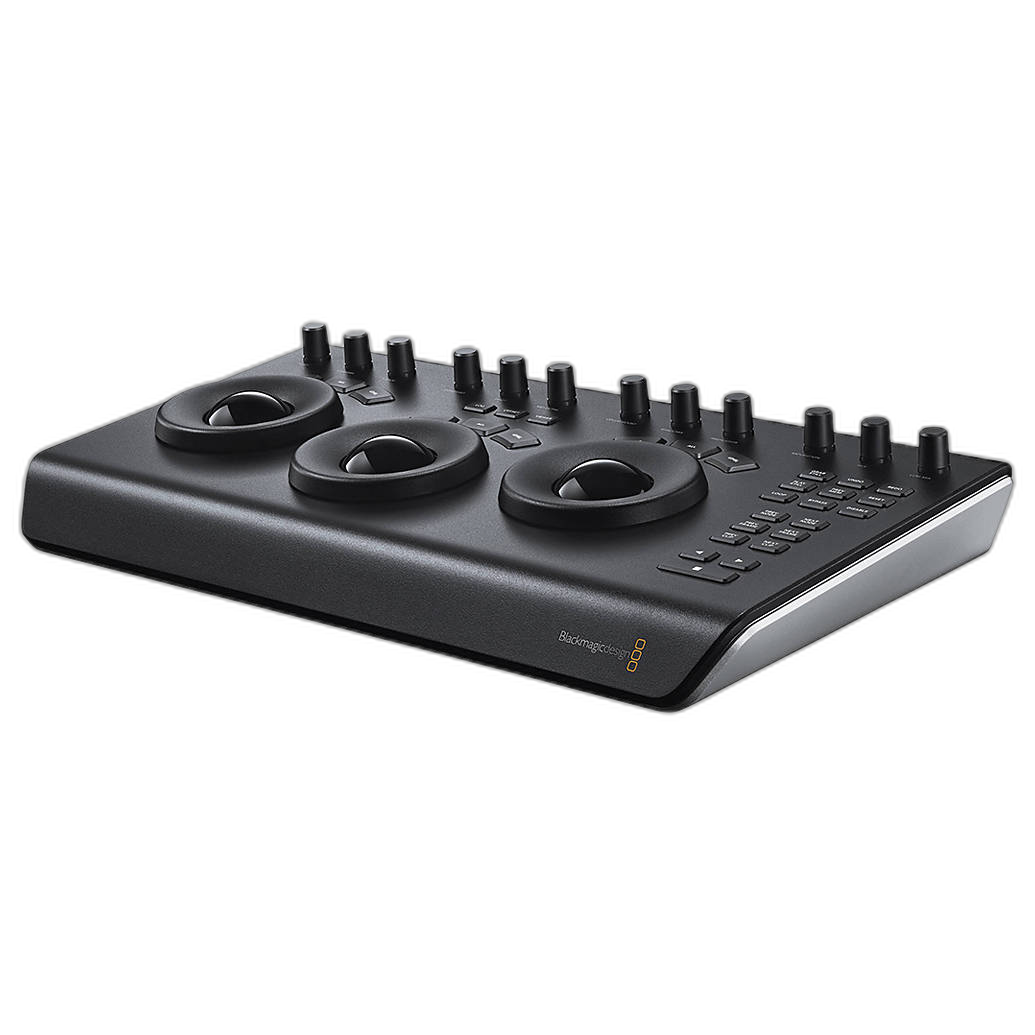
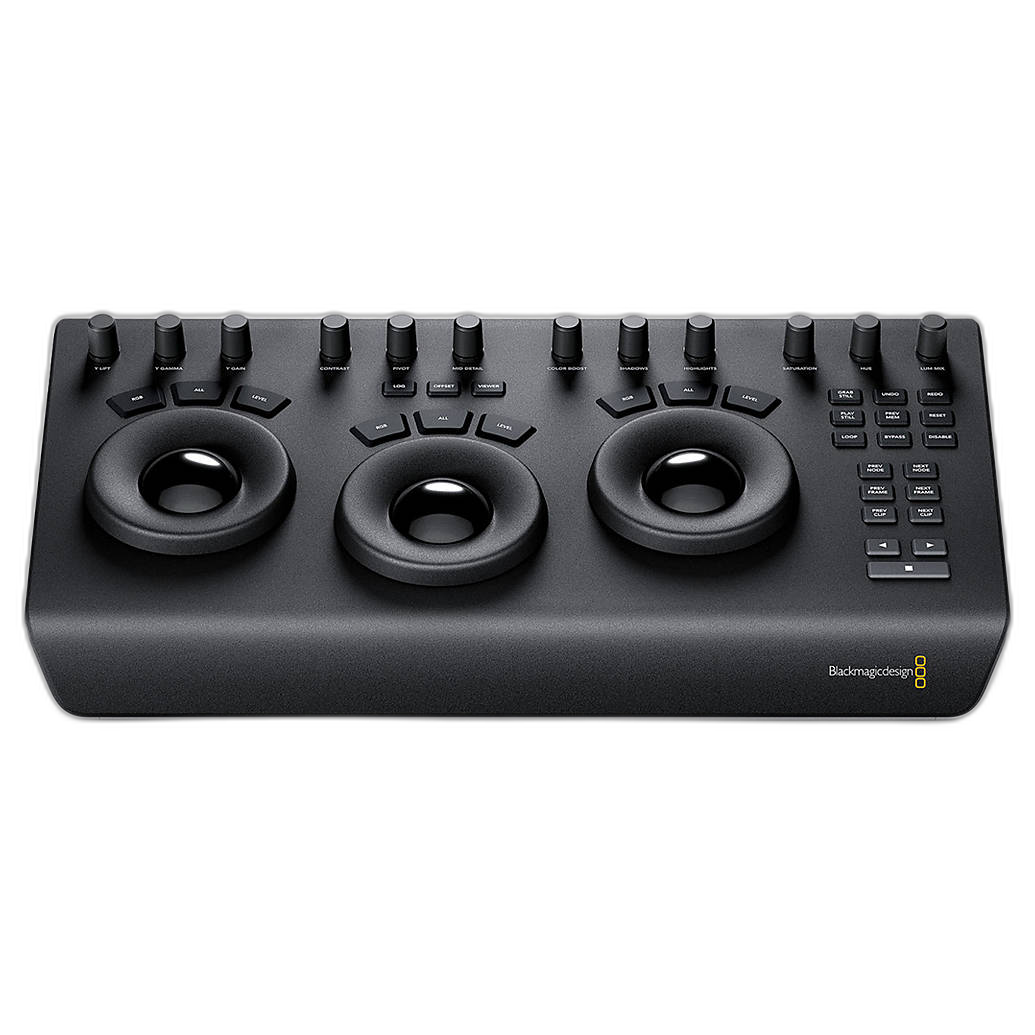
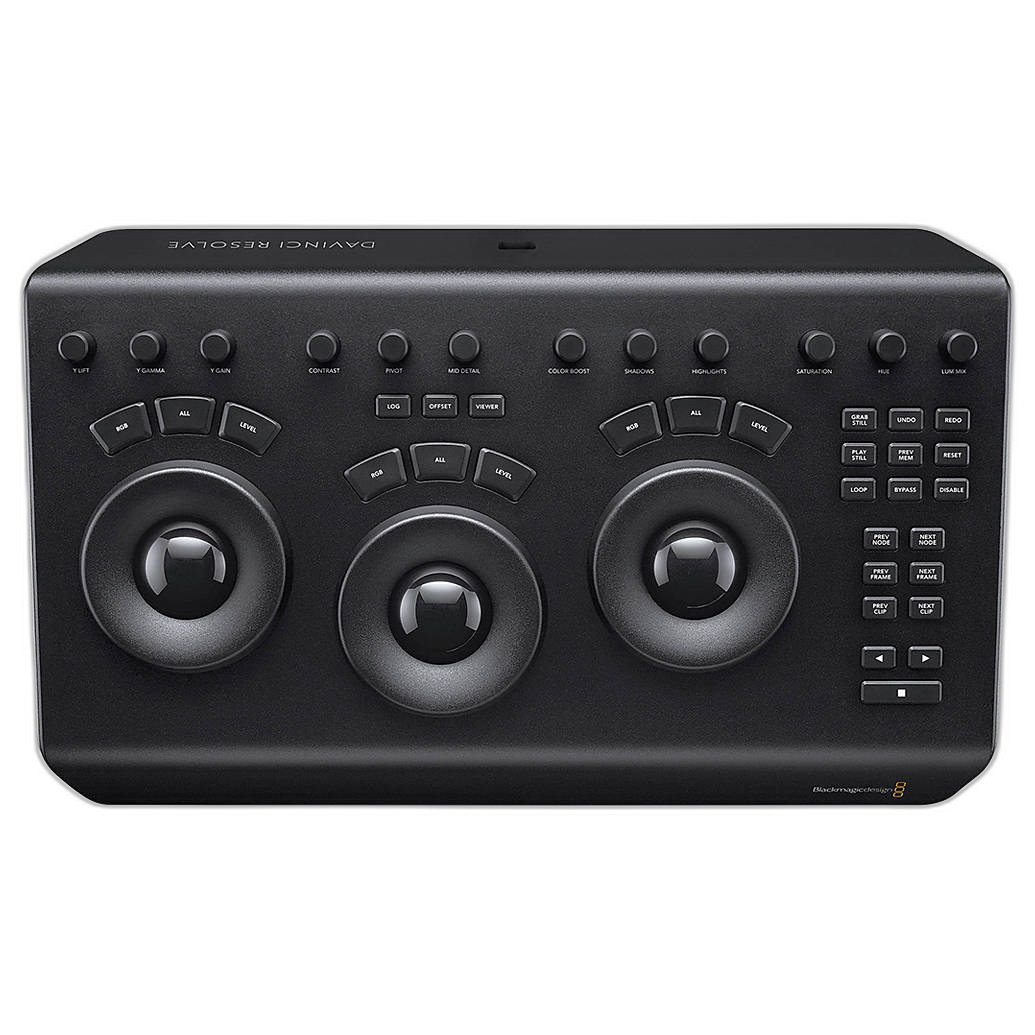
Strictly speaking, DaVinci Resolve is more of a video color grading and finishing platform than a direct Lightroom/Capture One/DxO competitor. But for hybrid shooters who handle both stills and video, it's an important part of the post-production conversation. The Resolve Micro Panel adds tactile control for color correction, while Resolve Studio expands your serious finishing toolkit. If your photography business increasingly overlaps with video deliverables, this is the kind of investment that helps create a more complete content workflow.
Why buy it: Ideal for hybrid creators who edit photos in one platform and need professional-grade video finishing for client work.
Best Use Cases at a Glance
| User Type | Best Choice | Why |
|---|---|---|
| Beginner to enthusiast photographer | Lightroom | Easy workflow, strong organization, lots of tutorials and presets |
| Studio portrait/commercial shooter | Capture One | Excellent tethering, layers, color precision, skin tone tools |
| Landscape/wildlife/high-ISO shooter | DxO PhotoLab | Outstanding noise reduction and optical correction tools |
| Hybrid photo/video creator | Capture One or Lightroom + Resolve | Photo editing plus a strong finishing path for video projects |
Buying Advice: What Matters Most Before You Choose
Think about your workflow first, not just image quality claims. The best-looking editor on paper may not be the best fit if it slows down culling, organizing, exporting, or client delivery.
Consider your shooting style. If you shoot tethered in studio, Capture One can be transformative. If you process thousands of event images and depend on Adobe integration, Lightroom often makes more sense. If you constantly fight noise and lens flaws, DxO PhotoLab deserves serious attention.
Factor in your learning curve. Lightroom is the easiest for many users to adopt quickly. Capture One rewards deeper learning with greater precision. DxO PhotoLab is often straightforward in core correction tasks but less focused on being a full DAM ecosystem.
Don't ignore your broader post-production environment. Books, training resources, color tools, and video software can all improve results more than switching apps repeatedly.
Final Verdict
There is no one-size-fits-all winner in the Lightroom vs. Capture One vs. DxO PhotoLab debate. Lightroom remains the easiest all-around recommendation for photographers who want a familiar, flexible workflow. Capture One is our top pick for users who want more control, stronger tethering, and premium color handling. DxO PhotoLab is the standout for photographers obsessed with extracting the cleanest, most corrected files possible.
If you're ready to sharpen your post-production workflow, Unique Photo is a great place to find the educational resources and complementary tools that help you get more out of your software choice. For photographers considering a move to Capture One, the Rocky Nook guides are especially useful starting points, while hybrid creators should also look at Blackmagic Resolve solutions available from Unique Photo.