Recommended Editing Tools for Beginners: Why Lightroom Is Often the First Choice
For many new photographers, the search for the best beginner photo editing software starts with one question: should you use Adobe Lightroom or try an alternative? It is a fair comparison, especially when you want a tool that is easy to learn, powerful enough to grow with your skills, and practical for organizing thousands of images.
At Unique Photo, beginners often look for editing tools that balance simplicity with professional results. Lightroom remains one of the most recommended options because it combines photo management, non-destructive editing, presets, masking tools, color controls, and export options in one streamlined workflow. Whether you are editing portraits, landscapes, travel shots, or family photos, Lightroom gives beginners a clean starting point without forcing them to jump immediately into more complex retouching software.
Another reason Lightroom is so popular is its learning ecosystem. There are countless tutorials, presets, classes, and books available, which makes it easier for first-time editors to build confidence quickly.
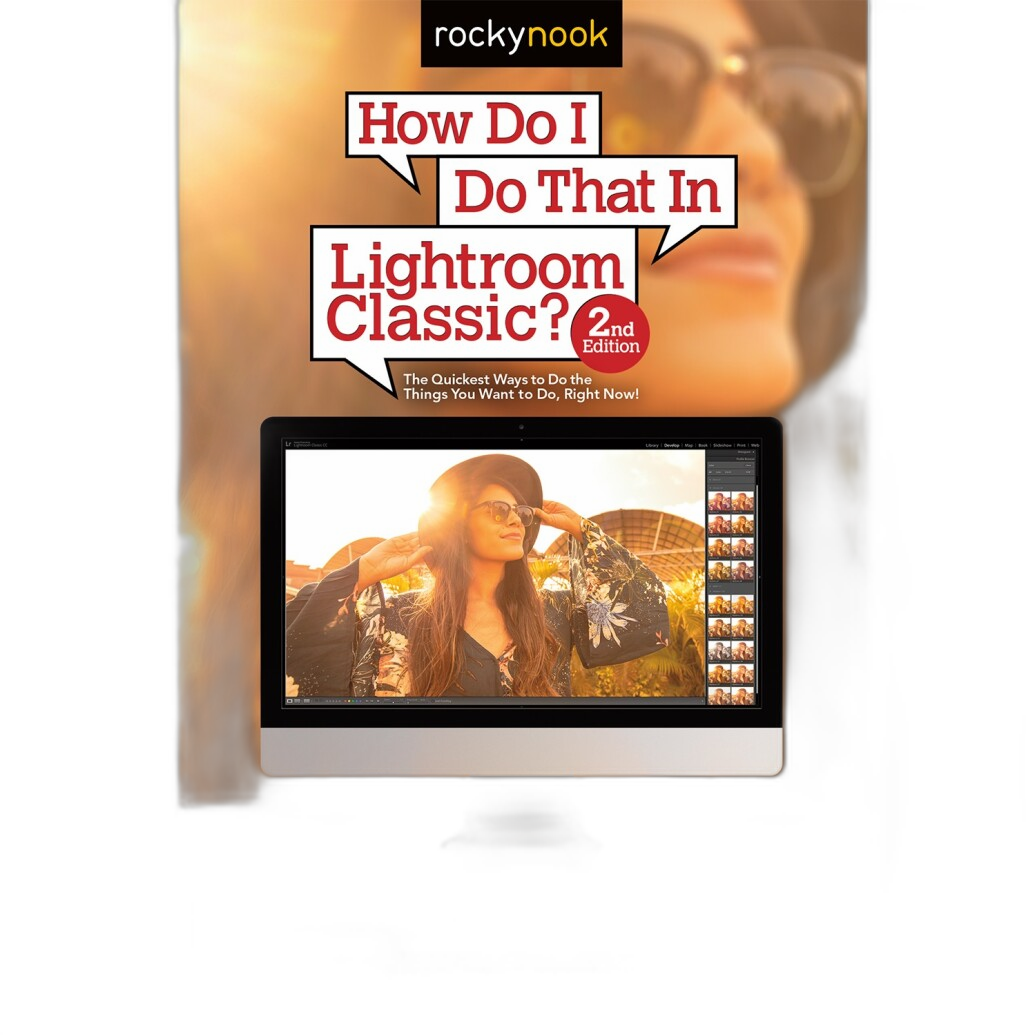
For anyone who wants a practical companion while learning, books like How Do I Do That In Lightroom Classic 2nd Ed by Scott Kelby can be a helpful addition to your editing setup. Resources like this, available through Unique Photo, can shorten the learning curve and answer common questions beginners run into while importing, culling, correcting exposure, and exporting finished files.
Lightroom for Beginners: Key Features That Make It Easy to Learn
If you are comparing Lightroom vs alternatives for beginners, it helps to understand what Lightroom does especially well. Lightroom is designed around a photographer-friendly workflow rather than a graphic design workflow. That means your files, albums, ratings, keywords, edits, and exports are all connected in one place.
Here are a few beginner-friendly Lightroom strengths:
1. Non-destructive editing
Your original image stays untouched. Every exposure adjustment, crop, white balance correction, and color tweak can be changed or reversed later.
2. Excellent photo organization
Lightroom makes it easy to sort images by folder, date, collection, keyword, star rating, or flag. For anyone shooting a lot of photos, this matters just as much as editing tools.
3. Simple global adjustments
Beginners can quickly improve an image using sliders for exposure, contrast, highlights, shadows, whites, blacks, clarity, texture, and vibrance.
4. Strong local editing tools
Masking features let you brighten a subject, darken a sky, smooth out uneven light, or make selective color adjustments without needing advanced layer-based software.
5. Presets and batch editing
If you want a consistent look across a session, Lightroom presets and sync tools save time and help you develop a repeatable style.
For beginners who want more instruction, The Enthusiasts Guide to Lightroom by Rafael Concepcion is another relevant learning resource available from Unique Photo.

Lightroom Classic vs Lightroom: Which Version Should Beginners Choose?
One common search query is Lightroom vs Lightroom Classic for beginners. While both are Adobe products, they serve slightly different needs.
Lightroom is cloud-focused and tends to feel simpler for users who want to edit across desktop, tablet, and phone. Its interface is clean and approachable, making it attractive for casual photographers and content creators.
Lightroom Classic is more fully featured for photographers who prefer local file control, deeper catalog management, more mature print options, and a traditional desktop workflow.
For complete beginners, Lightroom may feel easier at first. But Lightroom Classic is often the better long-term choice if you expect your library to grow or want more control over your workflow. Many photographers start with one and eventually explore the other, depending on how they shoot and store files.
Best Lightroom Alternatives for Beginners
Although Lightroom is a top recommendation, it is not the only option. Some beginners look for photo editing alternatives because of subscription pricing, interface preferences, or a desire for software tailored to a specific type of editing.
Here are some of the most common categories of Lightroom alternatives beginners consider:
1. One-time purchase photo editors
These appeal to users who want to avoid monthly fees. They often include raw processing, cataloging, and adjustment tools, though the workflow may differ from Lightroom.
2. AI-powered editing software
Some newer programs emphasize automatic corrections, subject detection, sky replacement, or portrait enhancement. These can be useful for beginners who want quick results, though they may encourage less hands-on learning.
3. Free photo editing software
Budget-conscious users often start here. Free tools can be surprisingly capable, but many lack Lightroom’s polish, file organization features, or seamless syncing.
4. Layer-based editors
Programs built around layers are excellent for composites, heavy retouching, and graphic design. However, they can feel more intimidating than Lightroom for someone just trying to improve exposure, color, and consistency across a photo set.
The real question is not whether alternatives exist, but whether they fit your workflow as naturally as Lightroom. For most true beginners, Lightroom still offers one of the easiest paths from import to finished image.
Lightroom vs Alternatives: What Beginners Should Compare Before Choosing
If you are deciding between Lightroom and another editor, compare these factors before investing time into a platform:
Ease of use: Can you make basic edits within minutes?
Raw file support: Does it work well with your camera files?
Photo organization: Can you rate, keyword, and sort images efficiently?
Learning resources: Are there tutorials, classes, and books available?
Batch editing: Can you edit multiple photos consistently?
Performance: Does it run smoothly on your computer?
Price model: Subscription or one-time purchase?
Growth potential: Will it still serve you as your editing skills improve?
Beginners often underestimate the importance of organization and workflow. An editor might have strong adjustment tools, but if it is frustrating to import, sort, or export your photos, it can slow down your progress. Lightroom’s biggest advantage is how well it connects all these steps.
Editing Accessories for Beginners: Useful Tools Beyond Software
Once you choose your software, the next question becomes how to make editing faster and more comfortable. Beginners do not need a fully built-out studio workstation, but a few accessories can make a meaningful difference.
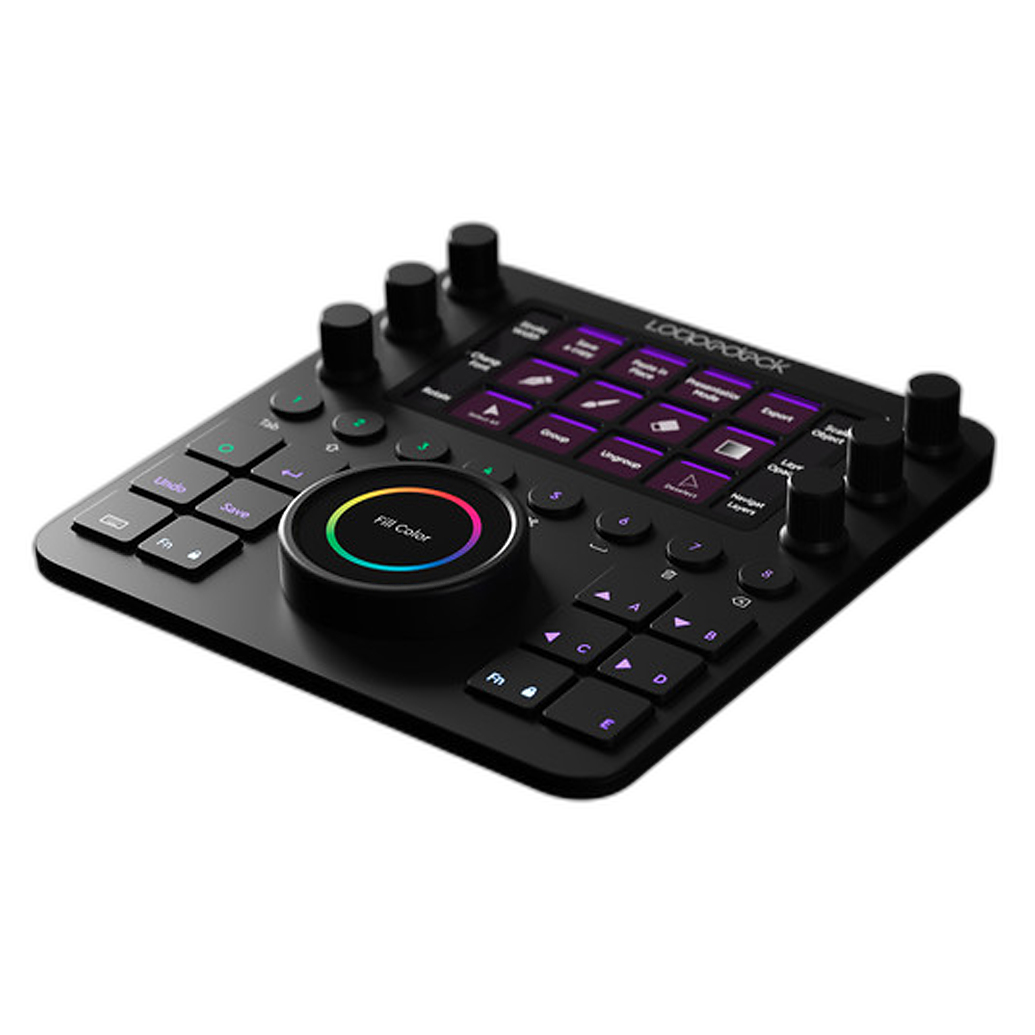
One example is a dedicated editing console. Devices like the Loupedeck Creative Tool give users physical controls for common adjustments, shortcuts, and workflow commands.
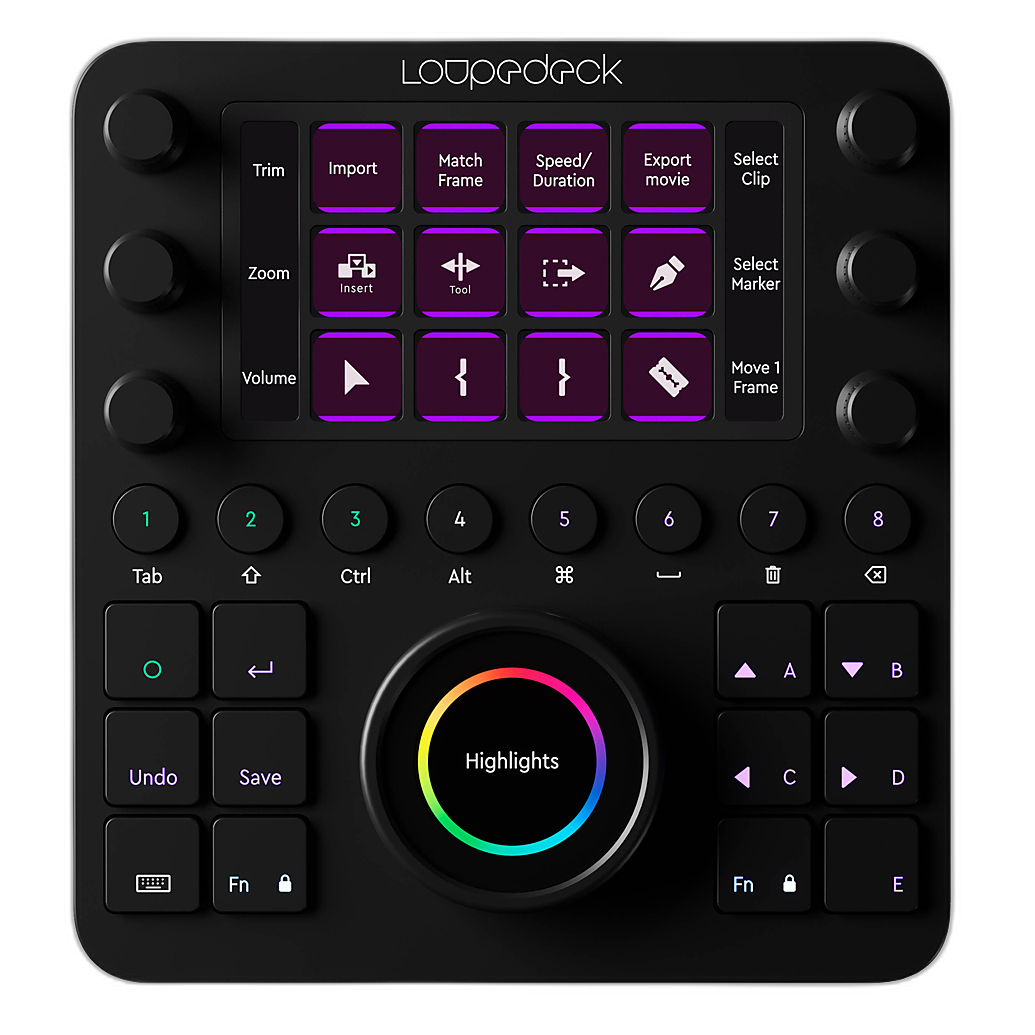
For beginners, a console is not essential on day one, but it can be very helpful as your editing volume increases. Tactile dials and buttons can make repetitive edits feel faster and more intuitive, especially when working in Lightroom or similar creative applications.
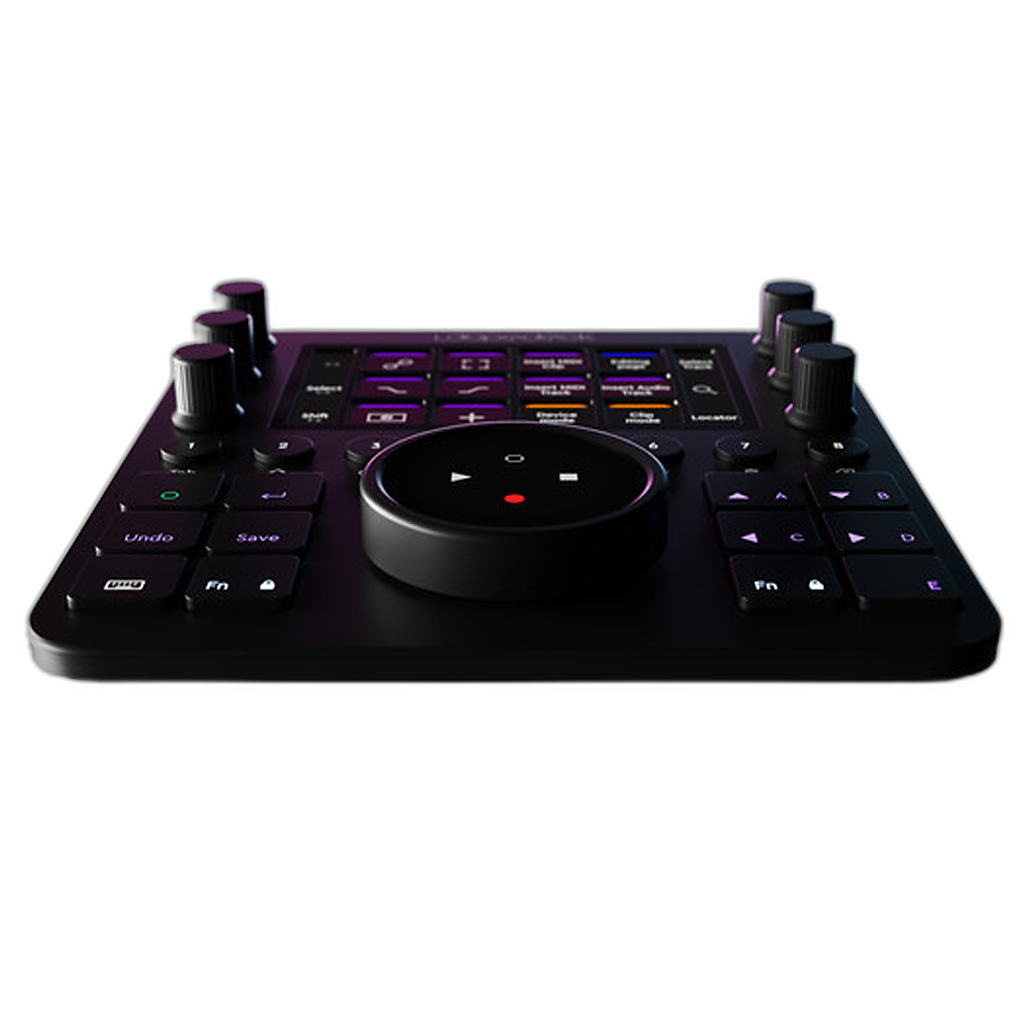
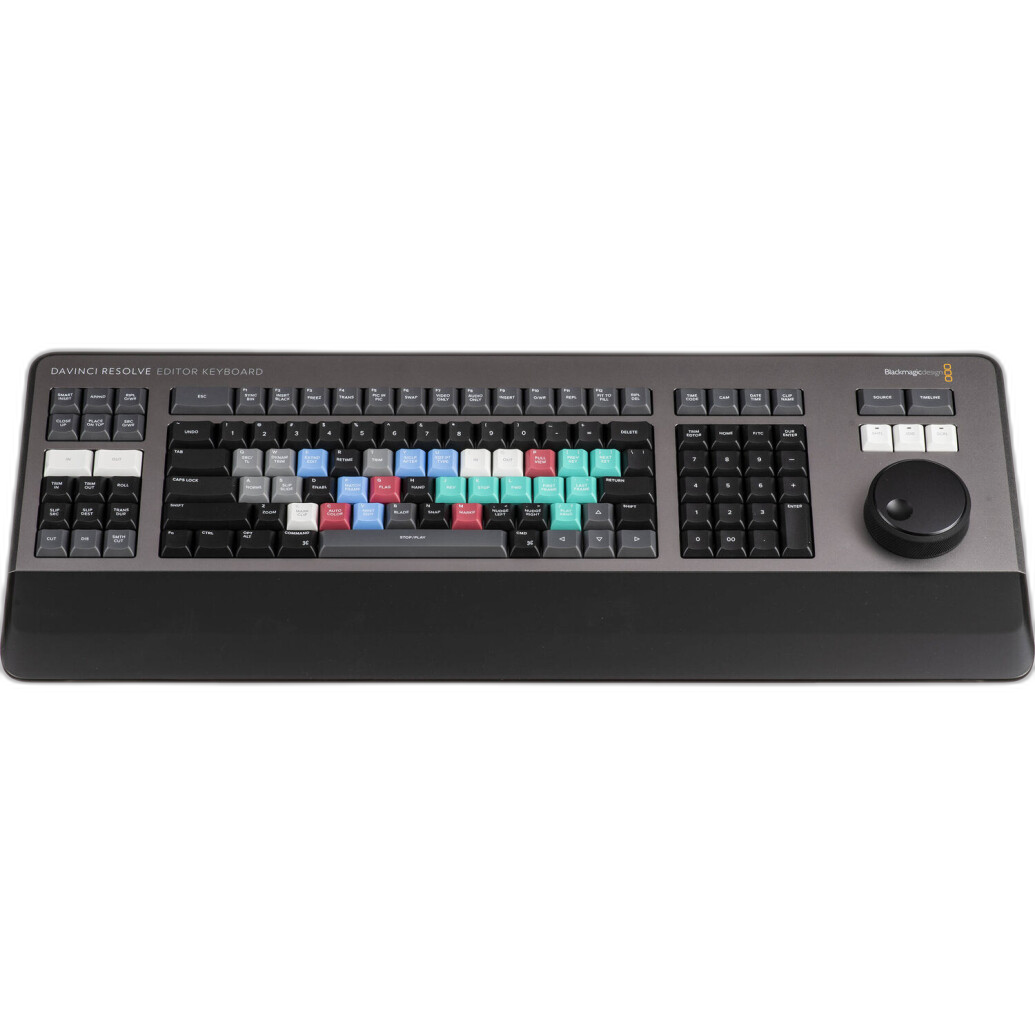
If your interests expand into video editing as well as photo editing, there are also more specialized options such as the Blackmagic DaVinci Resolve Editor Keyboard. While DaVinci Resolve is more video-focused than Lightroom, it highlights an important point: the right hardware can improve speed, ergonomics, and confidence as your editing setup grows.
Do Beginners Need Lightroom Books and Guides?
A lot of new users try to learn entirely through trial and error. That approach can work, but it often leads to inconsistent results and slow progress. A structured Lightroom book or guide can help you understand not just what each slider does, but when to use it.
Beginner-friendly books are especially useful for learning:
• importing and catalog setup
• basic exposure correction
• color temperature and white balance
• cropping and straightening
• lens corrections
• noise reduction and sharpening
• masking tools
• export settings for web and print
At Unique Photo, educational resources are a natural complement to cameras, lenses, and editing tools because they help beginners turn gear into finished images more effectively. If you are serious about improving quickly, a trusted guide can be just as valuable as software itself.
Is Lightroom Worth It for Beginners?
For many people, yes. Lightroom is worth it for beginners who want a polished, proven workflow and room to grow. It is especially strong for photographers who shoot regularly and need both editing and organization in one place.
That said, Lightroom may not be ideal for everyone. If you only edit occasionally, prefer a one-time purchase, or mainly create advanced composites instead of straightforward photo adjustments, another tool may suit you better. The good news is that beginners today have more choices than ever.
The best editing software is the one that helps you edit consistently, learn foundational skills, and enjoy the process enough to keep going. Lightroom earns its reputation because it does all three very well.
Final Thoughts: Choosing the Best Beginner Editing Workflow
When comparing Lightroom vs alternatives for beginners, the decision usually comes down to workflow, budget, and learning style. Lightroom remains one of the safest recommendations because it combines ease of use, strong raw editing, excellent organization, and widespread educational support. Alternatives can be attractive, especially for users with specific pricing preferences or specialized editing goals, but many beginners still find Lightroom the most balanced place to start.
Unique Photo is a great place to build that editing workflow, whether you are looking for Lightroom learning resources, editing consoles, or other photography essentials to support your growth.
For helpful next steps, consider exploring internal resources on Unique Photo such as beginner photography guides, camera buying guides, editing accessories, photography books, and software workflow tips. Those related pages can help readers connect their shooting process with a practical post-production setup.