Entering a photo contest can be exciting, but many otherwise strong submissions get rejected for avoidable editing or watermarking mistakes. Whether you are submitting to a local camera club, a national competition, or an online themed challenge, understanding what judges and organizers typically allow is essential. At Unique Photo, we often see photographers focus heavily on capture and composition while overlooking the fine print around post-processing, file preparation, and image markings.
This guide covers the most important dos and don’ts for editing and watermarking photos for contest submissions, including how much retouching is usually acceptable, when a watermark can hurt your chances, and how to prepare a clean, compliant final file.
What photo contests usually mean by “acceptable editing”
Most contests allow basic global and local adjustments that improve presentation without changing the fundamental truth of the scene. In many cases, the following edits are commonly accepted:
- Exposure and contrast correction
- White balance adjustment
- Highlight and shadow recovery
- Color correction and moderate saturation changes
- Sharpening and noise reduction
- Lens corrections for distortion, chromatic aberration, and vignetting
- Minor cropping and straightening
That said, every competition is different. Documentary, journalism, wildlife, and nature contests tend to have the strictest editing rules, while fine art and open-theme contests may permit extensive compositing or digital manipulation. The safest approach is to read the rules line by line before exporting your file.
If you are refining images captured in a controlled studio setup, careful planning during the shoot can reduce the need for aggressive post-production later. For example, lighting accessories such as the Kupo Dot and Finger Kit can help position flags or small modifiers precisely, keeping highlights and reflections under control before you ever open your editor.
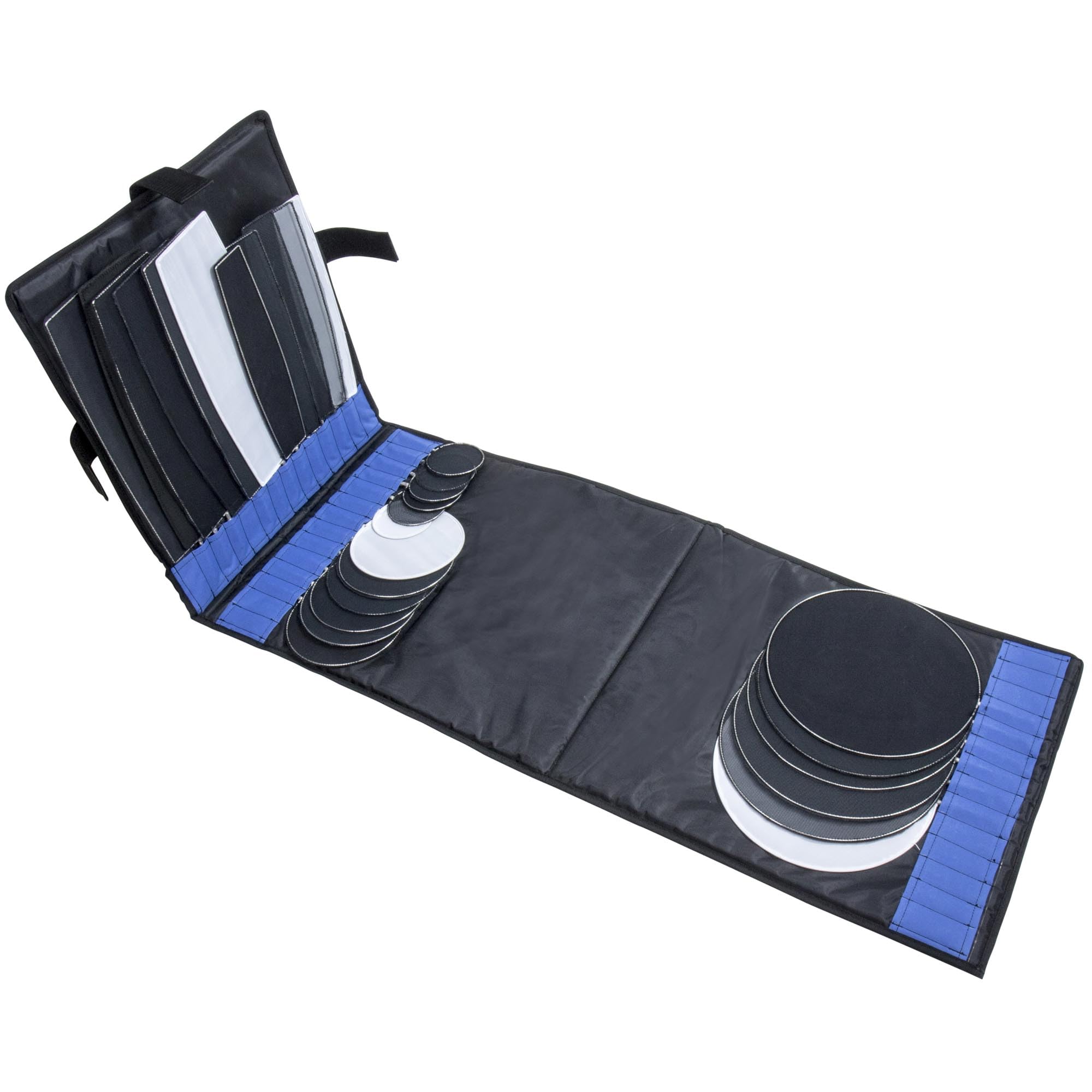
Photo contest editing dos: how to enhance without disqualifying your image
The best contest edits strengthen your photograph while preserving its integrity. Here are the major dos to keep in mind:
Do read the rules for each category
A landscape category may allow sky replacement in one contest and ban it in another. A portrait category may accept blemish removal but prohibit body reshaping. Never assume the rules are universal.
Do keep a copy of the original file
Many contests ask for the RAW file, untouched JPEG, or layered edit file if your image reaches the final round. Keep organized backups of:
- The original RAW capture
- Your working edit
- The final export
- Any alternate crops submitted
Do use non-destructive editing
Working in Lightroom, Capture One, or adjustment layers in Photoshop makes it easier to prove what changes you made and to reverse them if needed. This is especially useful if a contest requests a different crop ratio, color space, or file size later.
Do remove dust spots and technical distractions when allowed
Sensor dust, dead pixels, and minor technical defects are often fair game. These corrections are usually viewed as image cleanup, not deception, especially in non-documentary categories.
Do optimize sharpness for the final submission size
An image that looks great at full resolution may appear soft after resizing for a contest portal. Export-specific sharpening can make your work look more polished without crossing any ethical lines.
Photo contest editing don’ts: common mistakes that trigger rejection
Even highly skilled photographers get disqualified for over-editing. The following issues regularly cause problems:
Don’t add or remove major elements unless explicitly permitted
Cloning out people, moving objects, replacing skies, combining multiple exposures, or compositing in animals, smoke, stars, or background textures can violate contest rules. If the category emphasizes realism, these edits can be immediate grounds for rejection.
Don’t overdo saturation, HDR, or skin retouching
Heavy-handed edits can make an image look artificial and distract from the story or subject. Judges often notice halos, oversharpening, crushed blacks, glowing skin, and unnatural color grading right away.
Don’t ignore metadata and file requirements
Contests may specify:
- sRGB color space
- Specific pixel dimensions
- Maximum file size
- JPEG-only uploads
- No borders or graphic overlays
Failing to meet these technical requirements can disqualify a submission before it is ever judged.
Don’t flatten your workflow too early
If questions arise about your editing process, layered files and RAW captures can support your case. Exporting only a final flattened JPEG without retaining your source materials is risky.
Should you watermark contest photos?
In most cases, no. Watermarking contest submissions is usually discouraged unless the organizer specifically allows or requests it. Many contests judge images anonymously, and visible branding can interfere with fairness or violate submission policies.
A watermark may also distract from composition, fine detail, and emotional impact. Even a subtle signature in the corner can pull attention away from the image itself. If the rules say “no identifying marks,” that includes:
- Logos
- Name signatures
- Studio branding
- Website URLs
- Social media handles
At Unique Photo, we generally recommend preparing a dedicated contest export with no visible watermark at all unless the contest rules state otherwise.
When watermarking may be acceptable
There are a few exceptions where a watermark can be appropriate:
- The contest explicitly permits watermarks
- You are sharing preview images publicly before the deadline, but not uploading those same watermarked files for judging
- The event is a casual community challenge rather than a juried competition
Even then, subtlety matters. A large opaque watermark across the center of the image can make judging difficult and reduce your chances of making a strong impression.
Best practices for watermarking photos outside the actual contest upload
If you want to protect your work when posting your image online before or after submission, use a separate export version. Keep your official contest file clean, and create a second file for web sharing. Good watermarking practices include:
- Use a small, low-contrast mark near an edge
- Avoid covering faces, critical details, or subject eyes
- Keep opacity modest
- Use consistent branding across your portfolio
- Save a full-resolution unwatermarked master
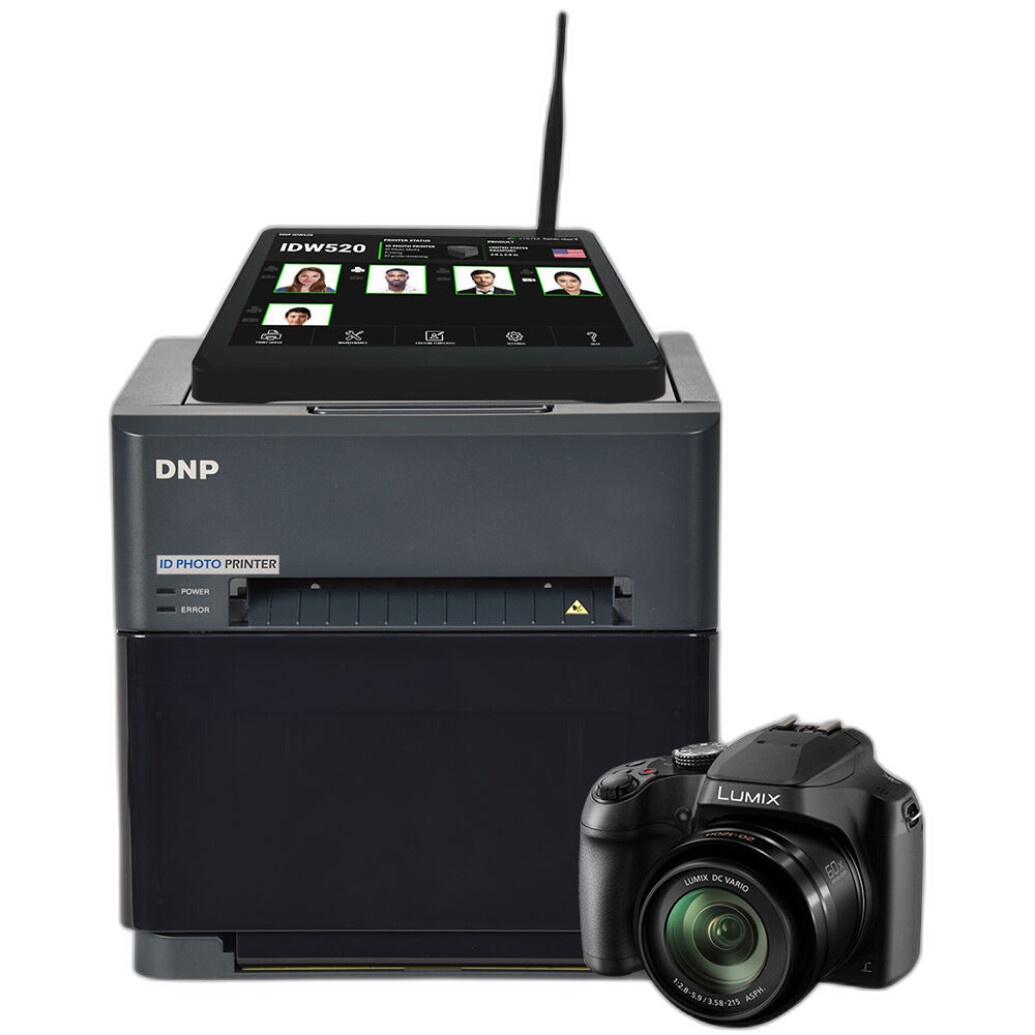
If part of your workflow includes printing proof sheets or producing ID-style reference output for events or organizations, products like the DNP IDW520-SET Passport and ID Photo Solution can support efficient image-output tasks in broader studio operations, though contest uploads themselves should still follow each organizer’s digital file rules.
How much retouching is too much for contest photography?
This is one of the most searched questions around contest submissions, and the answer depends on the category. A useful rule is this: if your editing changes what a viewer would believe happened in front of the camera, you may be crossing the line in realism-based contests.
Examples that are often considered excessive in stricter categories include:
- Adding dramatic fog or sunlight that was not present
- Removing power lines, people, trash cans, or wildlife distractions
- Replacing backgrounds in portraits without disclosure
- Merging multiple moments into one frame
- Using AI tools to generate or expand scene content
In open creative categories, some of these techniques may be acceptable or even encouraged. Again, the rules matter more than general assumptions.
Editing photos for contest submission without losing image quality
Good editing is not just about legality. It is also about maintaining image quality through export. Here are a few practical tips:
- Edit from the highest-quality original file available
- Resize only once for the final export if possible
- Use the requested color profile, usually sRGB for web-based contests
- Apply output sharpening after resizing
- Check for banding in skies and gradients after compression
- Review the image at 100% and fit-to-screen before submitting
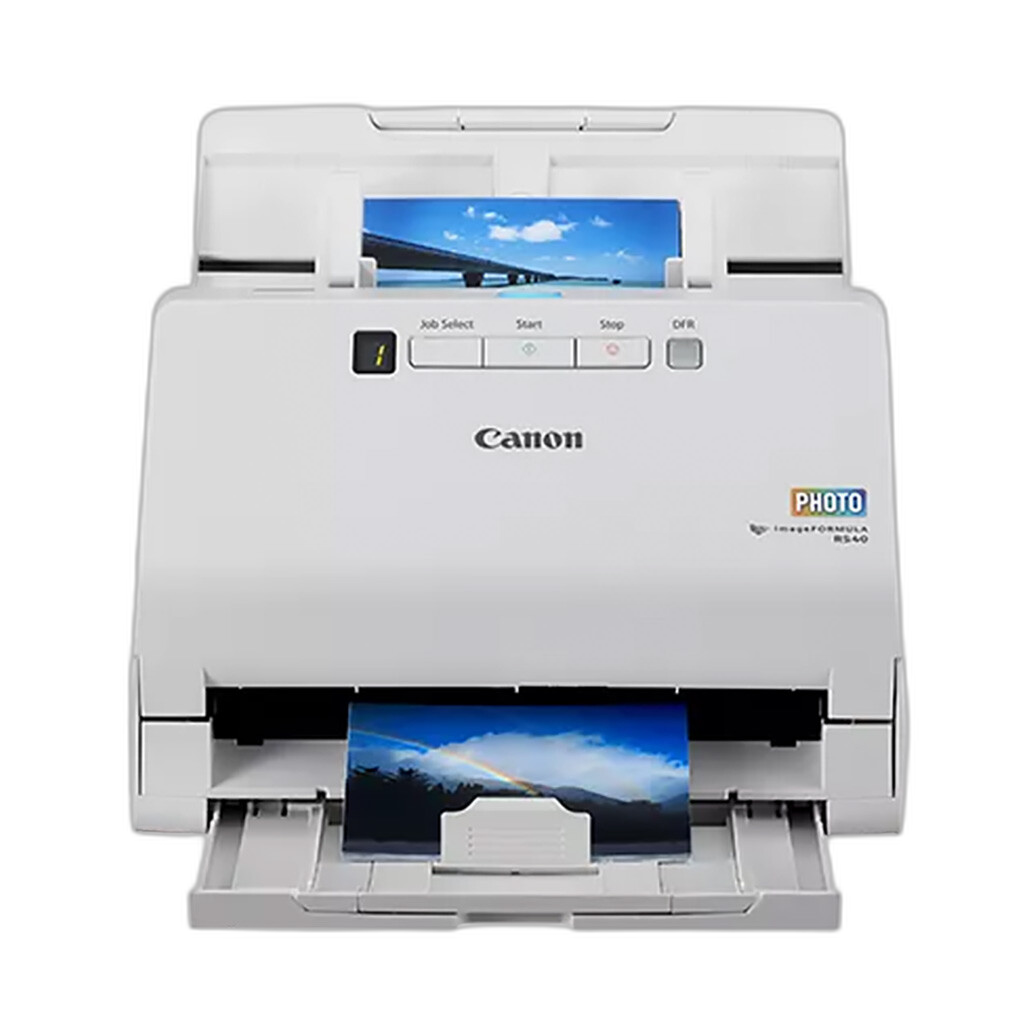
If you are entering scans of film prints or archival photographs, file quality starts at digitization. A scanner like the Canon imageFORMULA RS40 Photo and Document Scanner can be helpful for creating organized digital files from prints and documents before editing and contest preparation.
Do contests allow cropped photos?
Usually yes, but not always without limits. Cropping is one of the most common and widely accepted edits because it improves composition, removes distractions at the frame edge, and helps meet aspect ratio requirements. Still, some contests prefer minimal cropping in documentary or wildlife categories if it significantly changes the image context.
When cropping:
- Maintain enough resolution for the contest’s minimum size requirements
- Do not crop so aggressively that noise and artifacts become obvious
- Be careful not to clip important subject details
- Consider whether a dramatic crop alters the intended truth of the scene
Why capture quality still matters before editing
The cleaner your original file, the less pressure you will feel to “fix” things in post. Strong optics, thoughtful lighting, and precise framing can help you stay within contest guidelines while still producing a polished image.
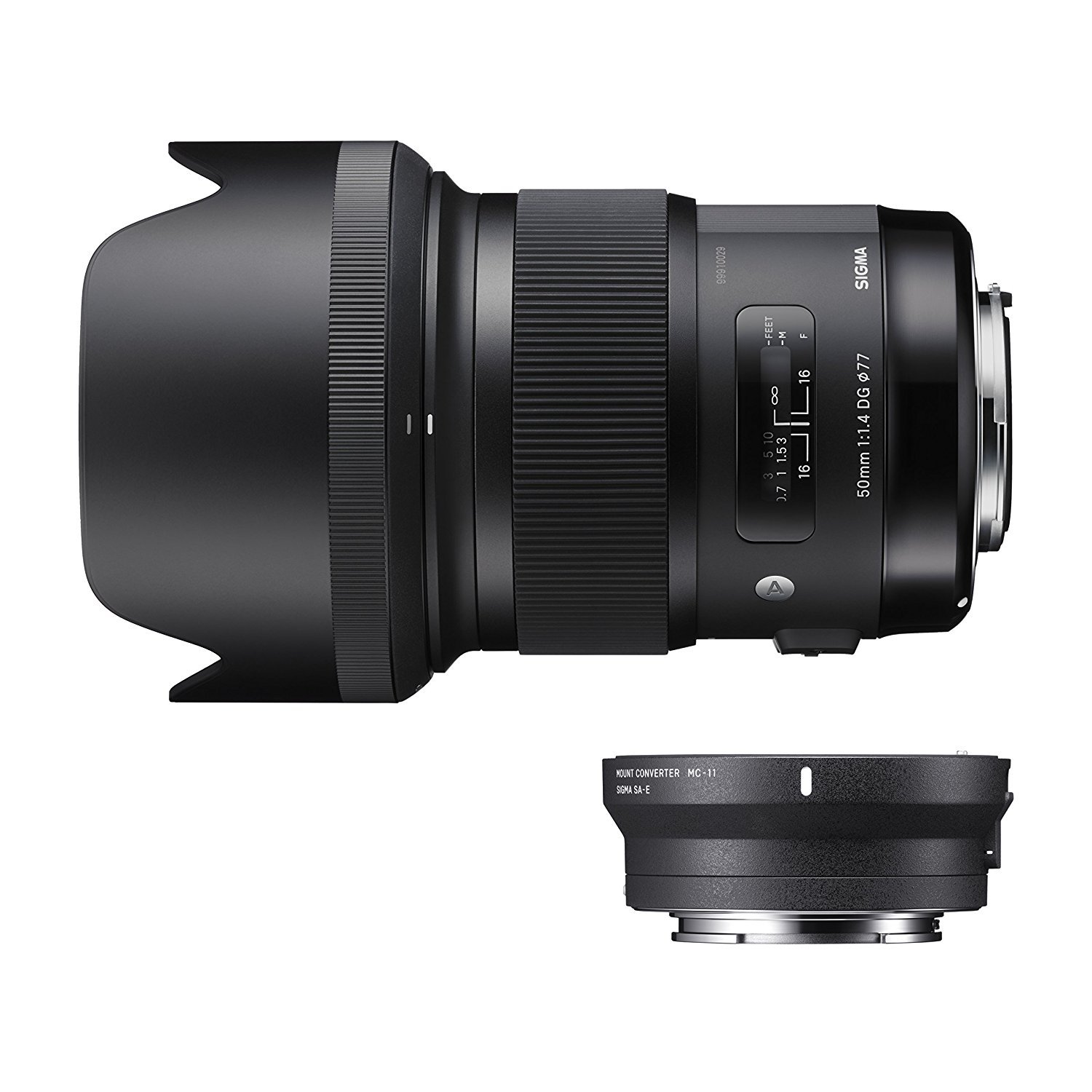
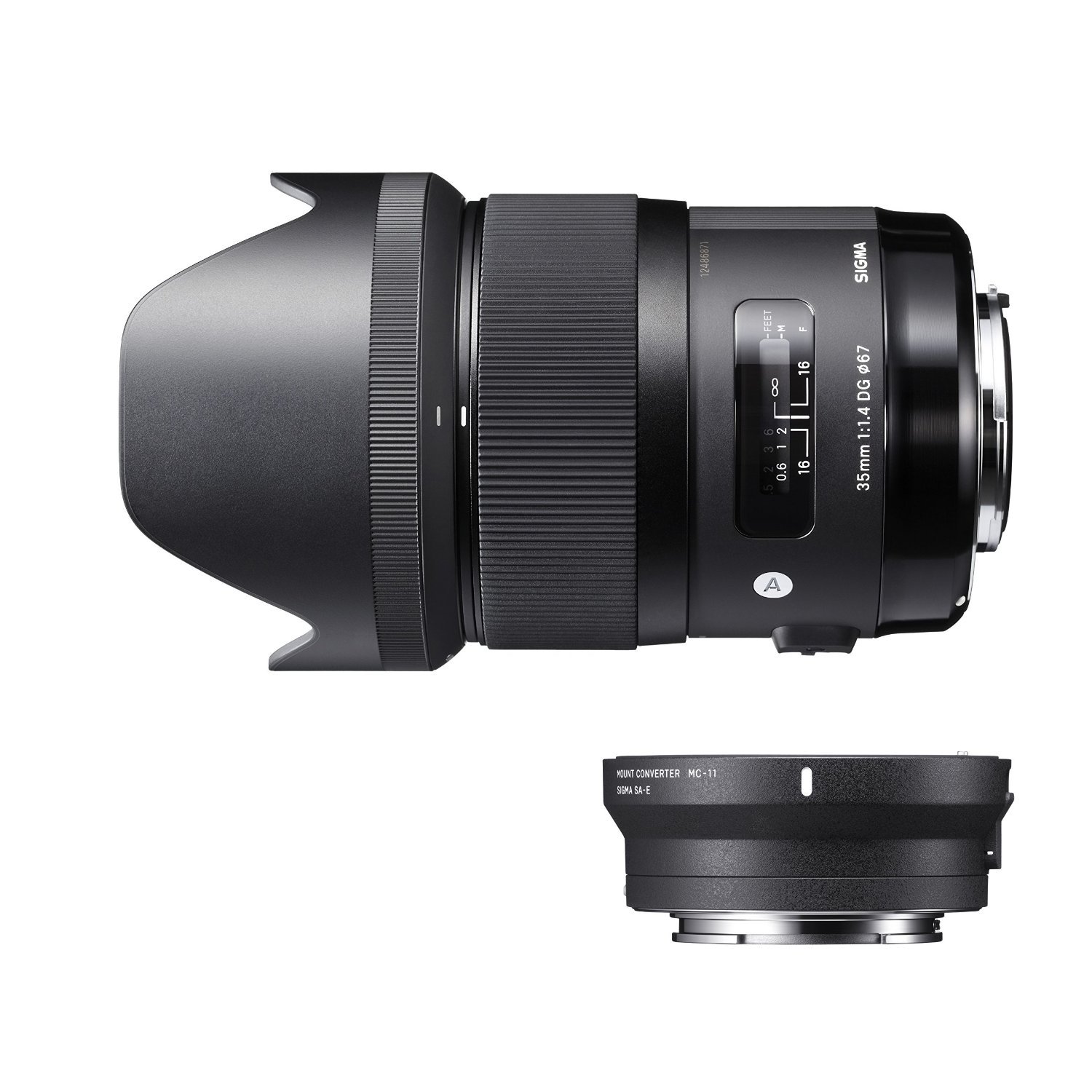
For portrait and editorial shooters, a sharp lens such as the Sigma 50mm f/1.4 DG HSM Art or the Sigma 35mm f/1.4 DG HSM Art can help deliver crisp detail and pleasing subject separation straight out of camera, reducing the temptation for excessive clarity or fake background blur in editing. Unique Photo carries tools like these for photographers who want to improve image quality at capture rather than relying on heavy post-processing later.
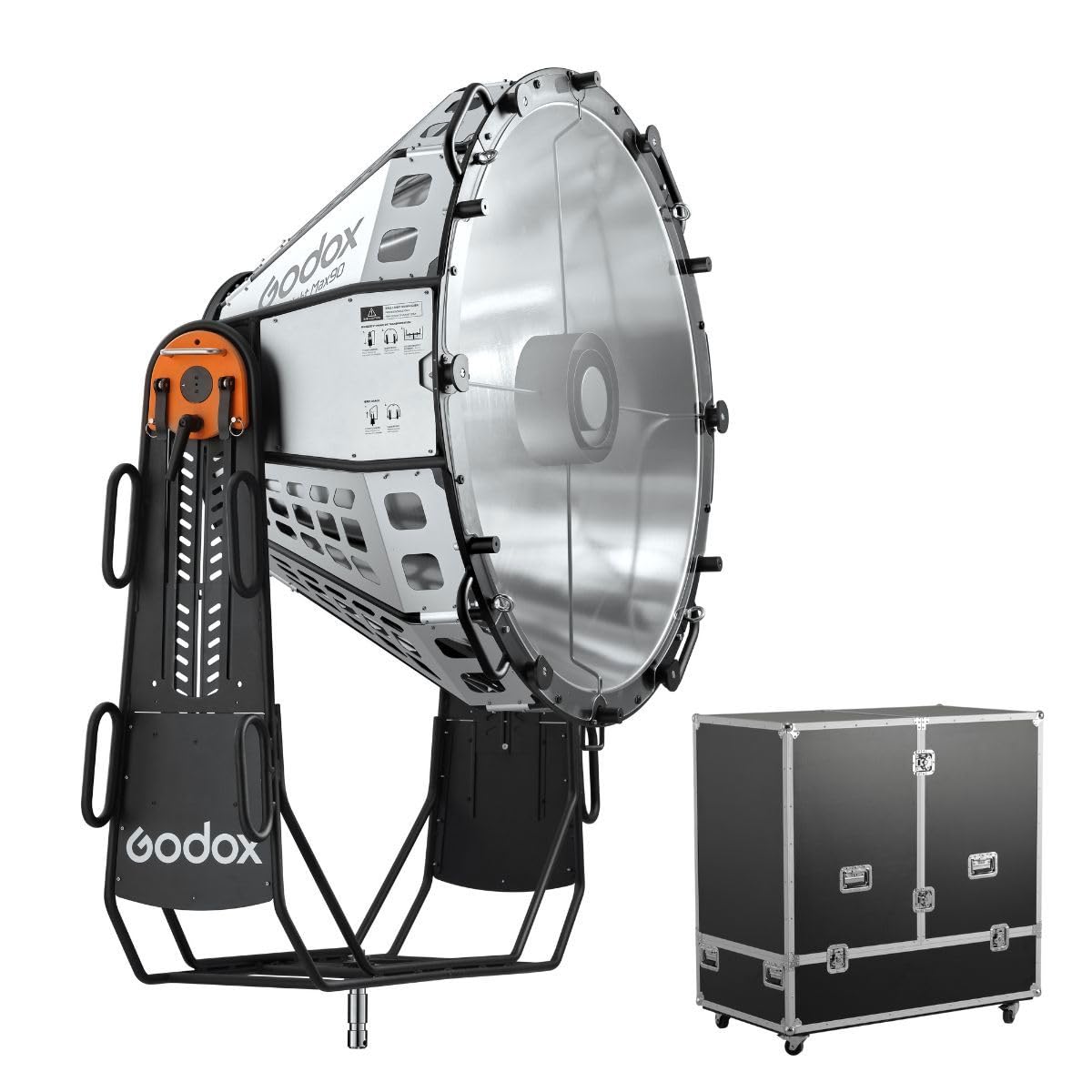
Likewise, controlling light direction during a shoot can reduce problem reflections, blown highlights, and uneven contrast. A modifier such as the Godox BeamLight Max90 Reflector may be part of a larger controlled-lighting workflow where precision capture leads to less invasive editing later.
AI editing tools and contest submissions: proceed carefully
Modern editing software increasingly includes AI masking, object removal, noise reduction, generative fill, and background replacement. Some AI tools are acceptable when they assist with technical cleanup, while others fundamentally create image content that did not exist.
Be especially cautious with:
- Generative expand
- AI sky replacement
- AI object insertion
- AI face or body reshaping
- Heavy AI skin smoothing
If the contest does not clearly address AI-assisted editing, assume the organizers may review your file conservatively. Transparency is always better than surprise.
Final contest submission checklist for editing and watermarking
Before you upload, run through this checklist:
- Read the category rules again
- Confirm whether visible watermarks are prohibited
- Compare your final image to the original capture
- Verify file dimensions, size, and color space
- Check for halos, oversharpening, and cloning errors
- Remove borders, logos, and identifying text if not allowed
- Save the original RAW and working edit files
- Export a clean final JPEG specifically for the contest
Conclusion: submit clean, honest, and competition-ready images
The dos and don’ts of editing and watermarking photos for contest submissions come down to one core principle: respect the rules and let the image speak for itself. Moderate adjustments that improve tone, color, and clarity are often expected, but aggressive manipulation, visible branding, or file-prep mistakes can quickly undermine a great photograph.
When in doubt, stay conservative, keep your originals, and prepare a separate unwatermarked contest version. Unique Photo is a great resource for photographers refining both their capture workflow and post-production process, whether you are looking for lenses, lighting tools, scanners, or other gear that helps you get more right in camera.
For internal linking, consider directing readers to related Unique Photo content such as lens buying guides, lighting accessory pages, scanner resources, and photo printing or portfolio-prep articles to support a stronger end-to-end contest workflow.