DNP IDW520-SET Passport and ID Photo Solution
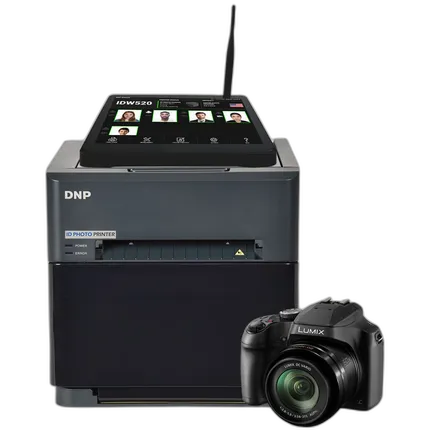
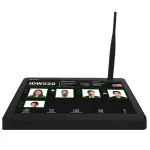
Key Features
- Printer, Camera, Monitor, and FlashAir™ WiFi card all included!
- Smaller footprint taking up less countertop space
- Two clicks to wirelessly transfer images to the processor console
- Designed for both domestic and foreign passport requirements.
Recommended Accessories
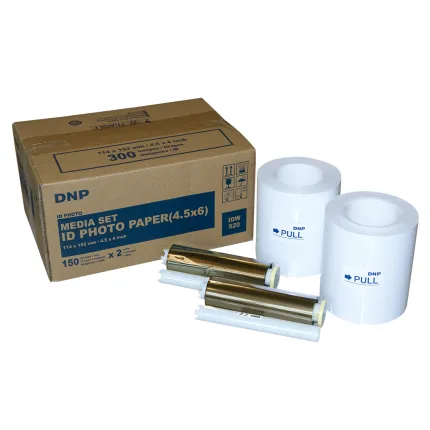
DNP 4.5 x 6in Media for IDW520 Passport and ID Printer (2-Pack)
- Size: 4.5" x 6"
- Number of rolls: 2
OVERVIEW
IDW520
Our Smallest and Lightest PASSPORT Printer!
ID photo printing is one of the most profitable services a photo business can offer. The IDW520 is specifically designed to produce passport and ID photos that comply with federal requirements; thus eliminating rejections and keeping your customers happy.
Your all-in-one solution!
- Panasonic® FZ80 Camera
- FlashAir™ Card
- Touchscreen Monitor
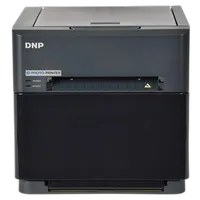
- ID Photo Printer
Quickly produce compliant ID photos the first time every time in just a few easy steps. No need for manual adjustment—saving you time and removing the risk of operator error.
It’s easier than ever using our software!
- Choose from a vast selection of foreign and domestic passport and Visa output sizes.
- The IDW520 software creates a gallery of the past six captured images. This allows for easy reprints or changing the template without taking another picture.
- The built-in biometric function automatically adjusts the head size and position so that it fits the sizing guide properly. Adjust color, brightness, contrast, and more to ensure the highest quality photo.
Brand
- DNP IDW520 Passport and ID Photo Solution Set
- IDW520 Wireless Console, Touchscreen Monitor
- Panasonic FZ-80 Camera
- SD Wireless Card
- US Power Cord and USB Cable
- Quick Start Guide
No creators have tagged this product yet.
Articles featuring this product
Community questions about this gear
Ask a question
0
votes
2
answers
175
0
votes
2
answers
356
0
votes
2
answers
716
0
votes
2
answers
394
0
votes
2
answers
399
Why can skin tones look different in a desaturated color image versus a true black-and-white photo?
Photography Stack Exchange contributor
5y ago
0
votes
2
answers
198
Do I need a graduated ND filter for long exposures with a bright sky?
Photography Stack Exchange contributor
6y ago
You may also like
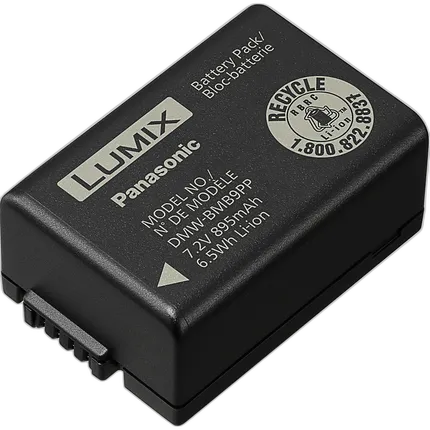
Panasonic DMW-BMB9 Lithium-Ion Battery (7.2V, 895mAh)
- Rechargeable lithium-ion chemistry
- Powers the Lumix FZ80, 40, 45, 47, 60K, 100 and 150K digital cameras
DNP 4.5 x 6in Media for IDW520 Passport and ID Printer (2-Pack)
- Size: 4.5" x 6"
- Number of rolls: 2
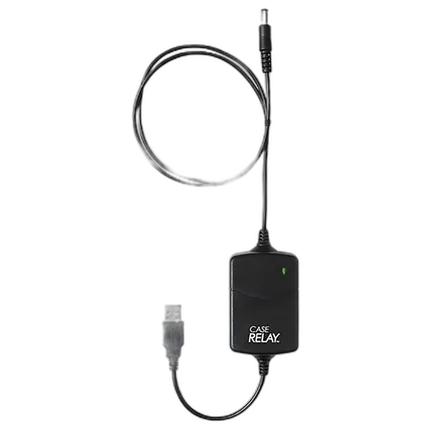
Tether Tools Case Relay Camera Power System
- Tether Tools case relay Eps
- Provide constant power to your camera