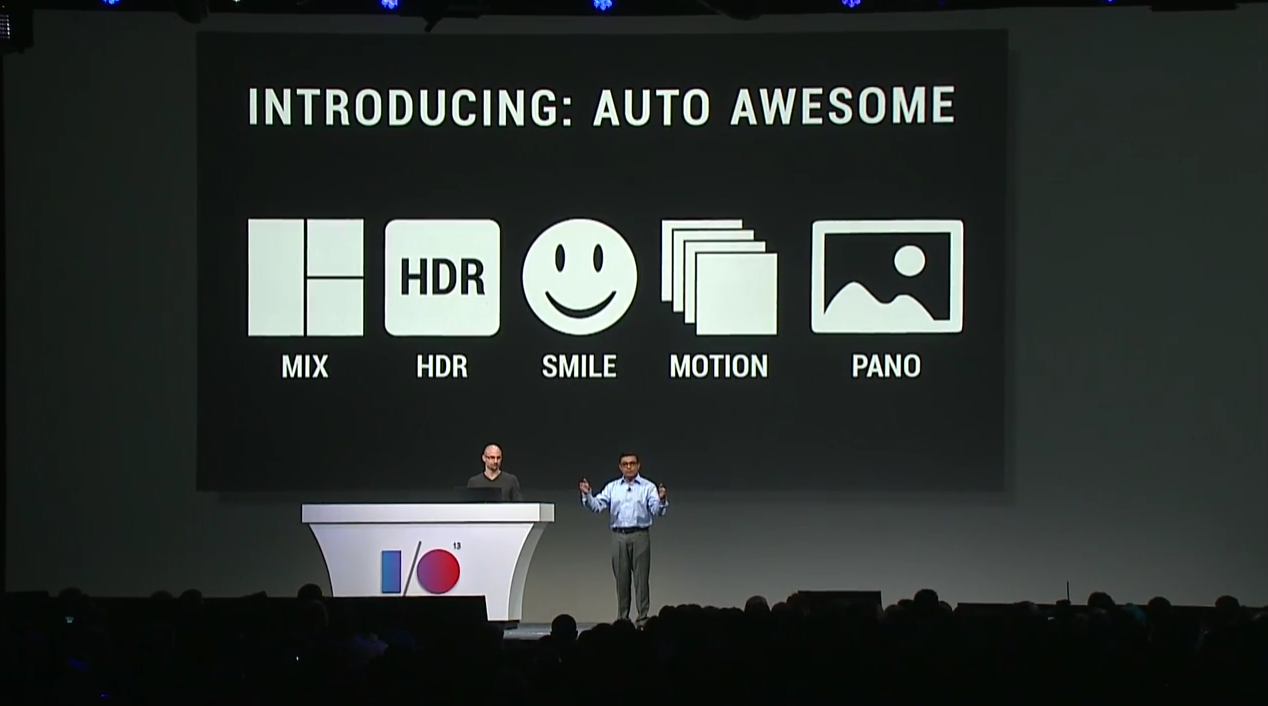
It was a packed eight hours yesterday at Day 1 of Google I/O, the yearly developer conference for all things Google. There were no lack of headlines that emerged throughout: Google Maps is getting overhauled, Google itself is getting overhauled, but most importantly to us photographers, the Mountain View tech giant announced some interesting improvements to the way you store and manipulate your mobile photographs. These updates are all based within the realm of Cloud Storage, which is Google's proprietary online backup system.
[caption id="attachment_19243" align="aligncenter" width="423"]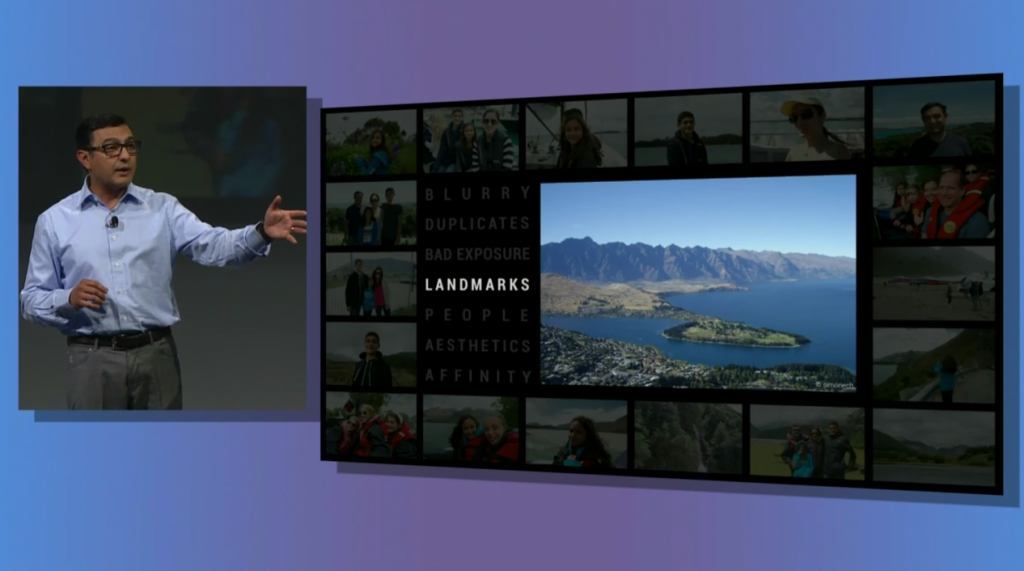 The Cloud: Your personal image critic[/caption]
The first new feature is a little creepy, but it could have some merit: Highlight. Using lots of complicated algorithms and facial recognition, the Cloud can condense an album of hundreds (or thousands) of photos into what it thinks are the best of the bunch. CNET's video skims over some of the details, but after watching the conference live, it appears that the Cloud can recognize the rule of thirds - among other eye-pleasing attributes - and sifts them out from the rest.
[caption id="attachment_19244" align="aligncenter" width="423"]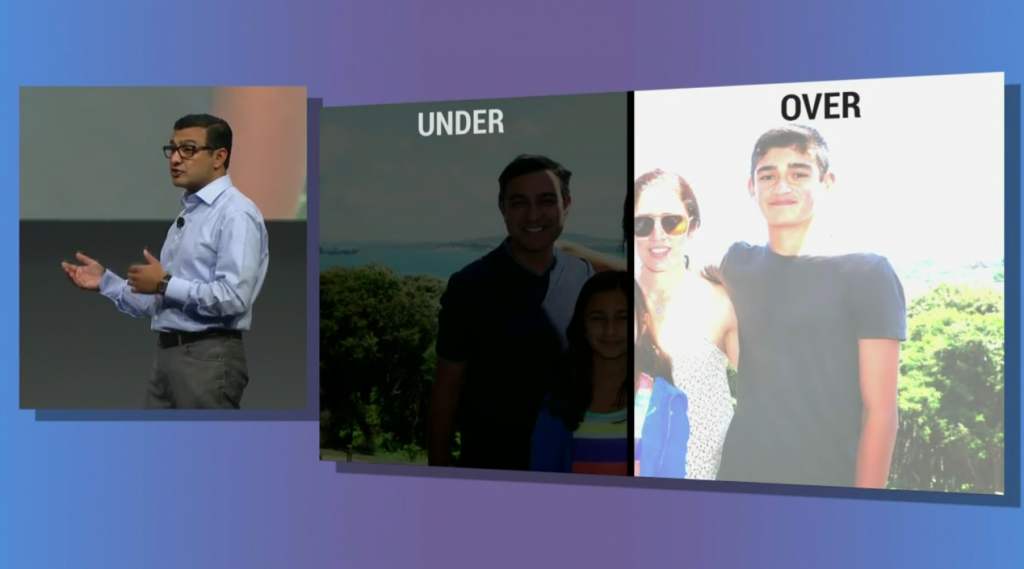 "Enhance" can fix your exposures and more, without your input[/caption]
Next up, Google dishes out another promising, if not ham-fisted function of the Cloud: "enhance". Google will apply some more of its sorcery intelligence to edit your photos with filter such as Noise Reduction, Skin Softening, and Structure. These effects are applied automatically, and thus you again have to roll the dice and hope that Google comes out with a decent image. The silver lining here, however, is that if you have an under or overexposed image, these corrective effects can be applied quickly.
[caption id="attachment_19245" align="aligncenter" width="423"]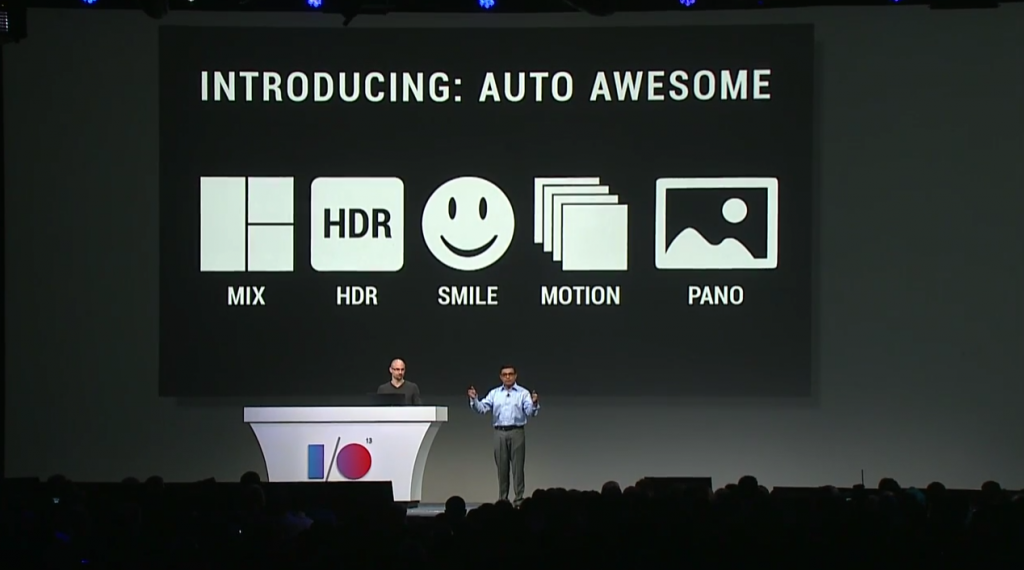 Not much to see here[/caption]
Finally, we have the new "Awesome" functionality of the Cloud, which, let's be honest, is Google's fancy way of saying "we can make HDRs, moving images, panoramics and photo albums". Yawn. Nothing revolutionary here, and especially nothing that can't be done in-camera or in Lightroom/Photoshop with a few clicks.
What do you think of Google's new Cloud capabilities? Is there anything useful here, or will Google Cloud just remain a backup solution?