Darkroom Printing Tips for Home Setups: What to Compare Before You Build Your Space
Setting up a home darkroom is about more than just finding room for trays and chemistry. The real challenge is choosing the right support tools for your workflow: safe lighting for handling paper, practical printing options for notes and proofing, and education that helps you avoid common mistakes. For this comparison, we’re looking at several products and experiences that can support a home printing setup in different ways, including the Kaiser Darkroom Light, two Canon home printers, and Unique Photo learning options that help photographers refine their printing technique.
Because not every home darkroom works the same way, this comparison focuses on how each option fits into a larger at-home printing workflow. Some products are direct darkroom tools, while others are best used for organization, proofing, reference printing, or improving technique before you commit to final enlargements or finished prints.
Side-by-Side Comparison
| Product | Type | Best For | Home Darkroom Role | Image Available |
|---|---|---|---|---|
| Kaiser Darkroom Light | Darkroom accessory | Safe workspace illumination | Essential for paper handling and print evaluation under appropriate conditions | No |
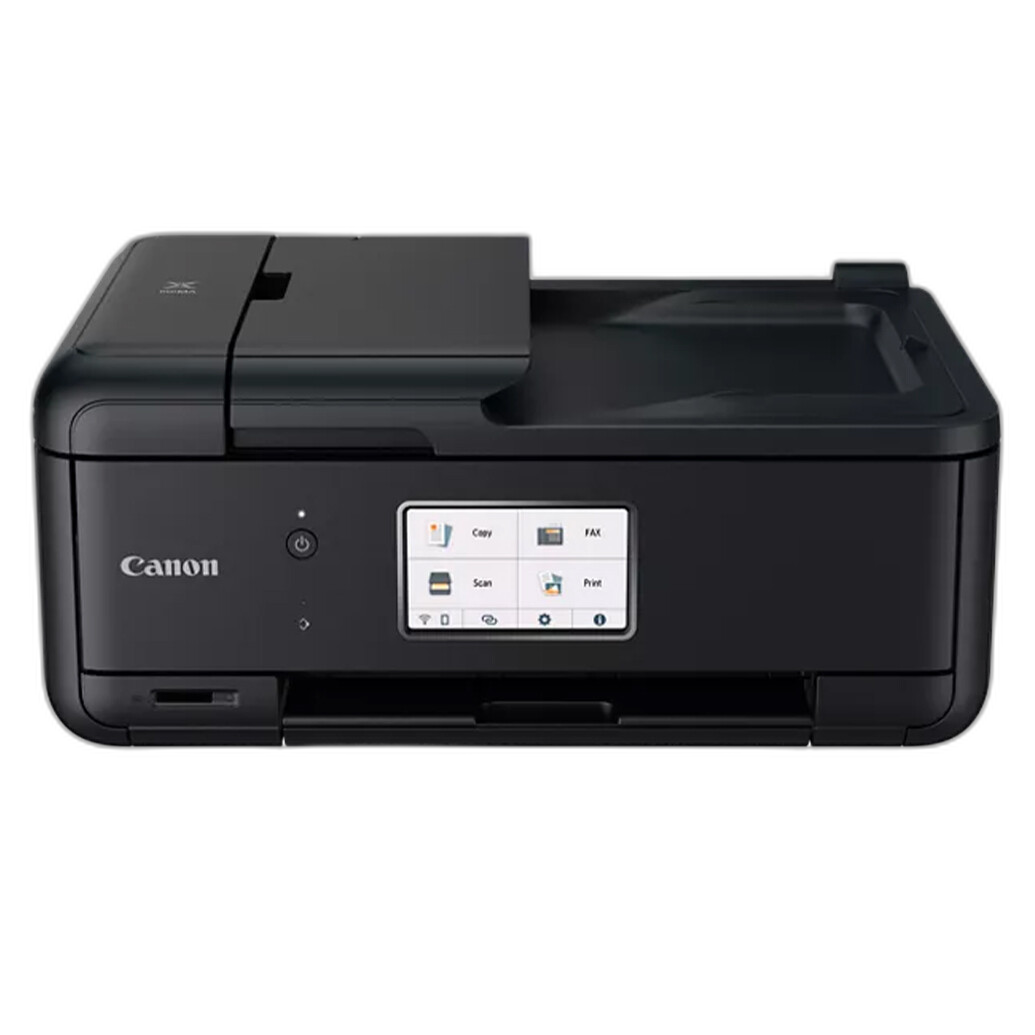
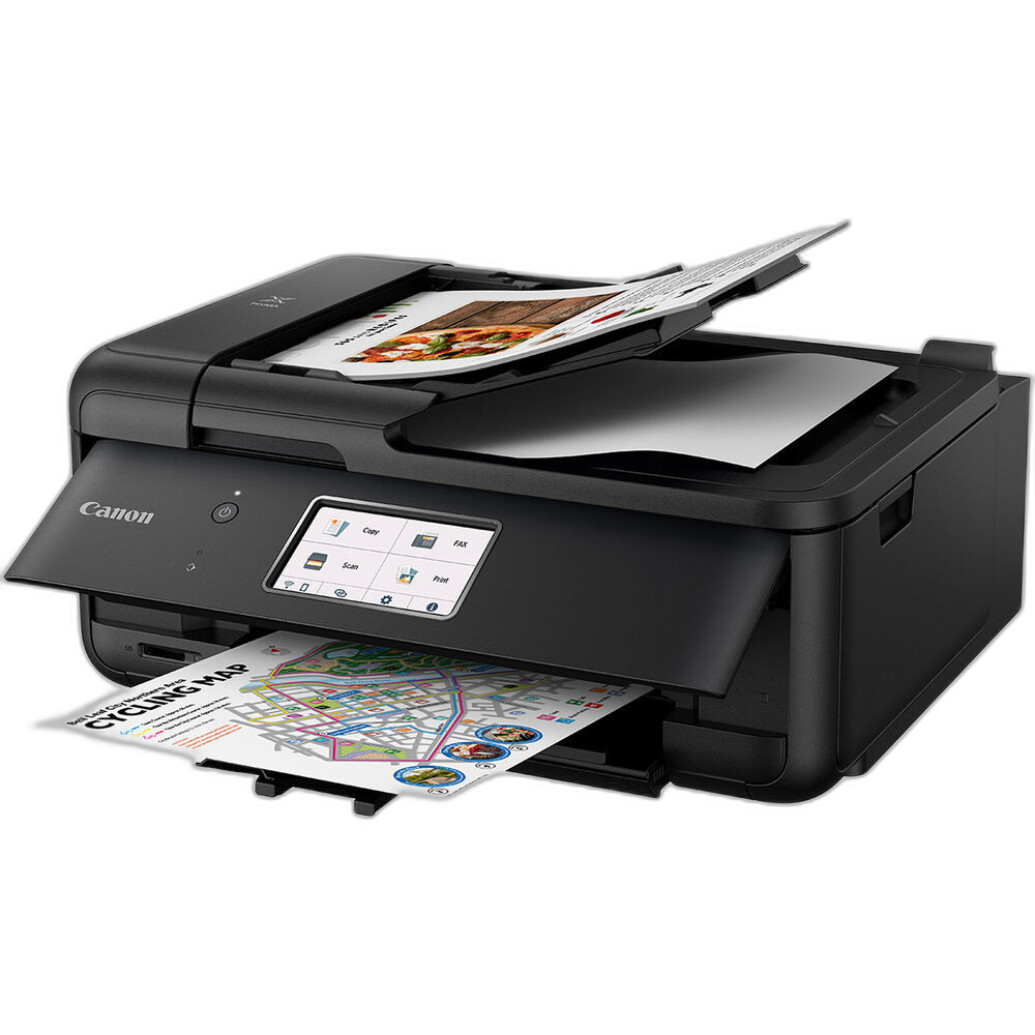
| Canon PIXMA TR8620a Wireless Home Office All-in-One Printer | Inkjet all-in-one printer | Proof sheets, notes, hybrid workflow tasks | Useful companion for contact references, scans, workflow documentation, and admin tasks | Yes |
| Canon MAXIFY MB2120 Wireless Home Office All-in-One Inkjet Printer | Inkjet all-in-one printer | General home office printing | Best for paperwork and workflow support rather than photo-focused output | No |
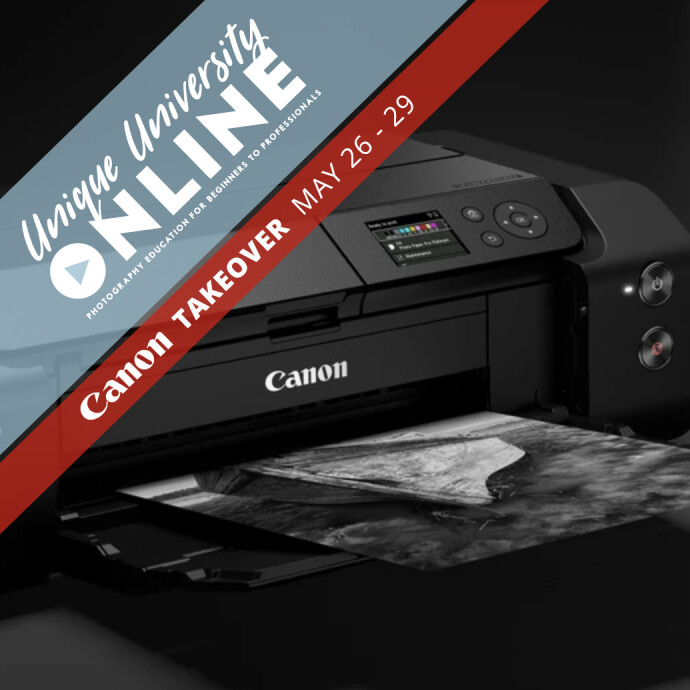
| UUOnline (Canon Takeover): Printing with the Canon PRO-300 | Online class | Learning print technique | Helpful for understanding print quality, color workflow, and finishing principles | Yes |
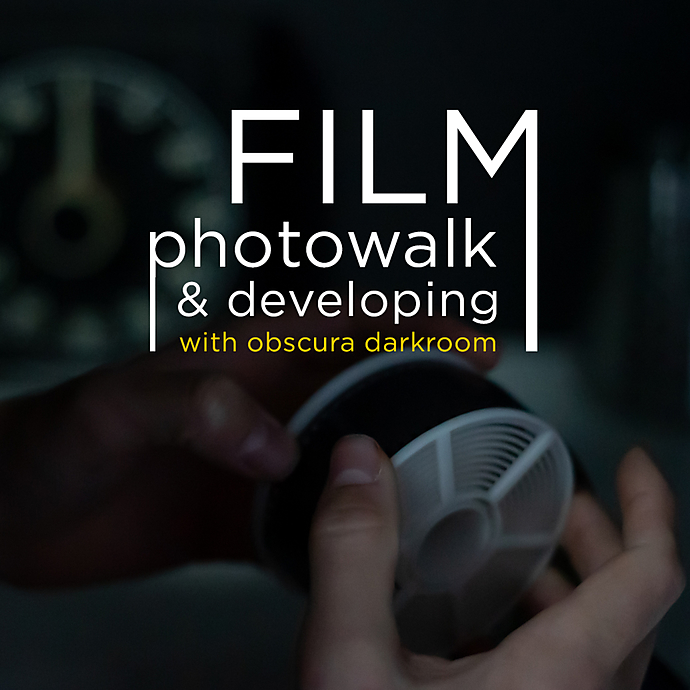
| Film Photowalk and Developing with Obscura Darkroom | Workshop / experience | Hands-on film and darkroom learning | Great for building confidence before refining a home setup | Yes |
| Personal One-On-One Instruction @HOME or @WORK | Private instruction | Custom setup help | Ideal for troubleshooting a home darkroom or hybrid print workflow | No |
| Sandwich Bags 50ct Zip Seal Home Select Brand | Storage accessory | Small-part organization | Simple way to separate filters, notes, test strips, and accessories | Yes |
How These Products Fit Into a Home Darkroom
1. True Darkroom Essential: Kaiser Darkroom Light
If your goal is traditional darkroom printing at home, the Kaiser Darkroom Light is the most directly relevant product in this comparison. A home setup needs controlled lighting above almost everything else. Whether you are making black-and-white enlargements, organizing paper, or moving between trays, a proper darkroom light helps create a more functional and safer printing environment.
For many photographers, this is the first category to get right. Even the best enlarger and paper won’t help much if your workspace lighting is inconsistent or unsuitable for darkroom use. In a comparison like this, the Kaiser is the most purpose-built option for analog printers.
2. Hybrid Workflow Support: Canon PIXMA TR8620a vs Canon MAXIFY MB2120
Even photographers committed to wet darkroom printing often benefit from an inkjet printer in the same workspace. These printers are not replacements for silver gelatin printing, but they can be very helpful for contact references, scanned proof sheets, exposure notes, filing labels, workflow diagrams, and project planning.
The Canon PIXMA TR8620a Wireless Home Office All-in-One Printer is the more natural fit for photographers who want a flexible home printer that can support creative tasks alongside office functions. Canon’s PIXMA line is widely associated with image-friendly output, making the TR8620a a stronger choice for visually oriented users.
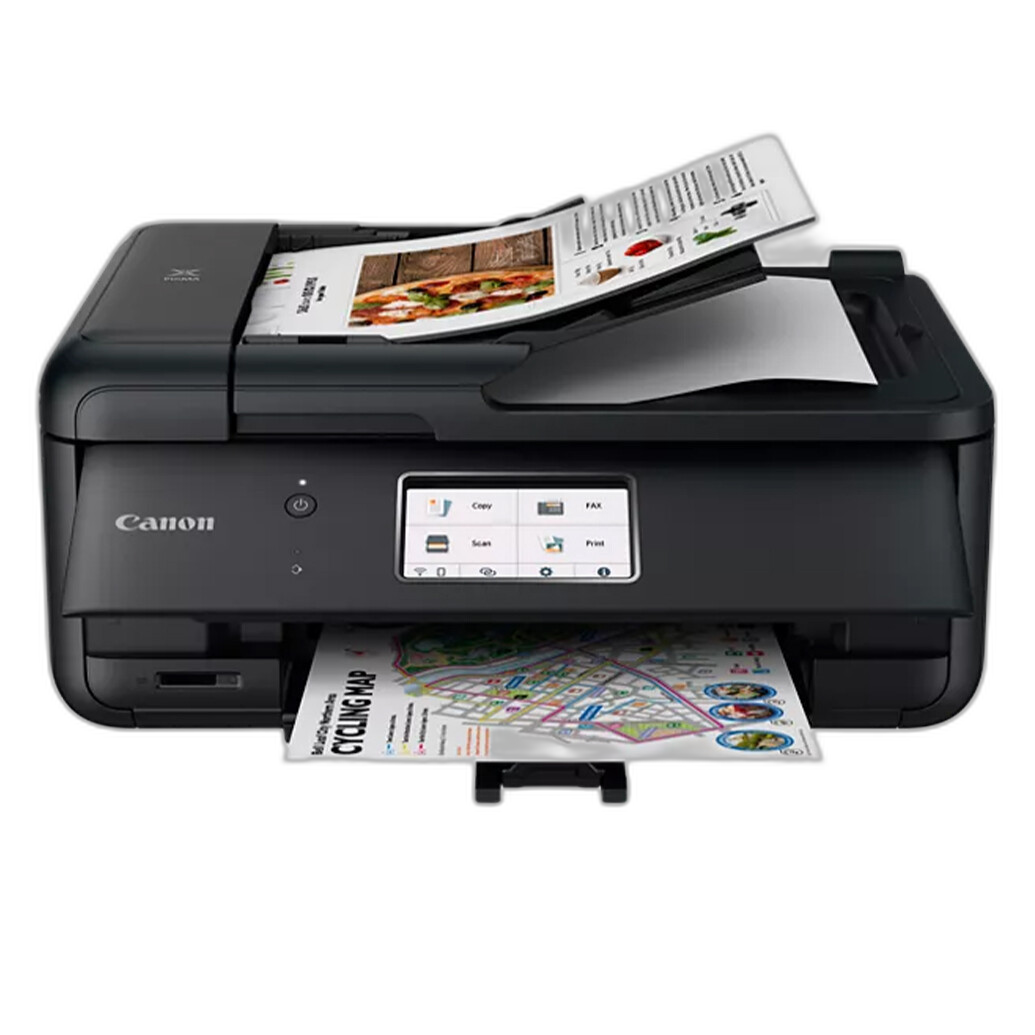
By contrast, the Canon MAXIFY MB2120 Wireless Home Office All-in-One Inkjet Printer is more office-centered. If your darkroom setup doubles as a home office and your main need is documents, checklists, print logs, or inventory sheets, the MAXIFY may make sense. But for a photographer thinking specifically about image-related support in a home print workflow, the PIXMA feels more aligned.
In short: the PIXMA TR8620a is the better companion for a photography-minded home setup, while the MAXIFY MB2120 is more of a utility choice.
3. Education Matters More Than Gear: Online vs Hands-On Learning
Many home darkroom issues come down to technique rather than equipment. Exposure control, contrast decisions, print evaluation, archival handling, and workflow consistency all improve faster when you have guidance. That makes the educational options in this comparison especially valuable.
The UUOnline (Canon Takeover): Printing with the Canon PRO-300 class is aimed at printing education from the digital side, but it still offers useful lessons for photographers building a thoughtful print workflow at home. Topics like print preparation, output expectations, and image-to-print decision making are highly relevant in hybrid environments.
The Film Photowalk and Developing with Obscura Darkroom offers a more immersive analog-centered experience. For photographers new to film and darkroom practice, this kind of workshop can provide practical context before investing further in a home printing space.
Meanwhile, Personal One-On-One Instruction @HOME or @WORK may be the most effective learning option of all for home setups, because it can address your exact room, your exact constraints, and your exact workflow. If you are struggling with layout, print consistency, chemistry handling, or mixing analog and digital processes, personalized instruction can accelerate results dramatically.
4. Small Accessories Can Improve Workflow
Home darkrooms often succeed or fail on organization. Labeling paper, separating used test strips, storing notes, and protecting small accessories all matter more than many photographers expect. That’s where a simple item like the Sandwich Bags 50ct Zip Seal Home Select Brand becomes surprisingly useful.

While it’s obviously not a photographic product, it can be handy for keeping filters, paper scraps, exposure test references, and miscellaneous darkroom items sorted in a compact home setup. For small spaces, organization tools are often part of a smoother printing routine.
Which Option Is Best for Different Home Setups?
Best for Traditional Darkroom Printers
Kaiser Darkroom Light. If you are actively making darkroom prints at home, proper lighting is foundational.
Best for Hybrid Analog/Digital Workspaces
Canon PIXMA TR8620a. It makes the most sense as a photographer-friendly all-in-one companion for proofing, documentation, and general creative workflow support.
Best for Learning and Skill Building
Personal One-On-One Instruction @HOME or @WORK if you want customized help, or Film Photowalk and Developing with Obscura Darkroom if you want a guided analog experience.
Best for Office-First Setups
Canon MAXIFY MB2120. Better suited to general paperwork and admin than photography-focused support.
Our Pick
Our Pick: Kaiser Darkroom Light
For the topic of darkroom printing tips for home setups, the Kaiser Darkroom Light is the clearest recommendation because it is the most directly relevant product to successful darkroom printing. If you are building or improving a true home darkroom, appropriate lighting is one of the first things to solve. Among the options compared here, it is the tool most closely tied to actual printmaking conditions.
That said, for photographers working in a hybrid space, the Canon PIXMA TR8620a is the best supporting product, and Personal One-On-One Instruction may offer the biggest improvement per dollar if workflow problems are holding you back.
Conclusion
A strong home darkroom setup depends on balancing essential tools, practical workflow support, and the right education. In this comparison, the Kaiser Darkroom Light stands out as the most purpose-built darkroom item, while Canon’s PIXMA TR8620a offers useful support for hybrid printing spaces. Workshops and personalized instruction can be just as important as equipment when you’re trying to improve print quality at home. If you’re building out your workflow, refining your technique, or exploring the right tools for your space, Unique Photo offers gear, classes, and expertise to help you get there.