No results for “epson gloss optimizer hi gloss 2 ink series 87 for r1900”
We couldn't find what you're looking for, but we have plenty to explore. Check out our popular categories or try a different search.
Guides & Articles
View all 2767 articles

Product Feature Enhancement: Epson Stylus Pro 700 Series Printers
[caption id="attachment_6244" align="alignright" width="300" caption="Epson SP9700 Stylus Pro"] [/caption] Epson Professional Imaging is pleased to announce a…
Continuing The Legacy Of Imaging Excellence: New Canon PIXMA PRO-series Printers Produce Superb Blac
Lastly, but definitely not least, Canon announced the release of two all new PIXMA PRO Printers - the PIXMA PRO-10 and PIXMA PRO-100. LAKE SUCCESS, N.Y.,…

Epson Recycle Program
At Epson, we recognize the importance of preserving our environment and contributing to the global community. With that in mind, we are proud to sponsor a…
Epson Artisan 700 & 800 Printers
LONG BEACH, Calif., Aug. 27, 2008 – Epson America Inc. today introduced the Artisan™ 800 and Artisan 700, two new all-in-ones that are likely to…
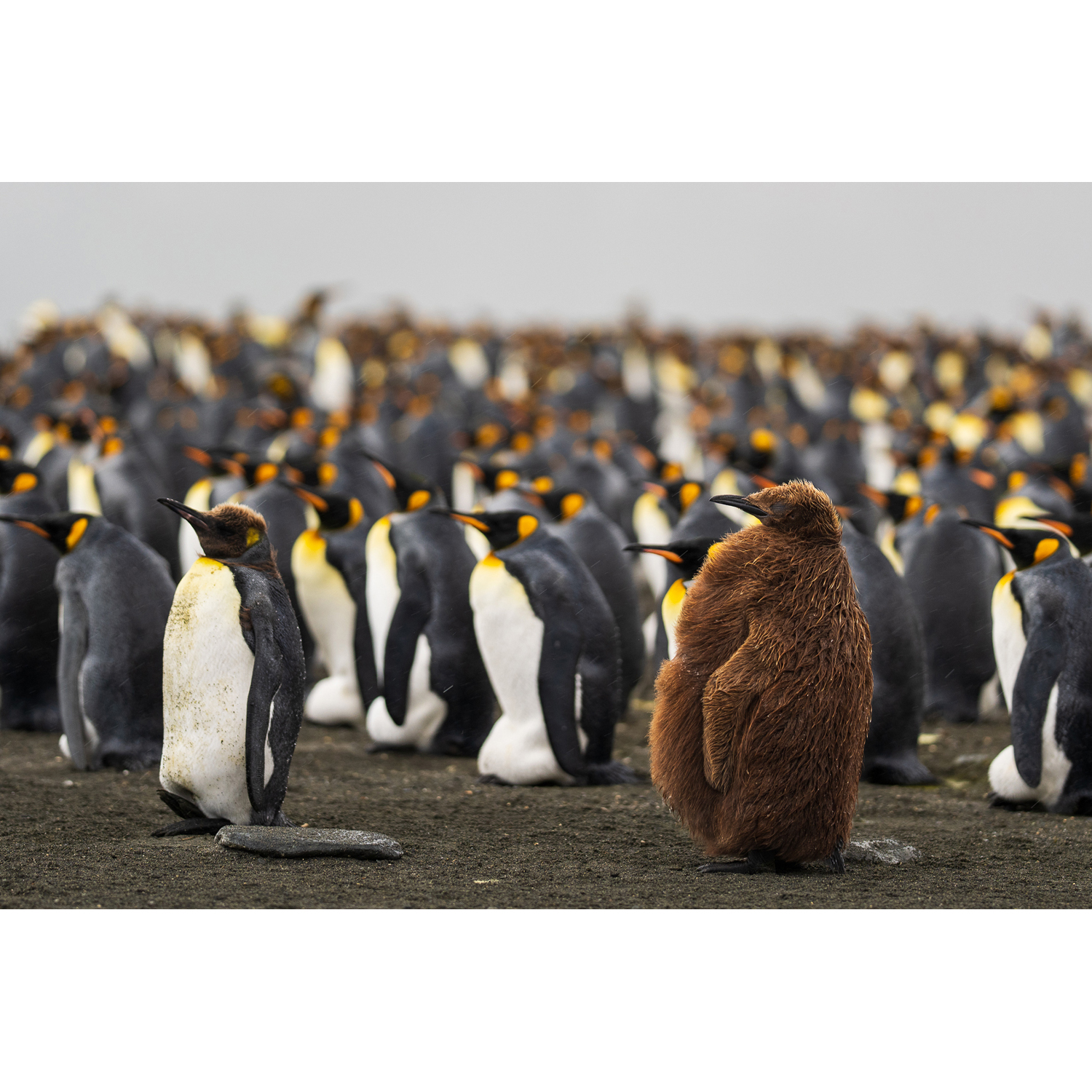
Epson SureColor P5370 Review: The Home-Printing Edge for Picking Your Contest Winner
Overview When you’re submitting to a photo contest, the difference between a finalist and a near miss is often decided in the final 5%—nuance in color, tonal…
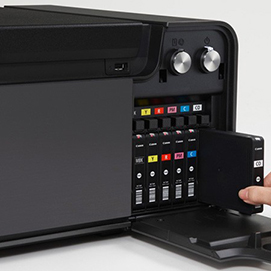
PDN Photo Plus Wrap-Up: Canon Pixma PRO-1
[caption id="attachment_5874" align="alignright" width="300" caption="Canon's new PIXMA Pro-1"] [/caption] Although I was busy answering questions and selling…
Nikon Press Center – NIKON D Series Digital SLR Camera wins J.D. Power & Associates Award 2 Years In
MELVILLE, N.Y. (Oct. 14, 2008) – For the second consecutive year, Nikon D Series Cameras rank "Highest in Customer Satisfaction with Digital SLR…
Firmware Update for Nikon Z Series Cameras
Eye-Detection autofocus (AF) for still-image shooting The new firmware offers Eye-Detection AF functionality that automatically detects and focuses on human…
Community Q&A
2
answers
Which printer paper setting uses less ink: glossy or semi-gloss/lustre?
I’m setting up print profiles on a Canon Pixma MX892 and want to keep the options simple for my family. We use both glossy photo paper and lustre/semi-gloss photo paper. If I choose one default paper setting, should it b
2
answers
Is there glossy inkjet paper that avoids gloss differential with pigment inks?
I print with an Epson Pro 3880 using Ultrachrome K3 VM pigment inks. On glossy papers, the printed areas often look slightly more matte than the unprinted areas, and on some luster papers the opposite can happen, creatin
2
answers
What are the best framing options for glossy photo prints besides standard glass?
I have 10x8-inch glossy photo prints and I'm considering how to display them. I’m wondering whether putting glossy prints behind glass will create too much glare, and whether there are good alternatives that still look n
2
answers
How do matte, semi-gloss, and glossy photo papers affect the look of a print?
How does printing on matte, semi-gloss, or glossy paper change the appearance of a photo? I’ve heard glossy paper can appear to have more dynamic range. Besides that, what practical differences should I expect in contras
2
answers
Is the Epson R1900 paper feed reliable for larger sheets and roll paper?
I’m considering replacing an Epson Stylus Photo 1400 because I’ve had problems with sheets skewing when printing larger sizes. Before ordering an Epson R1900, I’d like to know whether its paper loading/feed mechanism han
2
answers
How do I scan large glass magic lantern slides on an Epson Perfection V330?
I want to scan old glass magic lantern slides with an Epson Perfection V330. If I scan them as reflective documents, I get shadows. If I try film mode, the scanner says: "Please remove the document mat and/or replace the