Introduction: A Printer-Centric Review for Better Contest Entries
When photographers prepare contest submissions, the final stretch often comes down to technical discipline: getting file size right, choosing the correct color profile, and exporting in the format the competition actually requests. While this topic is broader than any single piece of gear, the Epson SureColor P5370 17-Inch Professional Photographic Printer stands out as an excellent product to review in this context because it reinforces one of the most important truths of competition workflow: if your image holds up in print, it is usually far more likely to survive close judging on screen as well.
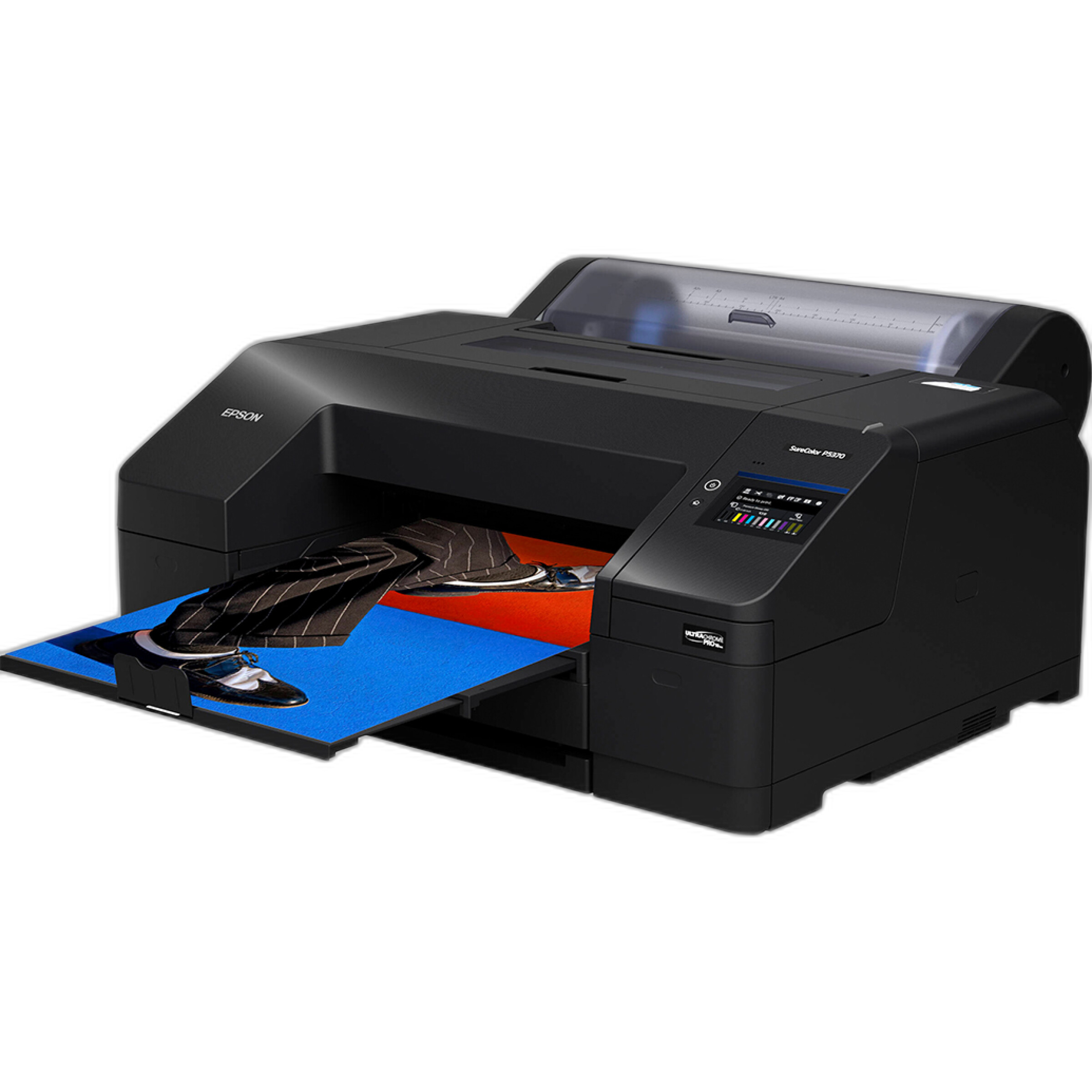
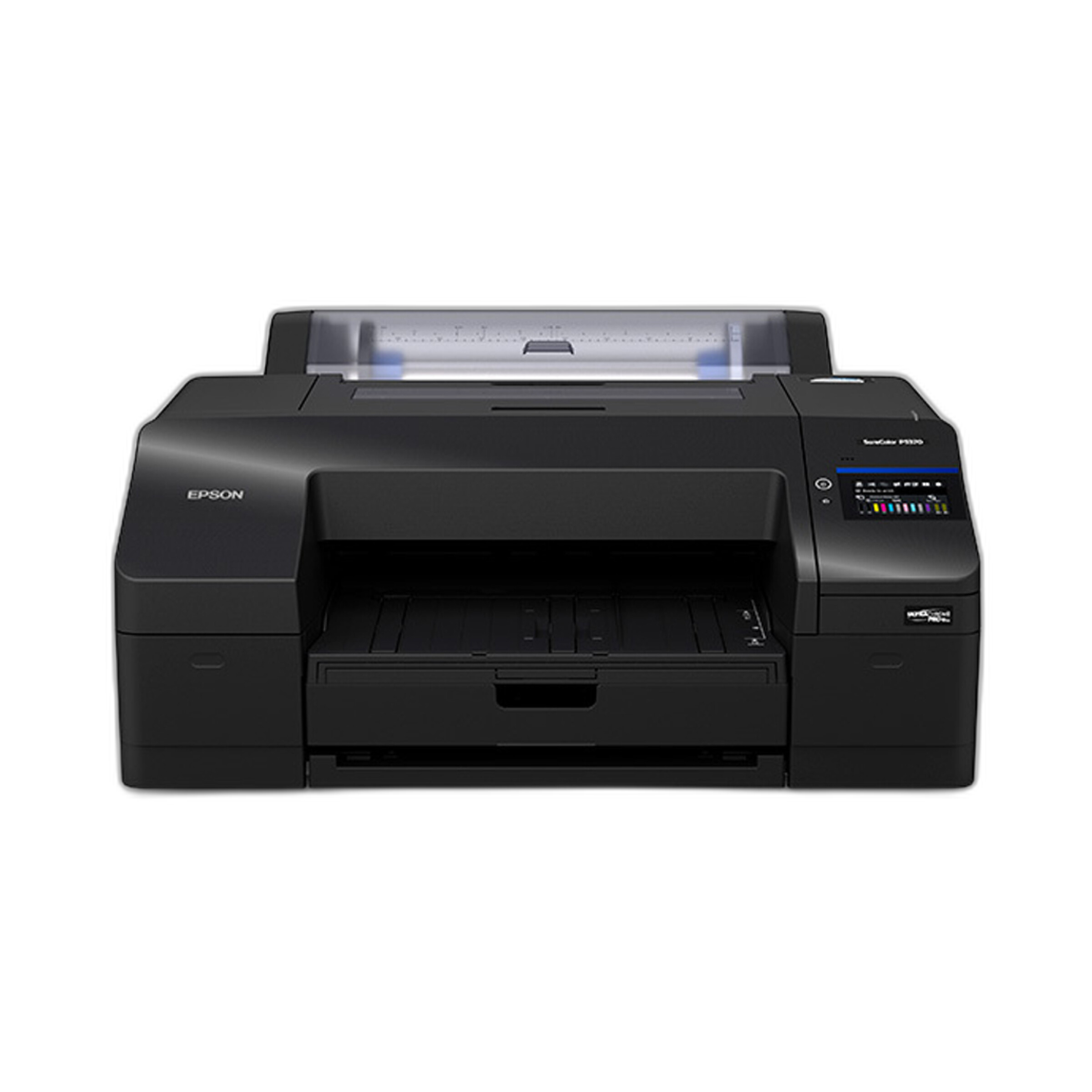
The P5370 is positioned as a professional photographic printer for serious image makers who care about tonal control, color fidelity, and exhibition-quality output. For contest photographers, that matters. Printing your work before submission is one of the best ways to catch over-sharpening, muddy shadows, clipped highlights, and color casts that may be less obvious on a monitor. In practical terms, this Epson becomes more than a printer—it becomes a diagnostic tool for preparing stronger entries.
For photographers entering juried exhibitions, camera club competitions, online contests, and gallery calls, the P5370 fits into a high-end workflow where consistency matters. It will not compress your JPEGs or fill out submission forms for you, but it can help you evaluate the exact image quality decisions that affect contest success.
How This Product Supports Contest-Ready Workflow
Contest prep usually involves three recurring technical checkpoints:
- File size: meeting upload limits without visibly damaging image quality
- Color profile: ensuring your submission displays predictably on common judging systems
- Submission format: exporting the correct JPEG, TIFF, or print-ready file to spec
The Epson SureColor P5370 is especially valuable in the stage before export. It lets you make a high-quality print and evaluate whether your image is truly finished. That matters because many contest losses happen before submission: poor tonal separation, weak color balance, excessive saturation, haloing from over-editing, and insufficient detail retention after resizing.
Key Features
Professional Print Quality for Honest Image Evaluation
The biggest strength of the Epson SureColor P5370 in a contest workflow is its ability to reveal what your file is really doing. A serious photographic printer exposes subtle issues that can get hidden by bright monitors and casual editing environments. If skin tones drift, if blues are oversaturated, or if black-and-white tonality feels blocked up, a quality print often makes the problem obvious.
That is highly relevant when preparing entries for competitions, because judges frequently scrutinize image craftsmanship. A print review session before exporting your final digital file can help you refine local contrast, sharpen more carefully, or back off aggressive color moves.
Excellent Companion for Color Management Discipline
One of the most common contest-entry mistakes is misunderstanding color profiles. Many competitions specifically request sRGB JPEGs for online submission because sRGB is the safest standard for browser-based viewing and mixed display environments. Others, especially print competitions, may request Adobe RGB, TIFF, or lab-specific output standards.
The P5370 encourages a more color-managed workflow overall. When photographers print test images, they become more aware of monitor calibration, ICC profiles, rendering intent, and paper behavior. Even if the final contest submission is digital-only, using a printer like this helps build the habits that reduce color errors.
Practical contest tip: edit in a wide-gamut workflow if you prefer, but always confirm the contest rules before export. If the organizer says sRGB JPEG, do not submit Adobe RGB and hope for the best. A printer like the P5370 helps you assess your image quality before that final conversion.
Useful for Print Competitions and Exhibition Submissions
Some contests still require physical prints or at least strongly reward photographers who think in print. The 17-inch format gives the Epson SureColor P5370 strong relevance for photographers producing competition prints, portfolio pieces, or exhibition proofs. It is large enough to create serious presentation pieces while still fitting realistic studio and office spaces better than larger-format production printers.
For photographers entering print divisions, this is where the P5370 becomes especially compelling. It supports a workflow where you can test layout, tonal structure, edge detail, and paper choice without outsourcing every iteration.
Pairs Naturally with Fine Art Media for Presentation
Contest presentation can be as important as technical correctness. If your competition involves mounted or loose prints, paper choice affects mood, perceived sharpness, color intensity, and the emotional tone of the final image. A product like Epson 44x50 Exhibition Watercolor Paper - Roll represents the kind of media serious printers can be matched with when photographers want a more tactile, fine-art look.

While not every contest calls for watercolor texture or matte presentation, having access to archival and specialty media broadens your options. For monochrome, portraiture, and painterly landscape work, paper selection can elevate the entire submission package.
Practical Contest Tips Inspired by This Review
1. File Size: Resize Carefully, Not Aggressively
Most online contests specify maximum pixel dimensions, maximum megabytes, or both. A common mistake is exporting too small, which leaves detail on the table, or compressing too hard, which introduces visible artifacts.
Best practice:
- Read the rules exactly
- Export to the maximum allowed dimensions when possible
- Use JPEG quality settings high enough to avoid blockiness or banding
- Inspect the final file at 100% before uploading
If your image prints beautifully on the P5370 but falls apart after your web export, the issue is your submission settings, not your original file. That is why testing both print and digital export matters.
2. Color Profile: Default to sRGB Unless the Contest Says Otherwise
For online-only contests, sRGB is typically the safest choice. Many judging platforms, web browsers, and unmanaged displays assume or handle sRGB more predictably than Adobe RGB. Submitting the wrong color space can lead to flat, dull, or shifted color.
Use your editing master file in your preferred working space, then export a contest-specific version according to the posted rules. If you are also printing reference copies on the P5370, compare your visual intent across both mediums before you finalize the submission.
3. Submission Formats: Give the Organizer Exactly What They Asked For
If the rules call for JPEG, submit JPEG. If they ask for TIFF, submit TIFF. If they request 300 dpi for print, understand that dpi matters in relation to print dimensions, not just as a number embedded in metadata.
Contest disqualifications often happen because photographers assume “close enough” is acceptable. It is not. Strong image quality cannot rescue a technically noncompliant entry.
4. Print Before You Submit
This is where the Epson SureColor P5370 earns its place in the conversation. A print can show:
- Oversharpening halos
- Shadow areas that are too blocked
- Highlights with no texture
- Color contamination in neutrals
- Weak composition that looked stronger on backlit screens
Even a small proof can improve your chances by helping you catch problems before the judges do.
Pros and Cons
Pros
- Excellent fit for photographers who want to evaluate contest images at a professional standard
- 17-inch format is highly practical for serious proofing and print competition output
- Strong tool for developing better color management habits
- Helps reveal editing flaws that may be hidden on a monitor
- Works well within a fine-art and exhibition-oriented workflow
- A valuable investment for photographers who regularly enter contests, exhibits, or juried shows
Cons
- More specialized and costly than casual users may need
- Does not directly solve file compression or export settings on its own
- Best results depend on calibrated monitors and disciplined workflow
- Consumables and fine art papers add to the operating cost
- Primarily beneficial to photographers who will actually print and proof regularly
Who Should Consider the Epson SureColor P5370?
This printer makes the most sense for advanced enthusiasts, working professionals, fine-art photographers, and competition-minded image makers who want more control over final output. If you submit to online contests occasionally, you can still benefit from a print-first workflow, but the value becomes much clearer if you also produce portfolio prints, exhibition work, or competition entries on a regular basis.
If your process is entirely casual and you never print, the P5370 may be more printer than you need. But if you care deeply about how your images hold up under scrutiny, this Epson is a serious asset.
Verdict
The Epson SureColor P5370 17-Inch Professional Photographic Printer is not a contest-submission utility in the narrow sense, but it is absolutely a contest-preparation tool in the professional sense. It helps photographers make better final decisions about tone, color, and detail before committing to specific file sizes, color profiles, and submission formats. For anyone serious about improving acceptance rates and presenting polished work, that makes it a highly worthwhile addition to the workflow.
Recommended for photographers who want to print to evaluate, refine, and elevate their contest entries before uploading or delivering final files. If you are looking to buy the Epson SureColor P5370 or related media for your competition workflow, Unique Photo is an excellent place to shop.