Glyph Technologies 6TB Studio 7200 RPM USB 3.1 Gen 1 Type-B Hard Drive

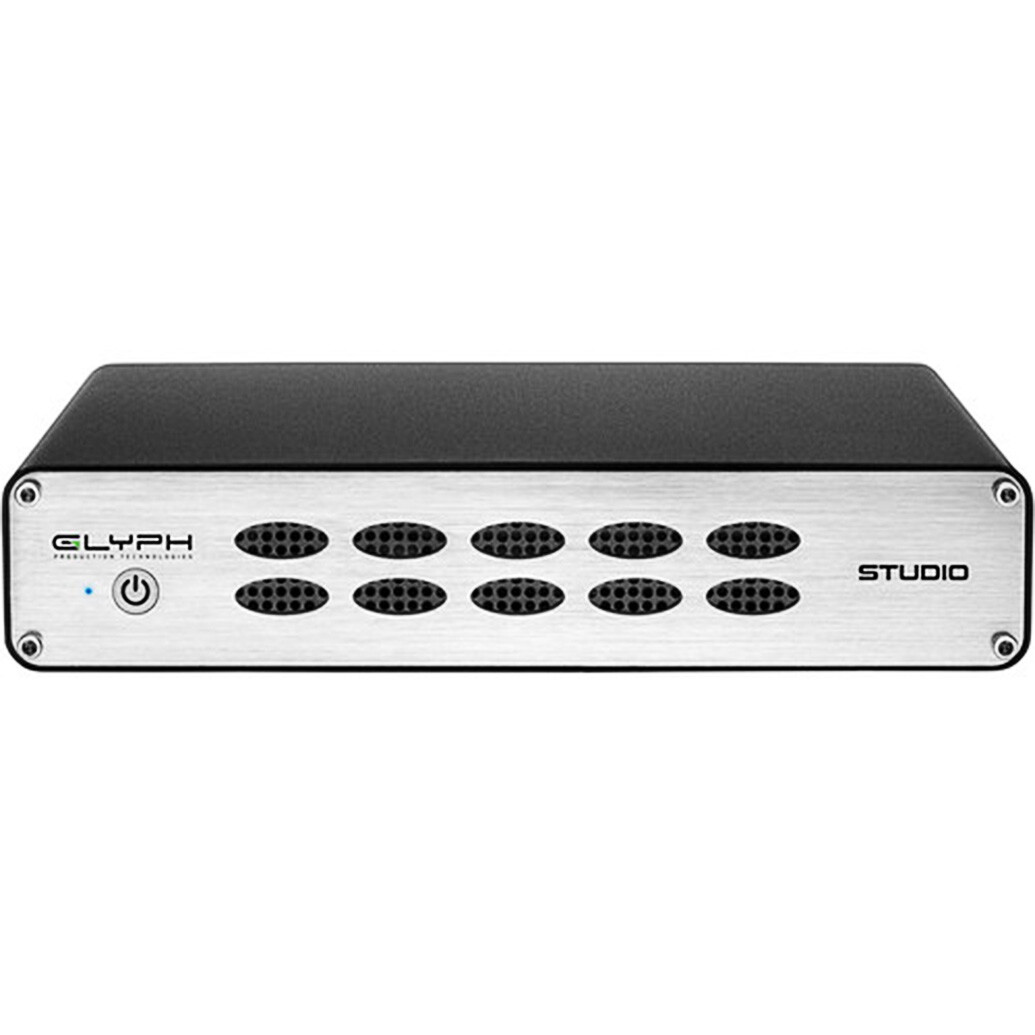
- 6TB Storage Capacity
- USB 3.1 Gen 1 Type-B
- FireWire 800 | eSATA
- 7200 rpm
- Up to 250 MB/s Data Transfer Speed
- Disk Health Monitoring
- Auto-Sensing Power Input
- Intelligent Quiet Cooling Fan
- Preformatted HFS+ for Mac
- Windows Compatible with Reformatting
overview
The original external hard drive for content creators. Production-grade external hard drive packed with best-in-class technology.
With USB 3.0, FireWire 800, and eSATA, you can connect via your interface of choice. Professional-grade power supplies and autonomous cooling systems keep your data safe and available.
Glyph Studio has been designed from the ground up to provide the fastest performance, ultimate reliability, and a simple, elegant experience throughout your creative process. First we select the highest quality components available. Then we assemble the drives in our US factory, and perform regimented testing on every unit before it ships to you.
Studio comes preformatted HFS+ with Journaling and is Time Machine compatible out of the box. A simple reformat is all it takes for the Glyph Studio to work with Windows systems.
Ports
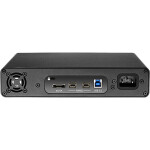
The Studio enclosure contains a single hard disk drive and has FW800, USB 3.0 Hi-speed and eSATA connections. Depending on which port(s) your computer has, you can connect the Studio in a number of ways. The fastest interface on the Studio is eSATA and the USB 3.0 port. Both are located on the rear panel. The Studio can sustain over 130MB/sec (reads) and over 140MB/s (writes) when connected to a 4-lane PCIe eSATA card such as the Sonnet E4P. It can sustain 125MB/sec (reads) and 100MB/s (writes) when connected to a 2-lane PCIe eSATA card such as a Glyph EC2 card.
FireWire 800 is the next fastest and there are two FW800 ports on the rear panel. Officially, these IEEE 1394b ports run at up to 800Mbits/sec. One of these ports can be connected to your computer and the other should be connected to other downstream FireWire devices, if applicable. It doesn't matter which port you connect to the computer, they are functionally identical. If your computer has a FireWire 800 port you can use the provided FireWire 800 9-pin cable.
If your computer has a FireWire 400 port only, you can use a FW400 to FW800 adapter cable, which is available from Glyph. If your computer doesn't have any FireWire ports you can either purchase a FireWire or eSATA adapter card (recommended) or use the USB 3.0 port on the back of the Studio.
Front panel LED
The Studio front panel has a single bi-color LED. The LED will display solid blue when power is on. The LED will flash blue when there is disk activity. The LED will display red if there is a hard drive failure.
Power Switch
The power switch must be held for three seconds to power off the Studio. After three seconds the LED will turn off and releasing the button will power off the unit. This is a safety precaution against unintended power off.
Internal Power Supply
Glyph uses efficient, high-quality power supplies, selected specifically for the demands of production environments. The Studio has an auto-switching universal power supply. Its input voltage can range from 100- 240v at 50/60 Hz, allowing the Studio to be safely used overseas.
Internal Temperature-Controlled Fan
The Studio has an internal temperature-controlled fan. Software inside the Studio sets the fan RPM to either HI or LOW speeds. We have found that both HI and LOW fan speeds are very quiet.
Rack Mounting
Transform your Studio into a 1U rack-mount hard drive with the optional Rack Kit (shown below, compatible with both GPT50 and Studio). The rack kit holds one or two drives in a 1U rack space. (Sold separately).
In the Box
- Glyph Technologies 6TB Studio 7200 rpm USB 3.1 Gen 1 Type-B External Hard Drive
- USB 3.1 Gen 1 Type-B Cable
- FireWire 800 Cable (9-Pin)
- IEC Power Cable
Brand
brand
| Brand | Glyph Technologies |
memory & storage specifications
| Data Transfer Speed | Up to 250 MB/s |