Creators Challenge Photo Contest
Attend our Creators Challenge classes & submit your best captures for a chance to win amazing prizes.
How Does It Work?
- Visit: Contest Submission Form
- Ensure you are signed into your Unique Photo account.
*Must be the same account you used to sign up for the class. - Select the Choose Your Challenge dropdown to pick which open Creators Challenge you want to submit your photos to.
- Fill out the remaining info, upload your photos, and press Submit.
*Photos must be internally reviewed and approved before displaying in the gallery. As such, your submitted photos will not appear immediately after submission.


Current Contests
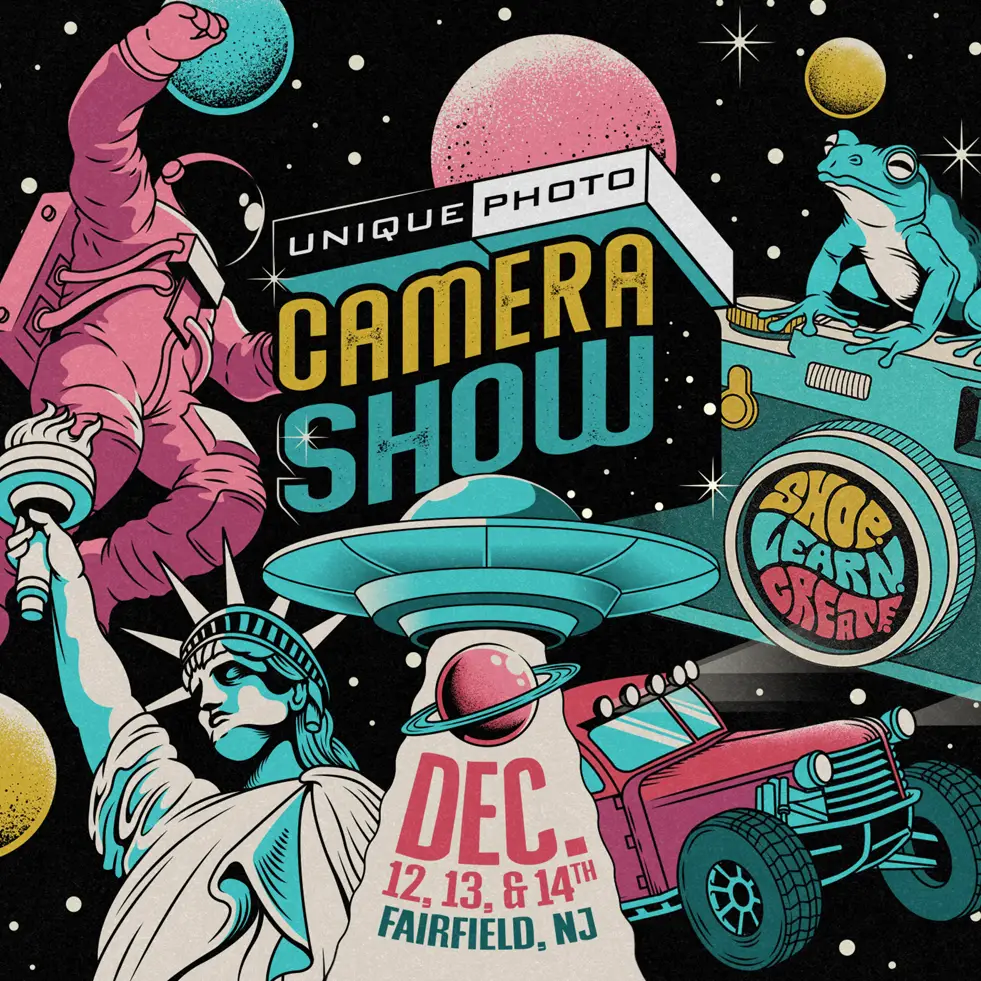
NJ Camera Show 2025
Prizes:
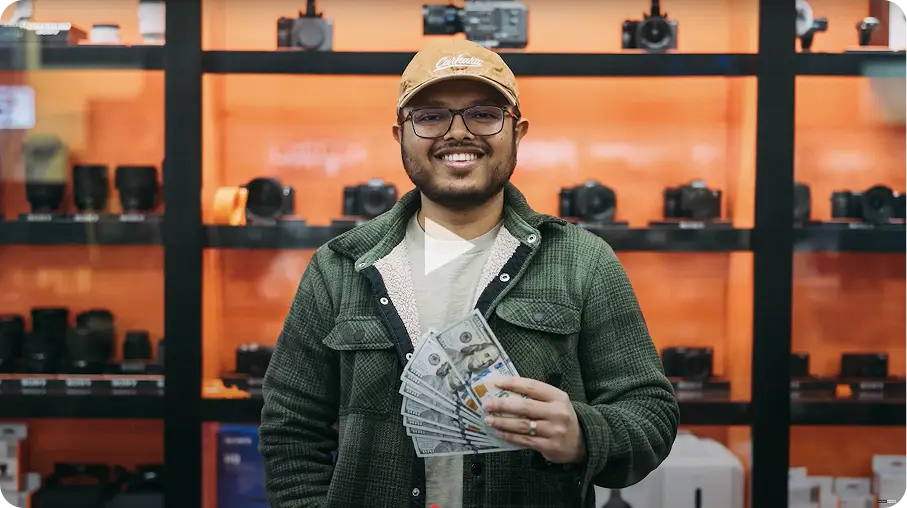
1st - $1,000 Gift Card / 2nd - $500 Gift Card / 3rd - $250 Gift Card
1st - $1,000 Gift Card / 2nd - $500 Gift Card / 3rd - $250 Gift Card
Closed
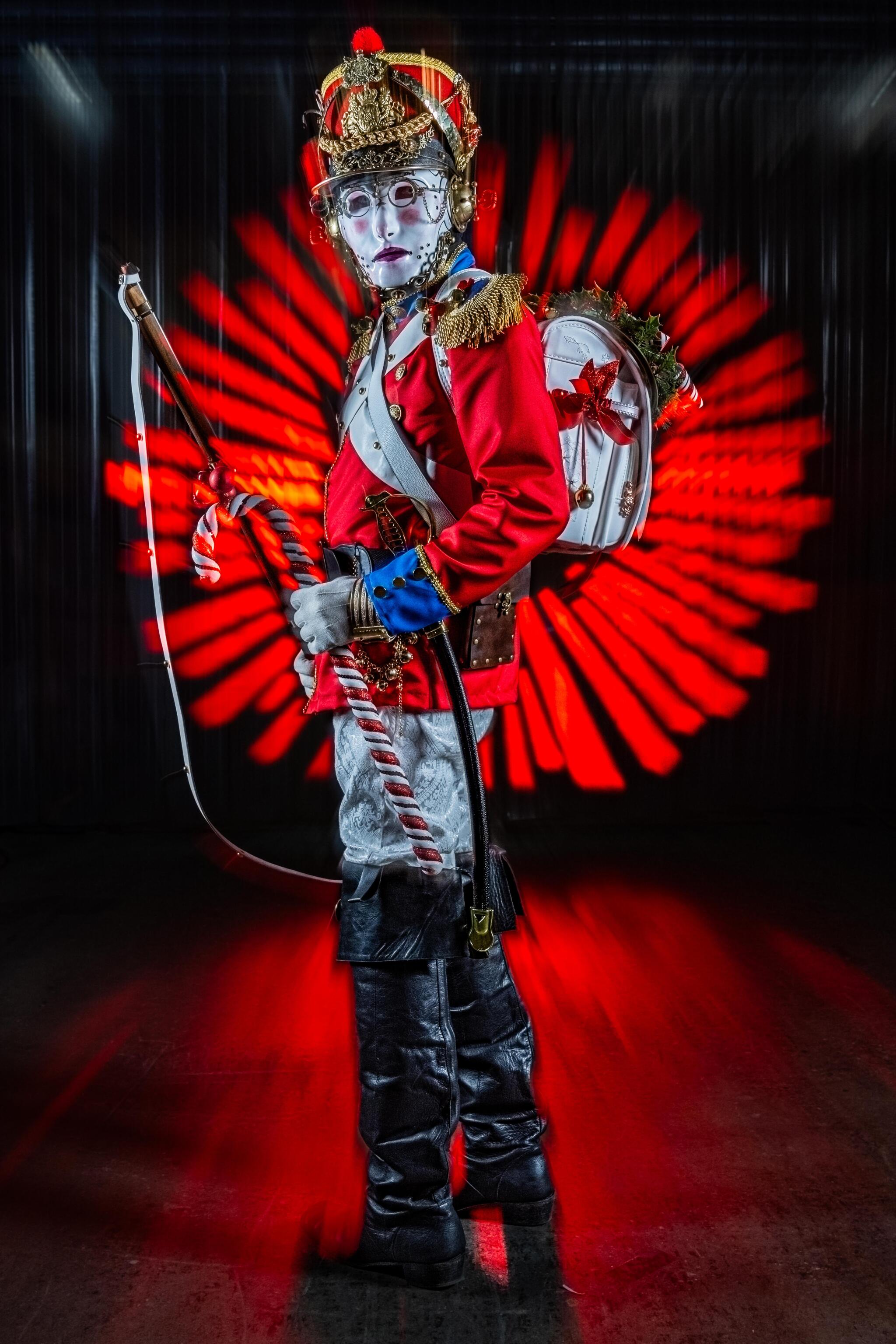
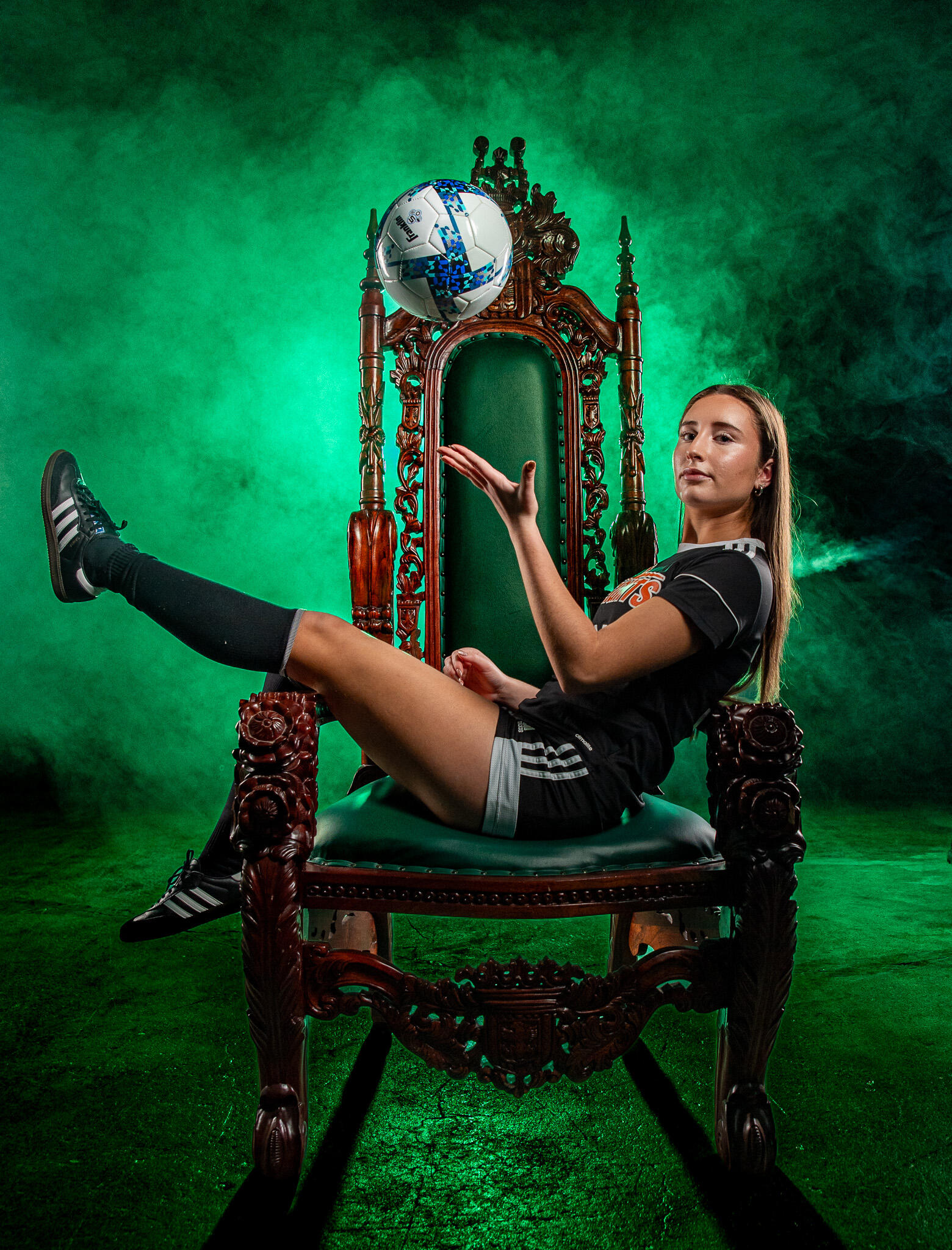
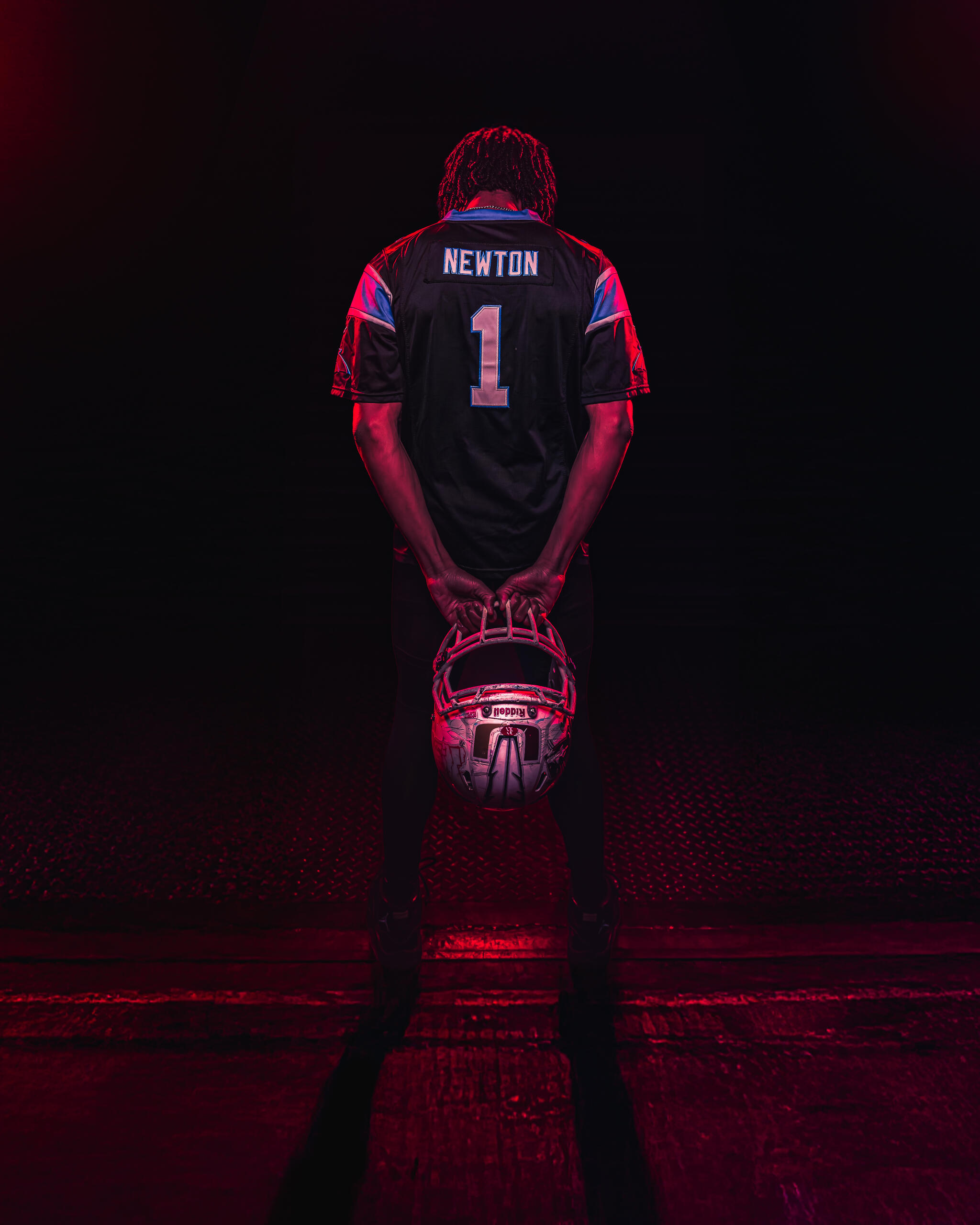
Previous Winners and Submissions
Winners:



Honorable Mention:

















Sort by
Creators Challenge Classes
No items
© 2025 Unique Photo All Rights Reserved.
© 2025 Unique Photo All Rights Reserved.