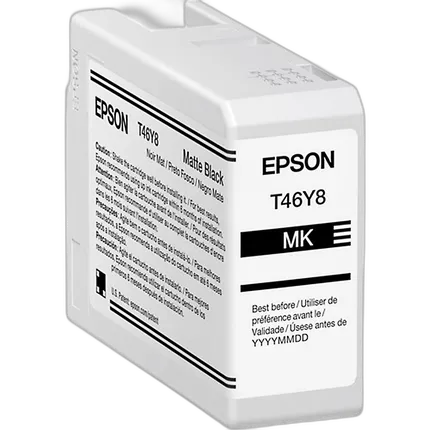
Epson Ultrachrome PRO10 Matte Black Ink Cartridge (50ml)

Key Features
- Wider color gamut
- High-capacity cartridges
- Industry-leading print permanence
- Create prints that have WIR display permanence ratings of up to 200 years for color and 400 years for black-and-white
- For maximum print life, display all prints under glass or UV-absorbing acrylic and protect them from prolonged high-humidity environments
overview
Introducing the 50mL T46Y Matte Black UltraChrome PRO10 Ink Cartridge—a breakthrough in professional imaging ink technology, only from Epson. Epson's cartridges provides you with an archival pigment ink with an expanded color gamut for vibrant and long-lasting prints that captivate and inspire.
Designed for the world’s greatest artists and photographers, this all-new, premium ink adds Violet to produce a wider color gamut, delivering vibrant, lasting prints that captivate and inspire.
Compatible Printer
Designed for the SureColor P900 17" Photo Printer
Brand
ink cartridge specifications
| Container Type | Inkjet Cartridge |
| Color | Matte Black |
| Ink Type | Pigment-Based Black |
| Volume | 50 mL |
| Printer Type | Inkjet Printers |
| Compatibility | Epson SureColor P900 |
| Yield Type | Standard |
- Epson Ultrachrome PRO10 Matte Black Ink Cartridge (50ml)
No creators have tagged this product yet.
Articles featuring this product
Epson SureColor P5370 Review: The Home-Printing Edge for Picking Your Contest Winner
May 15, 2026
·
Unique Photo
Canon U.S.A. Introduces Three High-Quality PIXMA Office All-In-One Printers At An Affordable Price
Feb 7, 2012
·
admin
What Makes a Winning Photo in Local and Online Contests? A Review of the Epson SureColor P5370
Apr 29, 2026
·
Unique Photo
Community questions about this gear
Ask a question
0
votes
2
answers
109
How should I store the unused Photo Black or Matte Black cartridge for an Epson R2880?
Photography Stack Exchange contributor
14y ago
0
votes
2
answers
125
Can I print borderless with matte black ink on a Canon Pro-10?
Photography Stack Exchange contributor
7y ago
0
votes
2
answers
116
How can I reduce glossy dark areas on a UV-printed photo on wood?
Photography Stack Exchange contributor
12y ago
0
votes
2
answers
125
You may also like
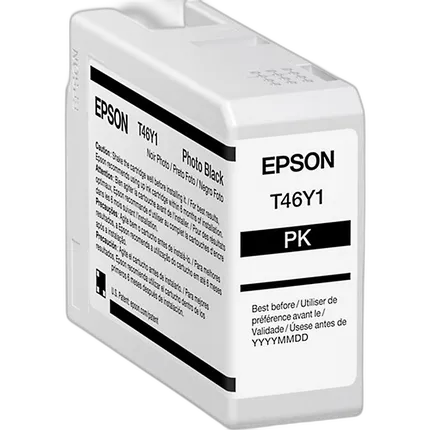
Epson Ultrachrome PRO10 Photo Black Ink Cartridge (50ml)
- Wider color gamut
- High-capacity cartridges
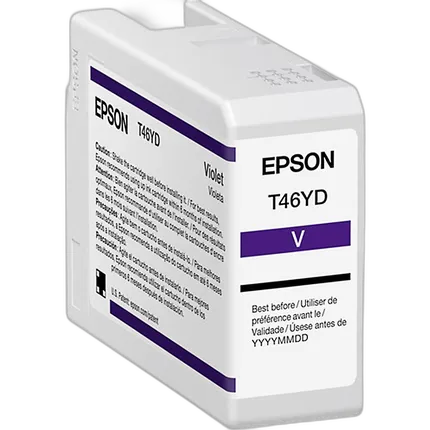
Epson Ultrachrome PRO10 Violet Ink Cartridge (50ml)
- Wider color gamut
- High-capacity cartridges
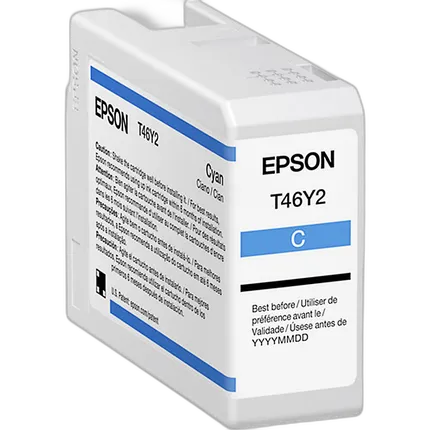
Epson Ultrachrome PRO10 Cyan Ink Cartridge (50ml)
- Wider color gamut
- High-capacity cartridges
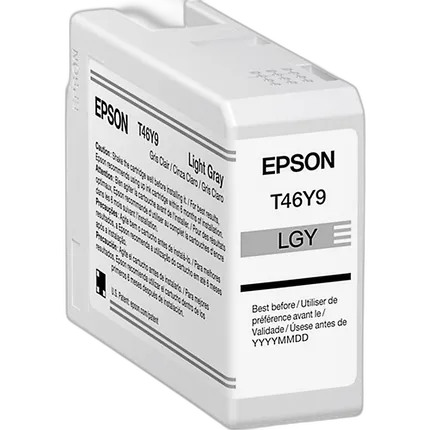
Epson Ultrachrome PRO10 Light Gray Ink Cartridge (50ml)
- Wider color gamut
- High-capacity cartridges