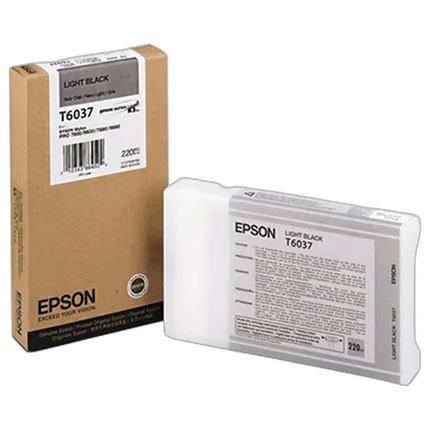
Epson T603 UltraChrome K3 Light Black Ink Cartridge

Questions? Ask our experts
Key Features
- Epson UltraChrome K3 ink
- Produce archival prints
- Amazing color fidelity, gloss level, and scratch resistance
- Perfect choice for professional neutral and toned black and white prints with higher density levels and virtually no metamerism
- Compatible with: Epson Stylus Pro 7800, 7880 Color Burst, 9880
Questions? Ask our experts
Recommended Accessories
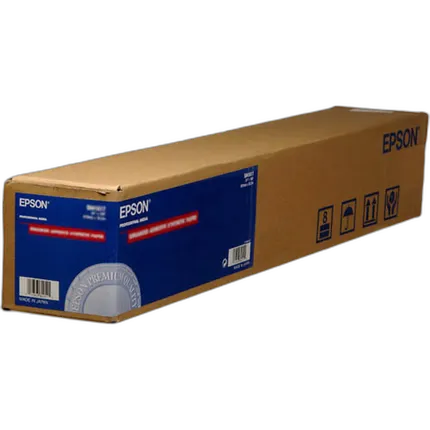
Epson 36x82 Double Weight Matte Paper - Roll
- Doubleweight thickness for added durability
- Dries instantly for easy handling with Epson inks
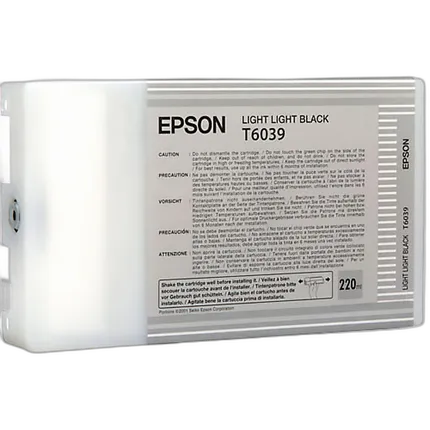
Epson T603 UltraChrome K3 Light Light Black Ink Cartridge
- Epson UltraChrome K3 ink
- Produce archival prints

Epson 16x100 Premium Glossy Paper - Roll
- - High-gloss, bright white, resin coated photo paper - Print high quality photos for glass frames and photo albums - Smudge and water-resistant quick dry surface - Look and feel of traditional photographs
Epson 13x19 Hot Press Bright Paper - 25 Sheets
- Smooth Matte Finish
- 17 mil (sheet)/ 16 mil (roll)
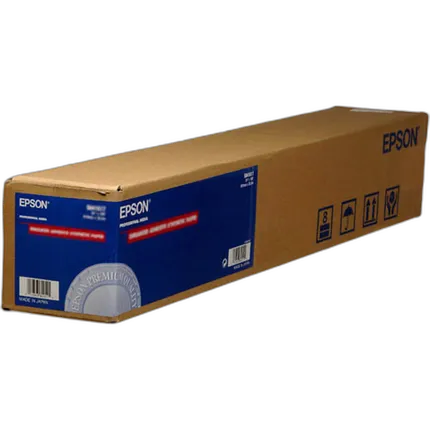
Epson 24x82 Double WT Matte Paper - Roll
- Doubleweight thickness for added durability
- Dries instantly for easy handling with Epson inks
Overview
Seamlessly augmenting the staggering reputation of Epson's ink cartridges even further, the Epson Light Black Ultra Chrome Ink Cartridge (220) ml for the Epson Stylus Pro 7800 and 9800 Printers exhibits a highly favorable waterproof and smudge-free aspect to its printing and is designed using the company's patented and greatly revered pigment based ink technology. The cartridge offers rich glossy tones and high density levels. It has a compact built for easy installation, dries extremely quickly, and boasts of photographs that are not only incredibly sharp and detailed, but can also rival the best cartridges in terms of sheer professionalism and advanced engineering.
- Epson UltraChrome Light Black Ink (220 ml) for Stylus Pro 7800/9800
No creators have tagged this product yet.
Articles featuring this product
Community questions about this gear
Ask a question
0
votes
2
answers
257
How should I store the unused Photo Black or Matte Black cartridge for an Epson R2880?
Photography Stack Exchange contributor
14y ago
0
votes
2
answers
235
What’s the best current method for making high-quality large black-and-white prints?
Photography Stack Exchange contributor
11y ago
0
votes
2
answers
273
0
votes
2
answers
240
Can you replace an Epson 3880 ink channel with another color to change or extend the printer’s gamut?
Photography Stack Exchange contributor
8y ago
0
votes
2
answers
224
How can I reduce glossy dark areas on a UV-printed photo on wood?
Photography Stack Exchange contributor
12y ago
You may also like
Epson 24x50 Cold Press Natural Smooth Matte Paper - Roll
- Acid, Lignin and Chlorine-Free
- pH Buffered
Epson 24x100 Premium Glossy Photo Paper - Roll
- - Highest color gamut available for vivid color reproduction - RC paper base for actual photo prints - Glossy surface - Enhanced 2880 dpi printing for the highest quality output - Dries instantly for easy handling with Epson inks - Compatible with dye, EPSON Archival and UltraChrome inks - 10mil thickness for a durable photographic feel
Epson 17x22 Enhanced Matte Paper - 50 Sheets
- - Flat matte surface provides the optimum photographic platform - Instant drying capability with EPSON Professional Inks allows for easy handling - High color gamut yields remarkable color reproduction - 1440 dpi printer compatibility ensures high resolution output - Heavyweight stock delivers true photographic feel (for roll paper printing) - Bright white base accentuates highlights
Epson 44x100 Premium Glossy Paper - Roll
- Highest color gamut available for vivid color reproduction
- RC paper base for actual photo prints
Epson 13x19 Cold Press Natural Paper - 25 Sheets
- Textured Matte Finish
- 19 mil (sheet)/ 19 mil (roll)
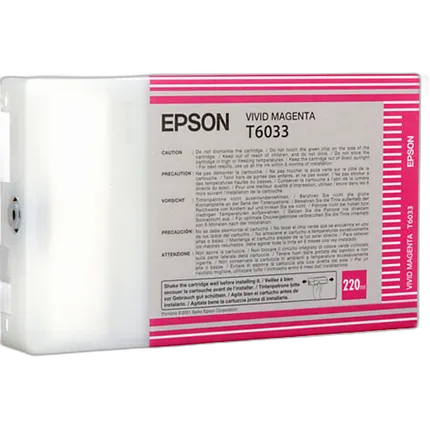
Epson T603 UltraChrome K3 Vivid Magenta Ink Cartridge
- Epson UltraChrome K3 ink
- Produce archival prints
Epson 44x50 Cold Press Natural Smooth Matte Paper - Roll
- Acid, Lignin and Chlorine-Free
- pH Buffered
Epson 24x82 Double WT Matte Paper - Roll
- Doubleweight thickness for added durability
- Dries instantly for easy handling with Epson inks
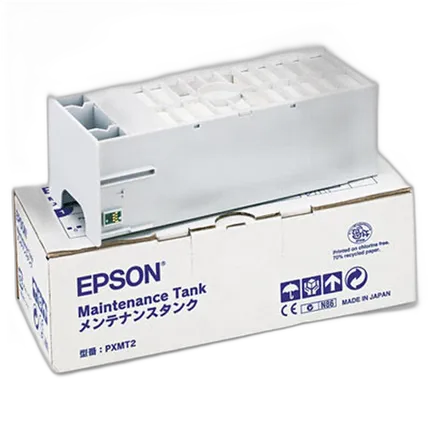
Epson C12C890191 Replacement Ink Maintenance Tank for Epson Stylus Pro 9900
- - Replacement ink maintenance tank is user replaceable - The printer alerts user when tank needs to be changed - Compatible with: Epson Stylus Pro 11880 - 64", Epson Stylus Pro 4400 - 17" A2, Epson Stylus Pro 4450 - 17" A2, Epson Stylus Pro 4800 - 17" A2, Epson Stylus Pro 4880 - 17" A2, Epson Stylus Pro 7400 - 24" A1, Epson Stylus Pro 7450 - 24" A1, Epson Stylus Pro 7600, Epson Stylus Pro 7800 - 24" A1, Epson Stylus Pro 7880 - 24" A1, Epson Stylus Pro 7890 - 24" A1, Epson Stylus Pro 7900 CTP - 24", Epson Stylus Pro 9400 - 44" A0, Epson Stylus Pro 9450 - 44" B0, Epson Stylus Pro 9600, Epson Stylus Pro 9800 - 44" A0, Epson Stylus Pro 9880 - 44" B0+, Epson Stylus Pro 9890 - 44", Epson Stylus Pro SP-7900 - 24", Epson Stylus Pro SP-9900 - 44", Epson Stylus Pro WT7900 - 24" A1, Epson SureLab SL-D3000 - Dry-film Minilab
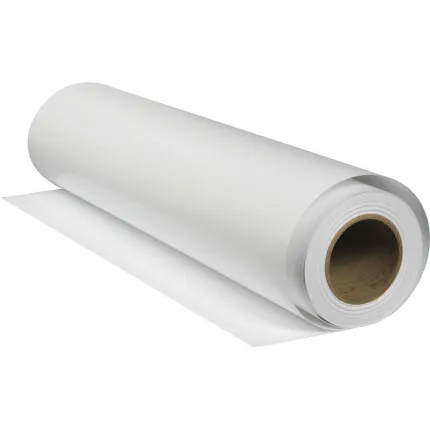
Epson Hot Press Bright Archival Inkjet Paper Roll (Matte, 17x50)
- Smooth Matte Finish
- 17 mil (sheet)/ 16 mil(roll)