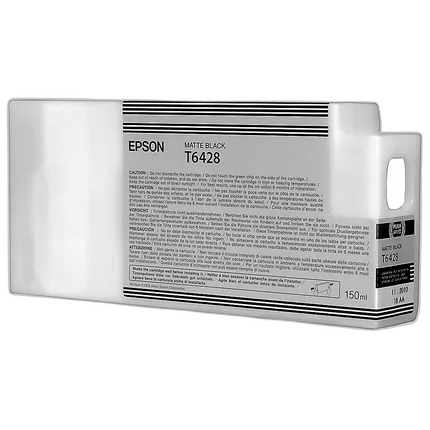
Epson T642 Ultrachrome HDR Matte Black Ink Cartridge

Questions? Ask our experts
Key Features
- Epson UltraChrome HDR
- Represents our latest generation of pigment ink technology
- Utilizing ten colors – including an all-new White and Cleaning Cartridge
- Produces the widest color gamut ever from an Epson Stylus Pro printer
- Compatible with: Epson Stylus Pro 7700, 7890, 7890 Designer Edition, 7900, 7900 Proofing Edition, 9700, 9890, 9890 Designer Edition, 9900, 9900 Proofing Edition
Questions? Ask our experts
Recommended Accessories
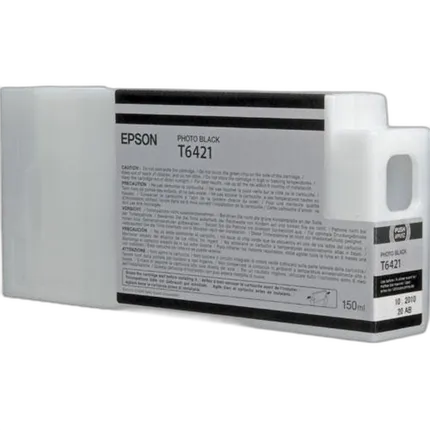
Epson T642 Ultrachrome HDR Photo Black Ink Cartridge
- Epson UltraChrome HDR
- Represents our latest generation of pigment ink technology
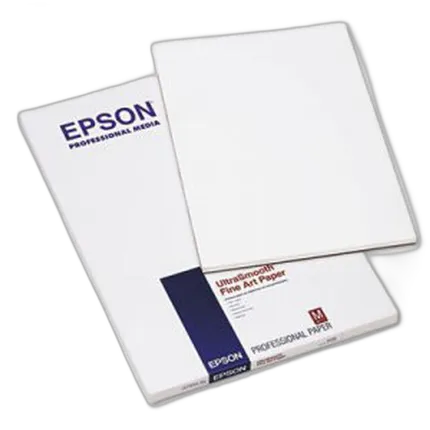
Epson 13x19 Ultra Smooth Fine Art Paper - 25 Sheets
- - 100% cotton hot press for long term durability - Acid free and pH buffered to preserve fine art and photos - Natural white, ultra smooth surface for incredible detail and accurate reproduction - Outstanding D-Max for prints with exceptional contrast - Dries instantly for easy handling with Epson inks
Epson 8.5x11 Cold Press Bright Paper - 25 Sheets
- Acid free
- 100% Cotton rag media
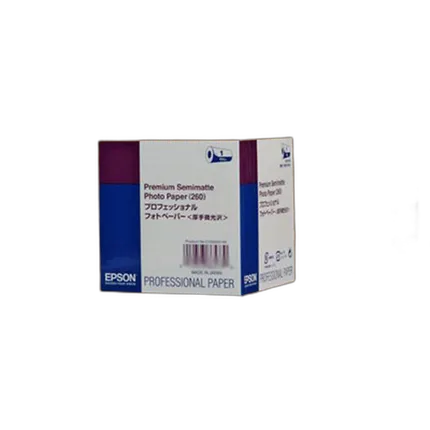
Epson 44x100 Premium Semi-matte Paper - Roll
- Highest color gamut available for vivid color reproduction
- RC paper base for actual photo prints
Overview
Nothing represents lifelike production of your images in their utmost pristine quality like the Epson Matte Black 150 ml Ultra Chrome HDR Ink Cartridge. Along with the crystal-clear detailing and sharpness that this cartridge is known to bring about, it is also imperative to mention about the hard-wearing and robust nature of the pictures it produces. One more striking attribute of the cartridge is that it is impervious to water and smudges. Boasting of the rapid drying, pigment based ink technology, the Epson Matte Black 150 ml Ultra Chrome HDR Ink Cartridge works best with the Epson Stylus Pro 7900, 9900 and 7700 Printers.
- Epson 150 ml Matte Black Ultrachrome HDR Ink Cartridge
No creators have tagged this product yet.
Articles featuring this product
Community questions about this gear
Ask a question
0
votes
2
answers
252
How should I store the unused Photo Black or Matte Black cartridge for an Epson R2880?
Photography Stack Exchange contributor
14y ago
0
votes
2
answers
362
Can I print borderless with matte black ink on a Canon Pro-10?
Photography Stack Exchange contributor
7y ago
0
votes
2
answers
221
How can I reduce glossy dark areas on a UV-printed photo on wood?
Photography Stack Exchange contributor
12y ago
0
votes
2
answers
270
You may also like
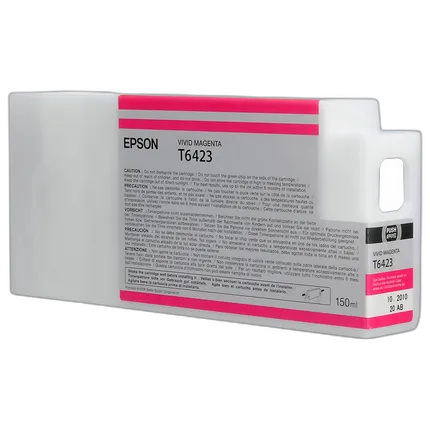
Epson T642 Ultrachrome HDR Vivid Magenta Ink Cartridge
- Epson UltraChrome HDR
- Represents our latest generation of pigment ink technology
Epson 13x19 Cold Press Natural Paper - 25 Sheets
- Textured Matte Finish
- 19 mil (sheet)/ 19 mil (roll)
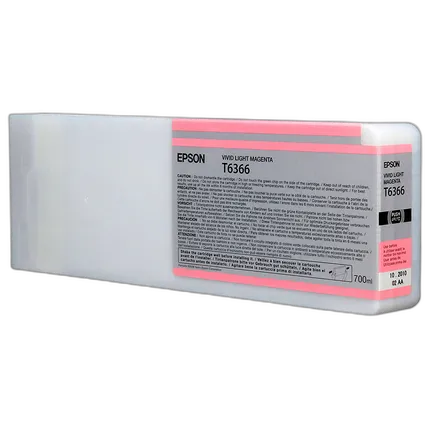
Epson T636 Vivd Light Magenta HDR Ink Cartridge
- Epson UltraChrome HDR
- Represents our latest generation of pigment ink technology
Epson 8.5x11 Cold Press Bright Paper - 25 Sheets
- Acid free
- 100% Cotton rag media
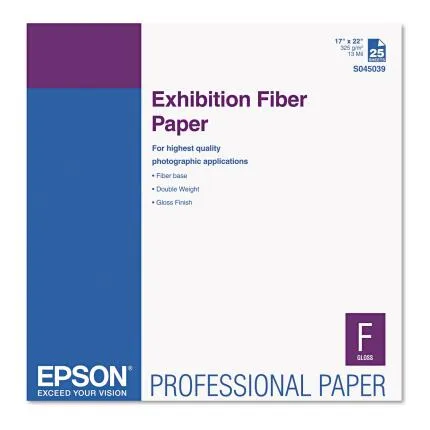
Epson 17x22 Exhibition Fiber Paper - 25 Sheets
- - Fiber Photo Paper Base - Extremely High D-Max and Wide Color Gamut - 325 gram / meter 2 and 13 mil - Acid & Lignin Free - Micro Porous Smooth Gloss (F-Type) Surface - Minimal Gloss Differential - Smooth ECF Bleached Chemically with minimal OBAs - Compatible with UltraChrome ink and UltraChrome ink with Vivid Magenta
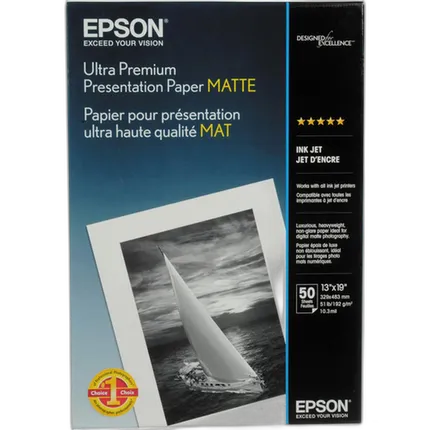
Epson 13x19 Ultra Premium Presentation Paper - Matte - 50 Sheets
- - Flat matte surface provides the optimum photographic platform - Instant drying capability with EPSON Professional Inks allows for easy handling - High color gamut yields remarkable color reproduction - 1440 dpi printer compatibility ensures high resolution output - Heavyweight stock delivers true photographic feel (for roll paper printing) - Bright white base accentuates highlights
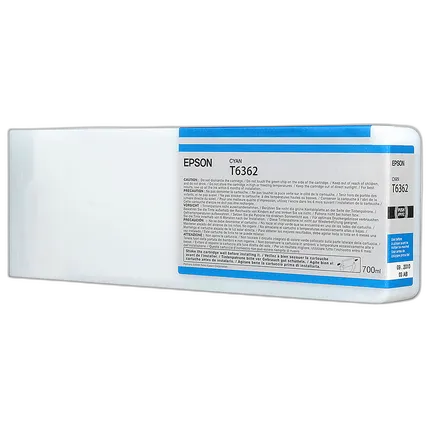
Epson T636 Cyan HDR Ink Cartridge
- Epson UltraChrome HDR
- Represents our latest generation of pigment ink technology
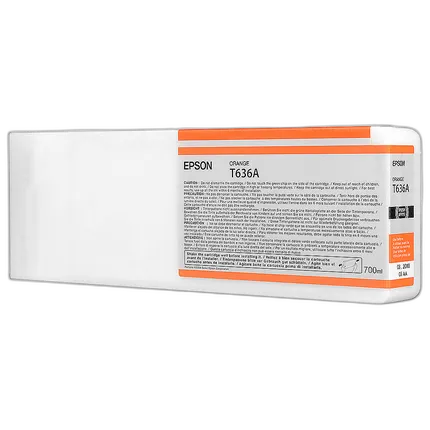
Epson T636 Orange HDR Ink Cartridge
- Epson UltraChrome HDR
- Represents our latest generation of pigment ink technology
Epson 8.5x11 Exhibition Fiber Paper - 25 Sheets
- - Fiber Photo Paper Base - Extremely High D-Max and Wide Color Gamut - 325 gram / meter 2 and 13 mil - Acid & Lignin Free - Micro Porous Smooth Gloss (F-Type) Surface - Minimal Gloss Differential - Smooth ECF Bleached Chemically with minimal OBAs - Compatible with UltraChrome ink and UltraChrome ink with Vivid Magenta
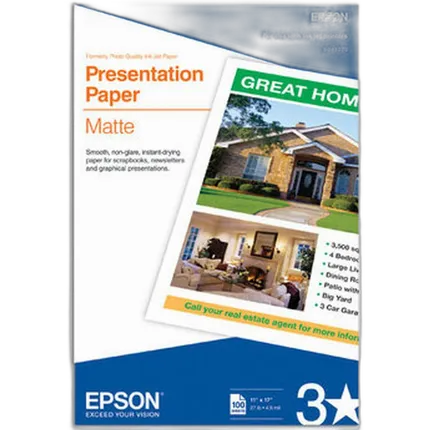
Epson 11x17 Presentation Matte Paper - 100 Sheets
- - Matte coated, single-sided ink jet paper with a smooth finish - Perfect for newsletters, proposals and flyers with photos - For colorful graphic images and razor sharp black text - Guaranteed to work with ALL ink jet printers