Canon PGI-72 10 Color Pack

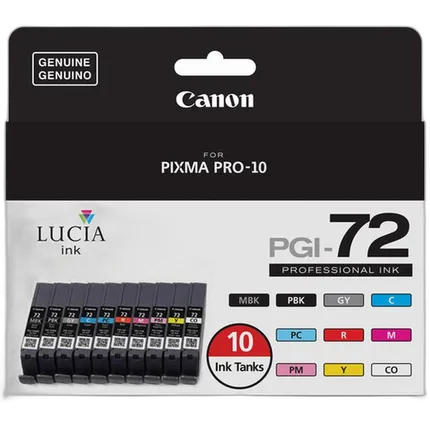
Key Features
- Specially formulated LUCIA PGI-72 Ink
- FINE Technology
- Genuine Canon Ink
- Canon's individual ink system - Increase Efficieny, Reduce Waste & Saves Money
- Includes PGI-72 Ink Tanks: Matte Black, Photo Black, Gray, Cyan, Magenta, Yellow, Photo Cyan, Photo Magenta, Red, and Chroma Optimizer
- Compatible with: PIXMA PRO-10

Recommended Accessories
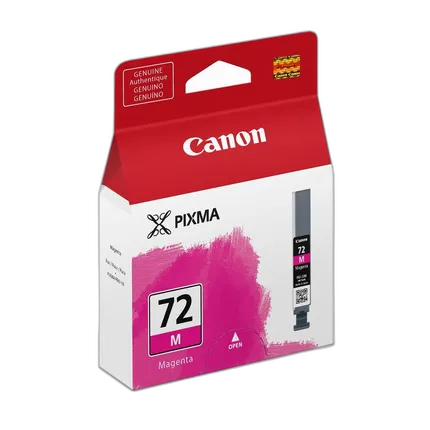
Canon PGI-72 Magenta Ink Cartridge
- - Specially formulated LUCIA PGI-72M Magenta Ink - FINE Technology - Genuine Canon Ink - Canon's individual ink system - Increase Efficieny, Reduce Waste & Saves Money - Compatible with: PIXMA PRO-10
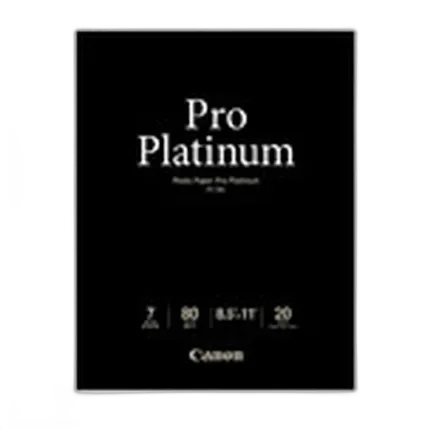
Canon 8.5X11 Pro Platinum Photo Paper (20 Sheets)
- - Quick ink absorbency - Rich, deep blacks - Vivid color leaves impression - A brilliant finish right after print - High image durability
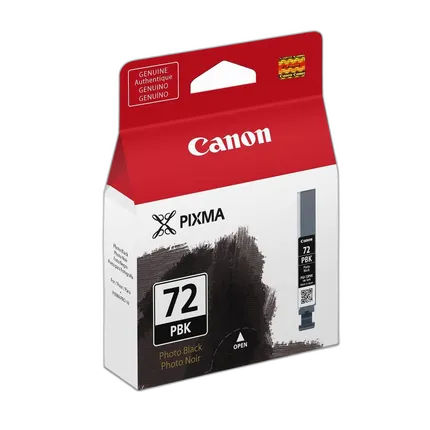
Canon PGI-72 Photo Black Ink Cartridge
- - Specially formulated LUCIA PGI-72PBK Photo Black Ink - FINE Technology - Genuine Canon Ink - Canon's individual ink system - Increase Efficieny, Reduce Waste & Saves Money - Compatible with: PIXMA PRO-10
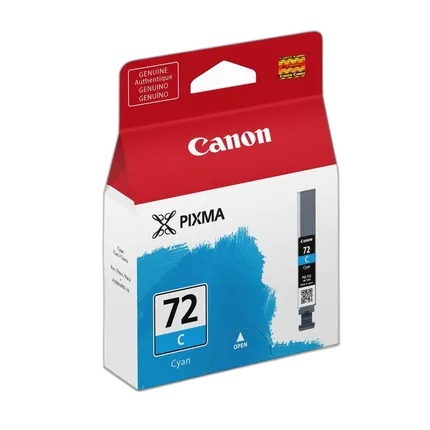
Canon PGI-72 Cyan Ink Cartridge
- - Specially formulated LUCIA PGI-72CY Cyan Ink - FINE Technology - Genuine Canon Ink - Canon's individual ink system - Increase Efficieny, Reduce Waste & Saves Money - Compatible with: PIXMA PRO-10
Overview
The Canon PGI-72 10 Color Pack is equipped with the contemporary FINE (Full Photolithographic Inkjet Nozzle Engineering) technology and it comes in ten gorgeous shades of matte black, photo black, gray, cyan, magenta, yellow, photo cyan, photo magenta, red, and chroma optimizer. This is not just your average cartridge. It is extremely user-friendly and capable of printing professional level photographs because of its FINE technology. The photographs also very attractive to boot, due to the copious amounts of riveting colors provided by the PGI-72 color pack. Its single tank attribute enables it to make photo printing an amazingly cost-effective and waste-free procedure. The Canon PGI-72 10 Color Pack is particularly suited for the the PIXMA Pro-10 Professional Inkjet Printer and Canon photo papers.
Brand
physical specifications
| Color | Multi Color |
- PGI-72 Matte Black
- PGI-72 Photo Black
- PGI-72 Gray
- PGI-72 Cyan
- PGI-72 Magenta
- PGI-72 Yellow
- PGI-72 Photo Cyan
- PGI-72 Photo Magenta
- PGI-72 Red
- PGI-72 Chroma Optimizer
No creators have tagged this product yet.
Articles featuring this product
Community questions about this gear
Ask a question
0
votes
2
answers
293
How should I manage color and bit depth for a wide-gamut 10-bit monitor and OLED TV when displaying photos?
Photography Stack Exchange contributor
8y ago
0
votes
2
answers
230
Why do my low-key prints lose shadow detail and turn solid black?
Photography Stack Exchange contributor
8y ago
You may also like
Canon PGI-72 Magenta Ink Cartridge
- - Specially formulated LUCIA PGI-72M Magenta Ink - FINE Technology - Genuine Canon Ink - Canon's individual ink system - Increase Efficieny, Reduce Waste & Saves Money - Compatible with: PIXMA PRO-10
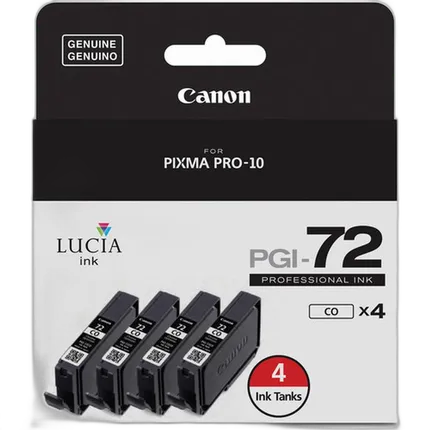
Canon PGI-72 4 Optimizer Pack
- - Chroma Optimizer Ink Tank for PIXMA PRO-10 - Professional print quality - Accurate color - Reduced metamerism - Reduces the difference in ink droplet height - Result is evenly reflected light, deep blacks, and bright, saturated colors - Includes: 4 Chroma Optimizer ink tanks - Compatible with: PIXMA PRO-10
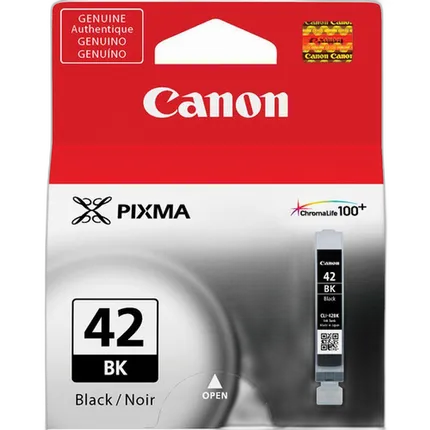
Canon CLI-42 Black Ink Cartridge
- - Professional quality photo prints - Superior longevity - FINE Technology - ChromaLife100+ system - Genuine Canon Ink - Individual ink system - Increases Efficiency, Reduces waste & Saves money - Compatible with: PIXMA PRO-100
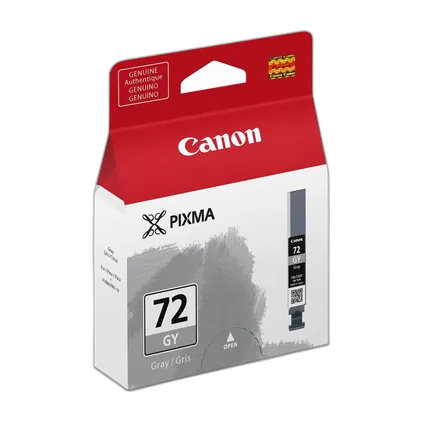
Canon PGI-72 Gray Ink Cartridge
- - Specially formulated LUCIA PGI-72GY Gray Ink - FINE Technology - Genuine Canon Ink - Canon's individual ink system - Increase Efficieny, Reduce Waste & Saves Money - Compatible with: PIXMA PRO-10
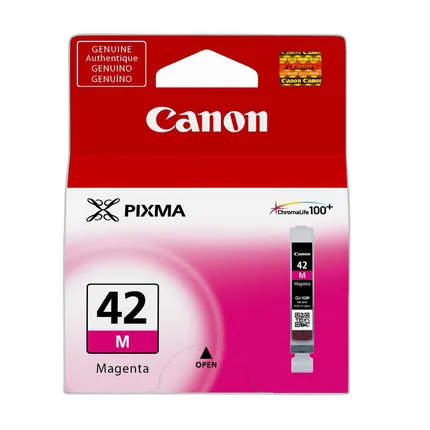
Canon CLI-42 Magenta Ink Cartridge
- - Professional quality photo prints - Superior longevity - FINE Technology - ChromaLife100+ system - Genuine Canon Ink - Individual ink system - Increases Efficiency, Reduces waste & Saves money - Compatible with: PIXMA PRO-100
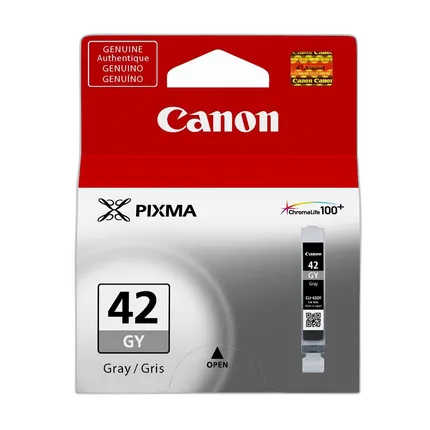
Canon CLI-42 Gray Ink Cartridge
- - Professional quality photo prints - Superior longevity - FINE Technology - ChromaLife100+ system - Genuine Canon Ink - Individual ink system - Increases Efficiency, Reduces waste & Saves money - Compatible with: PIXMA PRO-100
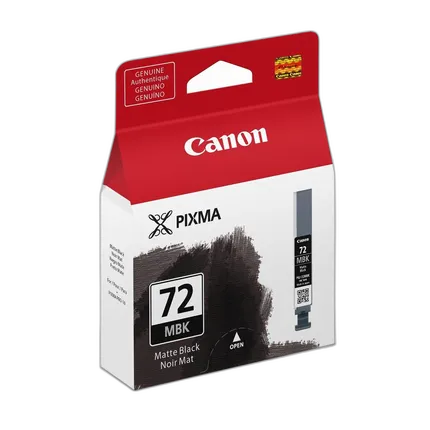
Canon PGI-72 Matte Black Ink Cartridge
- - Specially formulated LUCIA PGI-72MBK Matte Black Ink - FINE Technology - Genuine Canon Ink - Canon's individual ink system - Increase Efficieny, Reduce Waste & Saves Money - Compatible with: PIXMA PRO-10
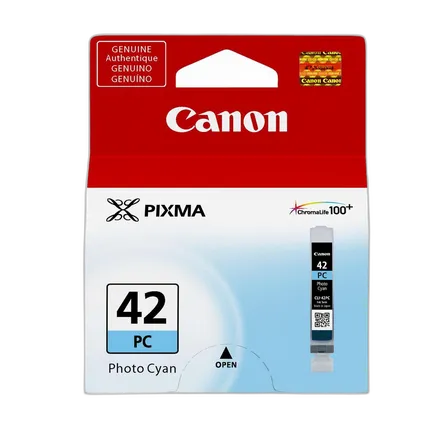
Canon CLI-42 Photo Cyan Ink Cartridge
- - Professional quality photo prints - Superior longevity - FINE Technology - ChromaLife100+ system - Genuine Canon Ink - Individual ink system - Increases Efficiency, Reduces waste & Saves money - Compatible with: PIXMA PRO-100
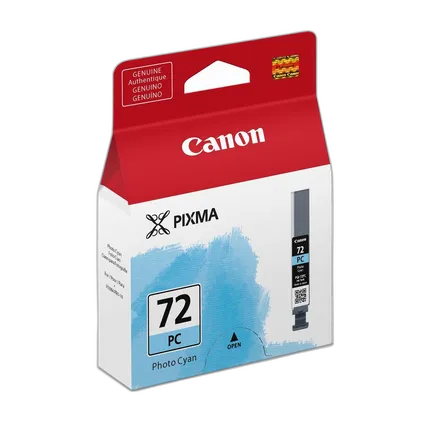
Canon PGI-72 Photo Cyan Ink Cartridge
- - Specially formulated LUCIA PGI-72PC Photo Cyan Ink - FINE Technology - Genuine Canon Ink - Canon's individual ink system - Increase Efficieny, Reduce Waste & Saves Money - Compatible with: PIXMA PRO-10
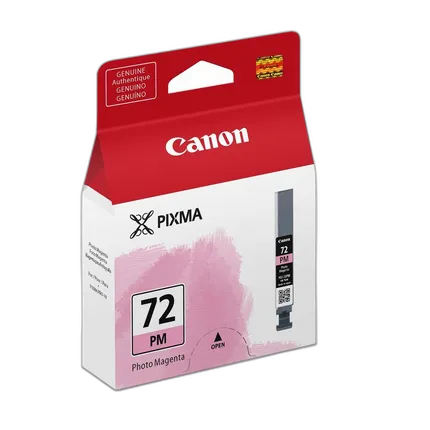
Canon PGI-72 Photo Magenta Ink Cartridge
- - Specially formulated LUCIA PGI-72PM Photo Magenta Ink - FINE Technology - Genuine Canon Ink - Canon's individual ink system - Increase Efficieny, Reduce Waste & Saves Money - Compatible with: PIXMA PRO-10