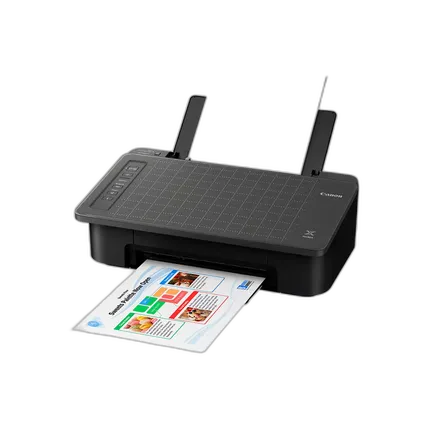
Canon PIXMA TS302a Wireless Inkjet Home Printer
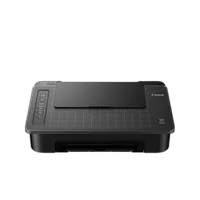
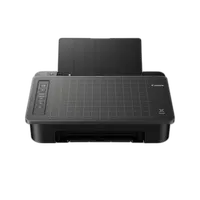
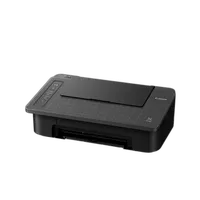
Questions? Ask our experts
Key Features
- Wireless 2-in-1 (Print | Copy)
- 7.7 (BW) / 4 (COLOR) Images Per Minute (ipm)
- 60-Sheet Capacity
- Single-sided Printing
- Chromebook compatible
Questions? Ask our experts
Recommended Accessories
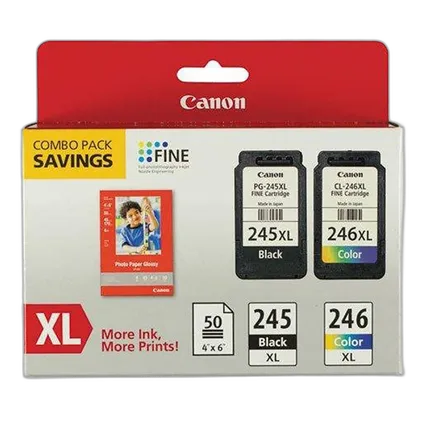
Canon PG-245XL/CL-246XL with Photo Paper - 50 Sheets
- - For the PIXMA MG2420 and MG2520 - 50 Sheets
OVERVIEW


Simple Wireless Printing with Smartphone Copy
Allows you to scan and copy documents right from your smartphone using the Canon PRINT App.
Seamless Connectivity
The TS302a features built-in Wi-Fi. Print documents and photos right from your compatible device.
Hybrid Ink System
Great document and photo print quality from a 2-cartridge FINE Hybrid Ink System.
Get Creative with Your Printer
Create professional posters and flyers with PosterArtist online. Easy-to-use, free, template-driven poster creation application.
Print from your Mobile Devices
Print from your smartphone or tablet quickly and easily using Apple AirPrint®, Mopria® Print Services, or the Canon PRINT App.
Brand
printer specifications
| Number Of Nozzles (Total) | Color (C/M/Y): 960 / Pigment Black: 320 / Total: 1,280 |
| Paper Compatibility | Plain: Plain Paper, Glossy: Photo Paper Plus Glossy II, Photo Paper Glossy |
| Ink Compatibility | PG-245/PG-243 Pigment Black Inks, CL-246/CL-244 Dye Based Color Inks |
| Copy Features | Smartphone Copy using the Canon PRINT app |
| OS Compatibility | Windows Windows® 10, Windows 8.1, Windows 7 SP1 Mac Mac OS® X v10.10.5 – macOS v10.12 (Sierra) Mobile Operating Systems iOS®, AndroidTM, Windows 10 Mobile Chromebook Compatible Yes Smart Assistant Support Amazon Alexa Mobile Printing Solutions and Apps (iOS / Android) Canon PRINT app Software (Windows / Mac) PIXMA TS302a Wireless Inkjet Printer Driver Master Setup My Printer (Windows Only) Easy-PhotoPrint Editor Quick Menu |
| Paper Sizes | Rear Tray: LTR, 4” x 6”, 5” x 7”, 8” x 10” |
| Media Thickness | Rear Tray: Plain Paper: 64 - 105 g/m2 OR Canon Paper: Max. approx. 275g/m2 (Canon Photo Paper Plus Glossy II (PP-201)) |
| Maximum Document Size | 8.5" x 11.7" (Letter / A4) |
physical specifications
| Dimensions | 17.0” (L) x 11.1” (W) x 5.7” (H) |
| Weight | 6.5 lbs. |
paper handling
| Print Speed | Black Document (Letter) Simplex: Approx. 7.7 ipm, Color Document (Letter) Simplex: Approx. 4.0 ipm |
interface
| Connectivity | Hi-Speed USB, PictBridge (Wireless LAN), Wi-Fi® (802.11b/g/n/ac wireless networking, 2.4 GHz) |
detailed specs
| Wi-Fi Capable | Wi-Fi® (802.11b/g/n/ac wireless networking, 2.4 GHz) |
- Canon PIXMA TS302a Wireless Home Inkjet Printer
- 4” x 6” Photo Paper Sample Pack (3 sheets GP-701)
- Setup CD-ROM
- Set of Ink Cartridges (PG-243/CL-244)
- Power Cord
No creators have tagged this product yet.
Articles featuring this product
CANON U.S.A. ANNOUNCES THREE NEW FEATURE-PACKED PIXMA PRINTERS AND A VOICE-GUIDED SELPHY COMPACT PHO
Aug 19, 2009
·
admin
New Canon PIXMA Photo All-In-One Printers Provide High-Quality Results And Improved User Experience
Jul 16, 2012
·
UniquePhoto
Continuing The Legacy Of Imaging Excellence: New Canon PIXMA PRO-series Printers Produce Superb Blac
Sep 17, 2012
·
admin
Community questions about this gear
Ask a question
0
votes
2
answers
240
0
votes
2
answers
350
Best double-sided inkjet paper for printing fine-art photo books at home
Photography Stack Exchange contributor
15y ago
0
votes
2
answers
278
Best home photo printing option for infrequent use: printer or online lab?
Photography Stack Exchange contributor
8y ago
0
votes
2
answers
263
0
votes
2
answers
390
Will UK Canon ink cartridges work in a Canon PIXMA Pro-100 bought in the USA?
Photography Stack Exchange contributor
11y ago
You may also like
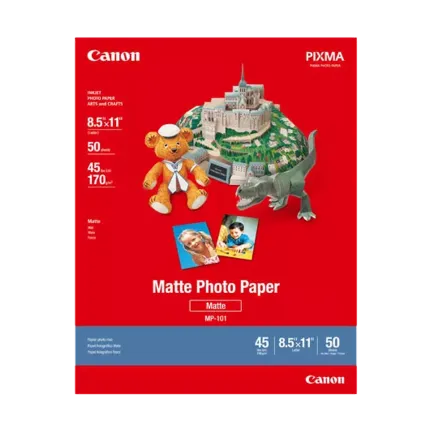
Canon 8.5X11 Matte Photo Paper (50 Sheets)
- - Compatible with Canon PIXMA Printers - Bright White Heavy-Weight Photo Paper - Includes 50 Sheets of 8.5 x 11" Photo Paper - Photo Lab Quality Prints - 108% ISO Brightness - Ideal for Paper Crafts - Vibrant Colors - Matte Finish
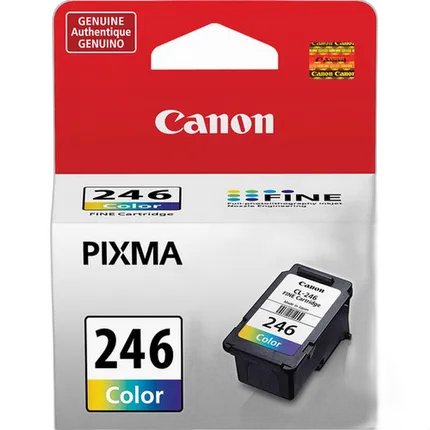
Canon CL-246 Color Ink Cartridge
- - FINE Technology - Genuine Canon Ink - ChromaLife100 system - Compatible with: PIXMA MG2420 & PIXMA MG2520
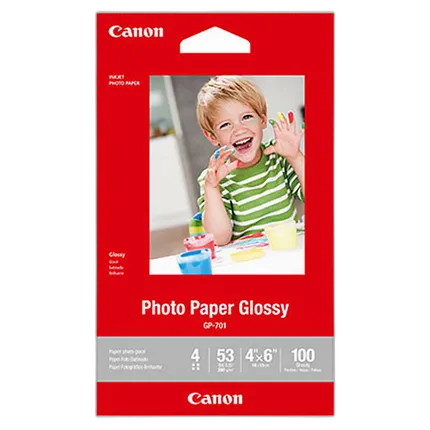
Canon 4x6 Photo Paper Glossy - 100 Sheets
- Canon Photo Paper Glossy
- Glossy surface finish

Canon 8.5x11 Photo Paper Glossy - 100 Sheets
- Canon Photo Paper Glossy
- Glossy surface finish
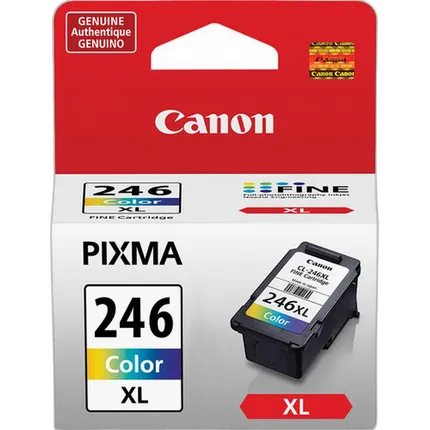
Canon CL-246 XL High Capacity Color Ink Cartridge
- - High capacity - FINE Technology - Genuine Canon Ink - ChromaLife100 system - Compatible with: PIXMA MG2420 & PIXMA MG2520
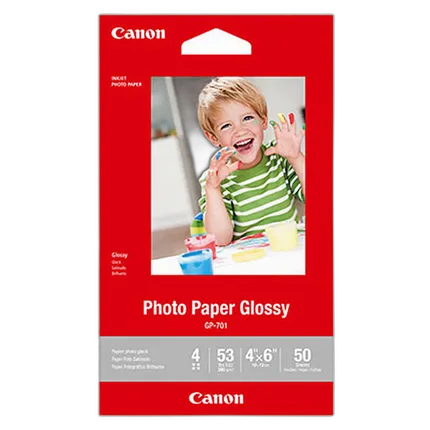
Canon 4x6 Photo Paper Glossy - 50 Sheets
- Canon Photo Paper Glossy
- Glossy surface finish
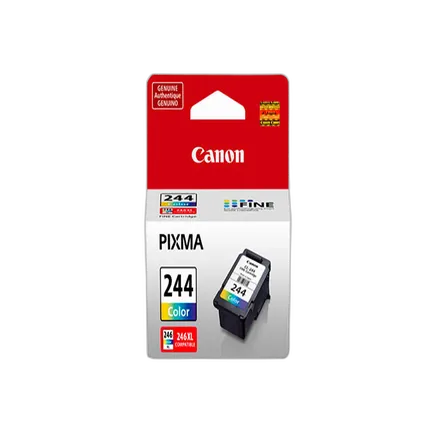
Canon CL-244 Color Ink Cartridge
- Canon CL-244 ink cartridge
- Dye based ink formulation
Canon PG-245XL/CL-246XL with Photo Paper - 50 Sheets
- - For the PIXMA MG2420 and MG2520 - 50 Sheets
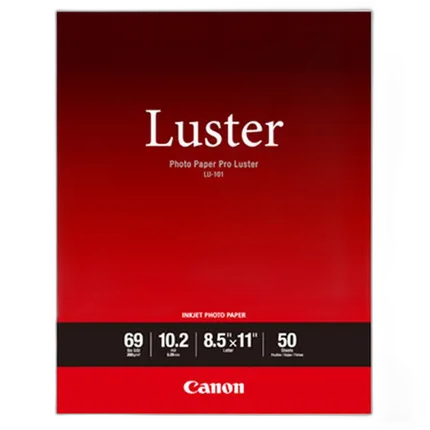
Canon Photo Paper Pro Luster (8.5x11 - 50 Sheets)
- Photo Paper Pro Luster
- Beautiful luster finish