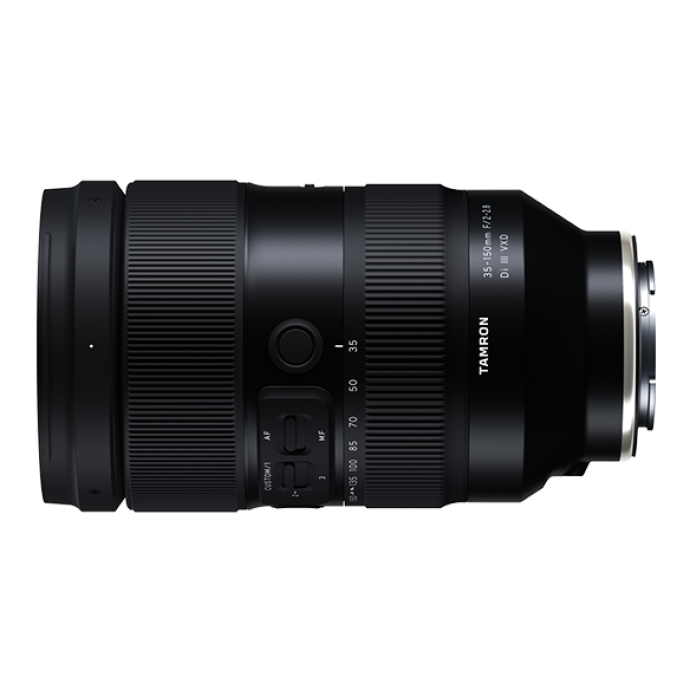
When you use Sony Lens Compare Beta, two of the easiest charts to misread are chromatic aberration and vignetting. Both can look intimidating at first, but once you know what the graphs are telling you, they become incredibly useful for matching a lens to your shooting style. Whether you're comparing a fast prime like the Sigma 50mm f/1.4 EX DG HSM for Sony or a versatile zoom such as the Tamron A058 35-150mm f/2-2.8 Di III VXD Lens (Sony E), understanding these two measurements helps you decide what matters in real-world images.
Start by Understanding What Chromatic Aberration Actually Shows
1. Look for color fringing at high-contrast edges
Chromatic aberration usually appears as purple, green, red, or blue fringing near the edges of a frame, especially where dark and bright areas meet. In Lens Compare Beta, this measurement helps you predict how much cleanup may be needed in post. If you shoot architecture, tree branches against bright skies, or reflective surfaces, this matters more than if you mostly shoot portraits with softer backgrounds.
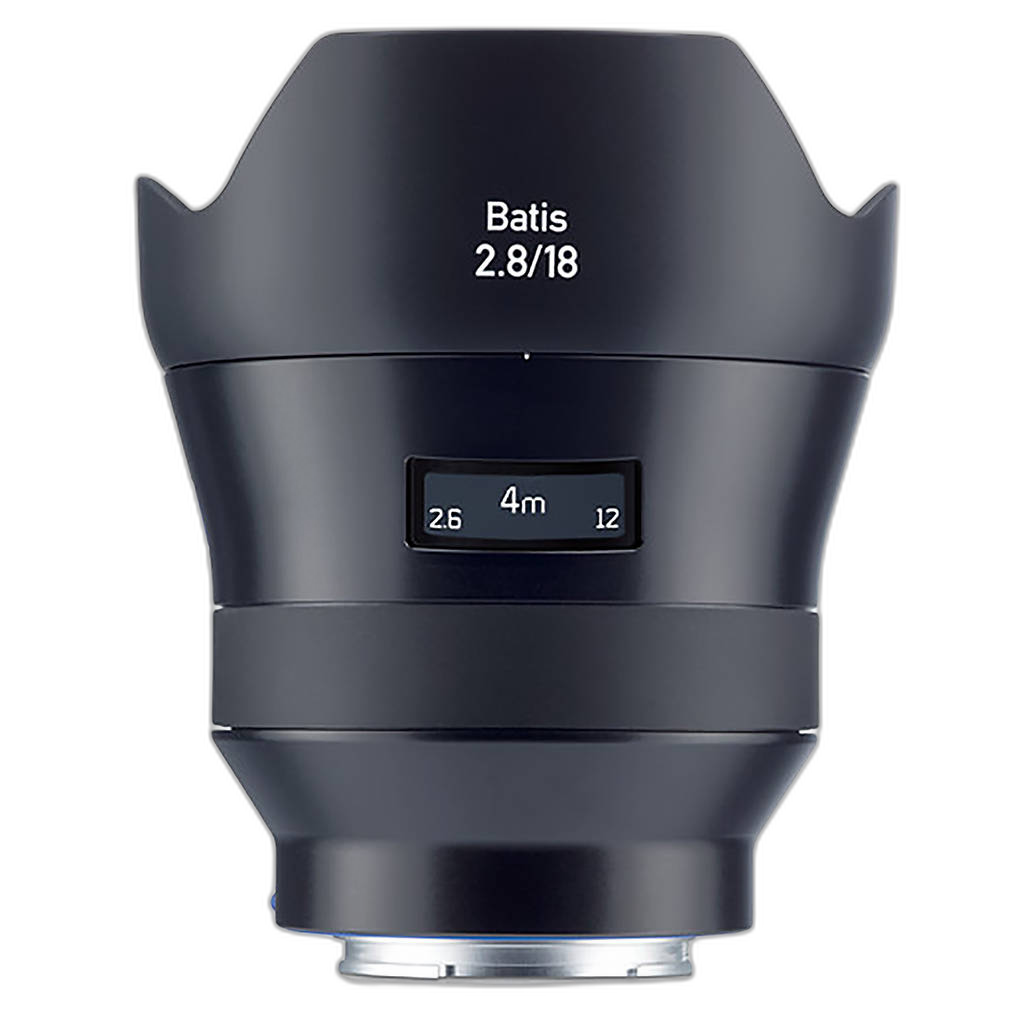
A wide lens like the Zeiss Batis 18mm f/2.8 AF lens for Sony Full Frame E-Mount Cameras may invite more edge scrutiny simply because you are often placing strong lines and bright skies near the corners. That does not automatically make it a poor performer; it just means you should interpret the chart in the context of how ultra-wide compositions are used.
Don’t Judge Chromatic Aberration Without Considering Focal Length
2. Zoom lenses can behave differently across the range
One of the biggest mistakes when reading lens comparisons is assuming one number tells the whole story. A zoom such as the Tamron 35-150mm f/2-2.8 Di III VXD may show different chromatic aberration results at 35mm, 85mm, and 150mm. If you mainly shoot events at the longer end, pay more attention to the telephoto results than the wide-end data.
This is where a lens like the new Tamron A058 35-150mm or even a value-minded option like the Used Tamron 35-150mm f/2-2.8 Di III VXD Lens for Sony E Mount - Excellent becomes especially interesting in Lens Compare Beta: you are not just buying one look, you are buying a range of performance behaviors.

Remember That Fast Lenses Often Need Context
3. Wider apertures can make imperfections more visible
If you compare a very fast lens like the Used Sigma 105mm f/1.4 DG HSM Art Lens for Sony E - Excellent against a slower optic, small traces of chromatic aberration or vignetting should be weighed against the creative advantage of that large aperture. Fast lenses often prioritize light gathering, depth of field control, and subject separation. A little edge fringing at f/1.4 may be completely acceptable if the center sharpness and rendering are what you need.
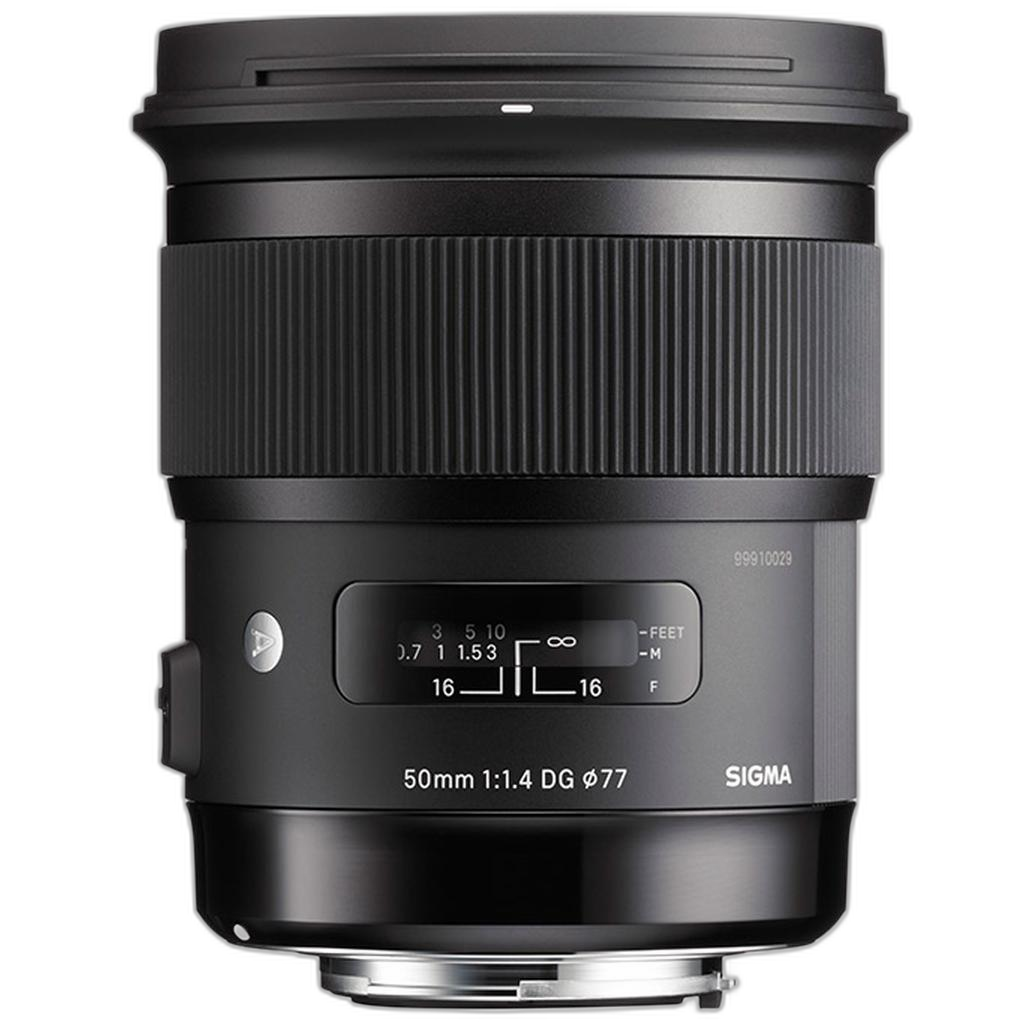
Likewise, with a lens like the Sigma 50mm f/1.4 EX DG HSM Standard Lens for Sony, do not panic if the chart looks less ideal wide open than stopped down. The smarter question is whether your typical use actually exposes those flaws.
Use Vignetting Data to Predict Mood, Not Just “Problems”
4. Darkened corners are not always a negative
Vignetting refers to corner darkening, especially at wider apertures. In Lens Compare Beta, many photographers assume less is always better, but that is not necessarily true. Portrait and event shooters often like mild vignetting because it naturally draws the eye toward the subject. In some cases, a lens with visible corner shading wide open can produce a look people actively want.
For example, if you are using the Tamron A058 35-150mm f/2-2.8 for weddings or lifestyle work, a little vignetting at the wider aperture settings may contribute to a pleasing image style. On the other hand, if you shoot copy work or interiors, you may prefer a lens and aperture combination with more even illumination.
Pay Special Attention to Vignetting on Wide Lenses
5. Ultra-wide compositions make corner behavior more noticeable
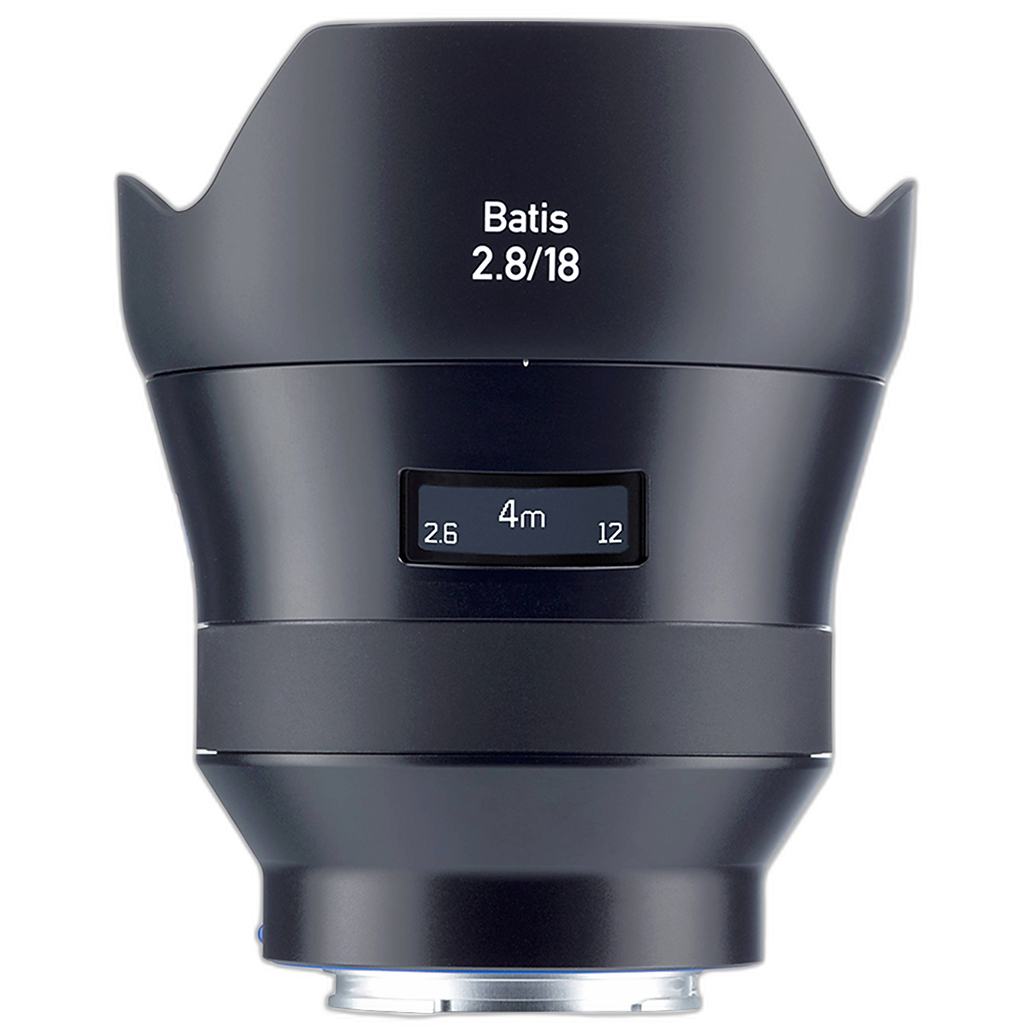
Vignetting can stand out more dramatically on wide-angle lenses because the corners often contain meaningful visual information. When comparing the Zeiss Batis 18mm f/2.8 or a Used Zeiss Batis 18mm f/2.8 for Sony E - Like New, look closely at how corner shading changes as the aperture stops down. For landscape, travel, and architectural work, this can affect how balanced the frame feels before correction.
At the same time, software correction is common, so what matters most is whether the uncorrected result aligns with your workflow. If you routinely edit RAW files, moderate vignetting may be a very manageable tradeoff for size, speed, or optical character.
Compare Similar Lens Types Whenever Possible
6. Prime versus zoom comparisons need realistic expectations
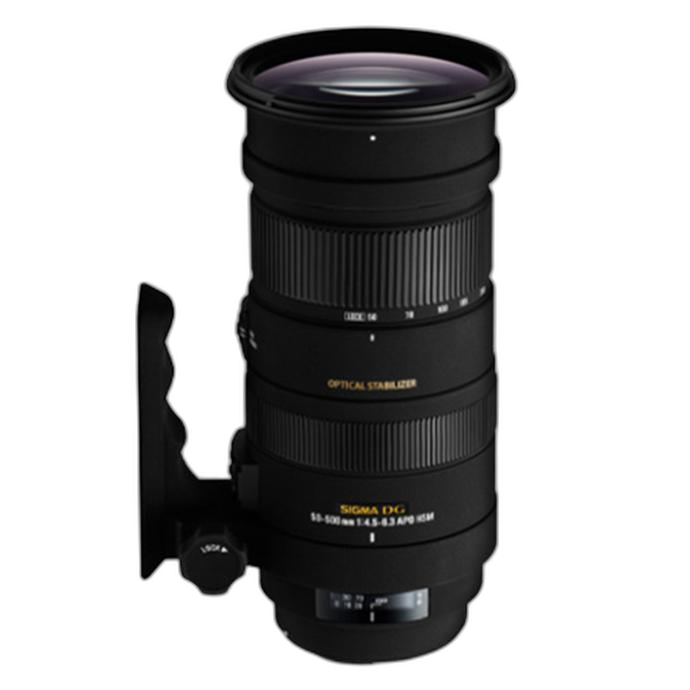
Lens Compare Beta is most useful when you compare lenses with similar purposes. A prime and a superzoom may differ in chromatic aberration or vignetting simply because their design goals are different. If you put a standard prime against a long-range telephoto like the Sigma APO DG OS HSM 50-500mm f/4.5-6.3 Telephoto Lens for Sony, the chart may be interesting, but not always practical for a buying decision.
Instead, use the tool to answer focused questions: Do you want a flexible event zoom? A fast portrait lens? An ultra-wide travel option? The more similar the use case, the more meaningful the chart becomes.
Check Whether the Difference Is Actually Visible in Real Images
7. Small chart differences may not matter in everyday shooting
It is easy to overreact to a slight advantage in one measurement. If one lens shows marginally less chromatic aberration or slightly better corner illumination, ask yourself whether that difference will be visible at your output size. Social media sharing, standard prints, and client galleries often hide tiny technical differences that look dramatic only on test charts.
That is why many photographers still choose flexible lenses like the Used Tamron 35-150mm f/2-2.8 Di III VXD Lens for Sony E - Fair or the new Tamron A058 35-150mm: convenience, focal range, and speed can outweigh small optical tradeoffs in real-world work.

Think About Correction Workflow Before You Buy
8. Lens flaws are easier to live with if your editing workflow is strong
Modern editing software can reduce chromatic aberration and correct vignetting quickly. So when Lens Compare Beta shows a lens with noticeable issues, do not rule it out immediately. Instead, think about whether you shoot JPEG or RAW, whether your software applies lens profiles automatically, and whether you are comfortable making small manual adjustments.
This matters especially for lenses chosen for character or value. A strong used option, like the Used Sigma 105mm f/1.4 DG HSM Art Lens for Sony E - Excellent or Used Zeiss Batis 18mm f/2.8 for Sony E - Like New, can be an excellent buy if the optical compromises fit your workflow and your budget.
Conclusion
Chromatic aberration and vignetting charts are most helpful when you read them in context. Think about focal length, aperture, subject matter, editing habits, and how much of the chart behavior will actually show up in your finished images. Sony Lens Compare Beta is a great tool for narrowing your options, but the best lens is still the one that supports the way you shoot. If you're ready to compare Sony-compatible lenses in more detail, explore new and used options at Unique Photo and find the glass that fits both your style and your workflow.