When forum members talk about the best audio gear for solo video shooting, the same questions come up again and again: should you plug a mic directly into the camera, use a separate recorder, add an XLR interface, or build a more flexible hybrid setup? For solo creators, the answer usually depends on how fast you need to work, how much control you want over your sound, and whether your workflow is built around mirrorless video, mobile capture, livestreaming, or a small studio.
If you are researching a solo video audio setup, this guide breaks down the pros and cons of the most common recommendations discussed in creator communities. We will cover microphones, recorders, audio interfaces, cabling, and practical accessories, with examples of gear available from Unique Photo for creators who want to improve sound without overcomplicating their rig.
What forum discussions reveal about the best audio gear for solo video shooting
Across filmmaking and creator forums, most solo shooters want the same things: reliable audio, fast setup, light gear, and fewer sync problems in post. The debate usually centers on three main approaches:
- Direct-to-camera audio for speed and simplicity
- Dual-system recording for improved control and backup security
- Interface-based setups for creators using smartphones, USB workflows, or compact mirrorless rigs
The right choice often comes down to the kind of content you make. A run-and-gun vlogger may prioritize portability, while an interview shooter may want XLR inputs and cleaner gain staging. A livestreamer might care more about routing flexibility than physical size. That is why audio gear recommendations vary so much in forum threads: each setup solves a different problem.
Direct-to-camera audio for solo creators: the fastest workflow
Many solo shooters prefer to keep everything simple by feeding audio directly into the camera. This cuts down on post-production time because the sound is already attached to the video file. It is one of the easiest ways to work when you are recording yourself, filming short-form content, or managing production alone.
For creators shooting on compatible Panasonic cameras, an XLR adapter can make a huge difference. The Panasonic LUMIX DMW-XLR2 Audio Expansion Unit gives solo filmmakers a cleaner path to professional microphones and more control than a basic 3.5mm input.
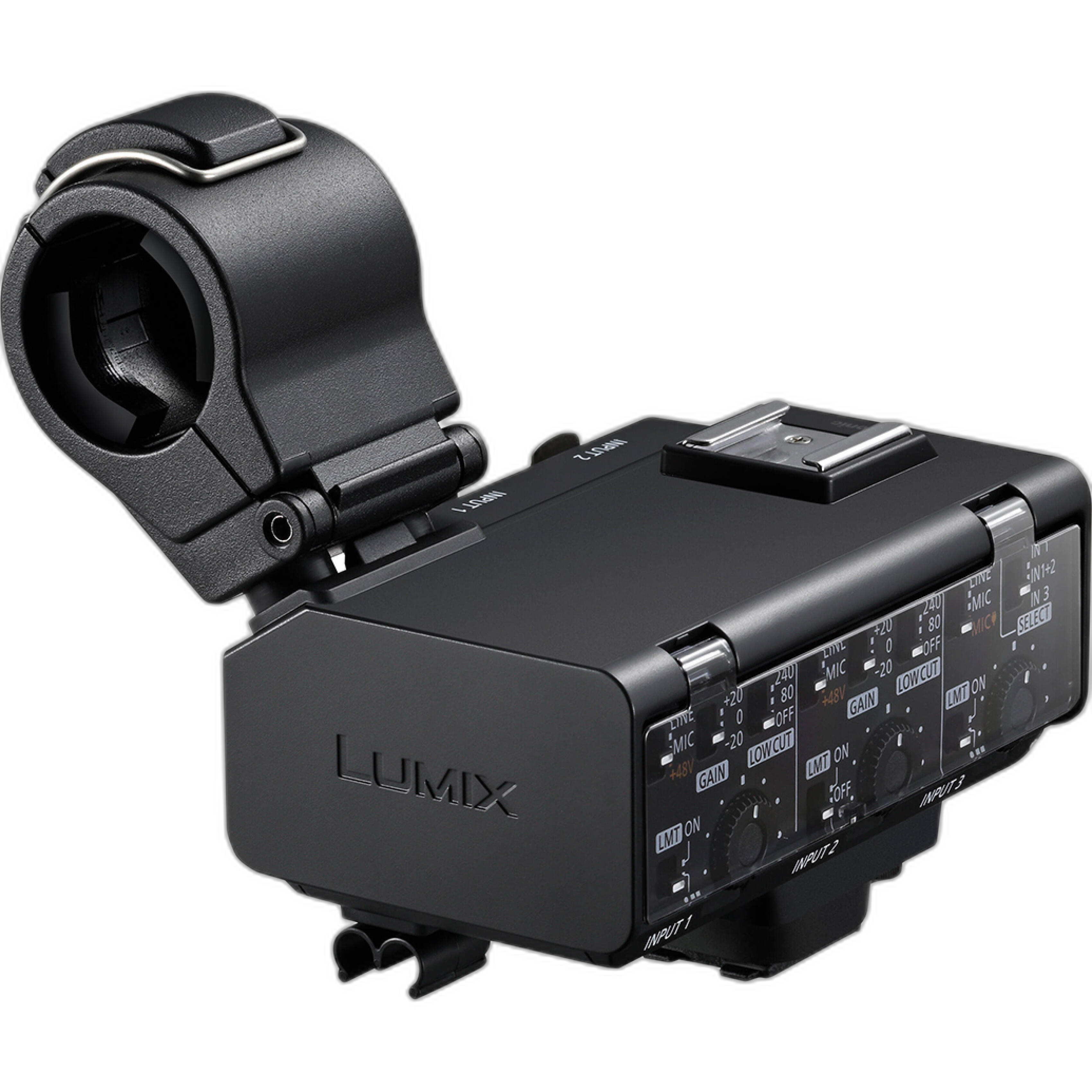
This type of solution appeals to forum members who want better preamps and XLR connectivity without carrying a separate field recorder. The biggest advantages are:
- Less gear to manage on set
- No need to sync external audio later
- Faster shooting for one-person productions
- Cleaner cable management on compact mirrorless systems
The main downside is reduced flexibility compared to a dedicated recorder or mixer. If something goes wrong in-camera, you may not have a separate audio backup. Still, for many solo creators, a direct-to-camera XLR option is one of the smartest ways to improve audio while keeping the workflow efficient.
Separate recorders vs in-camera recording: which is better for one-person video production?
This is one of the most common solo video audio questions online. A separate recorder often gives you better metering, more robust inputs, improved monitoring, and additional routing options. A larger production or controlled studio environment benefits from that flexibility. On the other hand, in-camera recording wins on convenience.
For creators who want a central audio hub in a studio or multi-source environment, the Tascam Model 24 - Digital Mixer, Recorder, and USB Audio Interface is the kind of device often recommended when discussions shift from simple on-camera audio to a more serious production workflow.
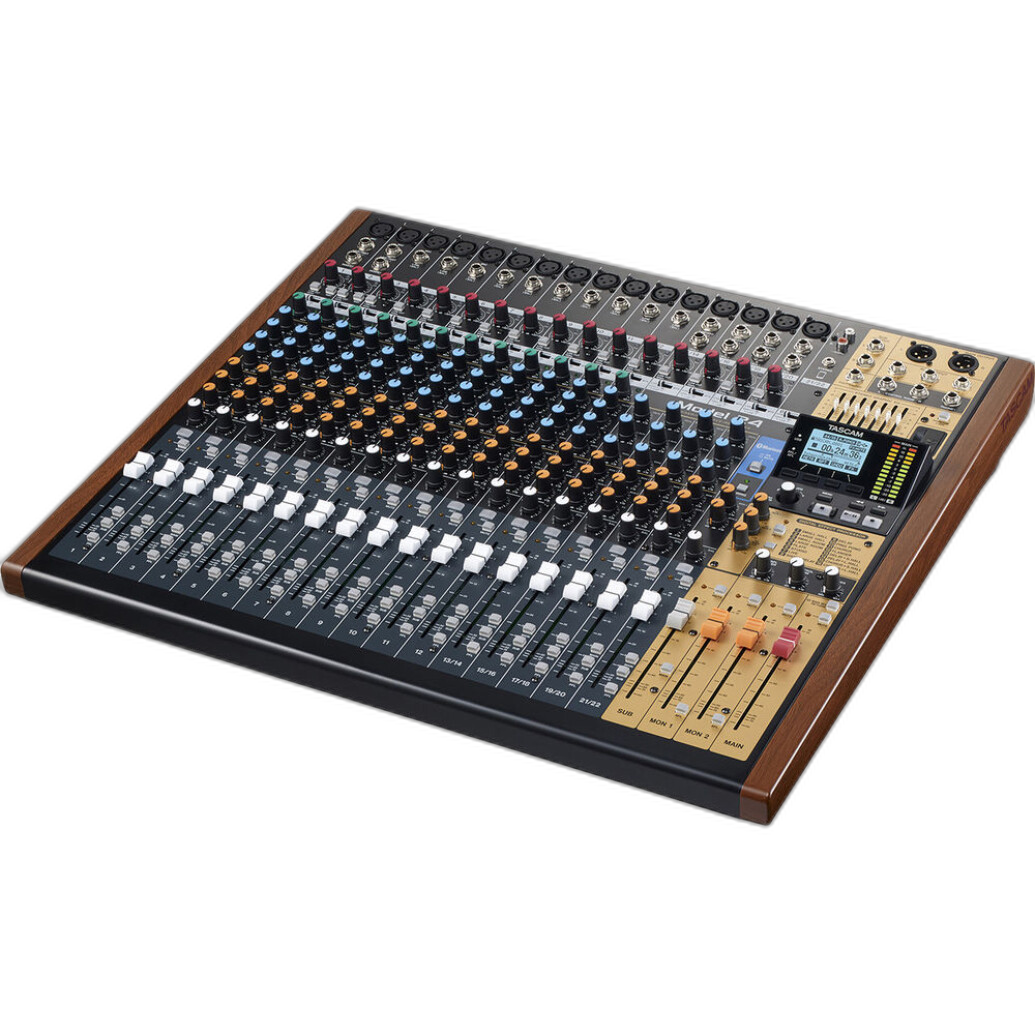
The Tascam Model 24 is not a pocket recorder for lightweight vlogging, but it illustrates why many forum members still advocate for external audio devices. Benefits include:
- Dedicated physical controls
- Multiple inputs for microphones and instruments
- Recording and interface functionality in one unit
- Useful routing for podcasts, video interviews, and livestreaming
For solo creators working from a desk, home studio, or fixed set, a mixer-recorder can be more practical than trying to make a tiny camera input do everything. Unique Photo carries solutions in this category for creators who want room to grow into more advanced production.
Compact audio interfaces for solo shooting and mobile content creation
Not every setup needs a full-sized recorder. A major trend in forum recommendations is the use of small audio interfaces that sit between a microphone and a smartphone, tablet, or computer. These are especially popular with creators filming social content, mobile interviews, voiceovers, and livestreams.
The Rode AI-Micro Ultracompact USB Type-C Audio Interface is a strong example of the compact approach. It is designed for creators who need a lightweight, travel-friendly solution and want more flexibility than a basic built-in mic input provides.
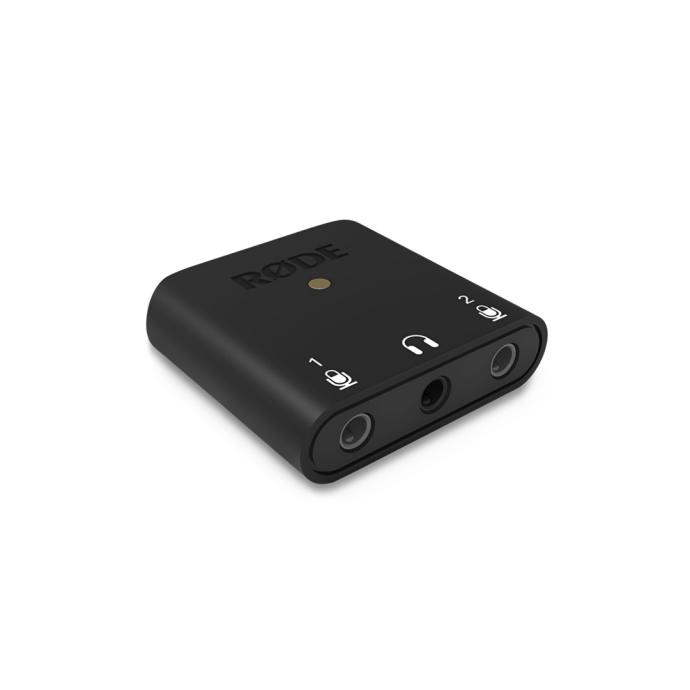
Forum members often like compact interfaces because they offer:
- Small footprint for mobile rigs
- Easy connection to modern USB-C devices
- Useful input expansion for compact recording setups
- A good balance of portability and control
Similarly, mobile creators discussing iPhone-based production often look for interfaces like the Saramonic SmartRig+ Di, 2-Channel XLR/3.5mm Audio Interface- Lightning Cable, which helps bridge pro audio tools and mobile recording workflows.
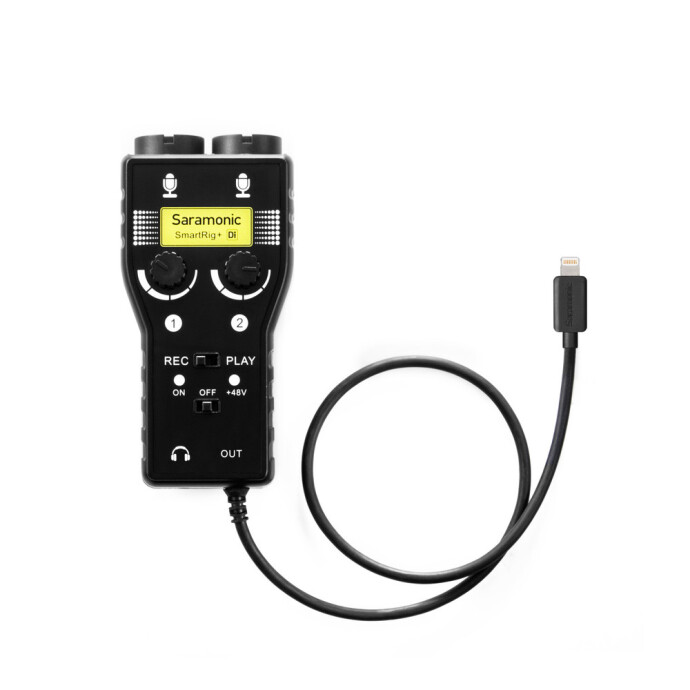
These kinds of devices make sense if your solo video workflow includes mobile journalism, travel content, or social-first production. At Unique Photo, interface options like these can fit creators who need clean connections without carrying a full audio bag.
XLR vs 3.5mm for solo video shooters: what the forum advice gets right
Another frequent topic in audio forums is the battle between XLR and 3.5mm connections. The reason this matters is not just connector size. It affects cable security, noise resistance, microphone compatibility, and overall reliability on set.
XLR advantages:
- More secure physical connection
- Typically better for professional microphones
- Balanced signal helps reduce interference on longer runs
- Often supports more professional gain structures and accessories
3.5mm advantages:
- Smaller and lighter
- Common on compact cameras and consumer devices
- Faster for minimal rigs
- Often less intimidating for beginners
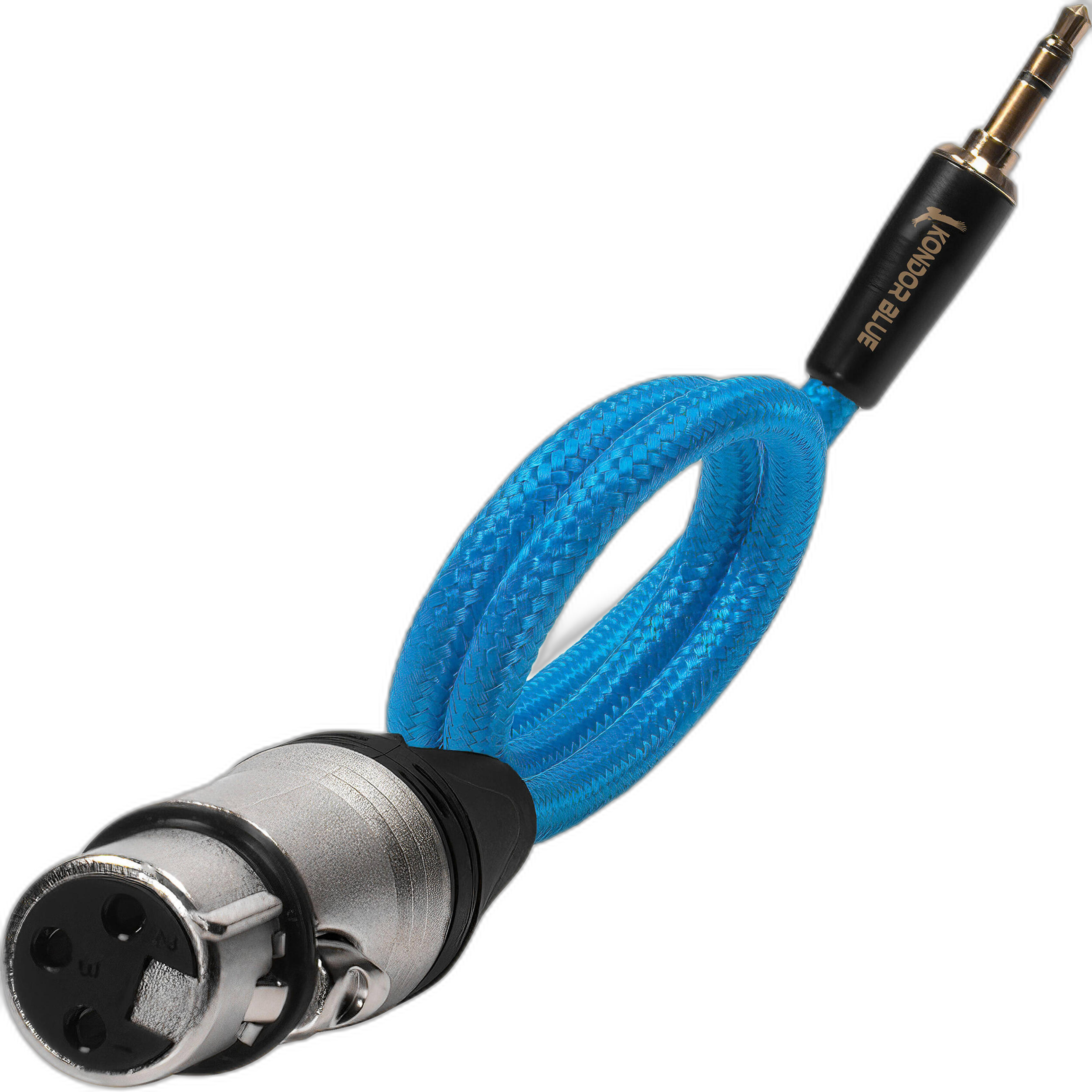
That is why many solo shooters land on a hybrid approach: use XLR where possible, then adapt carefully into smaller devices when needed. For example, the Kondor Blue Braided Female XLR to 3.5mm TRS Male Audio Cable is exactly the sort of accessory that comes up when creators need to connect pro-style audio sources to compact camera inputs.
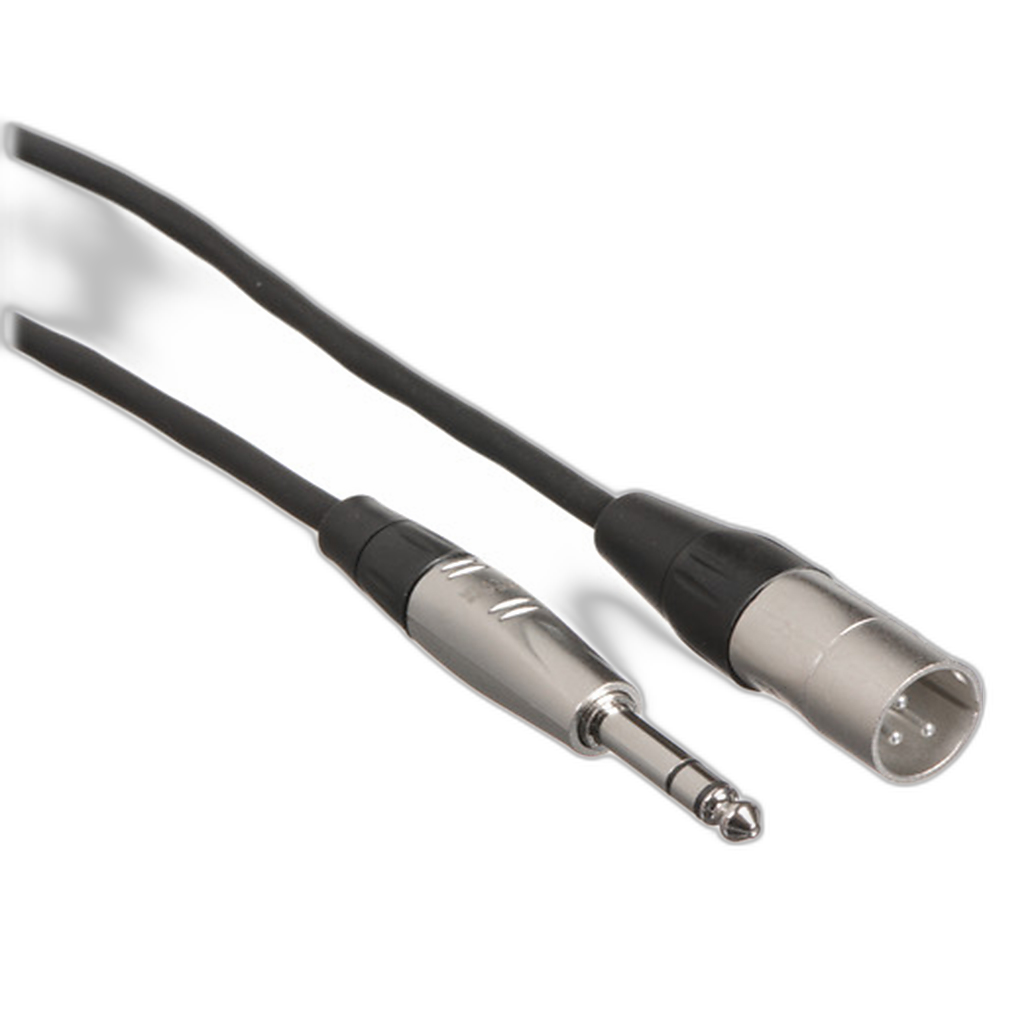
Likewise, the Hosa Technology Balanced 1/4in TRS Male to 3-Pin XLR Male Audio Cable (10FT) represents the kind of practical studio or rigging cable forum members recommend when integrating mixers, interfaces, and audio hardware.
In short, forum advice is usually correct on this point: the best connector is the one that matches your device chain cleanly and reliably without adding unnecessary adapters.
Best accessories for solo video audio setups
Audio quality is not only about the microphone or recorder. Solo operators often discover that accessories determine whether a setup is practical in the field. Good cabling, signal conversion, mounting solutions, and even monitoring tools can make the difference between a setup that works occasionally and one that works every time.
One area that comes up more now is hybrid streaming and recording. If your solo workflow includes live production, video calls, or direct computer capture, hardware like the Kondor Blue HDMI to USB-C Capture Card for Live Streaming Video and Audio can become part of the overall audio-video chain.
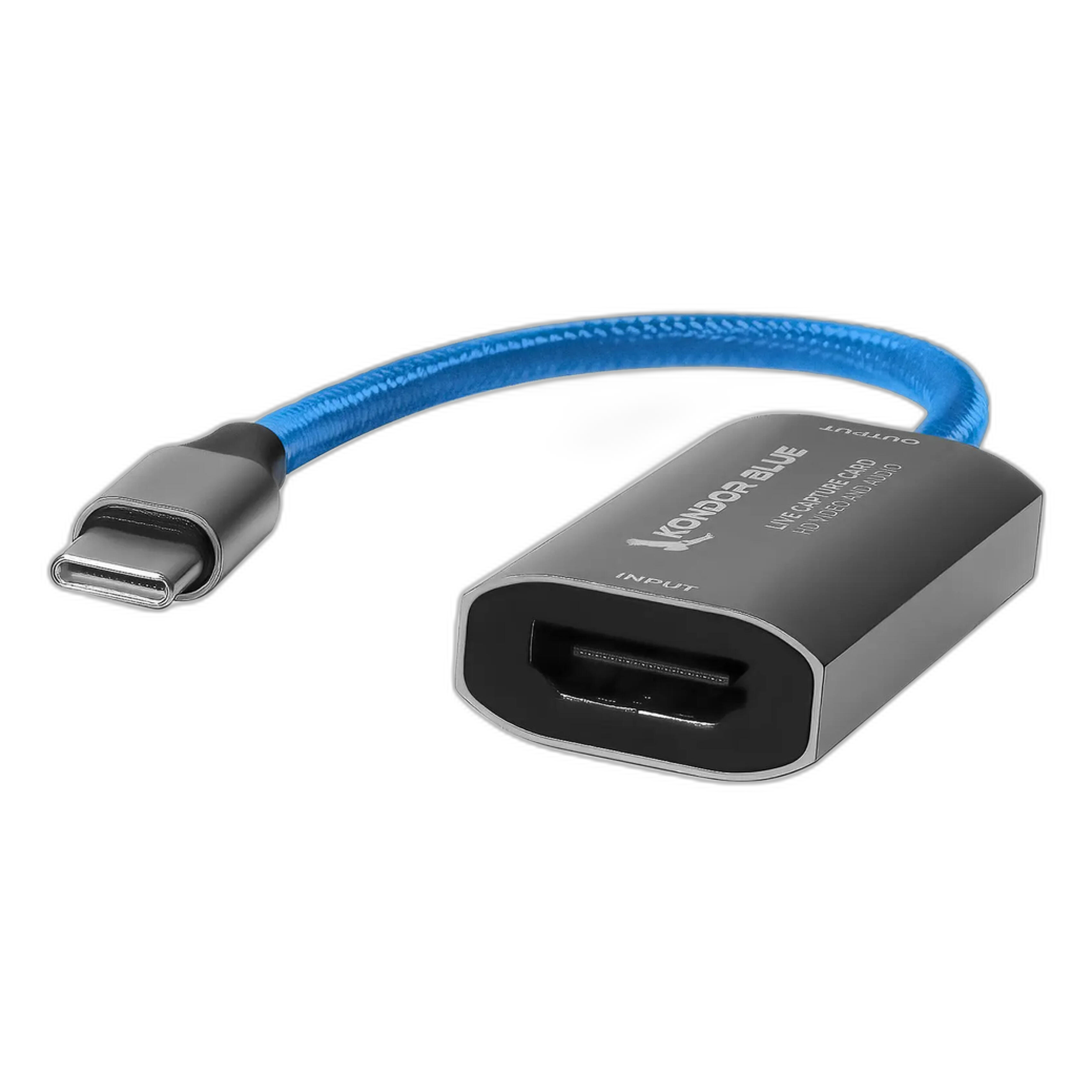
While not a microphone or recorder itself, capture hardware is relevant because many solo shooters are not just filming anymore. They are switching between livestreaming, recording, monitoring, and content repurposing. Forum members increasingly recommend building systems that support all of those tasks instead of solving only one.
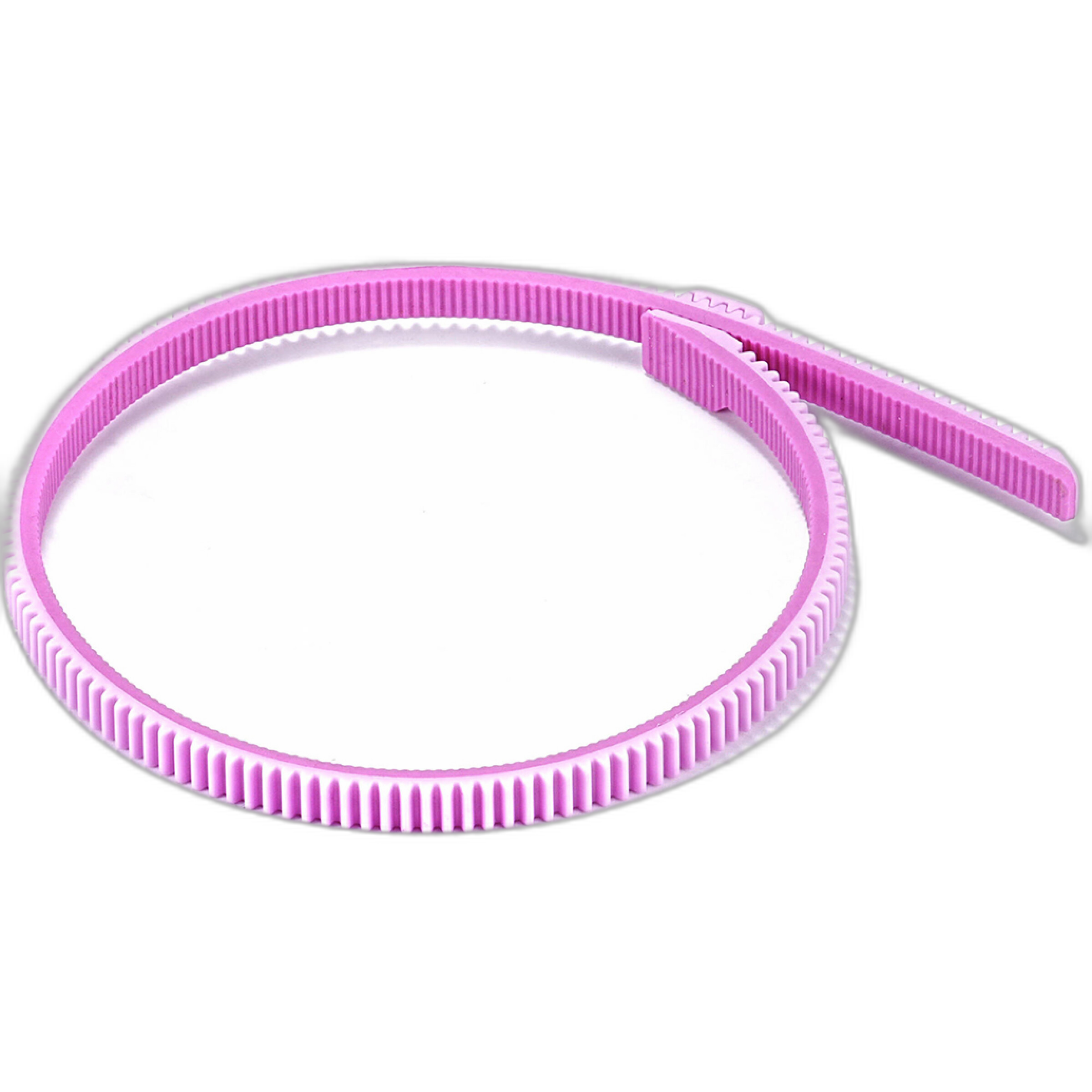
Even rig accessories can affect solo production efficiency. A product like the Tilta Universal Focus Gear Ring - Pink is not an audio tool, but it reflects a broader truth from forum discussions: solo shooting works best when every part of the rig is intentional and manageable.
That same mindset applies to audio. The cleaner and more repeatable your setup, the easier it is to focus on performance, framing, and storytelling.
How to choose the right microphone and recorder setup for your content style
Forum recommendations can sound contradictory until you sort them by use case. Here is a simpler way to think about it:
Choose direct-to-camera audio if you:
- Need a fast turnaround
- Film yourself often
- Prefer minimal post-production
- Use a compatible camera with strong audio options
Choose an external recorder or mixer if you:
- Need multiple inputs
- Record interviews, podcasts, or studio video
- Want more control over levels and routing
- Need backup recording security
Choose a compact interface if you:
- Shoot on mobile devices
- Create livestreams or desk-based content
- Travel often
- Need a smaller and more affordable signal path
Most importantly, build your setup around your actual workflow rather than around the loudest recommendation in a forum thread. The best solo video audio gear is the gear that helps you work consistently.
Common mistakes solo shooters make when building an audio kit
Many forum veterans point out the same mistakes over and over:
- Buying too much gear before understanding the signal chain
- Ignoring cable quality and connector compatibility
- Overcomplicating a simple one-person workflow
- Choosing a studio-sized solution for run-and-gun production
- Failing to test monitoring and gain levels before filming
A practical purchase from Unique Photo is often more valuable than a trendy one if it fits your camera, your shooting style, and your editing needs. Good audio is usually the result of a dependable system, not just one premium component.
Final thoughts on forum-recommended audio gear for solo video shooting
The biggest takeaway from forum discussions is that there is no single best audio gear setup for solo video shooting. Instead, there are several smart paths: direct-to-camera convenience, external recorder flexibility, and compact interface portability. Each has real advantages depending on how and where you shoot.
If you are building or upgrading your rig, Unique Photo is a great place to compare creator-friendly audio tools, from interfaces and adapters to cables, capture devices, and larger recording solutions. A thoughtful setup can help you record cleaner dialogue, streamline production, and spend less time fixing audio issues in post.
For next steps, consider exploring internal category pages and related resources such as audio recording gear, audio cables and connectors, camera accessories, and pro audio equipment at Unique Photo to build a complete solo creator kit.