Canon PIXMA TS9520a Wireless Home Inkjet All-In-One Printer

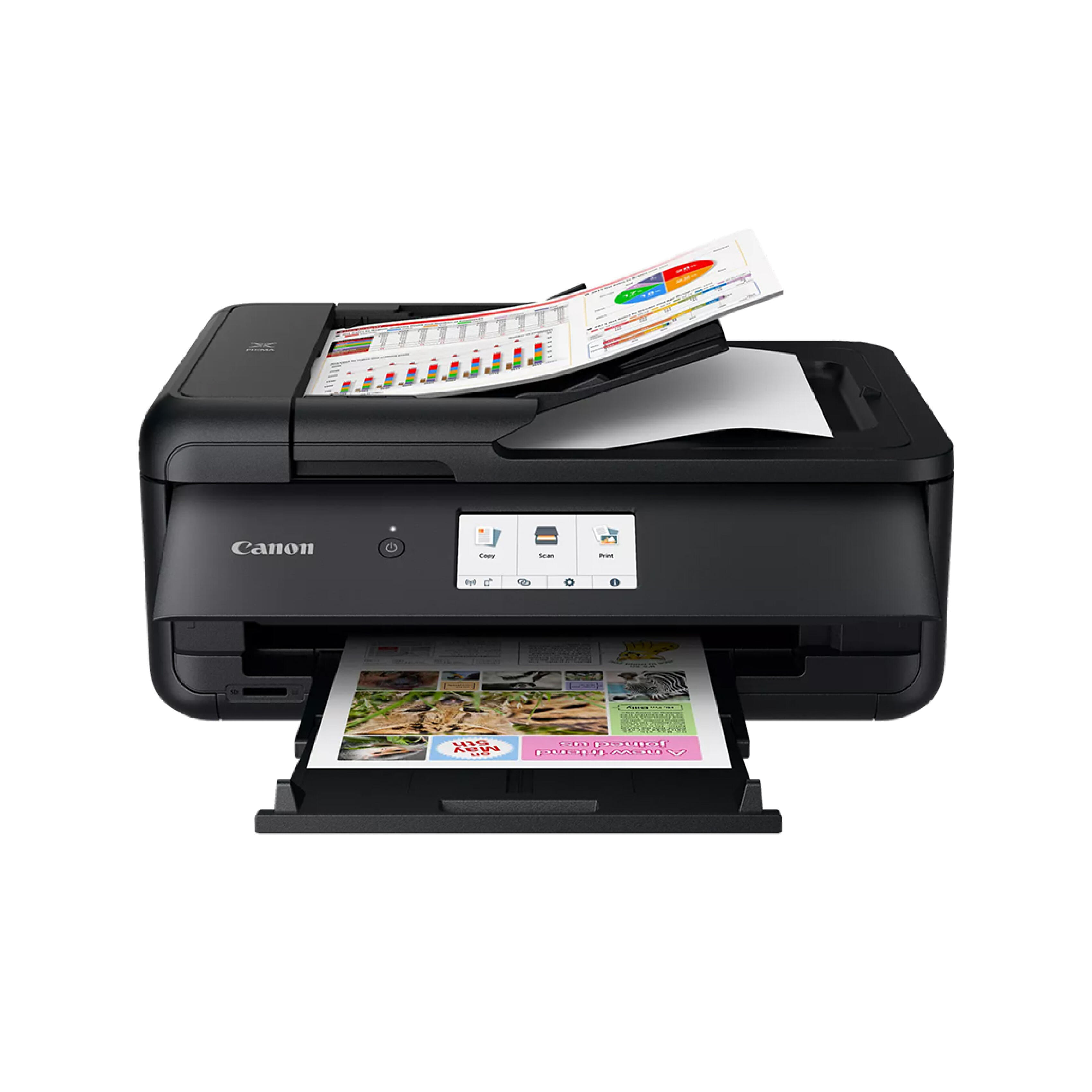
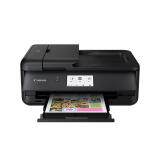
- Wireless 3-in-1 (Print | Copy | Scan)
- 15 (BW) / 10 (COLOR) Images Per Minute (ipm)
- 100-Sheet Paper Cassette + 100-Sheet Rear Tray
- 20-Sheet Auto Document Feeder (ADF)
- Auto 2-sided Printing
- 4.3" LCD Touchscreen for easy navigation
- ENERGY STAR®, EPEAT Silver
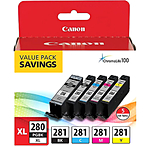
Recommended Accessories
OVERVIEW
Print up to 11"x17" and 12"x12"
You can print large documents up to 11"x17" and 12"x12" such as calendars, schedules, posters, and more! Great for crafting, scrapbooking.
Easy to Use
With front and rear paper feeding, you can simultaneously hold plain paper in the front cassette and extend the rear tray when you want to print on photo paper or other paper types. Load up to 200 sheets—100 sheets* in the bottom cassette, 100 sheets* in the rear tray.
Handle Multi-Page Documents with Ease
Use the built-in Auto Document Feeder to copy and scan up to 20 pages* with ease.
4.3" LCD Touchscreen
Get the job done with an intuitive and easy-to-use LCD touchscreen.
Auto 2-Sided Printing
Built-in Auto 2-Sided Printing can automatically print on both sides of the paper, helping you use less paper for large print jobs.
Memory Card Printing
With a built-in SD Memory Card slot, this printer will meet all of your favorite photos with the quality you expect from Canon.
Seamless Connectivity
The TS9520a features built-in Wi-Fi. Print documents and photos right from your compatible device.
In the Box
- Canon PIXMA TS9520a Wireless All-in-One Printer
- Multi-Purpose Tray
- 4”x6” Photo Paper Sample Pack (3 Sheets of PP-301)
- Setup CD
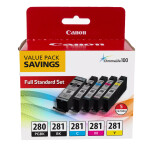
- Set of Standard Ink Cartridges
- Documentation
- Power Cord
Brand
printer specifications
| Number Of Nozzles (Total) | Color (C/M/Y): 3,072 / Pigment Black: 1,024 / Total: 4,096 |
| Ink Compatibility | PGI-280 Pigment Black Ink, CLI-281 Dye Based Ink |
| Paper Compatibility | Plain: Plain Paper, Canon High Resolution Paper; Super High Gloss: Photo Paper Pro Platinum; Glossy: Photo Paper Plus Glossy II, Photo Paper Glossy; Semi-Gloss: Photo Paper Plus Semi-Gloss, Photo Paper Pro Luster; Matte: Matte Photo Paper Other: Greeting Cards, Plastic ID Cards, Printable CD/DVD/Blu-ray Discs, T-Shirt Transfers, U.S. #10 Envelopes |
| Copy Features | 4-on-1 / 2-on-1 Copy, Auto Document Feeder (ADF), Auto Exposure Copy, Booklet Layout Copy, Borderless Copy, Collated Copy (ADF Only), Disc Label Copy, Document Removal Reminder, Fit-to-Page, Frame Erase Copy, ID Card Copy, Large (Oversized) Document Copy, Manual 2-Sided Copy With ADF, Multiple Copy (Up To 99 Pages), Photo Fade Restoration, Preset Copy Ratios, Reduction/Enlargement (25% - 400%), Standard Copy, Two-Sided Copy |
| Maximum Document Size | Flatbed: Letter / A4, ADF: Legal |
| OS Compatibility | Windows Windows® 10, Windows® 8.1, Windows® 7 SP1, Mac OS® X v10.10.5 – macOS v10.12, Mobile Operating Systems iOS®, Android, Windows 10 Mobile, Chromebook Compatible Yes, Smart Assistant Support Amazon Alexa, Mobile Printing Solutions and Apps (iOS / Android) Canon PRINT app, Easy-PhotoPrint Editor app, Software (Windows / Mac), PIXMA TS9520a Wireless Inkjet All-In-One Printer Driver, Scan Utility (Win/Mac) / Scan Utility Lite (Mac Only), Easy-PhotoPrint Editor Software, Master Setup My Printer (Windows Only), Network Tool, Quick Menu |
| Media Thickness | Cassette: Plain Paper: 64 - 105 g/m2, Rear Tray: Plain Paper: 64 - 105 g/m2 OR Canon Paper: Max. approx. 300 g/m2 (Photo Paper Pro Platinum PT-101) |
scanner specifications
| Scanner Type | Contact Image Sensor (CIS) |
physical specifications
| Weight | 21.3 lbs. |
| Dimensions | 18.5” (L) x 14.5” (W) x 7.6” (H) |
monitor specifications
| Display Size | 4.3" |
detailed specifications
| Max Resolution | Up to 4800 x 1200 dpi |
interface
| Connectivity | Hi-Speed USB, Ethernet, PictBridge (LAN/Wireless LAN), Wi-Fi® (802.11b/g/n/ac wireless networking, 2.4 GHz), Memory Card Slot4 |
brand
| Brand | Canon |