Adobe Premiere Pro: Video Editing Basics with Harry Hillard
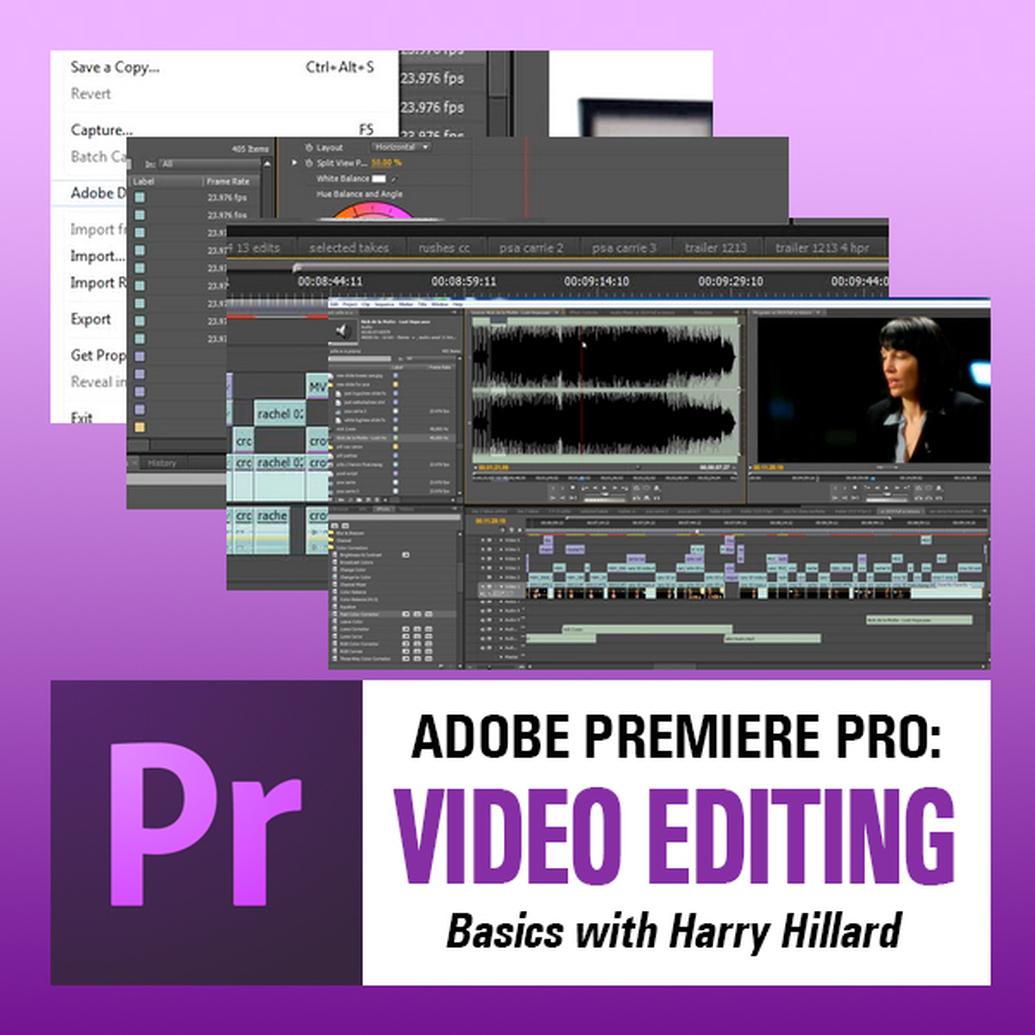
This workshop is designed for those who are either new to Adobe Premiere Pro or who have begun to dabble with this challenging software.
Using demonstrations and hands-on exercises, the class will explore all phases of non-linear video editing while smoothing out the software’s steep learning curve.
Ideally, students will bring laptops loaded with Premiere Pro to take advantage of the footage and exercises provided. However, students who have not yet acquired Premiere Pro will still benefit by observing the various demonstrations and discussions of editing principles.
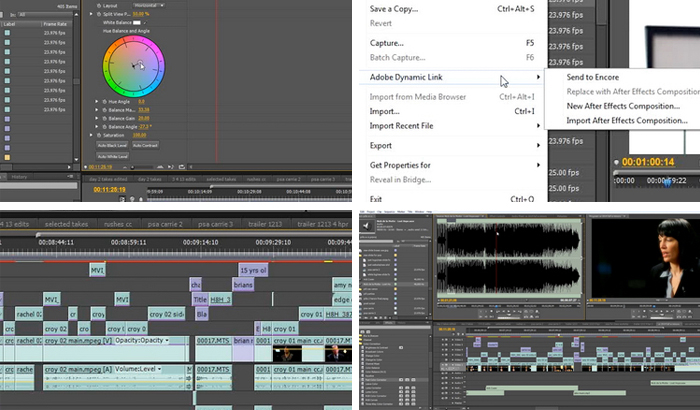
Topics covered include: the digital editing workflow, the Premiere interface, project settings, tools and keyboard shortcuts, and the exporting of final edits for DVD and Blue-Ray burning.
And since editing means much more than learning the software, the class will include an overview of “the art of editing.” Principles to be demonstrated include: editing grammar, “Hollywood” methods of montage, and parallel editing.
Brand
brand
| Brand |