Great-looking video can still feel unfinished if the audio is thin, noisy, or inconsistent. Whether you shoot interviews, weddings, YouTube content, documentaries, or live streams, building the right audio workflow around your DSLR or mirrorless camera can make a dramatic difference. Below are practical tips for choosing audio solutions that match the way you shoot, from simple on-camera upgrades to multi-source recording setups.
Start by matching your audio gear to your production style
1. Use a dedicated recorder when camera preamps are limiting your sound
Many DSLR and mirrorless shooters quickly discover that camera audio inputs are convenient, but not always ideal for cleaner, more flexible recording. A dedicated field recorder gives you better control over gain, multiple inputs, and safer backup options. For run-and-gun interviews or event coverage, the Tascam DR-60DmkII 4-Channel Portable Recorder for DSLR fits naturally into a camera rig and is designed specifically for video workflows. If you need a similarly camera-friendly option with strong multi-input versatility, the Tascam DR-70D 4-Channel Audio Recording Device for DSLR and Video Cameras is a smart choice for recording dialogue from several sources at once.
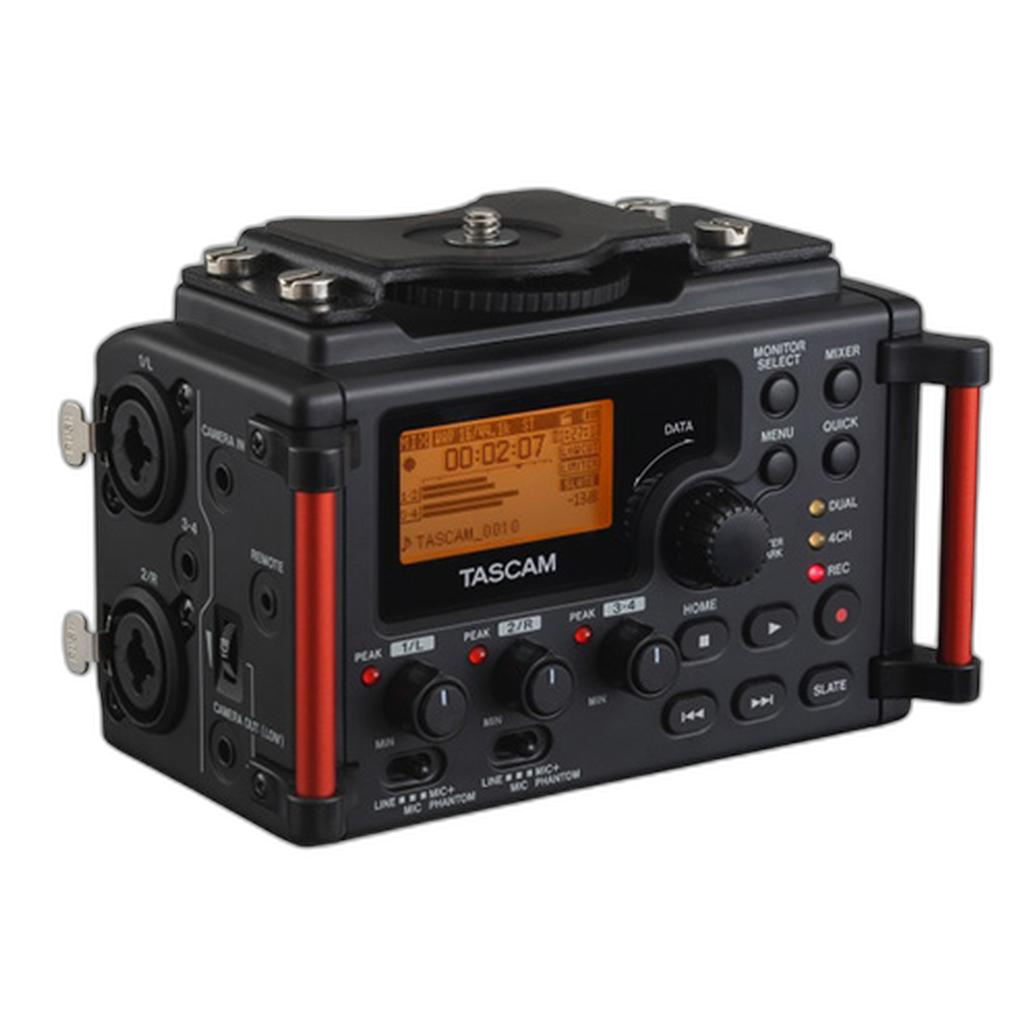
These kinds of recorders are especially useful when shooting with cameras such as a Used Canon EOS Rebel T6i Digital SLR Camera Body Only - Excellent or a compact mirrorless body like the Used Good Fujifilm X-T4 Mirrorless Digital Camera, where adding dedicated audio control can elevate overall production quality.
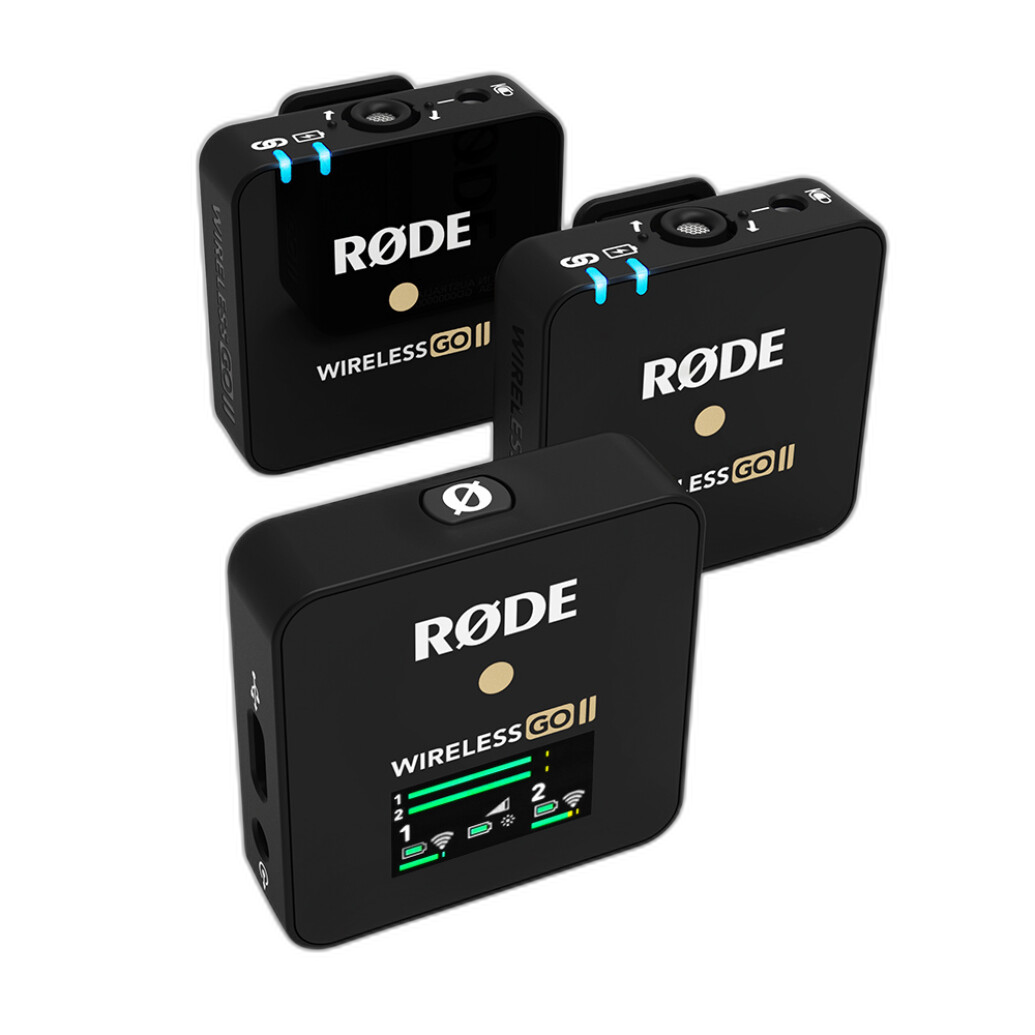
2. Choose XLR solutions when dialogue quality matters most
If you regularly record interviews, corporate work, or documentary footage, XLR connectivity can be a major advantage. Professional microphones often use XLR for better signal integrity and secure connections. The Sony XLR-K3M Digital XLR Adaptor Kit with Microphone is particularly appealing for compatible Sony shooters who want a streamlined way to add pro audio inputs and an included microphone without building an overly complicated rig.
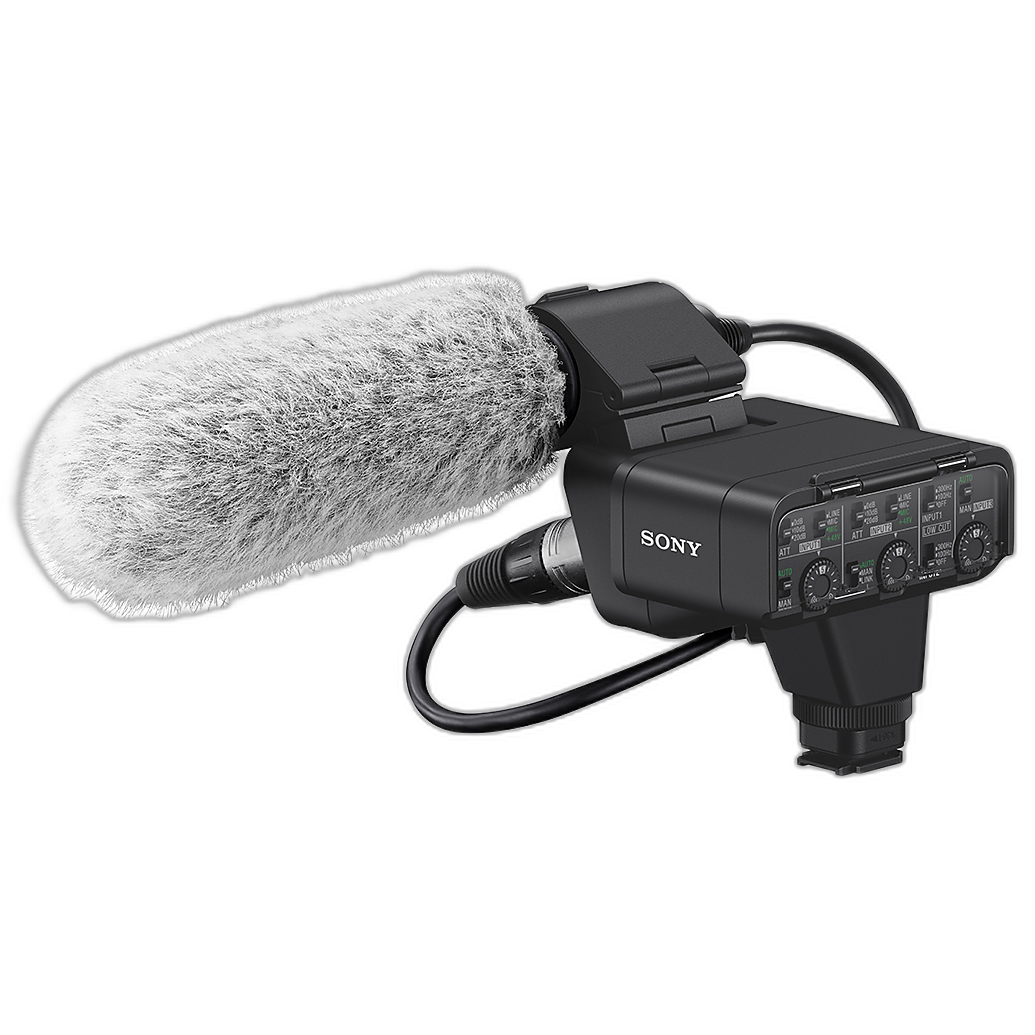
An XLR adapter setup makes sense when you need more dependable spoken-word capture than a basic built-in mic can provide, especially in unpredictable environments like trade shows, wedding prep rooms, or indoor interviews.
Build a setup that handles real-world shooting conditions
3. Go wireless when your subject needs to move
For presenters, wedding officiants, interview subjects, and creators who need freedom of movement, a wireless system is often the best upgrade you can make. The Saramonic K9-US Professional Dual Digital UHF Wireless Mic System is well suited for productions where you want cleaner voice pickup from one or even two speakers while keeping cables out of frame.
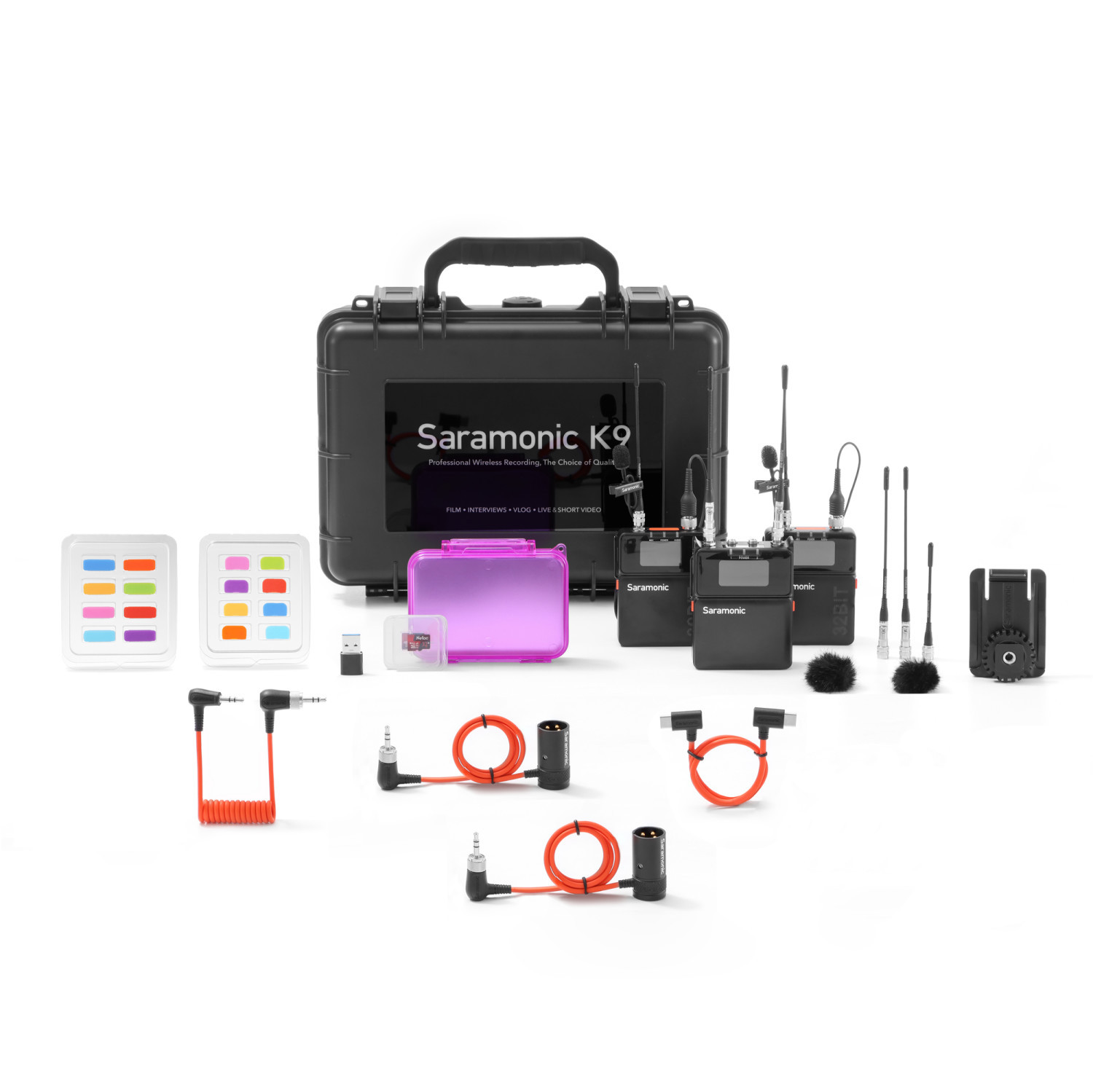
Wireless audio becomes especially valuable with mirrorless hybrid cameras that are often used for solo production work. Instead of relying on distance from the camera-mounted mic, you can keep the microphone close to the talent for more consistent levels and clearer speech.
4. Record multiple sources separately for safer editing
One of the best habits in videography is isolating important sources whenever possible. A recorder like the Tascam DR-70D or Tascam DR-60DmkII lets you manage multiple microphones independently, which can save a shoot when one speaker talks louder than another or when background noise suddenly changes. Separate tracks also give you far more flexibility in post-production for balancing dialogue, ambient sound, and room tone.
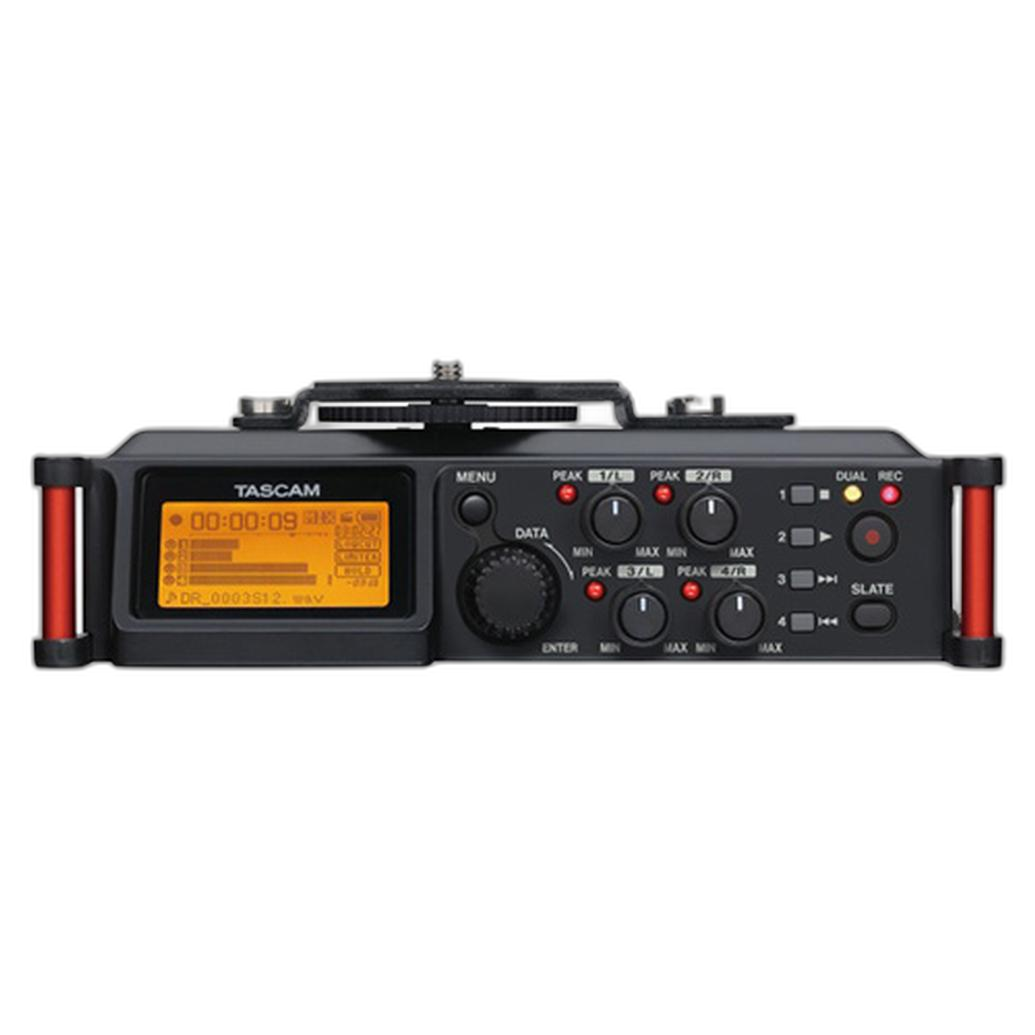
This is a strong workflow for interview setups, panel discussions, and wedding coverage where you may want one microphone on the subject, another on the officiant, and perhaps a feed from the venue sound system.
Think beyond the camera for streaming and studio-style productions
5. Use a mixer-recorder for podcasts, multicam shoots, and live productions
Not every video project is strictly handheld or run-and-gun. If your work includes livestreaming, podcast video, educational content, or studio interviews, a mixer-recorder can simplify your entire audio chain. The Tascam Model 24 - Digital Mixer, Recorder, and USB Audio Interface is ideal when you need to manage multiple microphones, record sessions, and integrate audio into a broader production environment.
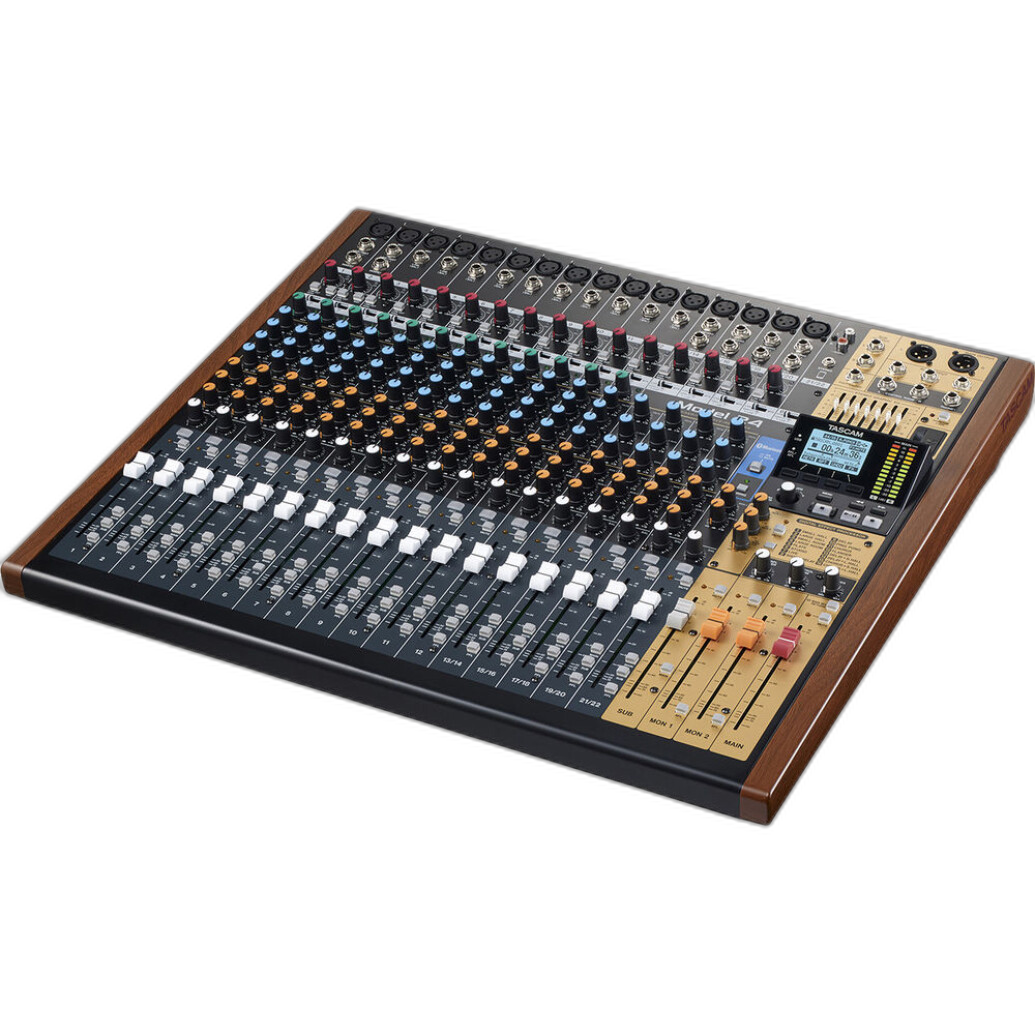
For creators building a more complete streaming workflow, a DSLR Live Stream Set-Up can help bring camera and audio needs together more efficiently, especially when you're producing regular online content and want a cleaner path from capture to broadcast.
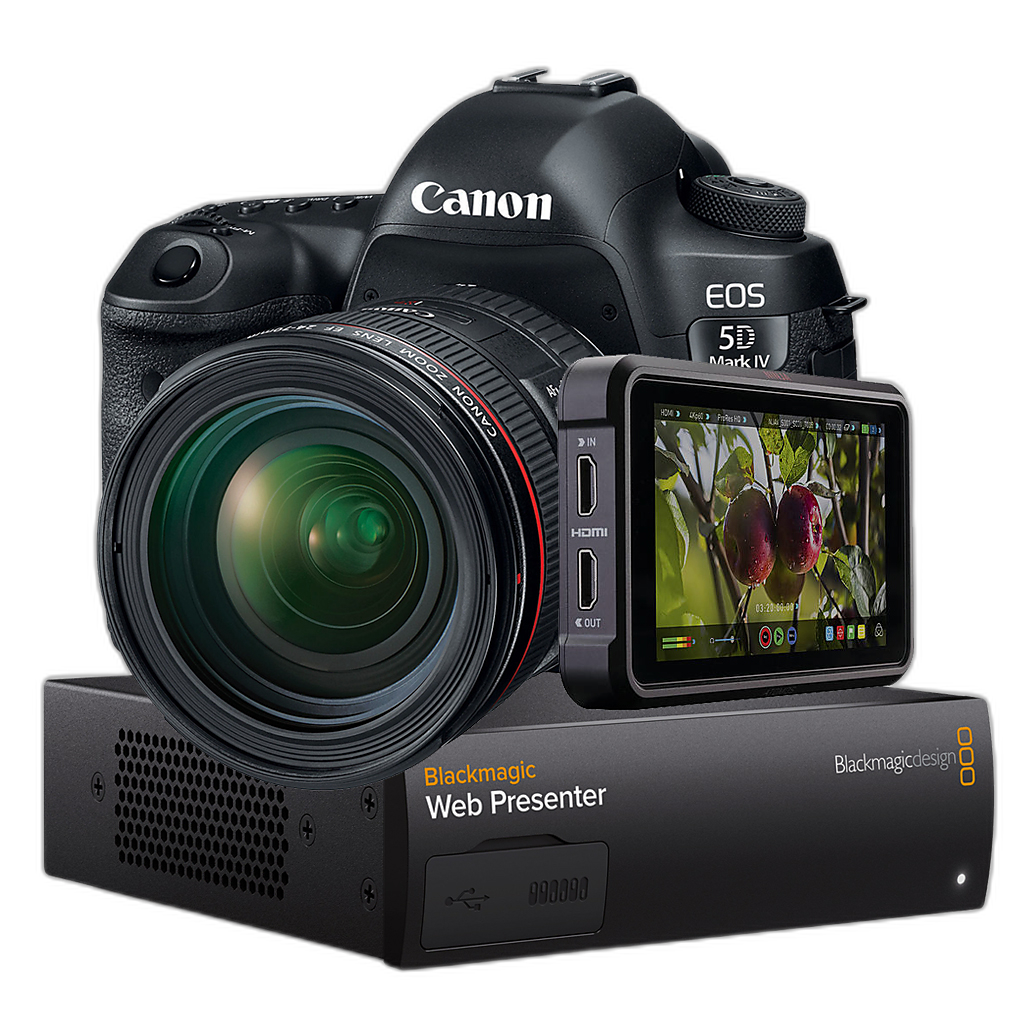
6. Plan your audio chain around your camera body
Your camera affects how simple or advanced your audio setup should be. An older DSLR body may benefit greatly from an external recorder to bypass limited onboard audio controls, while a newer mirrorless camera may pair nicely with compact digital audio accessories. If you are shooting on a body like the Used Canon EOS Rebel T6i, adding a recorder can be one of the most meaningful upgrades for video work. If you're working with a hybrid body like the Used Good Fujifilm X-T4 Mirrorless Digital Camera, you may want to keep the rig compact while still improving sound capture with wireless or recorder-based solutions.
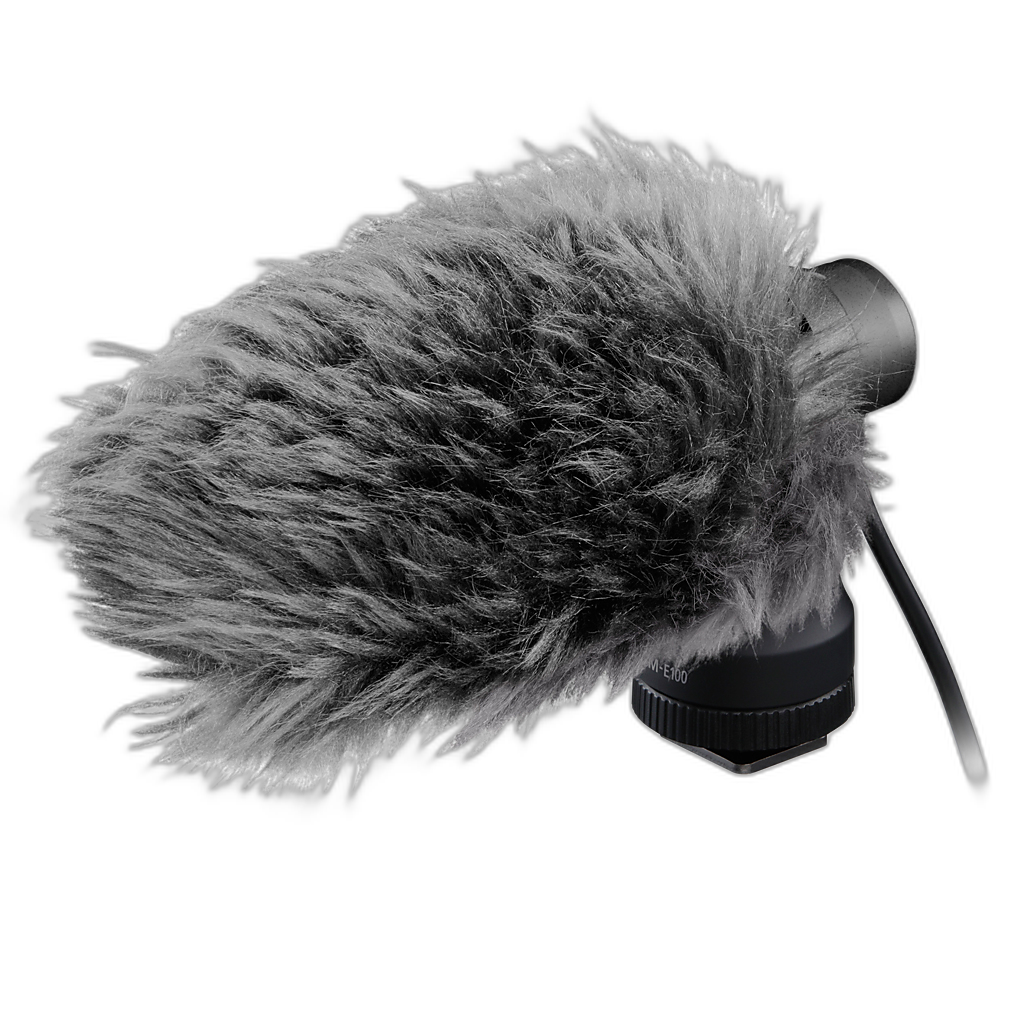
Practical tips for better sound on every shoot
7. Monitor with headphones and set conservative levels
- Always monitor audio live when possible.
- Leave headroom so sudden laughs or louder speech do not clip.
- Use dual recording or safety track features when available.
- Test every microphone before the real take begins.
Dedicated audio tools like the Tascam recorders are helpful here because they give videographers more confidence and control than relying entirely on camera menus.
8. Choose the simplest setup that reliably captures clean dialogue
- For seated interviews: consider XLR or recorder-based microphones.
- For moving subjects: wireless systems often make the most sense.
- For livestreaming or multi-guest productions: a mixer-recorder setup can save time.
- For solo creators: compact camera-mounted or body-mounted solutions reduce setup stress.
The best audio solution is not always the most complex one. It is the one that consistently delivers clear, intelligible sound for the type of work you do most.
Conclusion
Upgrading your video audio is one of the fastest ways to make your productions feel more professional. Whether that means adding a field recorder like the Tascam DR-60DmkII or DR-70D, stepping up to wireless with the Saramonic K9-US, or building a more advanced streaming setup around the Tascam Model 24, the right gear can help your DSLR or mirrorless camera deliver far more polished results. Explore audio tools that fit your workflow, keep practicing your recording technique, and check out more video production essentials at Unique Photo.