Capture Cleaner Location Sound: A Buying Guide for Hybrid Shooters
If you’re a photographer who’s increasingly shooting video—or a lean crew videographer who records run-and-gun interviews, b‑roll, or livestreams—this guide is for you. We’ve gathered practical, budget‑friendly audio recommendations that travel well, pair with mirrorless cameras and laptops, and help you step up recording quality on location. You’ll find brand/model picks stocked by Unique Photo, mounting and wiring tips, plus simple post‑processing moves that make dialogue pop.
What to Buy: Location Audio Essentials That Make a Big Difference
Rode AI‑Micro Ultracompact USB Type‑C Audio Interface
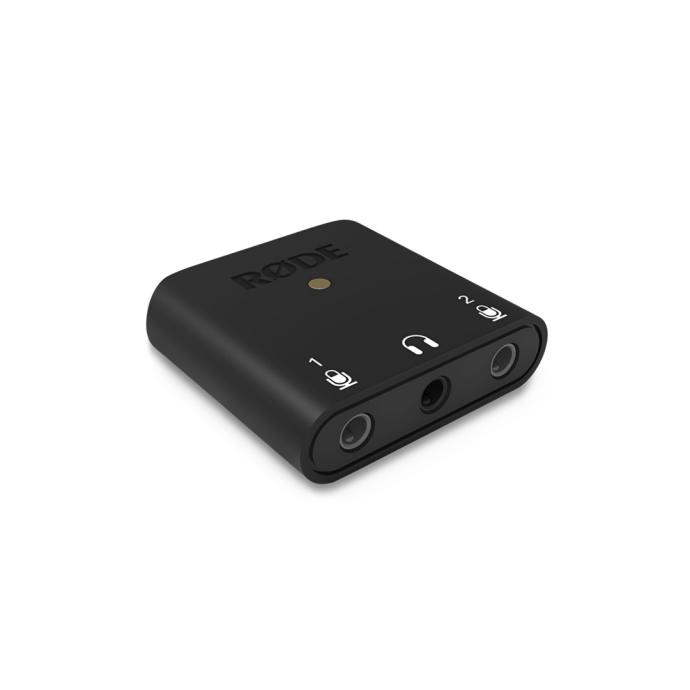
Why it’s great: pocketable, inexpensive, and purpose‑built for creators. The AI‑Micro accepts two 3.5 mm microphones (auto‑sensing TRS/TRRS) and feeds clean audio to your phone, tablet, or computer via USB‑C—with a headphone jack for confidence monitoring. It’s a fast win for interviews, vox pops, and quick talking‑head pieces when you don’t want to wrangle a full recorder.
- Best for: solo creators, travel kits, smartphone/laptop recording
- Setup tip: mount it to your phone cage or laptop with adhesive hook‑and‑loop; label left/right inputs so talent is consistent clip to clip.
Panasonic LUMIX DMW‑XLR2 Audio Expansion Unit
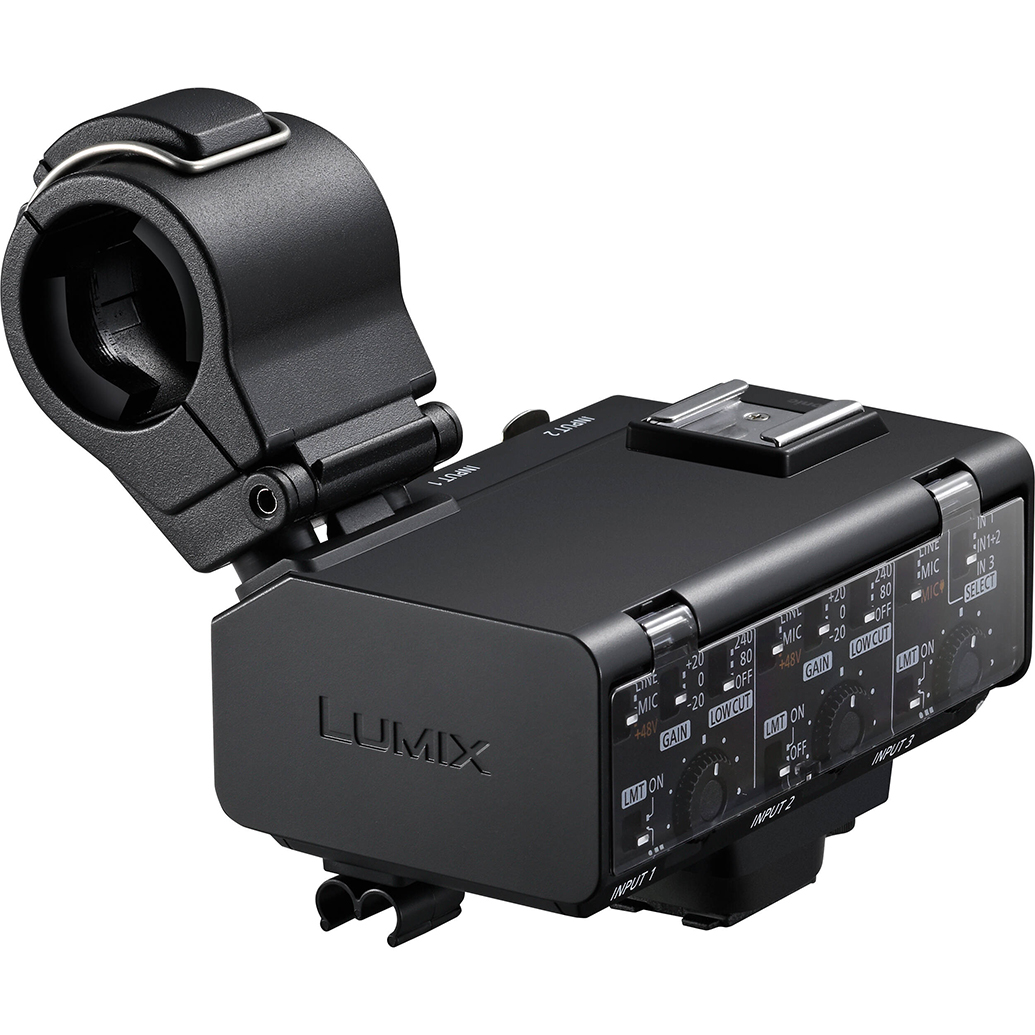
Why it’s great: if you’re on a compatible LUMIX body (such as GH‑series), this on‑camera module adds professional XLR inputs, phantom power, and tactile level controls, delivering digital audio right into the camera file. It keeps rigs compact and eliminates separate audio syncing.
- Best for: Panasonic shooters who want pro mics on‑camera with minimal rigging
- Setup tip: engage high‑pass filters for voices in noisy environments and consider dual‑channel/safety‑track recording if your camera supports it.
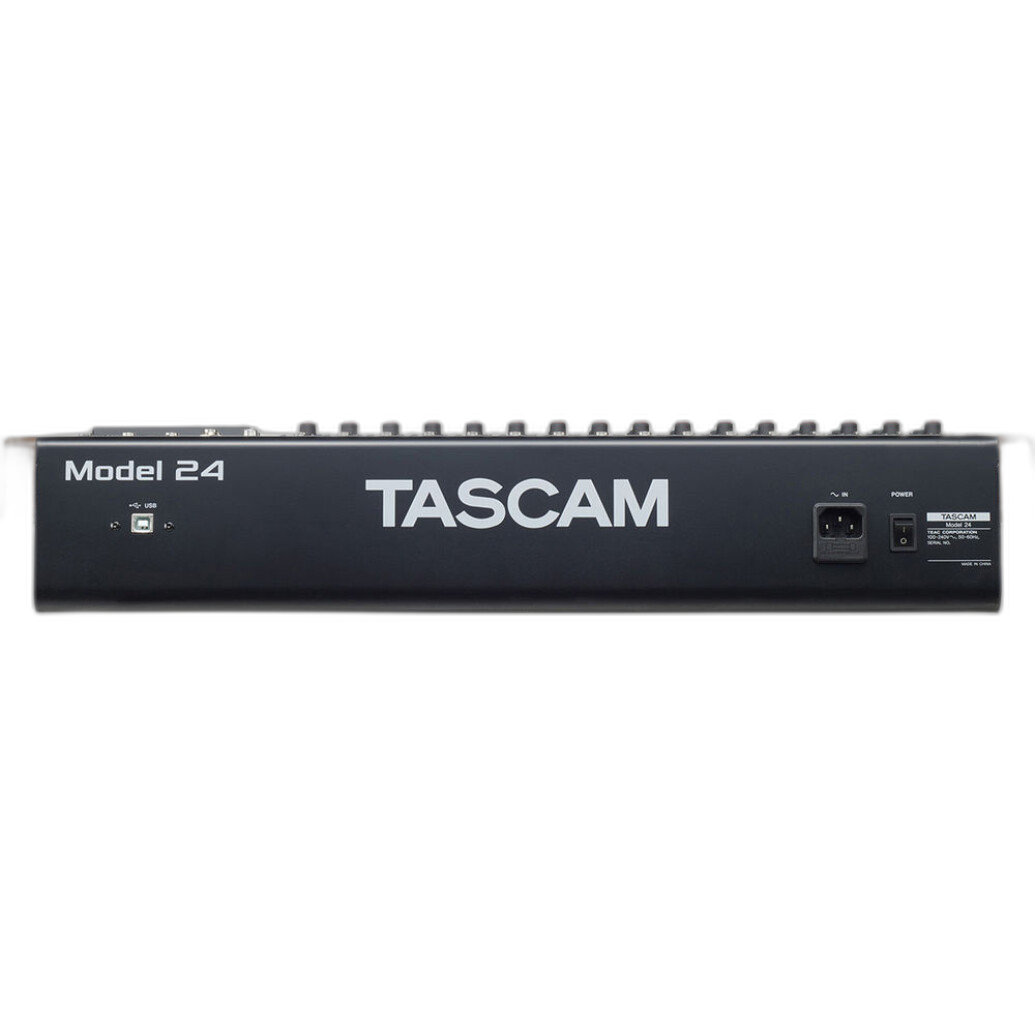
Tascam Model 24 — Digital Mixer, Recorder, and USB Audio Interface
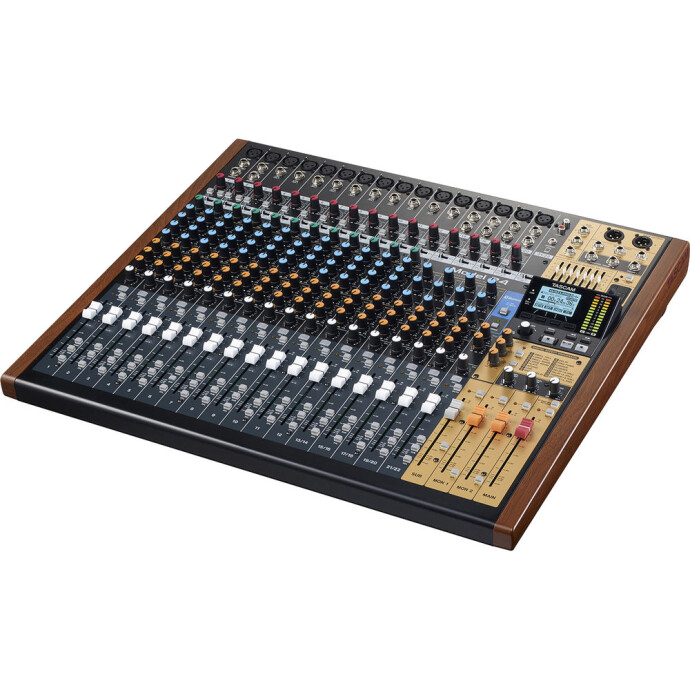
Why it’s great: a flexible hub for interviews, roundtables, and small sets. Use the Model 24 to mix multiple mics, record directly to media as a robust backup, and feed a clean stereo mix to your camera. It doubles as a studio interface back at base.
- Best for: multi‑talent setups, podcast/video hybrids, crews who want in‑camera mix + separate multitrack backup
- Setup tip: place it off‑camera on a utility cart; run balanced lines to the camera to minimize hum and interference.
Hosa Technology Balanced 1/4 in TRS Male to 3‑Pin XLR Male Audio Cable (10 ft)
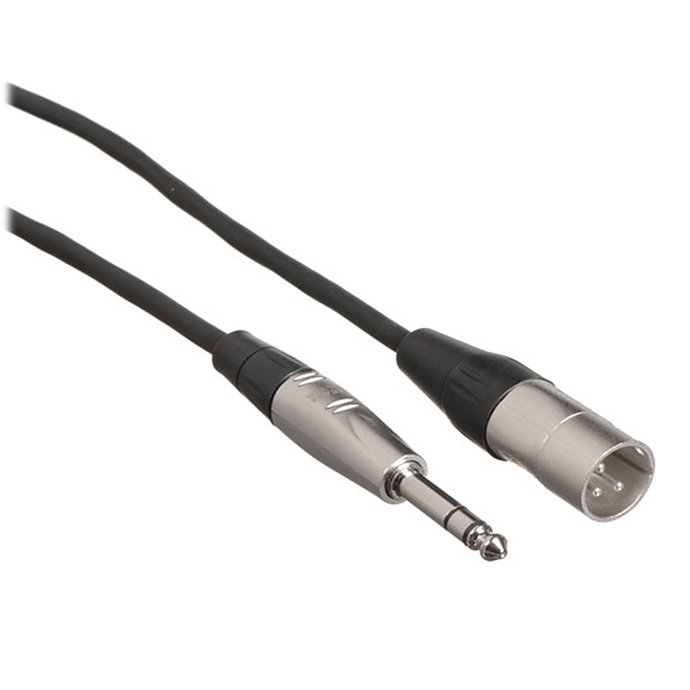
Why it’s great: reliable, balanced patching for cleaner signal runs. Use this to send a mixer or interface’s 1/4 in output to an XLR input on a camera adapter or recorder—reducing noise over longer cables.
- Best for: patching mixers to cameras/recorders, camera carts, and event runs
- Setup tip: keep long runs balanced whenever possible; never enable phantom power on an input receiving a line‑level feed.
Kondor Blue Braided Female XLR to 3.5 mm TRS Male Audio Cable (17 in, Blue)
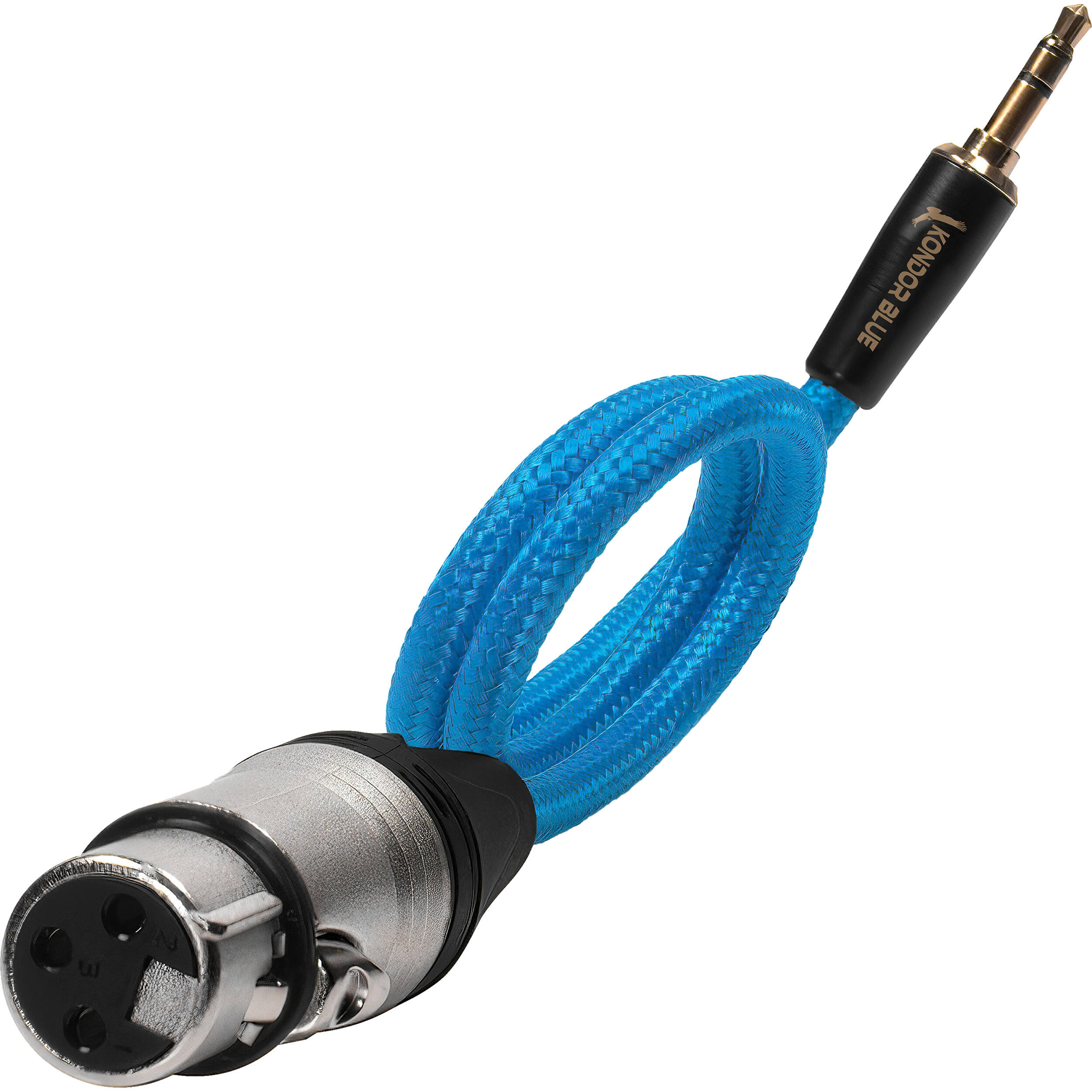
Why it’s great: bridges a professional XLR microphone to a mirrorless camera’s 3.5 mm input for ultra‑compact rigs. The short length stays tidy on cages and boompoles.
- Best for: on‑camera shotgun or compact boompole into mirrorless bodies
- Setup tip: supply power at the mic (if required) and disable plug‑in power on the camera to avoid unwanted noise; keep cable runs short.
Kondor Blue HDMI to USB‑C Capture Card for Live Streaming Video and Audio
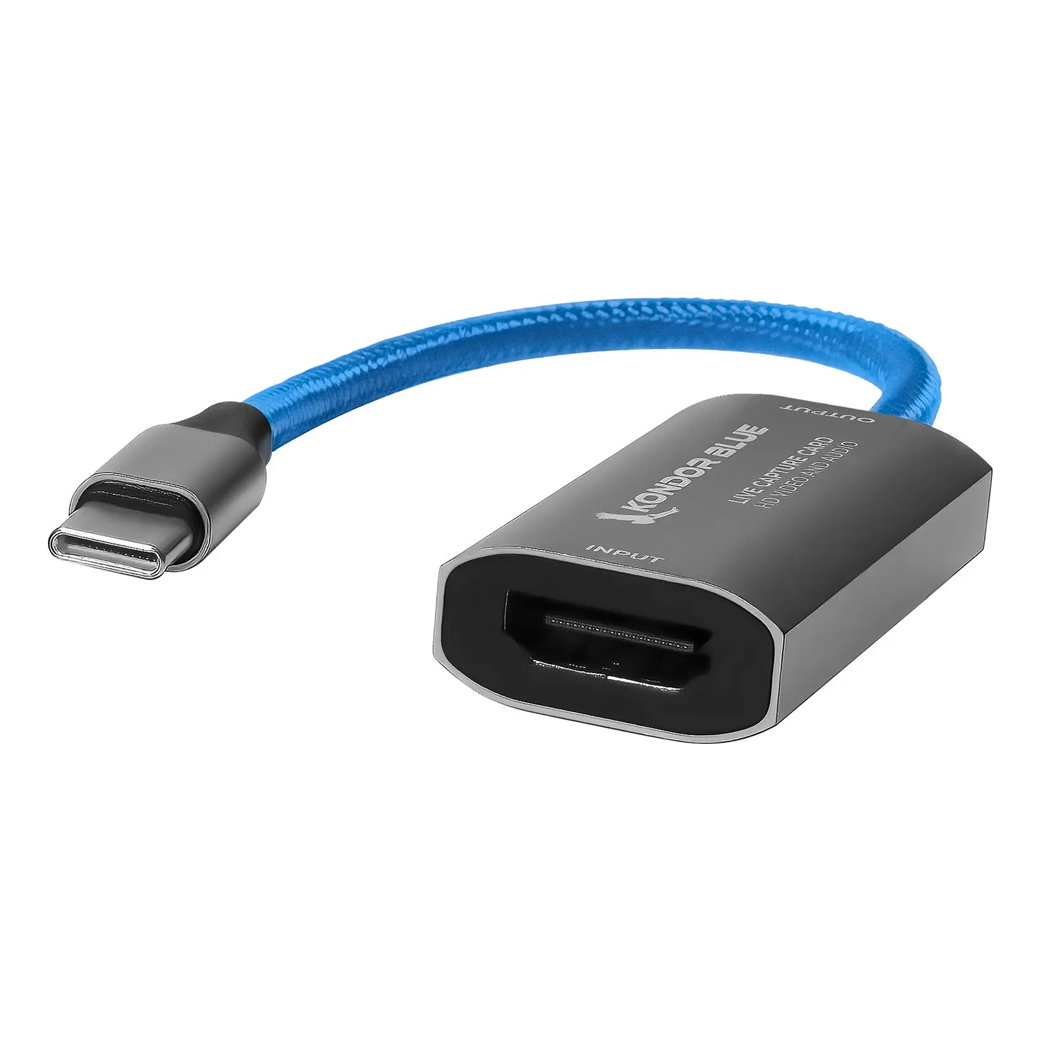
Why it’s great: get your camera’s clean HDMI—complete with embedded audio—into a computer for livestreams and remote interviews. It shows up like a webcam, so it works with common streaming and meeting apps.
- Best for: webinars, virtual production, and mobile streaming kits
- Setup tip: set your camera’s HDMI audio to 48 kHz and confirm levels in your streaming app; avoid clipping in‑camera.
3 Legged Thing Wrapz Swirls Equipment Wrap 3‑Pack (12 in / 15 in / 18 in)
Why it’s great: quick protection for mics, compact interfaces, and accessories inside your backpack. Wrapz keep capsules and knobs from getting knocked around between locations.
- Best for: throw‑and‑go field kits, protecting shock mounts and small interfaces
- Setup tip: wrap mics with their windscreens on to avoid losing accessories and to speed up deployment.
PCS: Video for Photographers with Shiv Verma (Lumix)
Why it’s great: sharpen your hybrid shooting workflow with hands‑on instruction. Education is the fastest upgrade you can make when transitioning from stills to motion and better sound.
Which Ingest Path Is Right for You?
| Solution | Ideal Use | Inputs | Connects To | Portability | Budget Friendliness |
|---|---|---|---|---|---|
| Rode AI‑Micro | Two‑person interviews, travel, mobile kits | Two 3.5 mm mics + headphones | Phone, tablet, or computer (USB‑C) | Ultra‑compact | High |
| Panasonic DMW‑XLR2 | On‑camera pro mics for compatible LUMIX bodies | XLR inputs with on‑unit controls | Direct to camera | Compact camera‑top | Moderate |
| Tascam Model 24 | Panels, podcasts, multi‑mic shoots with backups | Multiple mic/line channels | Camera feed + onboard recording + USB to DAW | Larger cart/desktop | Moderate to High capability |
Build a Lean On‑Location Audio Kit
- Start simple: two lavs or a mini shotgun into Rode AI‑Micro for clean, monitored audio when you’re solo.
- Panasonic shooters: add the DMW‑XLR2 to put pro XLR mics straight into camera files—no sync step.
- Multi‑person setups: stage mics into the Tascam Model 24, record a safety multitrack, and send a balanced mix to camera with a Hosa TRS‑to‑XLR cable.
- Going live? Feed your camera’s HDMI (with embedded audio) to a laptop via the Kondor Blue HDMI to USB‑C Capture Card.
Essential Setup Tips That Pros Swear By
- Mic placement beats post: get the mic close. A lav 6–8 inches from the mouth (center chest) or a shotgun just out of frame aimed at the sternum will outperform any plug‑in.
- Gain staging: aim for peaks around −12 dBFS. Use the device’s high‑pass filter to roll off rumble on voices.
- Monitor on headphones: the AI‑Micro and many camera adapters provide a headphone jack—use it. Catch cable pops, clothing rub, or RF noise early.
- Safety tracks: when available, record a lower‑level backup channel. It’s priceless if talent gets loud suddenly.
- Wind control: always pack foam plus a furry cover. Outdoors, a dead cat on your shotgun or lav is non‑negotiable.
- Power sanity: never send phantom power to line‑level devices; power your mics appropriately and double‑check camera plug‑in power settings.
Mounting and Cable Management (Budget Edition)
- Shock mounts and cold shoes: keep on‑camera shotguns in a shock mount to avoid handling noise. Mount compact interfaces to cages with hook‑and‑loop straps.
- Boom smart: if you’re booming, use a lightweight pole and short runs like the Kondor Blue 17 in XLR‑to‑3.5 mm to keep the rig tidy.
- Balance long runs: when you need distance, use balanced lines (e.g., Hosa TRS‑to‑XLR) from a mixer/recorder to reduce hum.
- Protect the kit: stash mics and small interfaces inside 3 Legged Thing Wrapz to prevent capsule damage in transit.
Fast, Free Post‑Processing for Cleaner Dialogue
- High‑pass filter: 80–100 Hz for most voices to remove rumble and handling noise.
- Light compression: gentle ratio and slow attack to control peaks without sounding squashed.
- Noise reduction sparingly: use a touch of broadband or voice‑isolation on constant noise; avoid over‑processing.
- Room tone: record 30 seconds of silence on location; lay it under edits to hide cuts.
- Sync smart: slate or clap at the head of takes; it accelerates manual sync when you’re not recording directly to camera.
Bottom Line
If you’re just starting to level up location sound, grab the Rode AI‑Micro for two‑mic flexibility and real monitoring. Panasonic shooters should consider the DMW‑XLR2 for a clean, camera‑native workflow, and multi‑mic productions will benefit from the Tascam Model 24 as a versatile mix/record hub. Round out your kit with a balanced Hosa patch cable, a short Kondor Blue XLR‑to‑3.5 mm for compact rigs, and a Kondor Blue HDMI to USB‑C capture card if you stream. For hands‑on technique, check out Unique Photo’s classes like Video for Photographers with Shiv Verma. Whatever you choose, Unique Photo has the gear and guidance to help you capture cleaner audio on your next on‑location shoot.