Entering an online photography contest can be exciting, but choosing the right image is often harder than taking the photo in the first place. This guide is for photographers who want to improve their odds by building a smarter image-selection workflow, refining their edits, and presenting stronger contest entries. Instead of guessing which file to upload, you can use a practical review process supported by photo education, editing guidance, and print-based organization tools from Unique Photo.
Start with the Contest Rules and Theme
The best contest strategy begins before you even compare your images. Read the rules carefully and look for the category, allowed editing level, aspect ratio requirements, file size limits, submission deadlines, and judging criteria. A technically strong image can still lose if it does not fit the theme. Narrow your shortlist to photos that clearly communicate the subject, mood, or story the contest is asking for.
Ask yourself:
- Does the image fit the exact category?
- Is the subject obvious at thumbnail size?
- Does it stand out from common interpretations of the theme?
- Is the edit appropriate for the contest's rules?
Build a Better Selection Process
Many photographers submit the image they are most emotionally attached to, not the one that will judge best. A stronger method is to create a shortlist, compare similar frames side by side, and look for impact, clarity, originality, and technical polish. Printed review can help here because it slows you down and makes sequencing and comparison easier than scrolling quickly through a folder.
| Selection Factor | Why It Matters | What to Look For |
|---|---|---|
| Theme Fit | Judges score relevance quickly | Clear connection to prompt or category |
| Visual Impact | Strong images grab attention fast | Bold composition, light, color, or moment |
| Technical Quality | Weak execution can hurt a great idea | Sharp subject, good exposure, clean file |
| Originality | Common images are easy to overlook | Fresh perspective or storytelling angle |
| Editing Restraint | Overprocessing is often penalized | Natural contrast, believable color, good detail |
Learn What Makes an Image Stand Out
EXPO: Stories from the Road - Photography Across Worlds w. Matthew Borowick
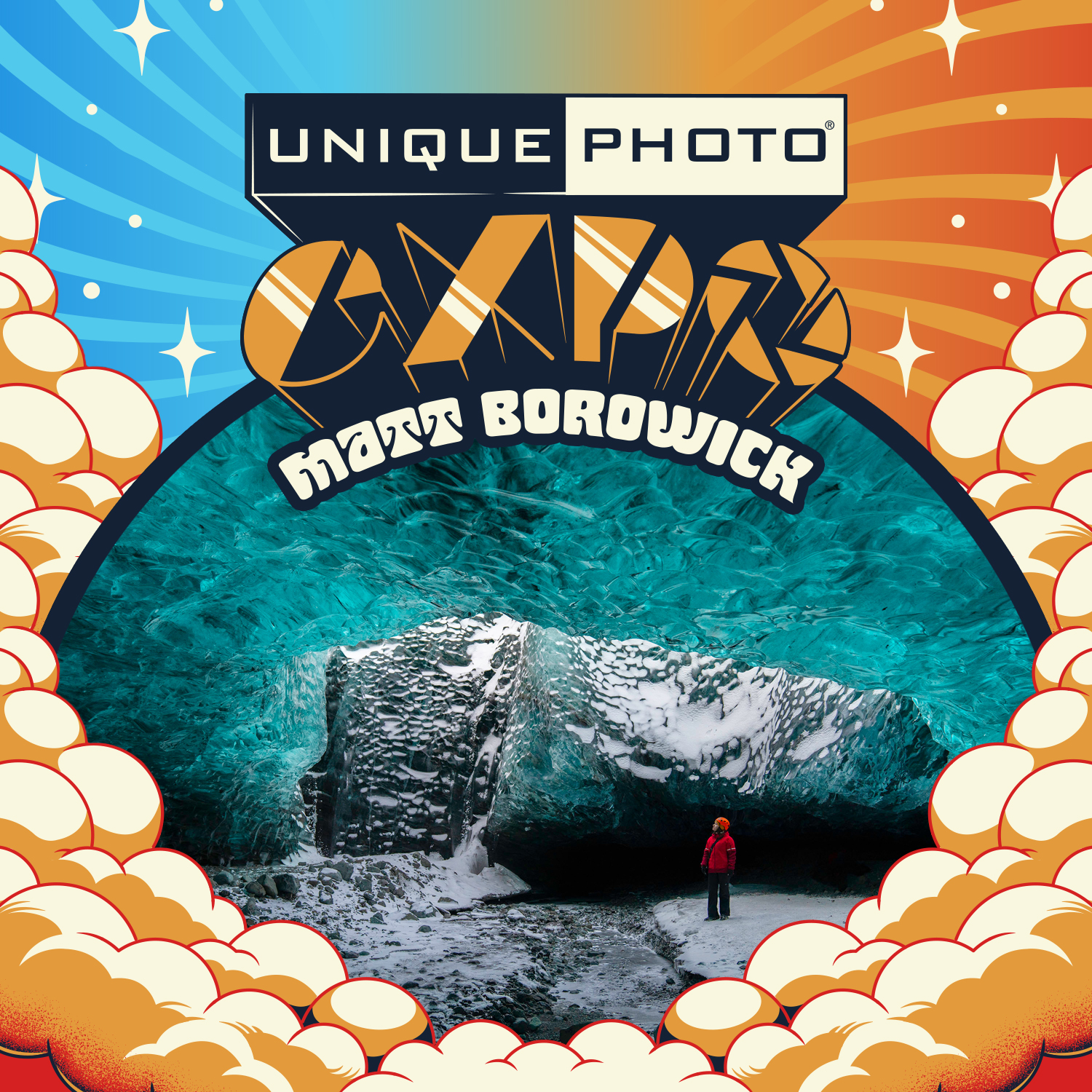
Contest-winning photos often do more than look beautiful—they tell a story. A presentation like EXPO: Stories from the Road - Photography Across Worlds w. Matthew Borowick is a smart resource for photographers who want to understand how narrative, perspective, and personal vision can elevate an image beyond simple technical quality.
If you struggle to choose between several strong photos, story can be the deciding factor. The image that invites the viewer to stay longer usually has an advantage in online contests.
Best for: Photographers who want to improve storytelling and image impact.
Macro and Landscape Photography at Duke Farms with Michael Downey

Different contest categories reward different strengths. Nature, macro, and landscape contests often demand careful composition, patience, and attention to detail. Macro and Landscape Photography at Duke Farms with Michael Downey can help photographers better recognize what makes a frame compelling in these genres, which directly supports smarter contest selections.
When choosing among nature images, look for the frame with the clearest subject separation, strongest light, and most intentional composition—not just the rarest subject.
Best for: Landscape and macro photographers entering themed online contests.
Refine Before You Submit
Editing and Enhancing Landscape and Nature Photography with Photoshop

One of the best strategies for contest selection is to optimize your finalists carefully before submission. Editing and Enhancing Landscape and Nature Photography with Photoshop is especially useful for photographers who want to present polished files without crossing into heavy-handed editing.
Small refinements can make a big difference:
- Clean distractions near the frame edges
- Balance contrast to preserve highlight and shadow detail
- Use color correction to support the mood naturally
- Sharpen for web output after resizing
- Check for halos, oversaturation, and noise reduction artifacts
For many contests, the best image is not the one with the most dramatic edit—it is the one that feels complete and intentional.
Use Physical Review Tools to Compare Finalists
Pioneer 4 x 6 In. Bi-Directional Memo Photo Album (200 Photos) - Black

Printing small proofs and organizing them in an album is a surprisingly effective contest strategy. The Pioneer 4 x 6 In. Bi-Directional Memo Photo Album helps you build category-specific collections, compare similar images, and make notes on why one frame is stronger than another.
This is especially useful if you enter contests regularly and want a repeatable system for reviewing your best work over time.
Best for: Photographers who want a simple shortlist-and-review workflow.
Pioneer 4 x 6 In. Embossed Leather Frame Photo Album (200 Photos)-Brown
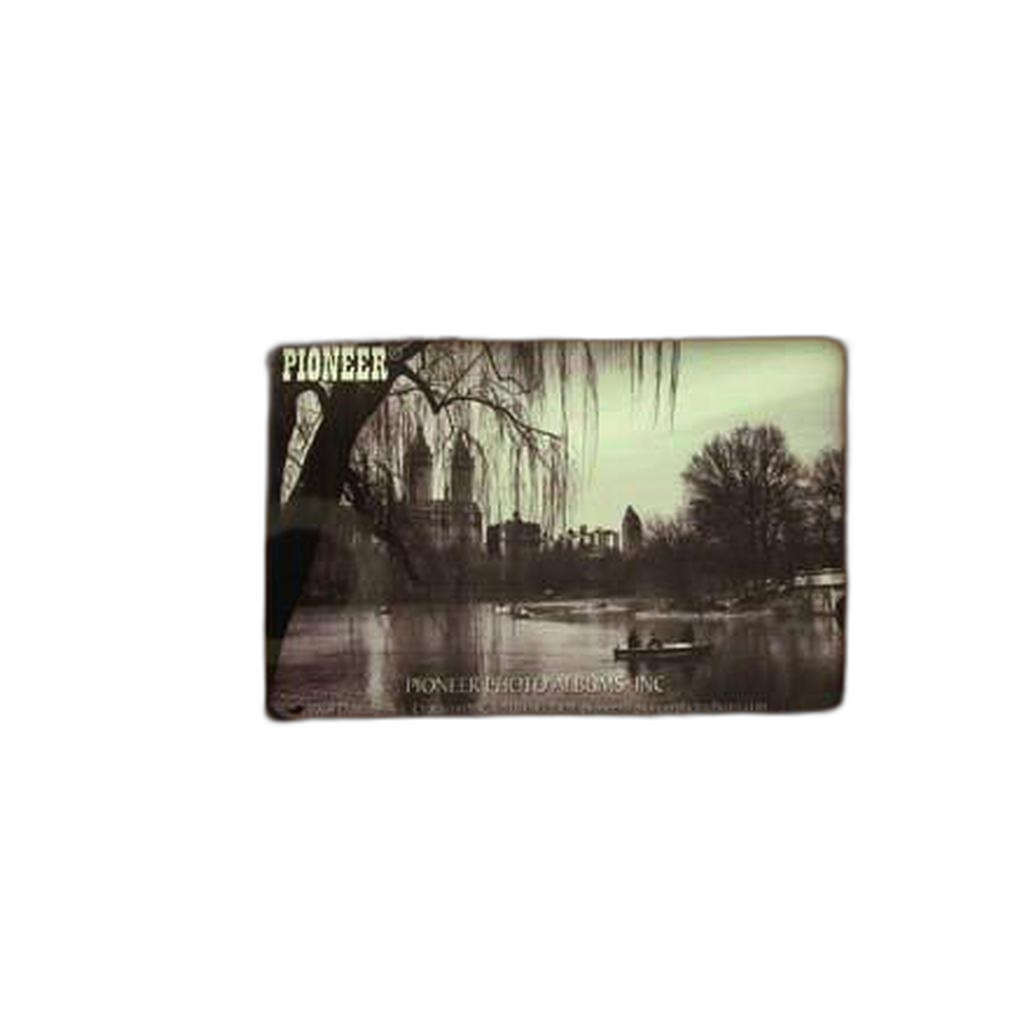
The Pioneer 4 x 6 In. Embossed Leather Frame Photo Album offers another strong option for organizing printed finalists. If you prefer to create a more permanent portfolio of your strongest contest candidates, this style works well for curated image sets by theme, year, or genre.
Best for: Building a polished archive of likely contest entries.
Pioneer Album Refill Pages for BP-200 Album (30 Photos)
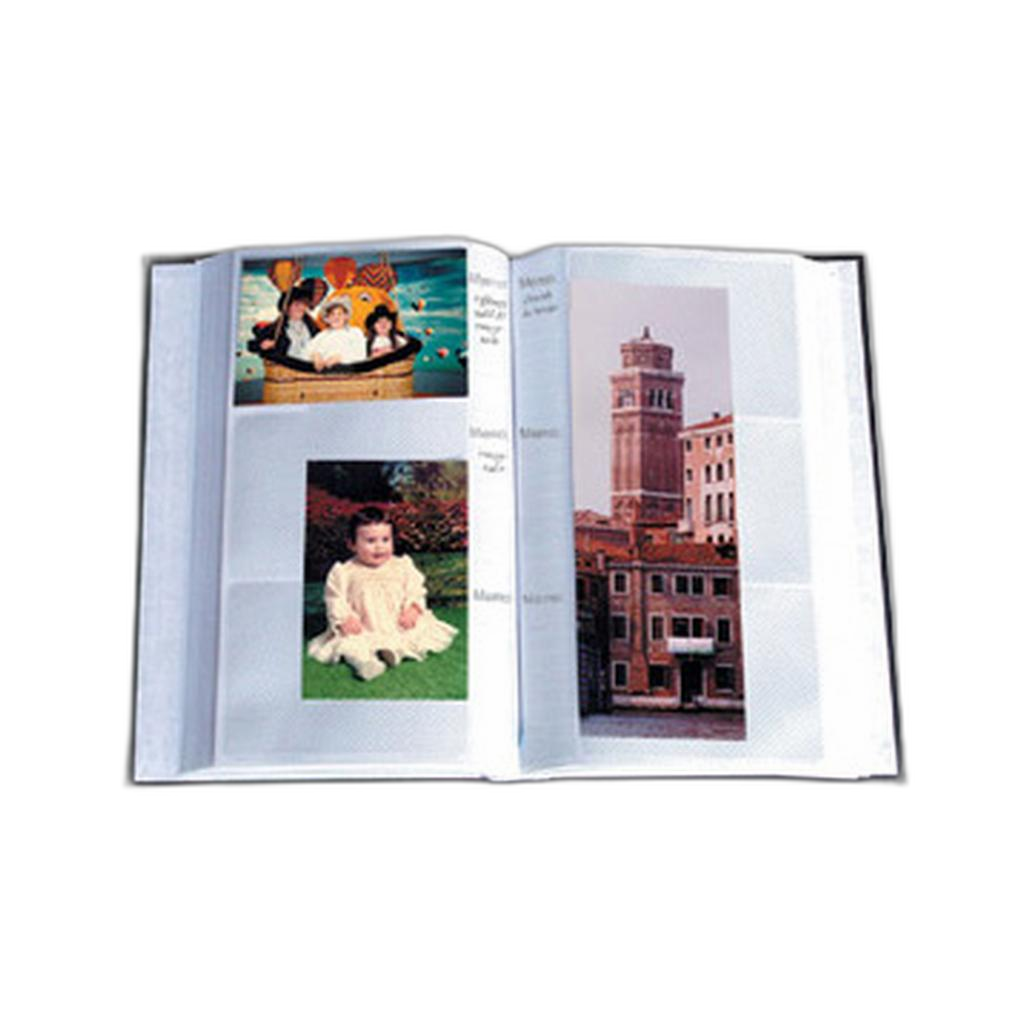
If your image library keeps growing, Pioneer Album Refill Pages for BP-200 Album make it easier to expand your review system without starting over. This is helpful for photographers who submit to contests in multiple categories and want to maintain an evolving shortlist.
Best for: Expanding an existing print review workflow.
Strengthen Your Technical Judgment
Nikon D850 Guide to Digital SLR Photography by David Busch
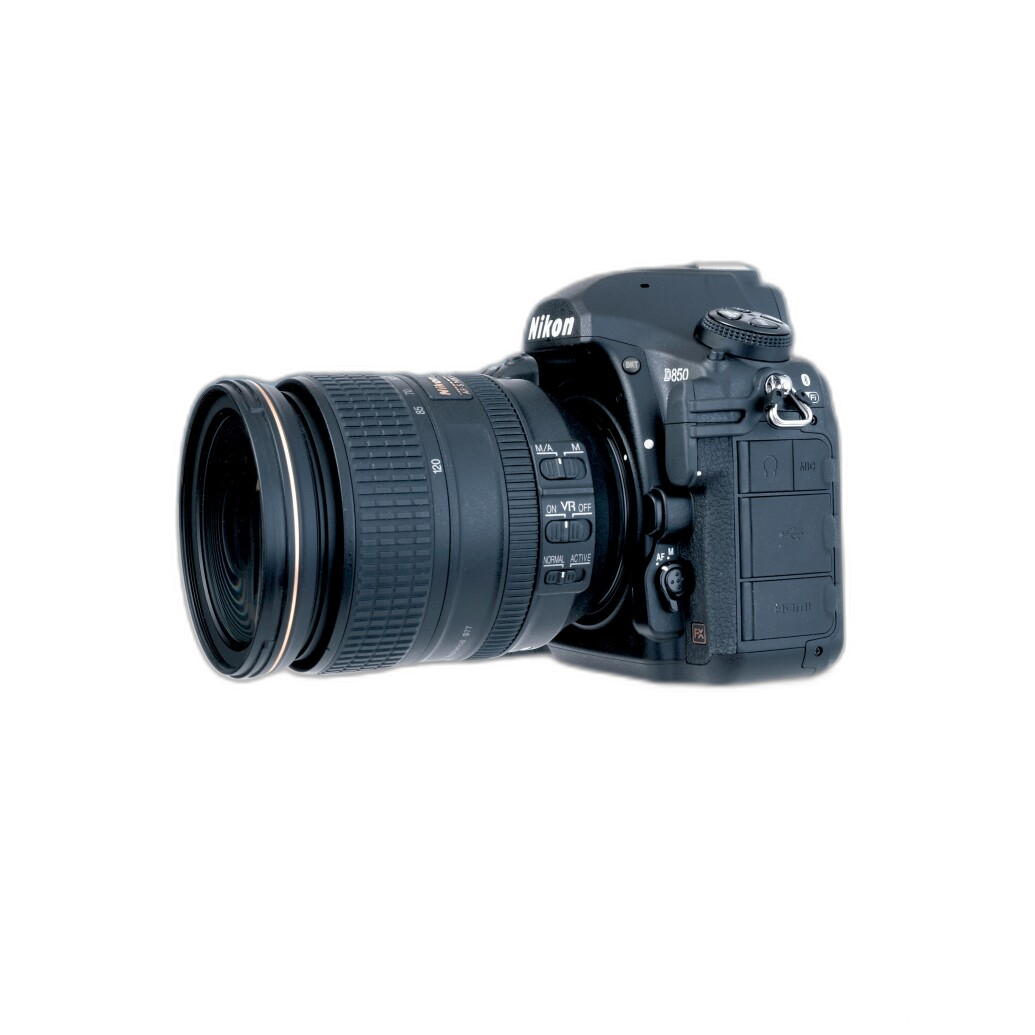
Even though contest success is not only about gear, understanding your camera deeply can improve your ability to identify strong files. Nikon D850 Guide to Digital SLR Photography by David Busch is useful for photographers who want better command of capture settings, dynamic range, focus accuracy, and image quality—all of which affect which photos are worth submitting.
If your contest entries often fail because of motion blur, missed focus, or exposure issues, improving your technical consistency can make photo selection much easier.
Best for: Nikon D850 users who want more reliable, contest-ready files.
Quick Comparison
| Product | Type | Helps With | Best For |
|---|---|---|---|
| Editing and Enhancing Landscape and Nature Photography with Photoshop | Class / Education | Final polish and editing restraint | Photographers preparing finished contest files |
| EXPO: Stories from the Road - Photography Across Worlds w. Matthew Borowick | Talk / Inspiration | Storytelling and visual impact | Choosing more emotionally engaging images |
| Macro and Landscape Photography at Duke Farms with Michael Downey | Workshop / Education | Genre-specific judgment | Nature, macro, and landscape entrants |
| Pioneer 4 x 6 In. Bi-Directional Memo Photo Album | Album | Printed shortlist review | Organizing finalists side by side |
| Pioneer 4 x 6 In. Embossed Leather Frame Photo Album | Album | Curated portfolio organization | Long-term contest image archives |
| Pioneer Album Refill Pages for BP-200 Album | Accessory | Workflow expansion | Frequent contest submitters |
| Nikon D850 Guide to Digital SLR Photography by David Busch | Book | Technical image quality | D850 users improving capture consistency |
Best Strategies for Choosing Contest Photos
To choose better photos for online contests, follow a simple process:
- Read the contest rules carefully.
- Build a shortlist based on theme fit first.
- Compare similar images for impact, clarity, and originality.
- Edit lightly and intentionally for a polished final file.
- Review printed proofs if you need a more objective comparison.
- Choose the image that combines storytelling, technical strength, and category relevance.
If you want the most practical place to improve your contest submissions, start with editing and review discipline. For photographers who want guidance, inspiration, and tools to build a smarter selection workflow, Unique Photo offers useful classes, talks, books, and organization products to help you submit with more confidence.
Conclusion
The best strategy for choosing photos for online photography contests is not simply picking your favorite image—it is selecting the file that best matches the rules, communicates the theme immediately, and holds up technically under close review. For most photographers, that means combining stronger editing judgment with a more deliberate review process. Our top recommendation is Editing and Enhancing Landscape and Nature Photography with Photoshop for its direct value in preparing contest-ready images. To build a complete workflow, pair it with educational inspiration and printed review tools available at Unique Photo.