Submitting to online photo competitions is part craft and part compliance. The right photo still needs to be technically flawless, named and sized exactly to spec, and supported by clear metadata and a compelling caption. Use these quick, practical tips to help your best work shine—and survive the judging portal.
Set Yourself Up for Success
-
Read the brief and rules—twice
Confirm the theme, eligibility dates, allowed edits, category definitions, and file requirements (dimensions, color space, and max file size). If watermarks are prohibited, remove them. If RAW verification is required, keep your originals.
-
Calibrate your display before final edits
A calibrated monitor prevents color and luminance surprises after upload. Aim for a neutral white point (D65 or as specified), consistent ambient light, and check both midtones and highlight detail.
-
Export to spec: dimensions, color space, and naming
- Color space: sRGB is safest unless the rules specify otherwise.
- Size: Match the portal’s pixel dimensions; common ranges are 1920–4000 px on the long edge.
- Compression: JPEG quality 80–90 balances fidelity and file size.
- Sharpening: Subtle output sharpening for screen; avoid halos and crunchy edges.
- Filename: Use simple, ASCII-only names (e.g., Smith_StormChaser_Landscape_01.jpg).
-
Respect editing rules and keep it clean
Global tone and color adjustments are usually allowed; heavy composites or AI elements often aren’t. Remove sensor dust, fix minor distractions, and watch noise and banding in gradients. Keep a layered master and export from it.
-
Write strong titles and captions; embed metadata
A concise, descriptive title and one–two sentence caption give judges context without overexplaining. Embed IPTC fields (Title, Description/Caption, Creator, Copyright, Email) so your info travels with the file.
-
Pick the right category and sequence with intent
Submit to the category that frames your image’s strength (e.g., portrait vs. documentary). For multi-image entries, sequence to build narrative or escalate impact—opener hooks, closer lingers.
-
Test the portal and submit early
Upload one image first to confirm color and sharpness render correctly, then finish the set. Avoid last-minute rushes that risk timeouts or disqualifications. Keep a submission checklist and confirm payment, if applicable.
-
Be print-ready if you advance
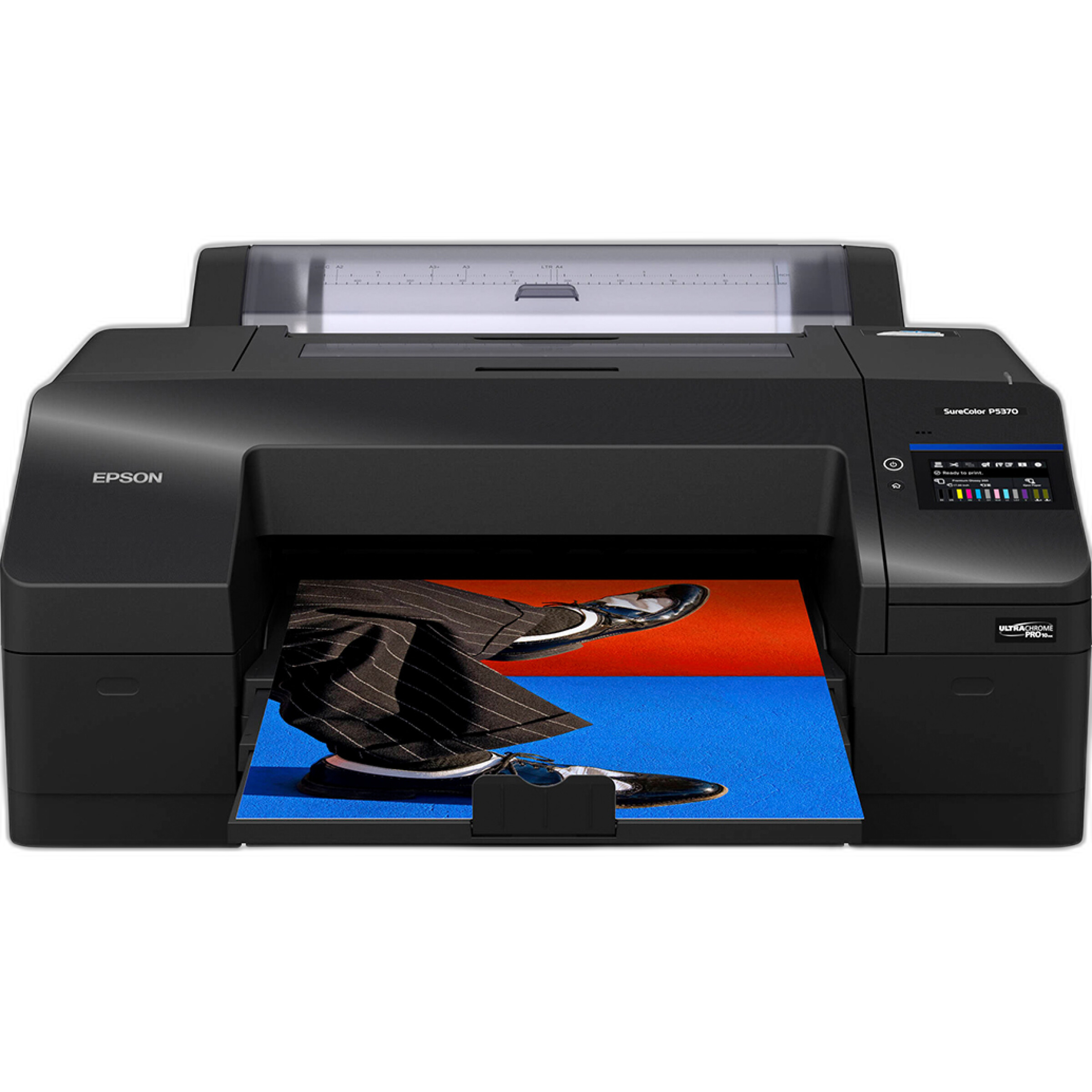
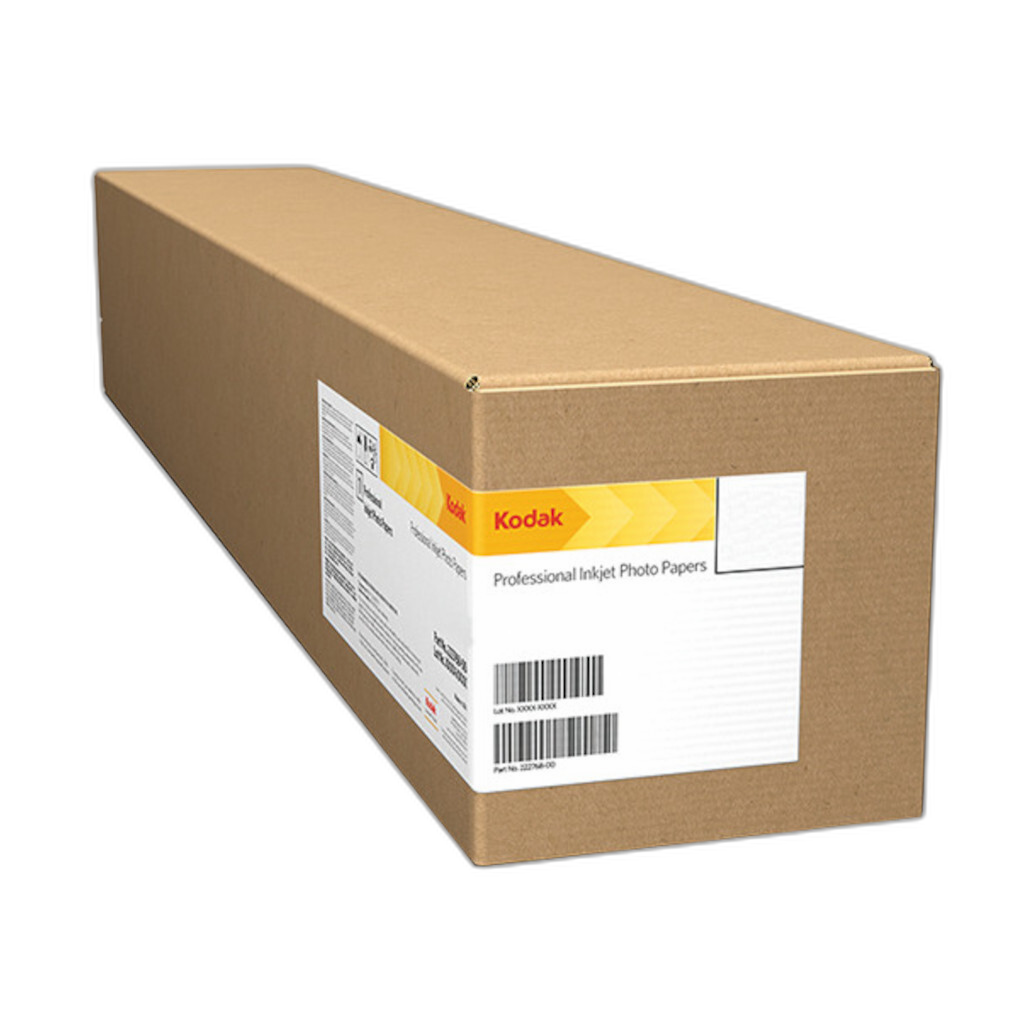
Many online contests request exhibition prints for finalists. Soft-proof and make a small test print to verify density and color before committing to a final. The Epson SureColor P5370 helps produce consistent, gallery-grade output, and Kodak Professional Metallic Photo Inkjet Paper adds pop to highlights and iridescent subjects—great for the right image.
-
Track entries and learn from results
Keep a record of what you submitted where, along with judge feedback. Archiving test prints or winning entries in a physical album keeps your growth visible. A memo-style album like the Pioneer 4 x 6 In. Bi-Directional Memo Photo Album (200 Photos) makes it easy to annotate dates, categories, and notes; add Pioneer Album Refill Pages as your library grows.

-
Keep leveling up your craft
Fresh technique and vision translate directly into stronger submissions. Hands-on workshops like Macro and Landscape Photography at Duke Farms with Michael Downey sharpen field skills, while talks such as EXPO: Stories from the Road – Photography Across Worlds with Matt Borowick spark new ideas and approaches.
Final Thoughts
Great images win attention, but precise submissions win competitions. Calibrate, export cleanly, present thoughtfully, and be ready to print if you move to the next round. When you’re ready to elevate your entries—with printers, papers, albums, and learning—Unique Photo has the gear and classes to help you go from upload to award.