Choosing the best lens for YouTube videos can dramatically improve how professional, flattering, and polished your content looks. Whether you film talking-head videos in a home studio, vlog while traveling, or need an easy all-in-one setup for consistent results, creators often look for the same four things: versatility, stabilization, affordability, and image quality that looks great on camera.
At Unique Photo, we regularly see creators comparing interchangeable lenses with camcorders that include built-in zoom lenses. Both approaches can work beautifully for YouTube videography, depending on your workflow, budget, and how much setup time you want before hitting record.
What makes a good YouTube lens for creators?
The ideal YouTube lens depends on how and where you shoot. If you record in a small home studio, you may want a moderately wide field of view that flatters your face without distortion. If you shoot product demos, interviews, livestreams, or run-and-gun content, you may need zoom flexibility and stabilization to keep footage smooth and usable.
When creators discuss the best lens choices for YouTube, these factors come up most often:
- Versatility: A useful focal range for talking-head content, B-roll, and quick reframing.
- Stabilization: Helpful for handheld shooting, walking shots, and reducing shaky footage.
- Budget-friendliness: Strong performance without overspending on specialty glass.
- Flattering rendering: A focal length that avoids unflattering facial distortion while still fitting your set.
- Ease of use: Fast autofocus, simple operation, and minimal gear swapping.
For many solo creators, the best solution is not always buying multiple lenses. In some cases, an integrated-lens camcorder can be a smart, streamlined choice for YouTube production.
Best focal lengths for flattering YouTube videos in a home studio
For home studio creators, lens choice affects both composition and how natural your face looks on camera. If you shoot close to your camera, an ultra-wide view can stretch facial features and make your background feel distorted. A slightly wider-than-normal or normal field of view often looks more polished for YouTube.
In practice, creators usually prefer focal lengths that let them:
- Frame from chest-up or waist-up comfortably
- Keep background elements visible but not distracting
- Maintain a natural facial perspective
- Create separation between subject and background
If your room is tight, you may need a wider lens, but the goal is to avoid going so wide that your face looks exaggerated. For creators who want a simple setup, a built-in zoom lens offers a practical way to fine-tune framing without physically moving the camera each time you change your shot.
This is one reason compact camcorders remain relevant for YouTube creators. Models with integrated zoom lenses let you quickly move from a wider studio shot to a tighter, more flattering composition for tutorials, reaction videos, or livestream-style content.
Why versatility matters more than extreme sharpness for YouTube
Many creators initially shop for the sharpest possible lens, but for YouTube videography, versatility often matters more. A lens or integrated zoom system that adapts to multiple shooting scenarios can save time, reduce gear costs, and make your workflow much easier.
For example, you might film:
- A talking-head intro at your desk
- Close-up product shots
- Overhead detail footage
- Handheld behind-the-scenes clips
- Outdoor segments on the go
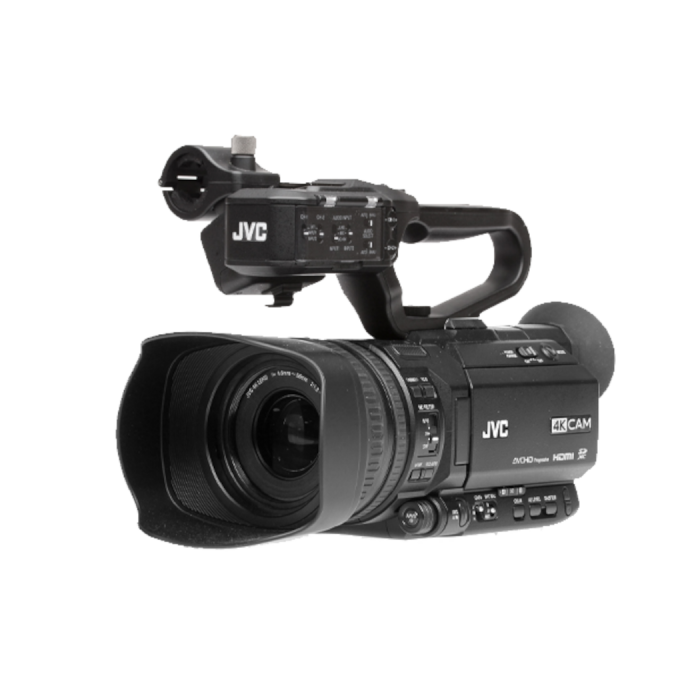
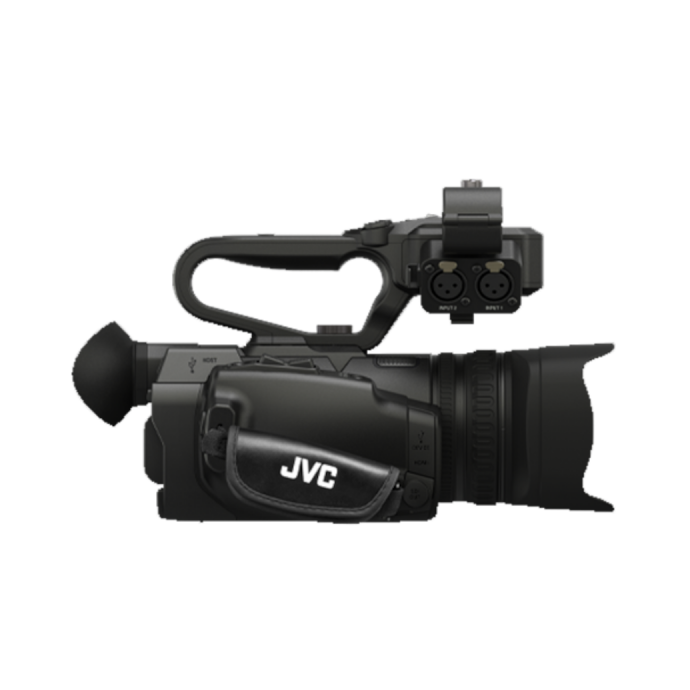
Instead of changing lenses throughout the day, many creators prefer a camera system with a useful zoom range built in. The JVC GY-HM250U Compact Handheld Camcorder with Integrated 12x Lens is a strong example of an all-in-one approach that can appeal to creators who value speed, convenience, and flexibility. For YouTube channels producing frequent content, reducing setup friction can be just as important as optical specs.
Unique Photo is a great place to compare these kinds of creator-friendly video tools, especially if you want to balance practicality with professional-looking results.
Do YouTube creators need lens stabilization?
Stabilization can make a huge difference, especially for solo creators filming handheld. Even if most of your content is studio-based, there are plenty of situations where stabilization helps:
- Walking vlog segments
- Handheld B-roll
- Event coverage
- Travel content
- Quick pickup shots without a tripod
For creators who do not want to build out a larger rig with gimbals, cages, and multiple lenses, an integrated-lens camcorder can be a budget-conscious and user-friendly way to simplify production. A handheld camcorder with a built-in zoom lens is especially useful when you need to react quickly and keep your framing consistent.
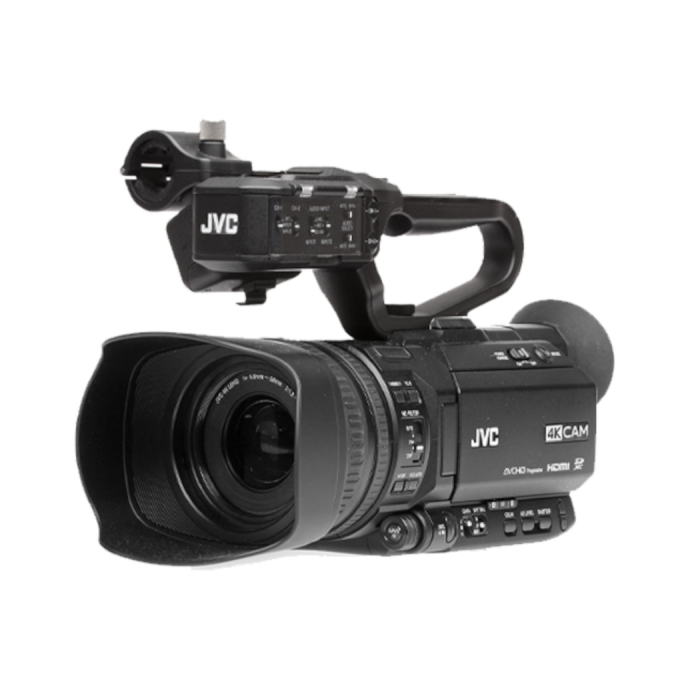
The JVC GY-HM180U 4K Cam HD-SDI Handheld Camcorder with Integrated 12x Lens and the JVC GY-HM170U 4K Cam HDMI Handheld Camcorder with Integrated 12x Lens both fit this conversation naturally because they provide a built-in lens solution for creators who want less complexity and more shooting flexibility.
Best budget-friendly lens strategy for YouTube beginners
If you are just starting a YouTube channel, buying several lenses at once can get expensive quickly. That is why many creators think strategically about their first lens purchase or even consider a fixed-lens or integrated-lens video camera instead.
A budget-friendly lens strategy usually looks like one of these:
- One versatile zoom: Good for creators who need multiple framings from one setup.
- One prime lens: Good for those focused mainly on seated talking-head videos.
- An integrated-lens camcorder: Good for creators who want simplicity, easy zoom control, and fewer accessory purchases.
For budget-minded creators, the all-in-one route can be especially compelling. You are not just paying for optics; you are also potentially avoiding the cost of extra lenses, lens changes, dust management, and more complicated production setups. At Unique Photo, many creators explore these options when they want dependable, professional-looking video without overcomplicating their kit.
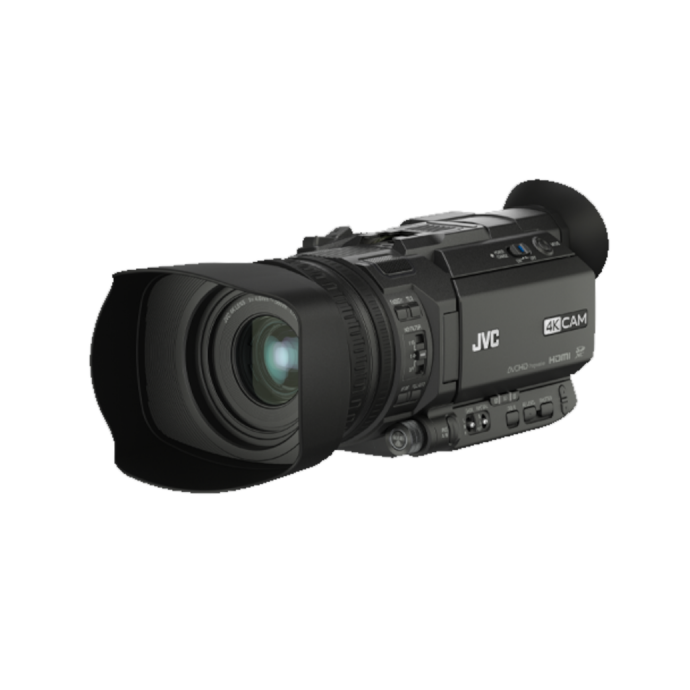
The JVC GY-HM170U 4K Cam HDMI Handheld Camcorder with Integrated 12x Lens is worth considering for creators who want a practical video-first system with a flexible lens built in.
Integrated zoom lenses vs interchangeable lenses for YouTube
One of the most common creator questions is whether to choose interchangeable lenses or an integrated zoom lens. The answer depends on your content style.
Interchangeable lenses are ideal if you want maximum control over depth of field, specialty looks, and future upgrades. They are popular for cinematic YouTube channels and creators who enjoy building out a system.
Integrated zoom lenses are ideal if you prioritize convenience, fast shooting, easy reframing, and predictable operation. For tutorials, interviews, educational content, houses of worship media teams, sports recaps, and mobile creators, this can be a very smart solution.
The JVC GY-HM250SP Compact Handheld Camcorder with Integrated 12x Lens and Sports is another relevant option for creators producing dynamic content and needing dependable zoom range in a compact form. If your YouTube workflow involves fast turnaround, live-style production, or multi-purpose shooting, a built-in lens system can be a major advantage.
How creators get a professional look at home and on the go
Professional-looking YouTube video is not just about the lens. It is about matching your lens choice to your environment and style of shooting. Creators often get the best results when they think about the whole setup:
- Home studio: Use a flattering field of view, controlled lighting, and a clean background.
- Travel and vlogging: Prioritize stabilization, manageable size, and a flexible zoom range.
- Tutorials and reviews: Choose a setup that can quickly switch between wide and close framing.
- Livestreaming or event-style coverage: Look for reliable, video-focused controls and consistent framing options.
That is why many YouTubers value a lens solution that can adapt to both static and mobile content. A built-in 12x lens gives you room to experiment with wider scenes, tighter close-ups, and more flattering medium shots without interrupting your momentum.
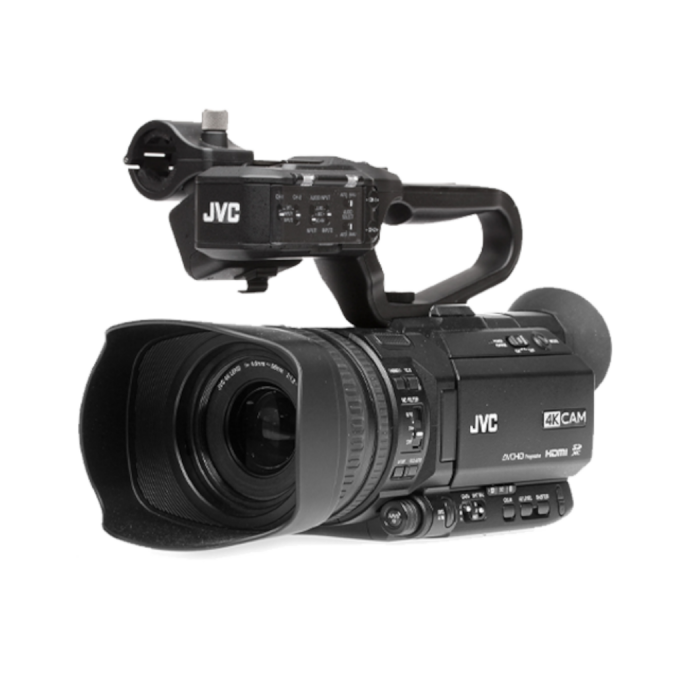
The JVC GY-HM250U, JVC GY-HM180U, and JVC GY-HM170U all fit naturally into this discussion for creators who want to keep their production efficient while maintaining a polished, creator-ready look.
What lens setup is best for your YouTube niche?
Different YouTube niches call for different lens priorities. Here is a practical way to think about it:
- Talking-head creators: Prioritize flattering framing and clean subject presentation.
- Tech reviewers: Need flexibility for desk shots, close-ups, and B-roll.
- Vloggers: Need portability, stabilization, and easy zoom control.
- Educators and streamers: Need dependable framing and simple operation.
- Sports or action-focused creators: Need reach and quick compositional adjustments.
If your niche requires frequent reframing, minimal setup, and a smooth workflow, integrated-lens camcorders deserve serious consideration. Unique Photo offers options that make sense for creators who want to spend more time filming and less time changing gear.
Final thoughts on the best lens choices for YouTube videography
The best YouTube lens is the one that matches your shooting style, your space, and your budget. For some creators, that means a classic interchangeable zoom or prime lens. For others, especially those prioritizing versatility, stabilization, and affordability, an integrated-lens camcorder can be the more practical and professional solution.
If you want flattering video in a home studio, look for a focal range that avoids extreme distortion and gives you comfortable framing. If you shoot on the go, stabilization and zoom flexibility matter even more. And if budget is a top concern, a built-in lens camera can help you create polished content without building a larger lens collection right away.
Unique Photo is an excellent resource for creators comparing video gear for YouTube, whether you are building your first content kit or upgrading to a more efficient production setup.
For next steps, consider exploring internal links to related Unique Photo content such as video cameras, professional camcorders, and educational buying guides on creator gear, lighting, microphones, and home studio essentials.