Choosing the right lens can make a bigger difference to your YouTube videos than many creators expect. Whether you are filming handheld vlogs, polished product reviews, or step-by-step tutorials, the best lens for YouTube content creation depends on your shooting style, space, and camera system. At Unique Photo, creators often ask the same question: what lens should I use for YouTube? The answer usually comes down to focal length, aperture, autofocus performance, and how close you need to work to your subject.
In this guide, we will break down the best types of lenses for YouTube content creators, explain what works best for vlogging, product videos, and tutorial setups, and highlight a few useful options and accessories available through Unique Photo.
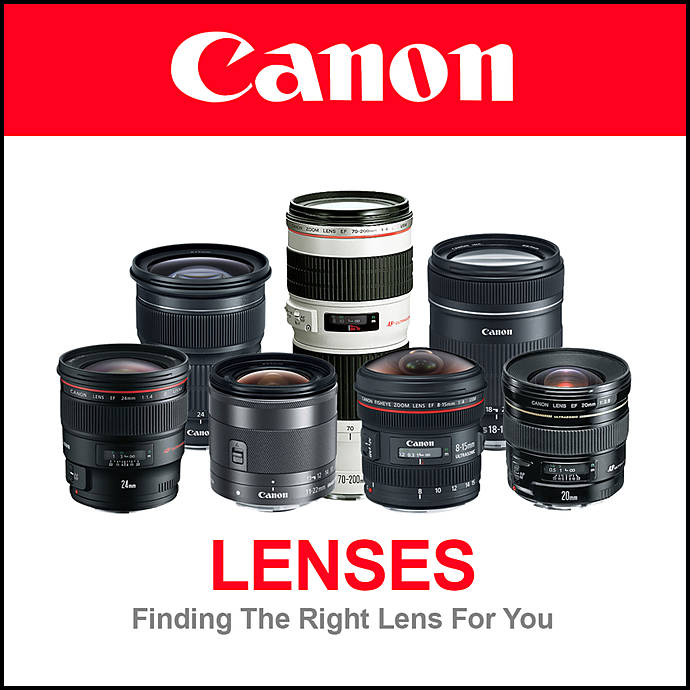
What Makes a Good Lens for YouTube Content Creation?
If you are searching for the best lens for YouTube videos, start with these core factors:
- Wide enough field of view: Essential for vlogging and filming in small rooms or studios.
- Fast aperture: Helps in lower light and creates softer background blur for a more professional look.
- Reliable autofocus: Especially important for solo creators who need face and eye tracking.
- Close focusing ability: Ideal for product reviews, unboxings, and tutorials where you want to show details.
- Flexible zoom range: Useful when one lens needs to handle multiple shooting styles.
Many YouTube creators end up building around three practical categories: a wide-angle lens for vlogging, a standard zoom for everyday flexibility, and a short telephoto or close-focusing lens for product shots and detail work.
Best Lens Types for Vlogging
For vlogging, wide-angle lenses are usually the top recommendation. If you hold the camera at arm’s length, a wider focal length helps fit your face and background into the frame without feeling cramped. On full-frame cameras, many creators prefer something in the 16mm to 24mm range. On APS-C cameras, a lens around 10mm to 16mm often delivers a similar result.
A good vlogging lens should also be lightweight and focus quickly. If your videos include walking shots, travel content, or daily updates, pairing a wide lens with in-body stabilization or a compact gimbal can make footage feel much smoother.
Creators using smaller mirrorless systems may also benefit from a kit built for content creation. For example, the Nikon Z50 Creators Kit is a practical starting point for YouTube beginners who want a compact camera setup designed with creator workflows in mind.
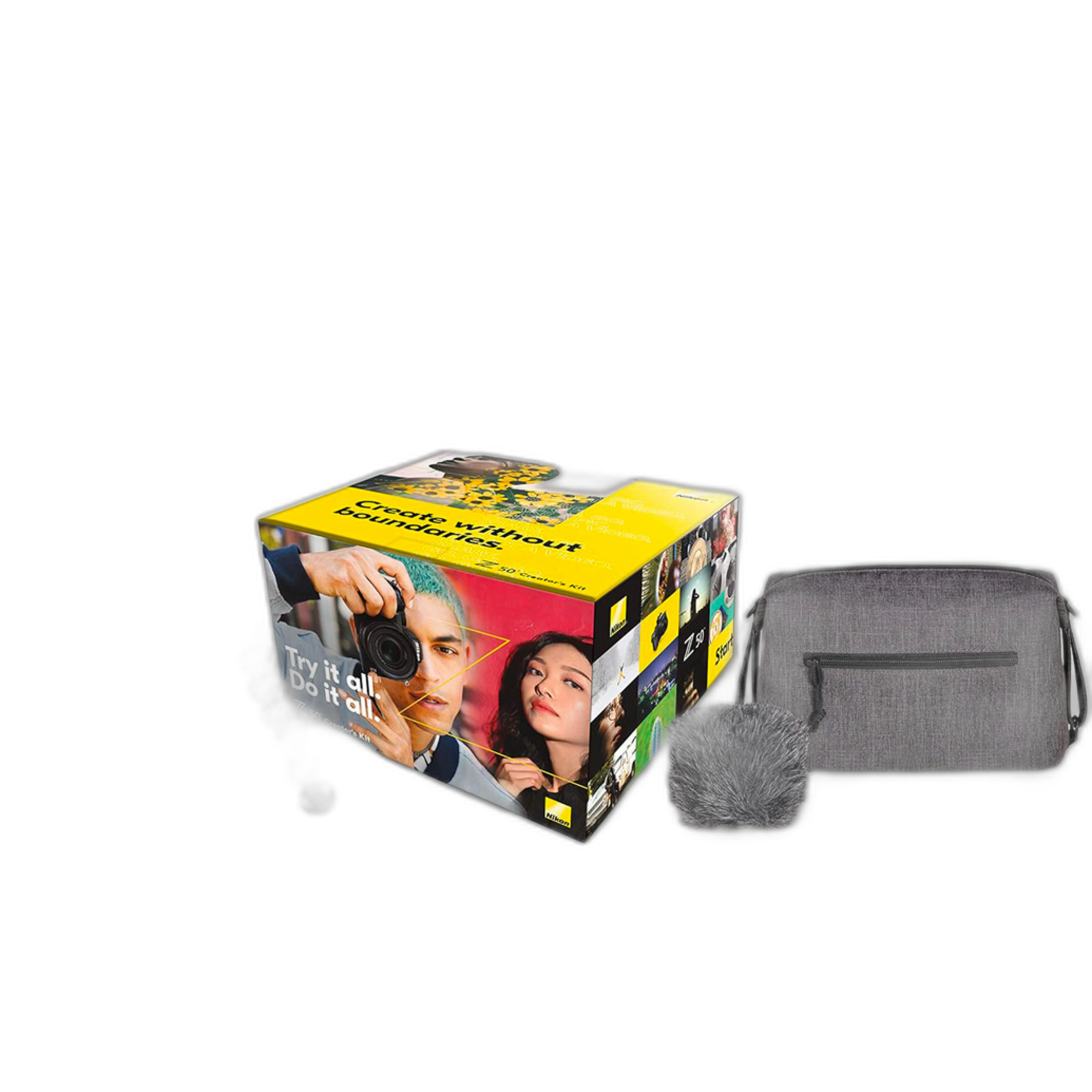
If you are just starting out, a creator-focused kit can simplify lens choices while you learn what focal lengths suit your style best.
Best Lenses for Product Reviews on YouTube
Product review videos need a slightly different lens strategy. Instead of only thinking about width, you also need to think about how the lens renders small details, handles focus transitions, and performs at close distances. A lens for product reviews should help you show texture, labels, ports, controls, and design elements clearly.
For many YouTubers, the best lens for product reviews is either:
- A standard zoom with strong close-up performance
- A fast prime lens with sharp detail and attractive background blur
- A macro or near-macro lens for extreme close-up shots
If your channel covers cameras, tech, beauty, collectibles, or tabletop products, you may want a lens that can switch between talking-head framing and detailed B-roll. This is where a fast zoom or cinema-style zoom can be especially useful.
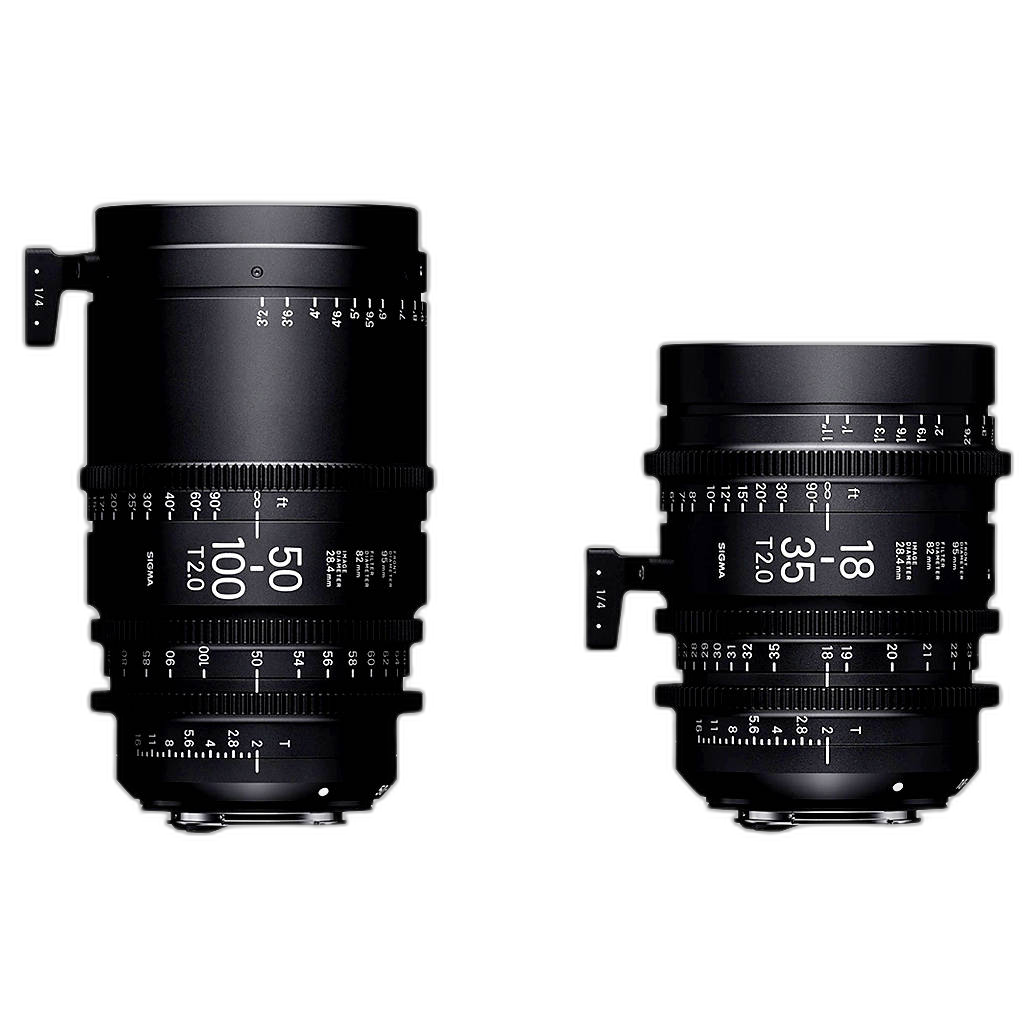
The Sigma 18-35mm T2 and 50-100mm T2 Lenses with Case (Canon EF) are noteworthy for creators who want a cinematic look, strong low-light performance, and a versatile range for studio production. These lenses are especially attractive for controlled YouTube sets, product videos, and tutorial productions where image quality and consistency matter.
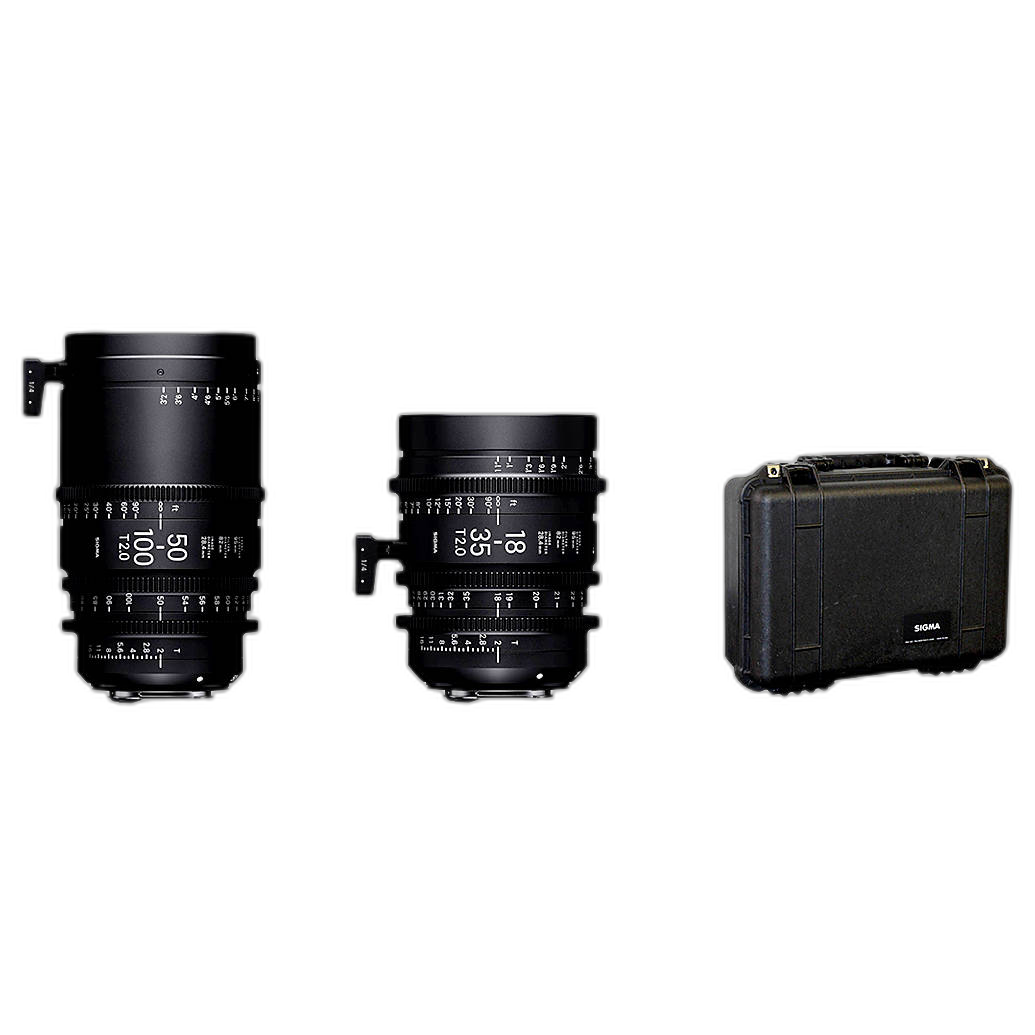
The 18-35mm range is excellent for medium-wide tabletop work and talking-head compositions, while 50-100mm gives you flattering compression and tighter product detail shots. For creators building a more advanced video setup, this kind of lens pairing can cover a lot of production needs.
Best Lenses for Tutorial Videos and Online Classes
Tutorials often blend multiple framing styles. You may need a medium-wide shot for presenting, a tighter angle for demonstrations, and detailed close-ups for hands-on instruction. Because of that, some of the best lenses for tutorial videos are standard zooms in the 24-70mm full-frame equivalent range or flexible APS-C zooms that cover wide to portrait-length framing.
If you teach photography, cooking, crafting, makeup, or technical skills, think about your camera placement first. In a small home studio, a lens that is too tight can make setup difficult. In larger spaces, a slightly longer lens can create a cleaner, more polished separation between subject and background.
When creators shop at Unique Photo for tutorial-friendly gear, they often look for lenses that balance width, clarity, and autofocus. If you want one lens to handle general YouTube production, a standard zoom is still one of the smartest choices.
Prime Lens vs Zoom Lens for YouTube
One of the most common search questions is whether a prime lens or zoom lens is better for YouTube. The short answer: it depends on how you shoot.
Choose a prime lens if you want:
- Better low-light performance
- More background blur
- Compact size and lighter weight
- A simple setup for one consistent framing style
Choose a zoom lens if you want:
- More flexibility in small studios
- Faster workflow when filming solo
- Easy reframing for product shots and tutorials
- One lens that can cover multiple video styles
For many YouTube creators, a zoom lens is the better first purchase because it lets you experiment. Once you know your favorite framing, adding a prime lens can help you refine your look.
How Sensor Size Affects Lens Choice for YouTube
Your camera’s sensor size changes how a lens behaves. This matters a lot when choosing the best lens for vlogging or YouTube studio work.
- Full-frame cameras: Great for low light and shallow depth of field. Wide lenses stay truly wide.
- APS-C cameras: Often more affordable and compact, but lenses appear tighter due to crop factor.
- Micro Four Thirds cameras: Small and portable, often excellent for handheld video, but require even wider focal lengths for vlogging.
That is why a creator using APS-C may prefer an ultra-wide zoom for handheld work, while a full-frame shooter may be completely comfortable with a 20mm or 24mm lens. If you are not sure what equivalent focal length works for your setup, Unique Photo’s buying guides can be a helpful resource as you compare options.
Using Adapters to Expand Your Lens Options
Creators who switch camera systems or want to use existing DSLR glass on mirrorless cameras may benefit from an adapter. This can be a cost-effective way to keep favorite lenses in your kit while expanding your platform for YouTube production.
The Used Sigma MC-11 Mount Adapter Canon EF Lenses to Sony E is a useful example for creators who want to adapt Canon EF lenses to Sony E-mount bodies. For YouTubers with EF lenses already on hand, an adapter can make the transition to a mirrorless setup much more practical.
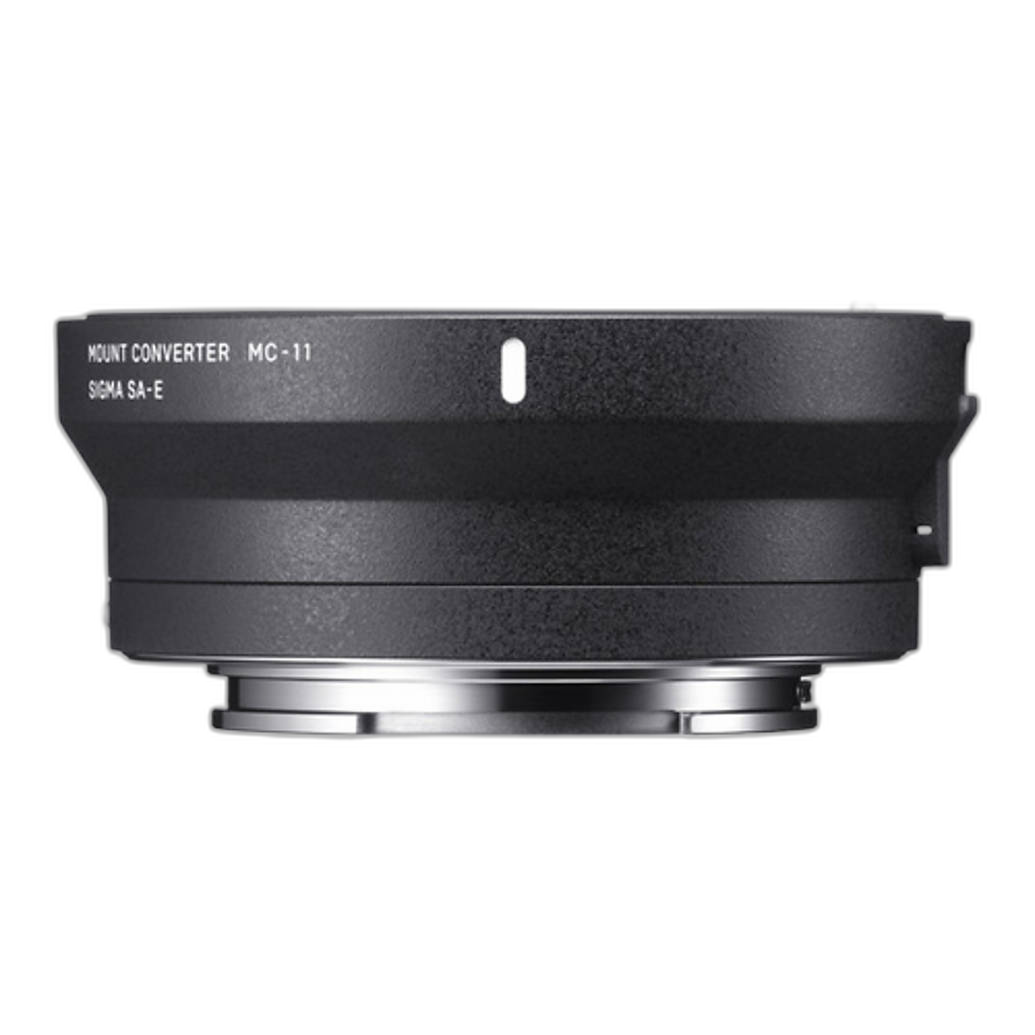
Adapters are especially appealing if you have already invested in glass for product videos or tutorials and do not want to start over from scratch.
Do You Need Cine Lenses for YouTube?
Most creators do not need cine lenses to start a YouTube channel, but they can be a major upgrade for channels focused on polished production. Cine lenses are designed for controlled manual operation, smooth focus pulls, and consistent visual results across a set of focal lengths.
If your content includes commercial-style reviews, cinematic B-roll, branded collaborations, or multi-camera studio work, cine lenses can offer real advantages. The Sigma cine set mentioned above is a good example of glass that may appeal to advanced creators looking to elevate production value.
For most beginners, though, a strong autofocus zoom lens is still the more practical first step.
Essential Lens Accessories for YouTube Creators
The lens itself is only part of the equation. Lens accessories can improve consistency, image quality, and long-term gear care.
A lens hood can help reduce flare and improve contrast when shooting near windows or bright lights. Cleaning tools also matter more than many creators realize, especially for product videos where dust and smudges become very visible in close-up shots.
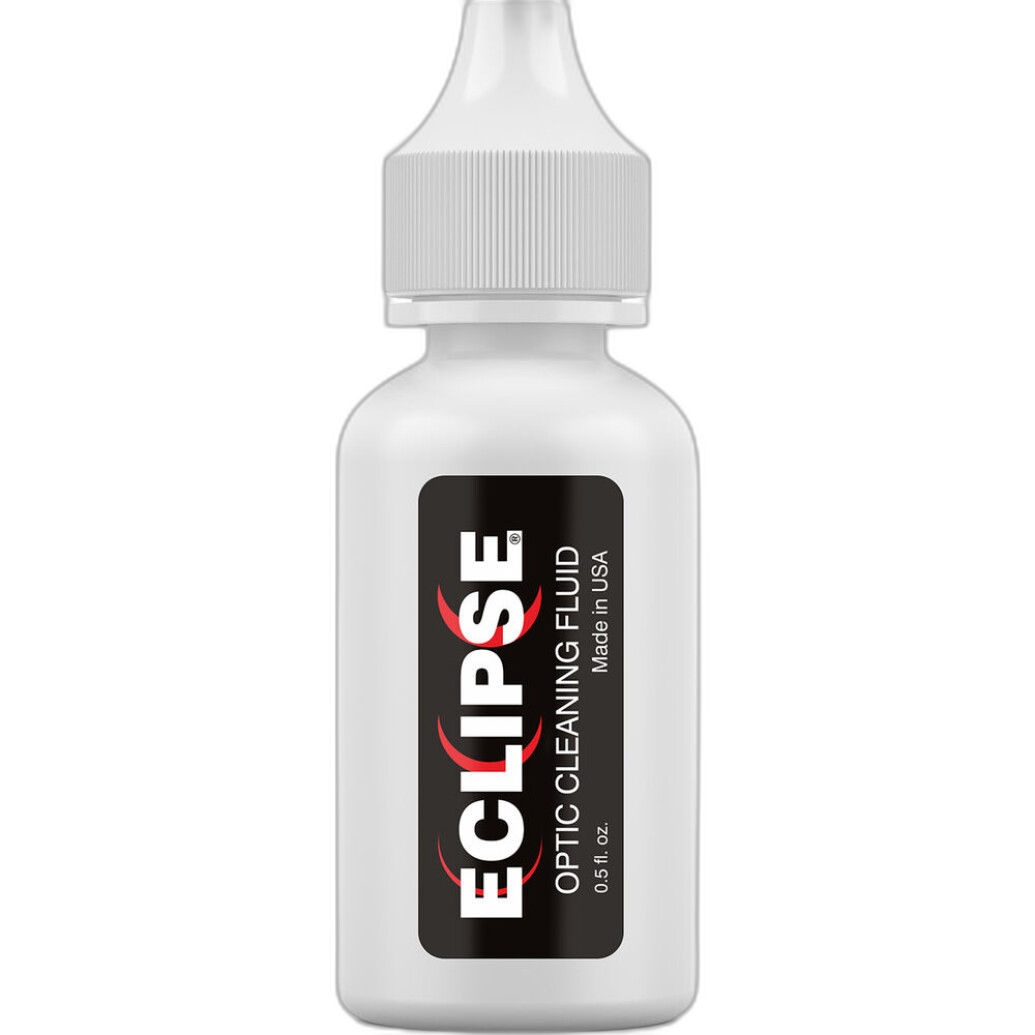
The Photographic Solutions Eclipse 0.5 oz. Optic Cleaner for Sensors and Lenses is a simple but useful item to keep in any content creator’s kit. Clean glass helps maintain sharpness, contrast, and a professional presentation on camera.
If you work with wide lenses in brighter environments, accessories like lens shades can also be helpful for controlling unwanted reflections and maintaining cleaner-looking footage.
How to Choose the Best First Lens for Your YouTube Channel
If you are still deciding, here is a practical way to narrow it down:
- Choose a wide lens if your channel is mostly vlogs, travel content, or handheld selfie video.
- Choose a standard zoom if you create a mix of talking-head videos, tutorials, and product reviews.
- Choose a close-focusing or macro-friendly lens if your videos depend on showing product details.
- Choose a fast prime if you film in low light or want a more cinematic background blur.
Also think about your room size. Many home creators buy a lens that is too tight for their filming space. If your camera is only a few feet from your desk, wider is often safer. On the other hand, if you have room to back up, a slightly longer lens can create a premium studio look.
Recommended Lens Setup by Content Type
To make this even simpler, here is a quick breakdown of common creator needs:
- Vlogging: Ultra-wide or wide-angle lens with fast autofocus
- Product reviews: Standard zoom or sharp prime with close focusing ability
- Tutorials: Flexible zoom that can shift from presenter framing to demonstration shots
- Cinematic creator channels: Fast primes or cine zooms for stylized production
Many YouTubers eventually use more than one lens, but starting with the right all-around option can save time and money. Unique Photo is a strong resource for comparing creator kits, lens guides, used gear, adapters, and accessories as your channel grows.
Final Thoughts on the Best Lenses for YouTube Creators
The best lens for YouTube content creators is the one that matches your workflow. Vloggers usually benefit from wide-angle coverage. Product reviewers need sharp close-up performance. Tutorial creators often get the most value from a versatile zoom. As your channel evolves, adding specialized lenses can help you produce more polished and engaging videos.
Unique Photo offers useful solutions for creators at different stages, from beginner-friendly creator kits to advanced cinema lenses, practical adapters, and maintenance accessories. If you are building a YouTube setup, it is worth thinking beyond specs alone and choosing a lens that fits your actual space, content format, and production style.
For your next step, consider exploring related resources and categories at Unique Photo, such as lens buying guides, creator camera kits, used camera accessories, and video-friendly lens options for Canon, Nikon, Sony, and more. Internal linking opportunities for this article could include pages covering camera buying guides, best cameras for YouTube, mirrorless lenses, used gear deals, and content creator accessories.