For solo videographers, audio is often the fastest way to make a production feel professional without blowing the budget. Clean dialogue, dependable signal flow, and a setup that is quick to deploy matter more than owning the most elaborate sound cart. The products here represent a smart range of affordable and scalable tools for creators who shoot interviews, livestreams, YouTube videos, mobile content, and hybrid studio productions.
Rather than looking at just one device in isolation, this review focuses on how these products fit into real-world solo workflows. From ultracompact interfaces for run-and-gun recording to a more capable mixer-recorder for creators growing into multicam or podcast-video production, these options cover several useful tiers. If you are shopping for dependable audio gear at a camera retailer that understands video production needs, Unique Photo is a strong place to buy and compare these pieces.
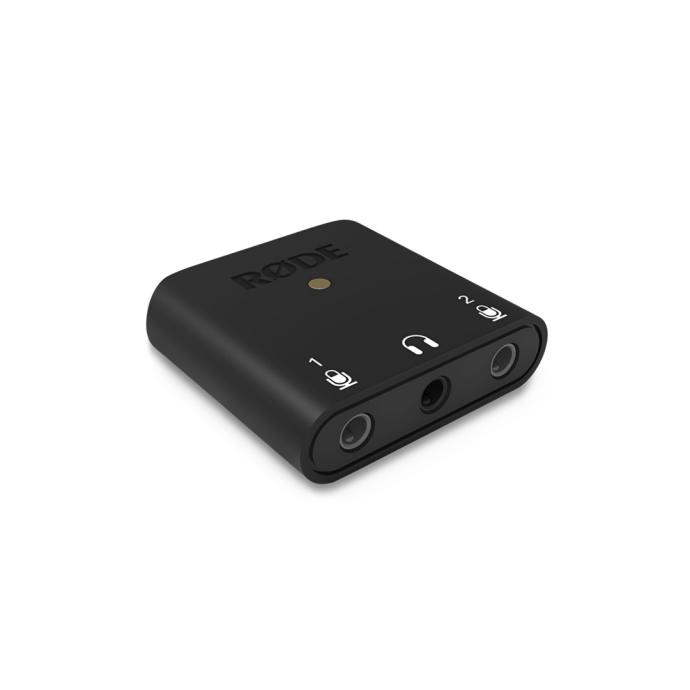
Best Budget Pick for Minimalist Creators: Rode AI-Micro
The Rode AI-Micro Ultracompact USB Type-C Audio Interface is one of the most compelling low-cost audio tools for solo videographers who prioritize portability. It is tiny, straightforward, and ideal for creators using smartphones, tablets, or lightweight computer-based rigs. If your productions revolve around voiceovers, one-person interviews, live social clips, or travel content, this interface is easy to appreciate.
Why it stands out
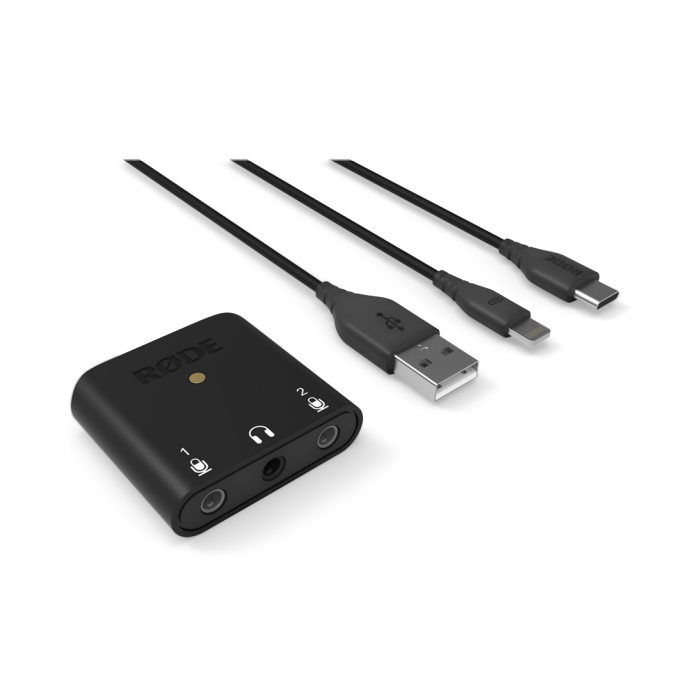
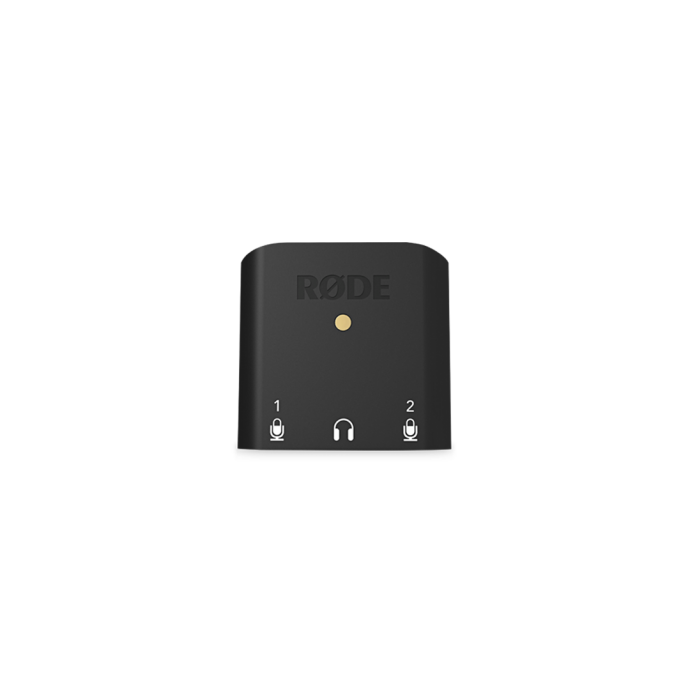
The AI-Micro keeps things simple: compact form factor, fast setup, and compatibility with creator-friendly workflows. It is especially attractive for users who want to connect lavaliers or small microphones without carrying a dedicated field mixer. For solo work, less clutter often means faster setup and fewer mistakes on location.
Who it is best for
This is the right choice for videographers who work alone and need an affordable front end for spoken-word capture. It also makes sense as a backup audio interface to keep in a camera bag. If your production style is mobile-first and you rarely need multiple full-size XLR inputs, the AI-Micro is arguably the most practical option in this group.
Limitations
The same minimalism that makes it convenient also limits its role in larger productions. It is not designed to replace a mixer-recorder, and creators moving into multi-mic shoots may outgrow it quickly. Still, as an entry-level or ultra-portable solution, it is a strong value.
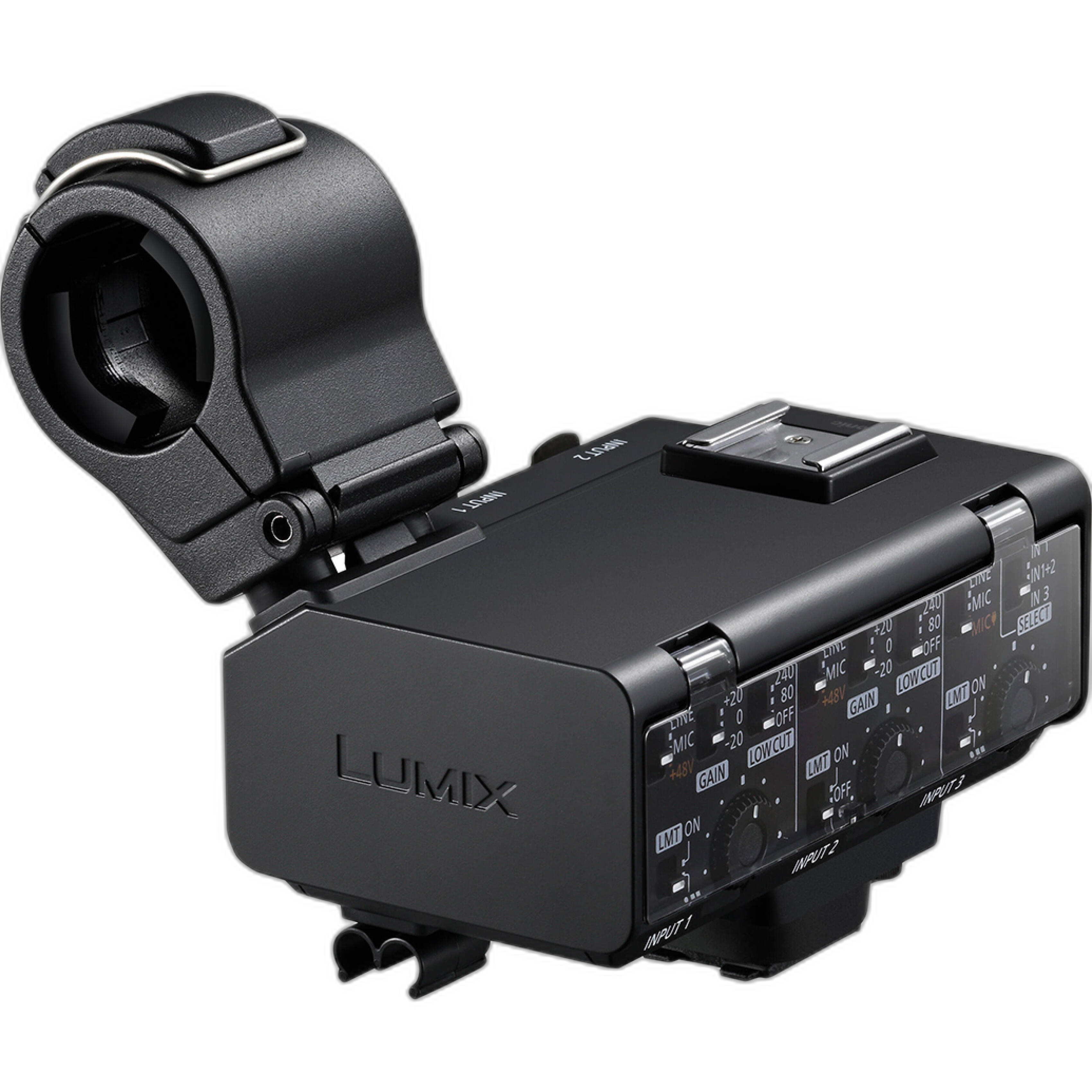
Best Camera-Integrated Upgrade: Panasonic LUMIX DMW-XLR2
The Panasonic LUMIX DMW-XLR2 Audio Expansion Unit is a very smart option for solo shooters already invested in compatible LUMIX video workflows. Instead of building a separate audio chain, this unit moves professional audio closer to the camera body itself. For one-person crews, reducing external boxes and simplifying rigging can be just as valuable as saving money.
Why it works for solo production
Camera-mounted XLR expansion is especially useful when speed matters. Documentarians, event shooters, and interview creators benefit from direct integration, cleaner cable management, and a more compact operating footprint. It can streamline the jump from consumer-style camera audio to more serious microphone options.
Value perspective
While not the cheapest item on this list, it can be a cost-effective solution because it eliminates the need for a separate recorder or interface in some setups. For the solo videographer who wants cleaner on-camera audio without a complex rig, it delivers meaningful workflow value.
Limitations
Its appeal depends heavily on camera compatibility. If you shoot on Panasonic gear that supports it, this can be a smart buy. If not, the value proposition disappears quickly.
Best Mobile Creator Option: Saramonic SmartRig+ Di
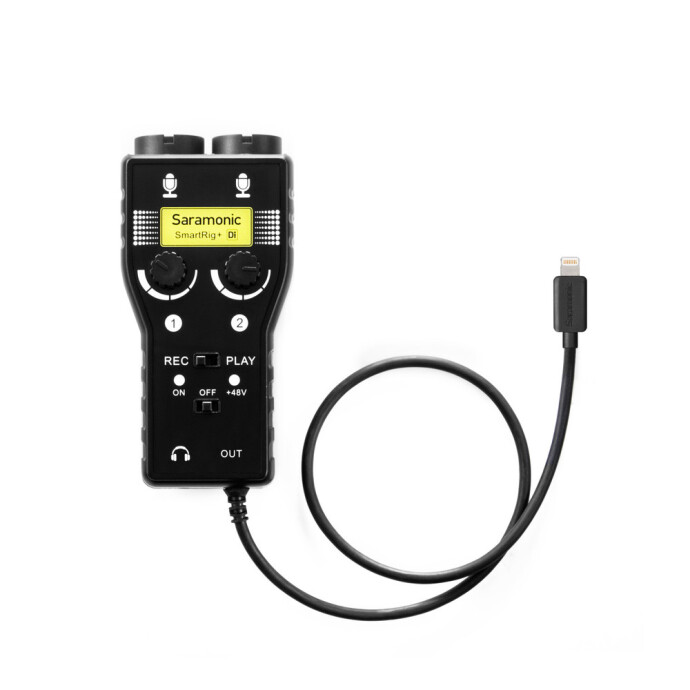
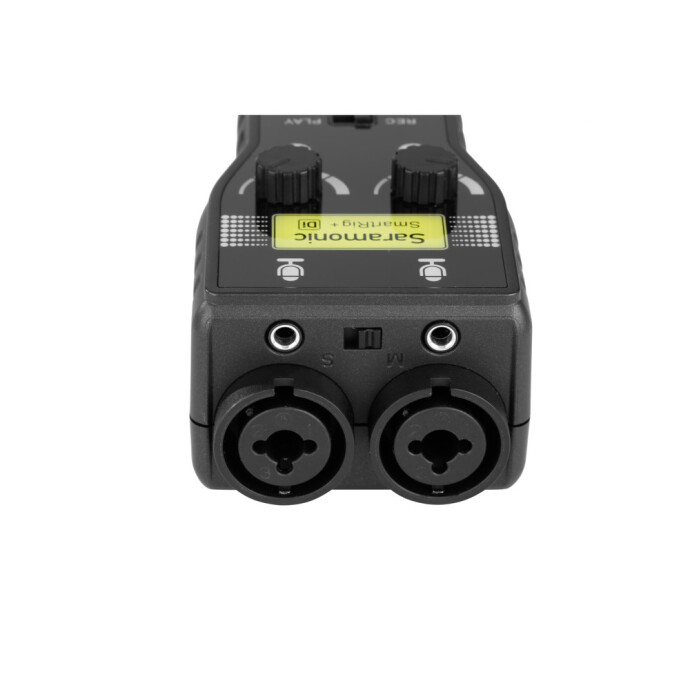
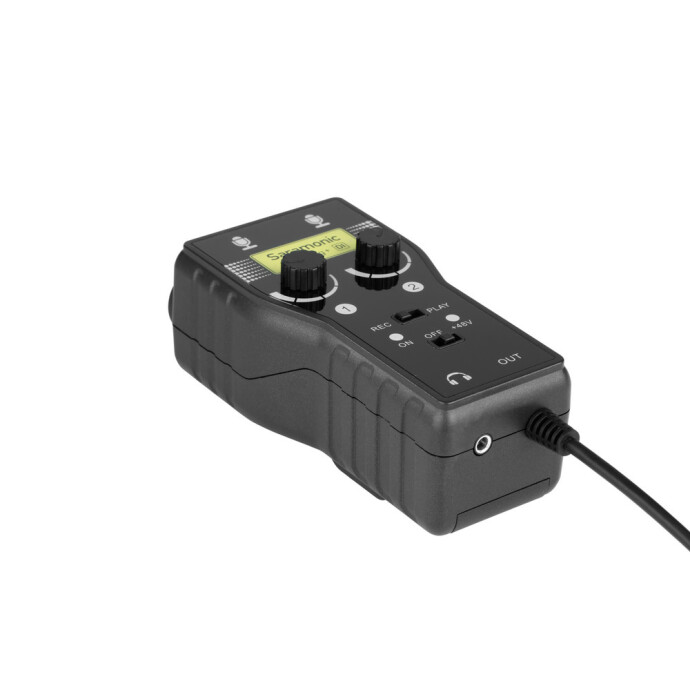
The Saramonic SmartRig+ Di targets videographers who produce content directly with Lightning-equipped mobile devices. This makes it especially relevant for journalists, mobile filmmakers, and social creators who want to connect more serious audio sources to a phone-based workflow.
Real-world usability
For solo operators, mobile convenience matters. The SmartRig+ Di offers a practical bridge between pro audio sources and a compact capture device. If your workflow includes fast publishing, field interviews, or casual multicontent creation, this kind of interface can dramatically improve production quality compared to relying on built-in phone microphones.
Best use cases
It is particularly useful for livestream-ready field reporting, mobile podcasting, and lightweight interview kits. It also makes sense for creators who want a more affordable way to add external mics to a mobile setup without stepping into a more expensive dedicated recorder ecosystem.
Limitations
Like many mobile-specific solutions, long-term flexibility depends on your device ecosystem. Creators who move between phones, tablets, and desktop rigs may want something more universal.
Best Step-Up System for Growing Productions: Tascam Model 24
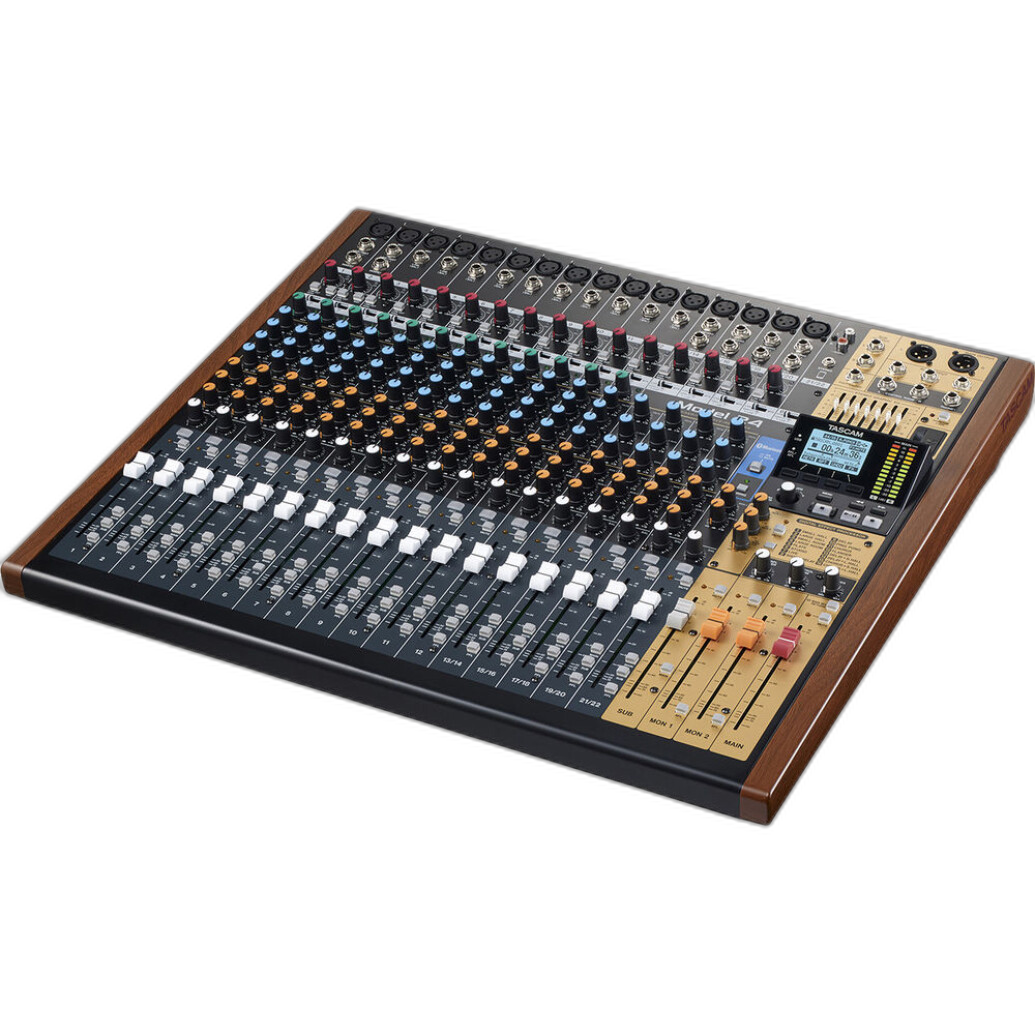
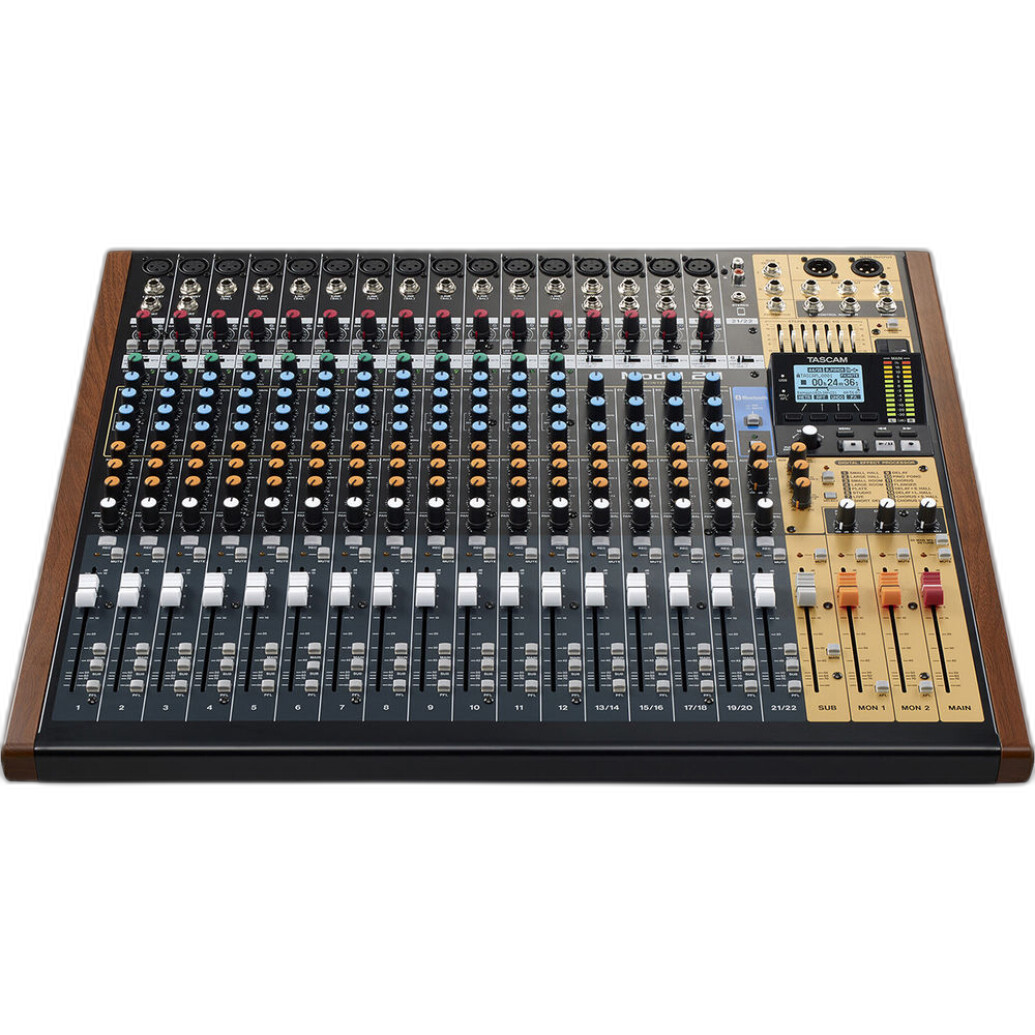
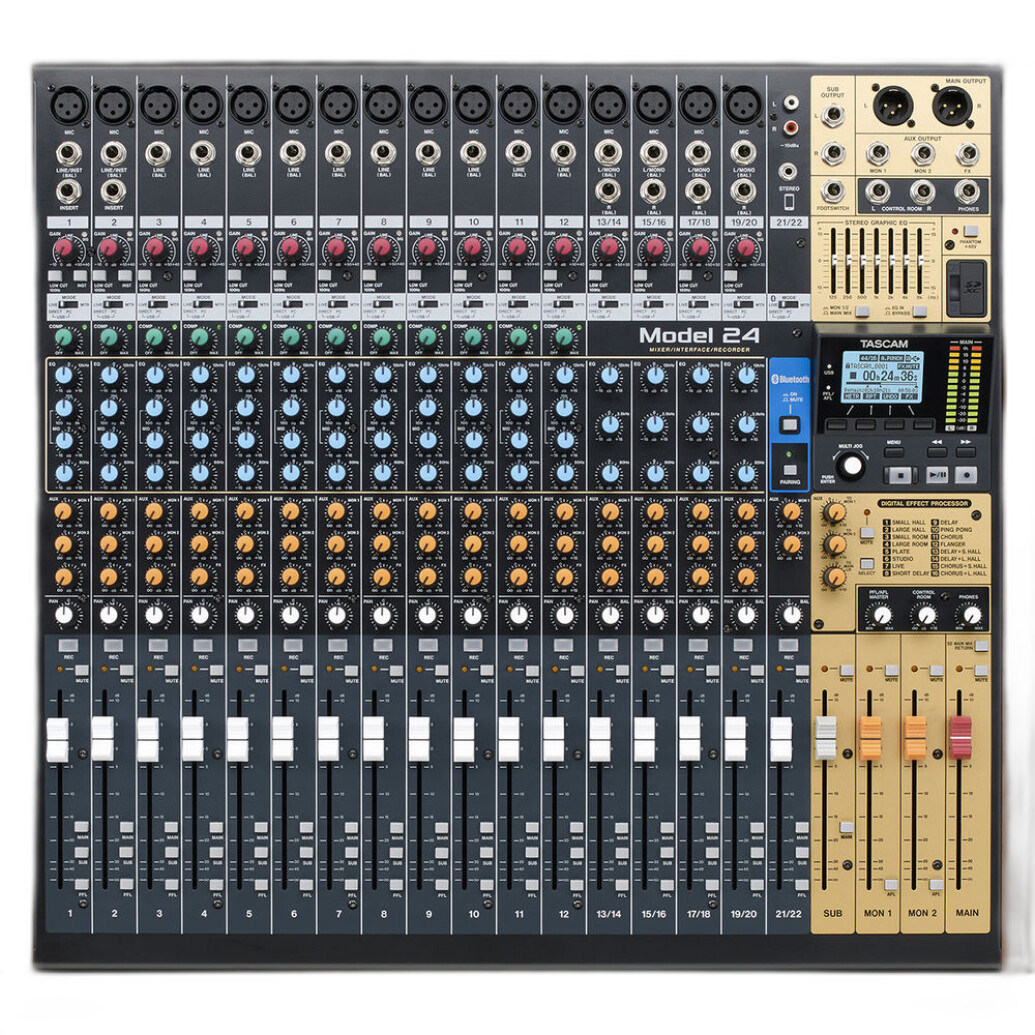
The Tascam Model 24 sits at the opposite end of the portability spectrum, but for solo videographers expanding into studio interviews, livestreaming, podcast-video production, music sessions, or multi-source shoots, it offers enormous capability for the money. It functions as a digital mixer, recorder, and USB audio interface, making it a serious all-in-one production hub.
Why it is compelling
The Model 24 is the kind of purchase that can elevate a creator from simple two-channel capture to a more polished, controllable production environment. If you are recording multiple microphones, bringing in music, monitoring separate sources, or streaming while recording backups, this unit becomes far more than a mixer. It acts as the backbone of a small studio.
Workflow benefits for solo shooters
For one-person productions, reliability and centralization are huge advantages. Having mixing, recording, and interface functions consolidated into one platform can simplify setup and reduce the need for multiple standalone devices. It also gives creators room to grow instead of replacing gear every time their production needs expand.
Affordability in context
Although it is not inexpensive compared to compact interfaces, it is affordable relative to the functionality it delivers. For a solo videographer building a home studio or hybrid video podcast space, it may be the most cost-efficient long-term investment on this list.
Limitations
The tradeoff is size and portability. This is not a toss-it-in-a-sling-bag solution. It is best for fixed setups, dedicated workspaces, and productions where control and expandability matter more than traveling light.
Useful Supporting Accessories That Make Budget Rigs Work Better
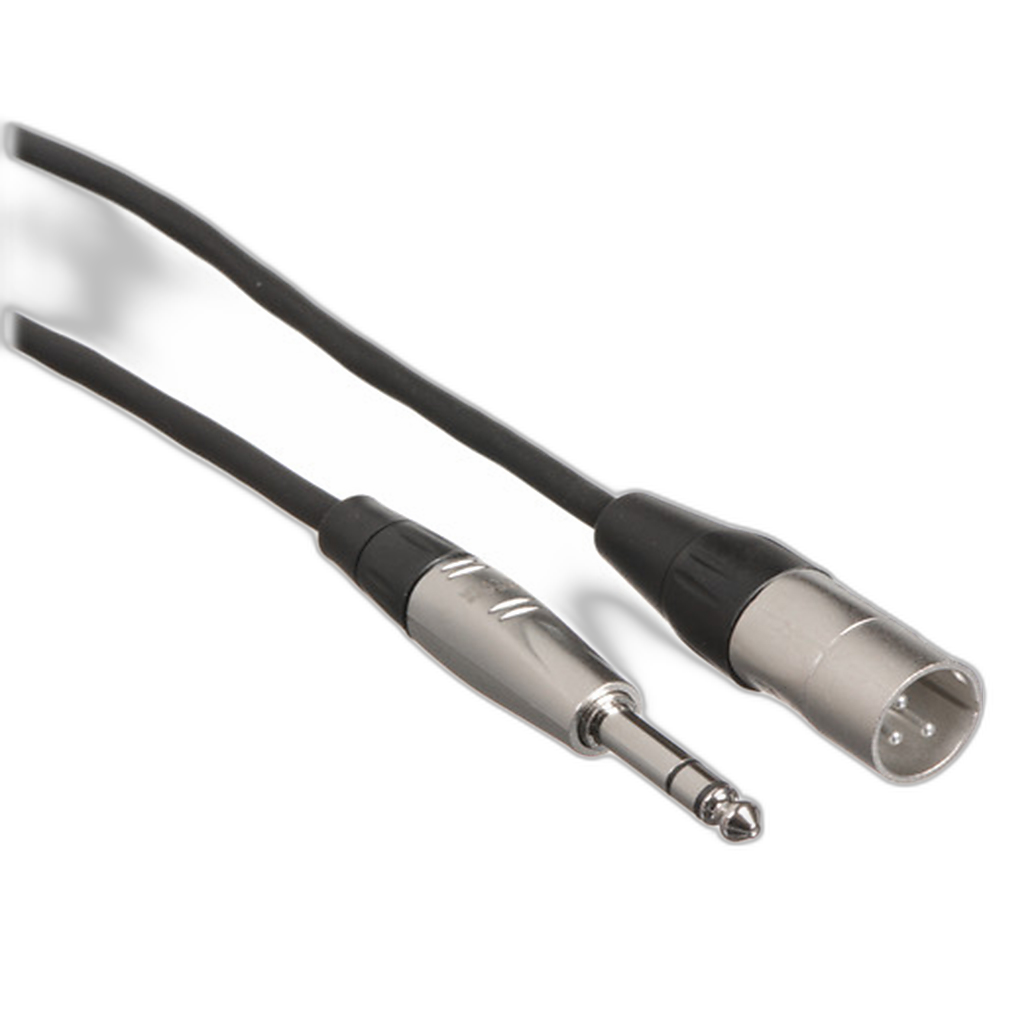
Hosa Balanced 1/4in TRS Male to 3-Pin XLR Male Audio Cable
Cables are not glamorous, but dependable connectivity is critical. The Hosa Technology Balanced 1/4in TRS Male to 3-Pin XLR Male Audio Cable (10FT) is the type of affordable accessory that helps solo creators patch gear together cleanly and reliably. It is especially useful when integrating mixers, interfaces, and audio sources that do not share the same connector format.
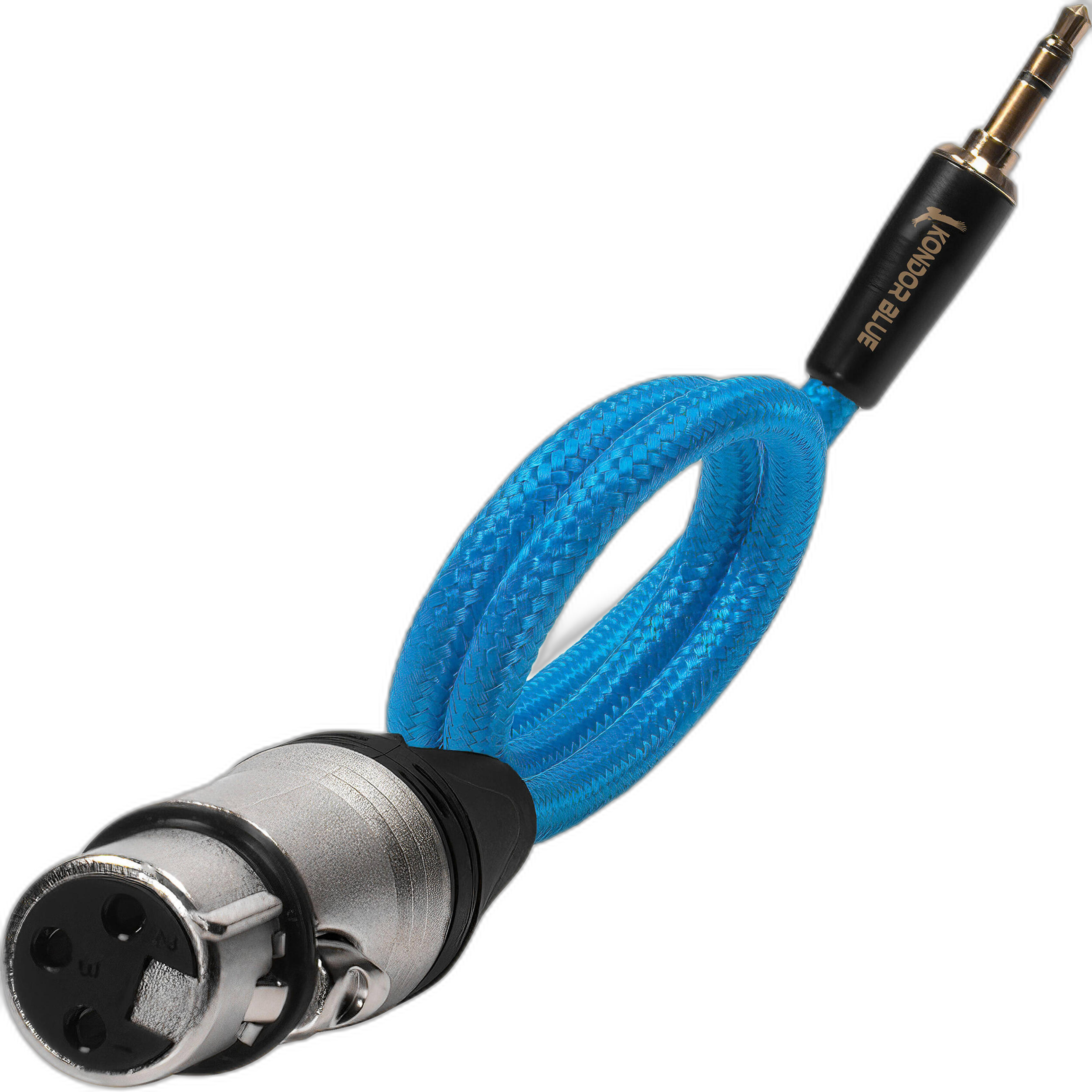
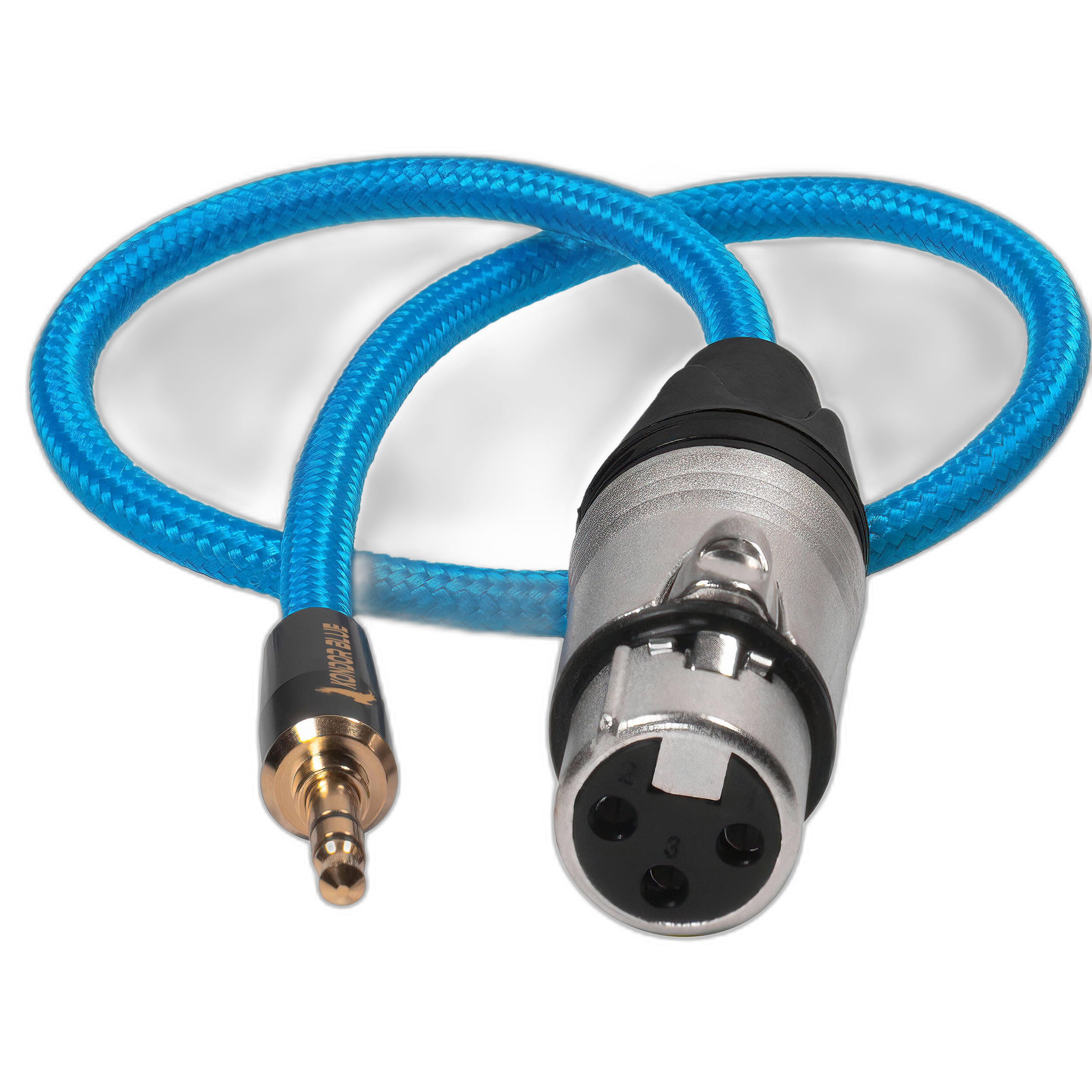
Kondor Blue Braided Female XLR to 3.5mm TRS Male Audio Cable
The Kondor Blue Braided Female XLR to 3.5mm TRS Male Audio Cable is a handy adapter-style cable for solo videographers who frequently need to bridge pro audio gear with camera-friendly 3.5mm inputs. It is compact, practical, and well suited for stripped-down location kits.
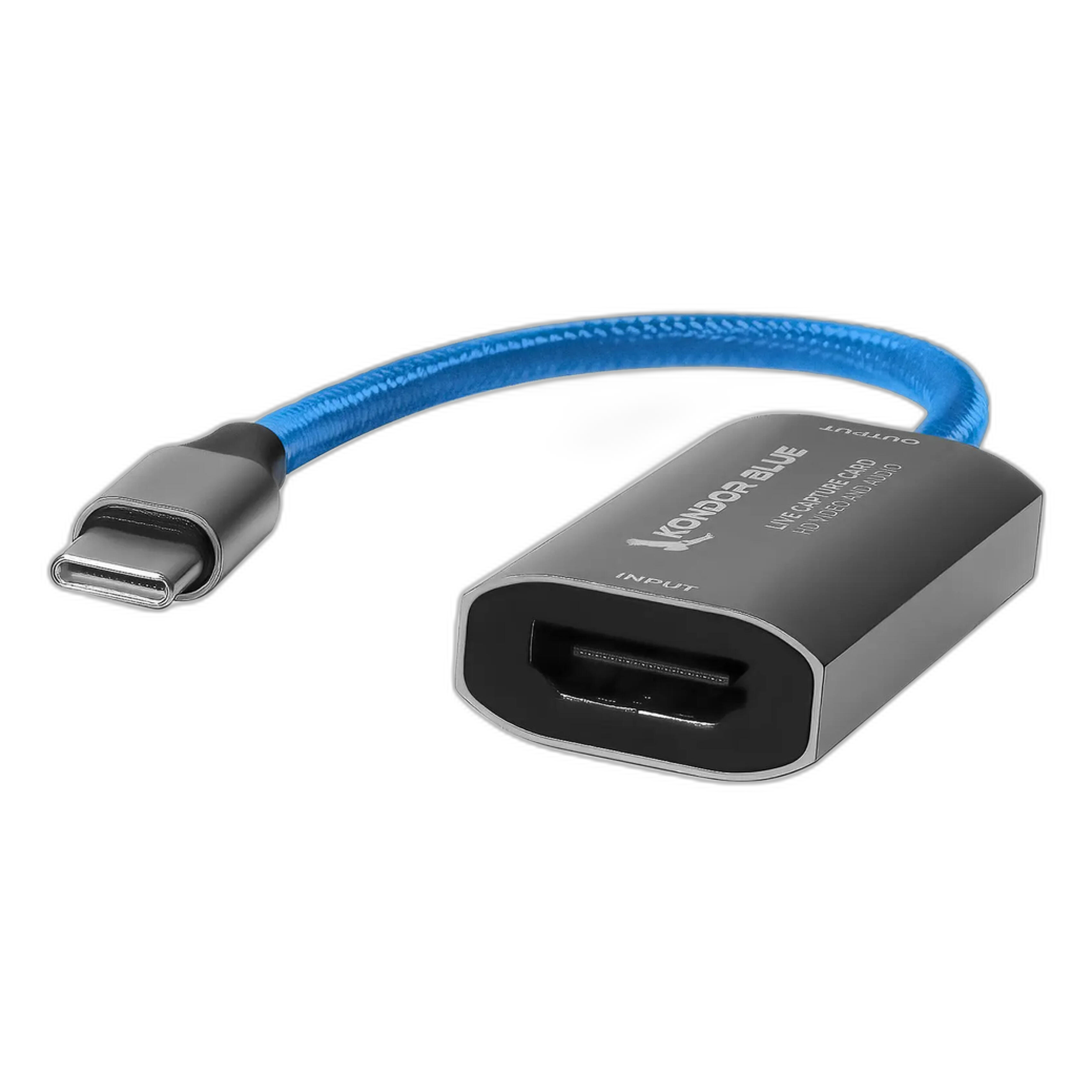
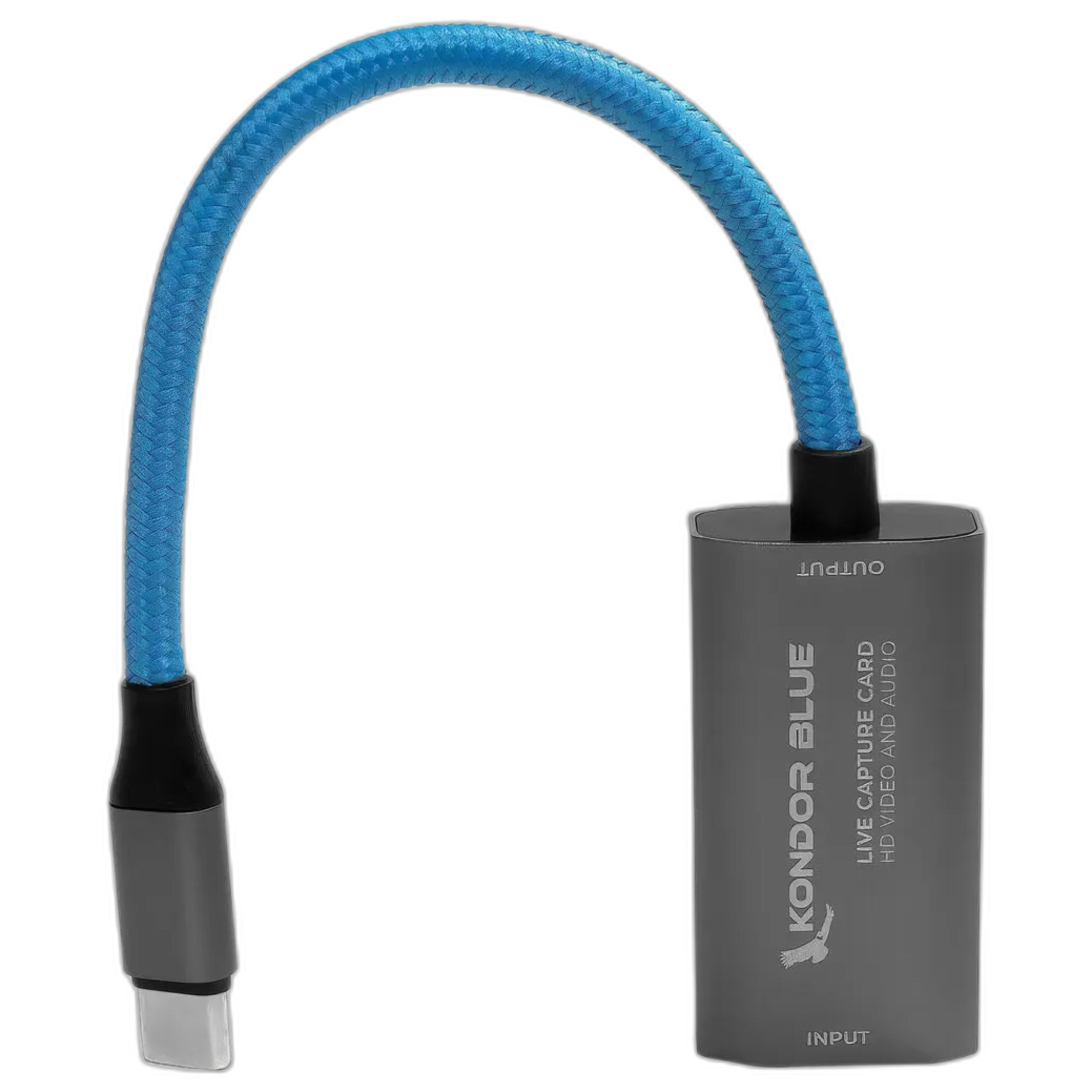
Kondor Blue HDMI to USB-C Capture Card
For solo creators doing livestreams or camera-to-computer workflows, the Kondor Blue HDMI to USB-C Capture Card adds value by helping move both video and audio into a streaming or conferencing environment. It is not an audio interface in the traditional sense, but it can be a highly relevant piece of an affordable creator setup.
Pros and Cons
Pros
- Good range of options for different budgets and production styles
- Rode AI-Micro is highly portable and easy for solo creators to deploy
- Panasonic DMW-XLR2 offers elegant camera-integrated audio for compatible users
- Saramonic SmartRig+ Di is practical for mobile-first creators
- Tascam Model 24 delivers outstanding expandability for studio and hybrid setups
- Support accessories from Hosa and Kondor Blue help build affordable, functional rigs
- Kondor Blue capture card is useful for streaming and live production workflows
Cons
- No single product here fits every creator equally well
- Camera and device compatibility matters, especially for Panasonic and Lightning-based options
- Ultracompact interfaces can be limiting for multi-mic productions
- The Tascam Model 24 is less practical for travel and run-and-gun work
- Some setups may still require extra adapters, cables, or mounting solutions
Verdict
If you are a solo videographer trying to improve your sound without overspending, the best choice depends on how and where you shoot. The Rode AI-Micro is the best all-around affordable entry for creators who need a compact, low-hassle audio solution. The Saramonic SmartRig+ Di makes strong sense for mobile creators working with Lightning devices. The Panasonic LUMIX DMW-XLR2 is the smartest upgrade for compatible Panasonic users who want cleaner, more integrated camera audio. And for creators building a more serious production environment, the Tascam Model 24 is the standout long-term value thanks to its mixer, recorder, and interface functionality.
In short: start with the smallest solution that matches your current workflow, then scale up only when your productions genuinely demand it. That is the most cost-effective path for solo videographers. To shop these audio tools and compare the right setup for your production needs, Unique Photo is an excellent place to buy.