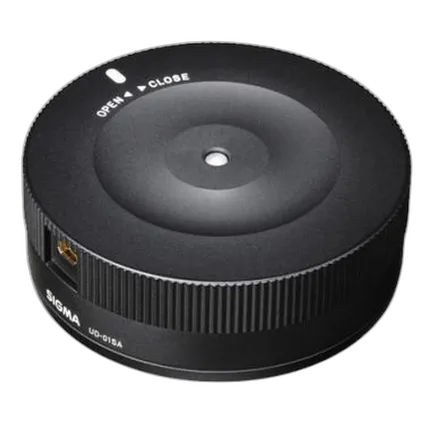
Sigma USB Dock For Canon Lenses

Key Features
- Update Lens Firmware and Adjust Settings
- For Use with Sigma Global Vision Lenses
- Compatible with Canon EF Mount Lenses
Recommended Accessories
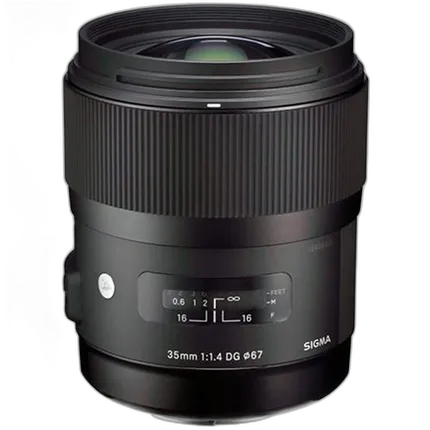
Sigma DG HSM ART 35mm f/1.4 Standard Lens for Canon - Black
- Aperture Range: f/1.4-16
- Hyper Sonic Motor (HSM)
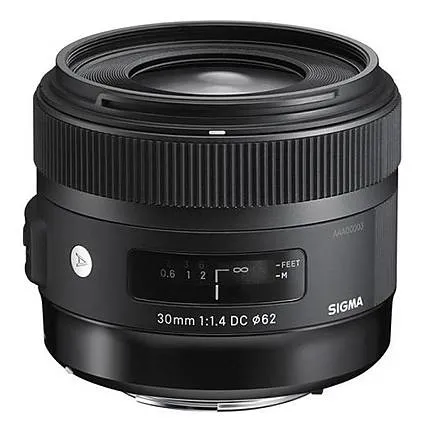
Sigma DC HSM ART 30mm f/1.4 Standard Lens for Canon Mount - Black
- Standard Focal Length Prime Lens
- Aperture Range: f/1.4 - 16
Available for Rent
Overview
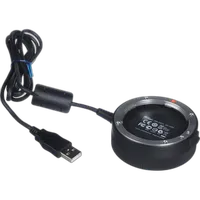
The Sigma USB dock works in conjunction with Sigma Optimization Pro software in order to connect a photographers lens to their personal computer to update firmware and other parameters such as focus, and for the Sports category: Autofocus speeds, focus limiters, and optical stabilization functionality. Updating the firmware can be done via the internet. Sigma Photo Pro is available for Mac and PC computers.
Focus Settings
- 4 Categories of customization for fixed focal length
- 16 Categories of customization for zoom lenses (4 options for focal length) x (4 options for shooting distance)
Sports Line
- AF Speed: 3 adjustment modes
- Focus Limiter: Customize auto focus range
- OS: 3 adjustment modes
Brand
hardware & software data
| Operating Systems & Requirements | Windows System Requirements: Pentium 4 processor or higher Windows 7 or 8 2 GB of RAM (3GB recommended) 1 GB of available hard drive space or more 24-bit graphics card (approx. 16.7-million colors) 1024 x 768 or higher screen resolution USB 1.1 as standard Mac System Requirements: Intel processor with either Mac OS X 10.7 or 10.8 2 GB of RAM (3GB recommended) 1 GB of available hard drive space or more 24-bit graphics card (approx. 16.7-million colors) 1024 x 768 or higher screen resolution USB 1.1 as standard |
physical specifications
| Color | Black |
camera attributes
| Usable Lenses | Canon EF lens mount |
Sigma USB Dock For Canon Lens
No creators have tagged this product yet.
Articles featuring this product
Best-Value Documentary Filmmaking Lenses: Sigma Cine Zooms vs Canon Cinema Zooms vs Sigma Prime Kit
Aug 13, 2026
·
Unique Photo
Wide vs. Standard Lenses for Environmental Portraits: A Practical Review of Sigma 24mm F2, Sigma 28-
Aug 31, 2026
·
Unique Photo
Sigma Corporation of America announces prime lenses for mirrorless interchangeable lens cameras at C
Jan 12, 2012
·
admin
Sigma Corporation Announces Four New Lenses at CP+ Camera and Photo Imaging Show
Jan 29, 2013
·
UniquePhoto
Community questions about this gear
Ask a question
0
votes
2
answers
259
How does Sigma’s USB Dock lens calibration work, and is it included with Art lenses?
Photography Stack Exchange contributor
9y ago
0
votes
2
answers
155
0
votes
2
answers
175
0
votes
2
answers
189