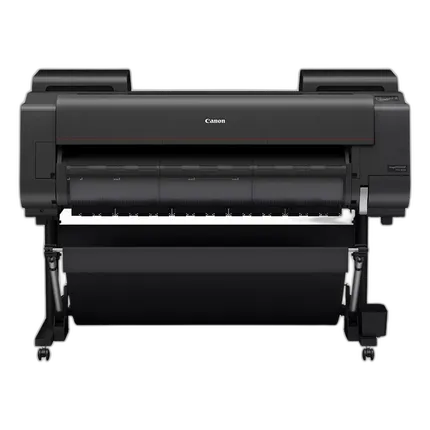
Canon imagePROGRAF PRO-4600 44in Large Format Printer

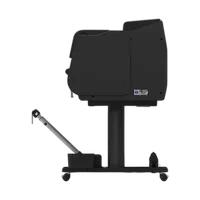
Key Features
- Reformulated LUCIA PRO II Ink
- High light resistance for long-term preservation of inks
- Improved black density with a wider dark-color gamut range
- High scratch resistance
- Color Calibration
Recommended Accessories
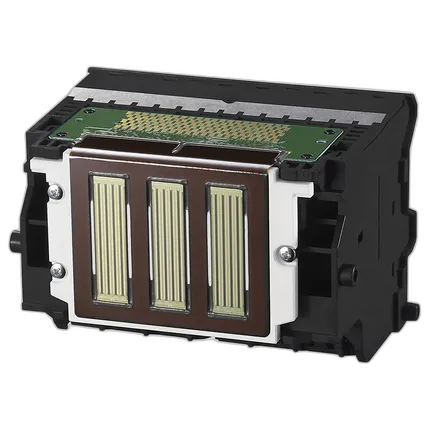
Canon PF-10 Print Head
- Canon PF-10 Print Head
- For select Canon imagePROGRAF printers
OVERVIEW
The Canon imagePROGRAF 44" PRO-4600 professional large-format printer offers an 11-Color plus Chroma Optimizer Ink System that will bring your photos and reproductions to life. This Large Format Photo and Fine Art Printer contains a newly developed ink set* which offers high-scratch resistance and improved lightfastness** designed to provide exquisite prints and impeccable details. Intelligent media handling technology, color calibration, sub-ink tank system, translucent media & ink tank covers, internal light preview systems are just a few of the technologies built into this printer. Registered as EPEAT Gold—first in the imagePROGRAF PRO Series— and as ENERGY STAR certified, this series is replacing EPS packaging materials with cardboard packaging. Available for this printer there is a host of creative and workflow software solutions, such as, Professional Print & Layout, PosterArtist (Online and Lite versions), Free Layout Plus, Direct Print Plus, Accounting Manager, and more, to help with your everyday business needs!
Exceptional Quality, Precise Reproduction & Extraordinary Colors with the imagePROGRAF PRO-4600
The imagePROGRAF 44” PRO-4600 Large Format Printer offers an 11-color plus Chroma Optimizer ink system that can bring your prints and reproductions to life. Color calibration and intelligent media handling technologies come together to create photo and fine art prints with exceptional print quality.
LUCIA PRO II Ink
This newly formulated ink is designed to produce vivid color prints with more accurate color reproduction and improved black density color output than predecessor models.
Improved Scratch Resistance
Crystalline wax is added to the ink giving the printed surface improved scratch resistance to abrasion-caused scratches, improving handling during printing, post-processing, displaying, and packaging.
Improved Usability
The translucent covers and interior LED lighting allow you to easily see ink tanks and loaded media. The user interface screen displays the ink levels, media indicator levels, and other setting prompts all on the home screen.
Intelligent Media Handling
Save time and reduce waste! The imagePROGRAF PRO Series is equipped with intelligent media handling and can detect media type, width and length without manual intervention.
Brand
printer specifications
| Number Of Nozzles (Total) | 18,432 Nozzles (Total) |
| Ink Compatibility | Canon PFI-2100, Canon PFI-2300, Canon PFI-2700, Canon PFI-3100, Canon PFI-3300, Canon PFI-3700 |
| OS Compatibility | Windows, Mac |
| Media Thickness | 2.76 to 31.5 mil / 0.07 to 0.8 mm |
| Maximum Document Size | Maximum: 6 x 44" / 15.2 x 111.8 cm |
physical specifications
| Dimensions | 62.7 x 38.7 x 46" / 159.3 x 98.3 x 116.8 cm (with Basket Open, with Stand) |
| Weight | 273.4 lb / 124 kg (with Stand) |
interface
| Connectivity | Standard (Built-in): USB 2.0 Hi-Speed, 10/100/1000Base-T/TX, Wireless LAN (IEEE 802.11 b/g/n) |
detailed specifications
| Max Resolution | 2400 x 1200 dpi |
detailed specs
| Wi-Fi Capable | Yes |
- Printer
- Starter Ink Tanks (330ml)
- 1 Print Head
- Maintenance Cartridge (Installed)
- 2” Roll Holder with 3" Adapters
- Installation Guide
- User Registration Card
- One Year Printer Warranty Statement
- Print Head Warranty Statement
- Call Center Notice
- Media Compatibility Flyer
- PosterArtist Web Notice Flyer
- Safety and Environmental Information
- iWR Service Terms Leaflet
- USB port (High Speed)
- Power Cable and Screw
- Gigabit Ethernet (Built-in)
No creators have tagged this product yet.
Articles featuring this product
NEW imagePRESS MODELS AND imagePROGRAF LARGE FORMAT PRINTERS HEADLINE FOR CANON AT 2008 GRAPH EXPO
Oct 26, 2008
·
admin
Copyright vs Watermarks in Photography Contests: What to Protect, What to Submit, and When to Print
Sep 8, 2026
·
Unique Photo
Best Gear for Photograph Print Contest Submissions: A Practical Review of Printing, Paper, and Prese
Sep 14, 2026
·
Unique Photo
Technical Tips for Contest Submissions: File Sizes, Formats, and Watermarking
Sep 5, 2026
·
Unique Photo
Community questions about this gear
Ask a question
0
votes
2
answers
112
0
votes
2
answers
491
How can I prevent inkjet print-head clogging if a photo printer will sit unused for 6–12 months?
Photography Stack Exchange contributor
5y ago
0
votes
2
answers
140
0
votes
2
answers
197
0
votes
2
answers
164
0
votes
2
answers
120
Can Lightroom 4 print crop marks at the outer page edge for trimming a white border?
Photography Stack Exchange contributor
14y ago
You may also like
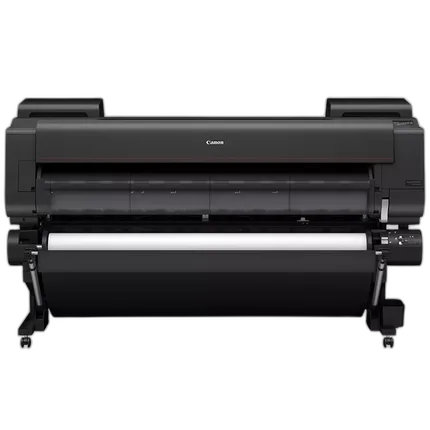
Canon imagePROGRAF PRO-6600 60in Large Format Printer
- Reformulated LUCIA PRO II Ink ***
- High light resistance for long-term preservation of inks
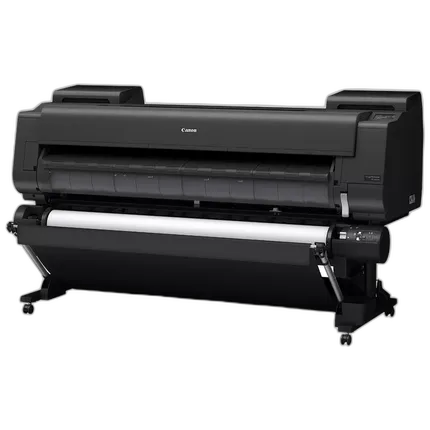
Canon imagePROGRAF GP-6600S 60in Large Format Printer
- LUCIA PRO II Seven-Color Ink System
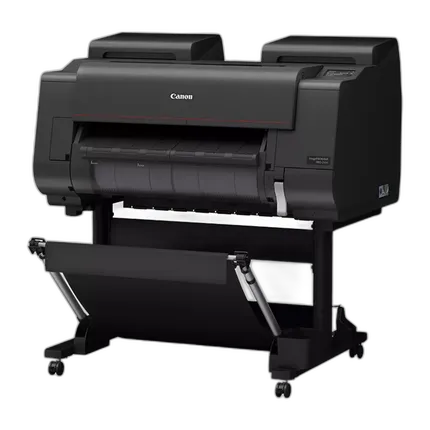
Canon imagePROGRAF PRO-2600 24in Large Format Printer
- Reformulated LUCIA PRO II Ink ***
- High light resistance for long-term preservation of inks
Canon PF-10 Print Head
- Canon PF-10 Print Head
- For select Canon imagePROGRAF printers
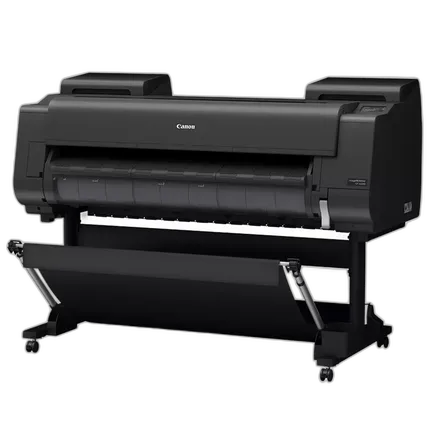
Canon imagePROGRAF GP-4600S 44in Large Format Printer
- LUCIA PRO II Seven-Color Ink System
- 96% of PANTONE™ Formula Guide Solid and Coated*