Calibrite ColorChecker 3-Step Grayscale
Key Features
- An A4-sized target suitable for anyone working in a creative environment
- 8.5 x 11" Target
- Provides Reference Values for Lighting
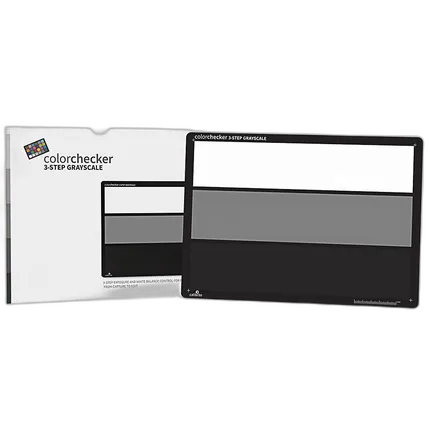
- Uses the standard black, mid-tone gray (18%), and white patches
- Ideal for any user that wants to maintain accurate neutral tones
- Spectrally Neutral
- Anti-Reflective
overview
Simplify camera and studio lighting balance with this three-step grayscale target for performing quick color adjustments and evaluating studio lighting conditions. The ColorChecker 3-Step Grayscale includes the white, 18% gray, and black reference patches found in the 24-patch ColorChecker Classic, all on a single full-sized card. Use it to capture accurate color before your photo session or video shoot, and save yourself editing time and effort afterwards.
On-site, use it as the first reference shot in a photo series or video footage to instantly correct color by balancing on the mid-tone gray value. In the studio, use it to evaluate exposure and balance between main and fill lights to quickly set up the proper lighting ratio, and to set white balance. The ColorChecker 3-Step Grayscale target also provides reference values for adjusting colors within most common photo or video editing software packages, allowing you to make quick color adjustments.
The ColorChecker 3-Step Grayscale is scientifically engineered to provide a precise, uniform surface that is spectrally neutral (reflects equal amounts of red, blue, and green) in all types of lighting conditions.
Use it for a variety of applications:
Digital Photography: Check images, set white balance, and verify exposure and balance between main and fill lights
Film Photography: Check films, lights, filters, and paper
Filmmaking: Set exposure; check color bias for cameras and lights
- Calibrite ColorChecker 3-Step Grayscale
No creators have tagged this product yet.
Articles featuring this product
Black-and-White Looks Compared: Filters, Developers, and Tools for Shaping Your Monochrome Style
Aug 27, 2026
·
Unique Photo
Community questions about this gear
Ask a question
0
votes
2
answers
305
Can Capture One automate color correction from a ColorChecker or other reference card?
Photography Stack Exchange contributor
11y ago
0
votes
2
answers
909
0
votes
2
answers
221
Why does my custom X-Rite ColorChecker profile look wrong on a Sony a7R IV?
Photography Stack Exchange contributor
6y ago
0
votes
2
answers
194
How can I use a gray scale card to set exposure and black/white points in RawTherapee?
Photography Stack Exchange contributor
6y ago
You may also like
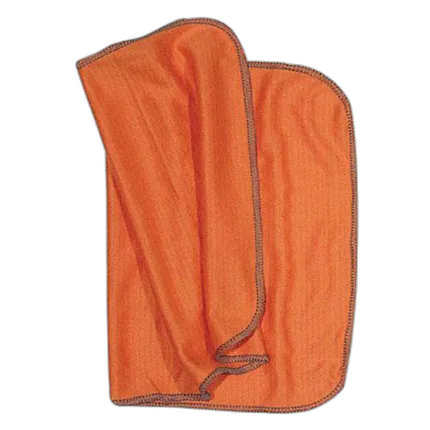
Kinetronics Soft Microfiber Anti-Static Cloth - 10 Inch x 18 Inch (250x450)
- Kinetronics anti-static microfiber cloth
- Designed for cleaning photographic films
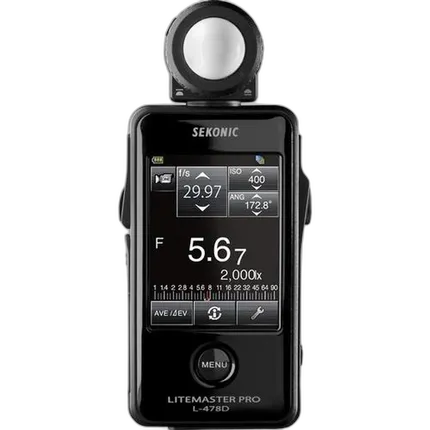
Sekonic L-478D LiteMaster Pro Meter
- - Color Touch Screen Interface - Still, Cine, Incident, Reflected, Flash Exposure Meter - Custom Exposure Profiles and Calibration - Flash Exposure Analyzing Function - Adjustable Menu Navigation - Retractable and Removable Lumisphere - AAA Battery Power Source