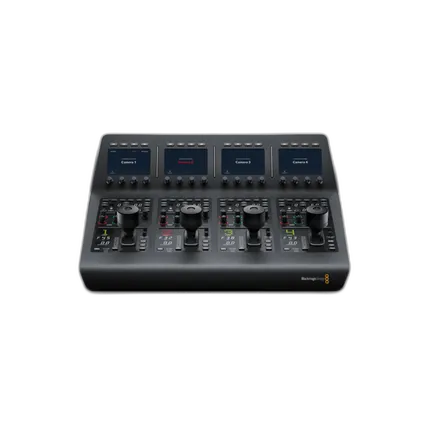
Blackmagic ATEM Camera Control Panel

Questions? Ask our experts
Key Features
- Control up to 4 cameras
- Allows for iris, shutter speed, and color controls
- LCD screens with Sot Buttons
- Designed for BMD URSA and Studio Cameras
Questions? Ask our experts
OVERVIEW
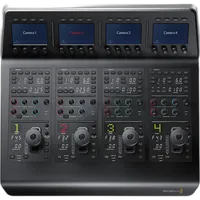
The ATEM Camera Control Panel provides independent controls for up to 4 URSA Mini, URSA Broadcast, Blackmagic Studio and Micro Studio cameras from a single control panel. You get iris control, shutter speed, white balance, master gain, pedestal, RGB controls for white and black, and more.
Brand
physical specifications
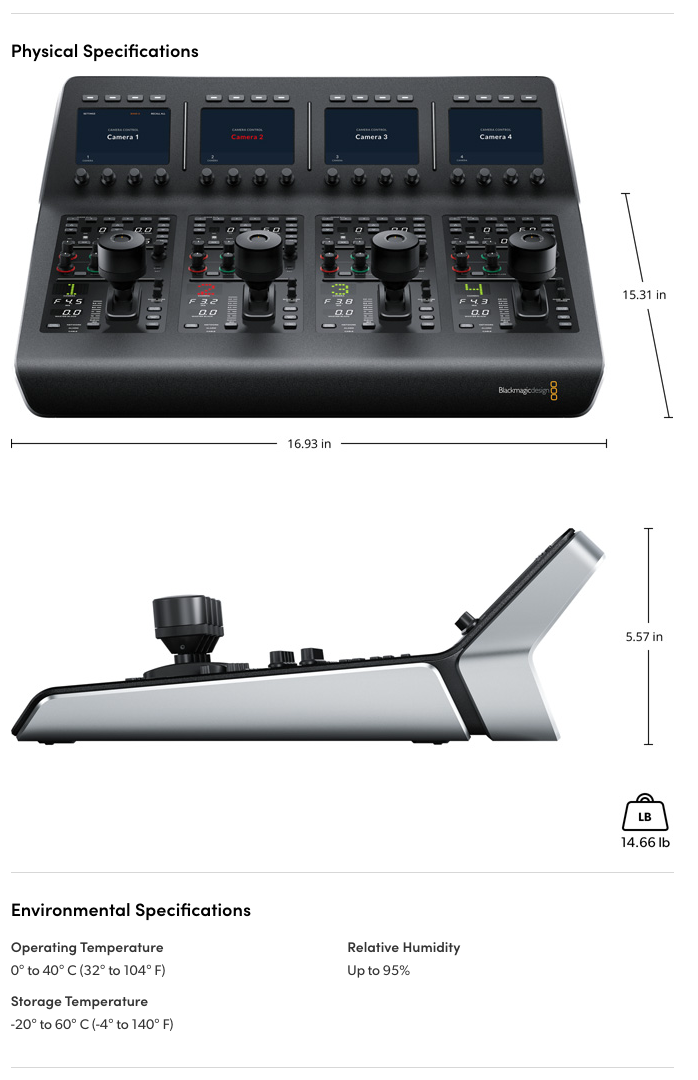
| Dimensions | 15.3" x 16.9" |
lens specification
| Weight | 8 lbs |
interface
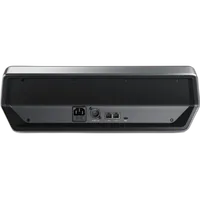
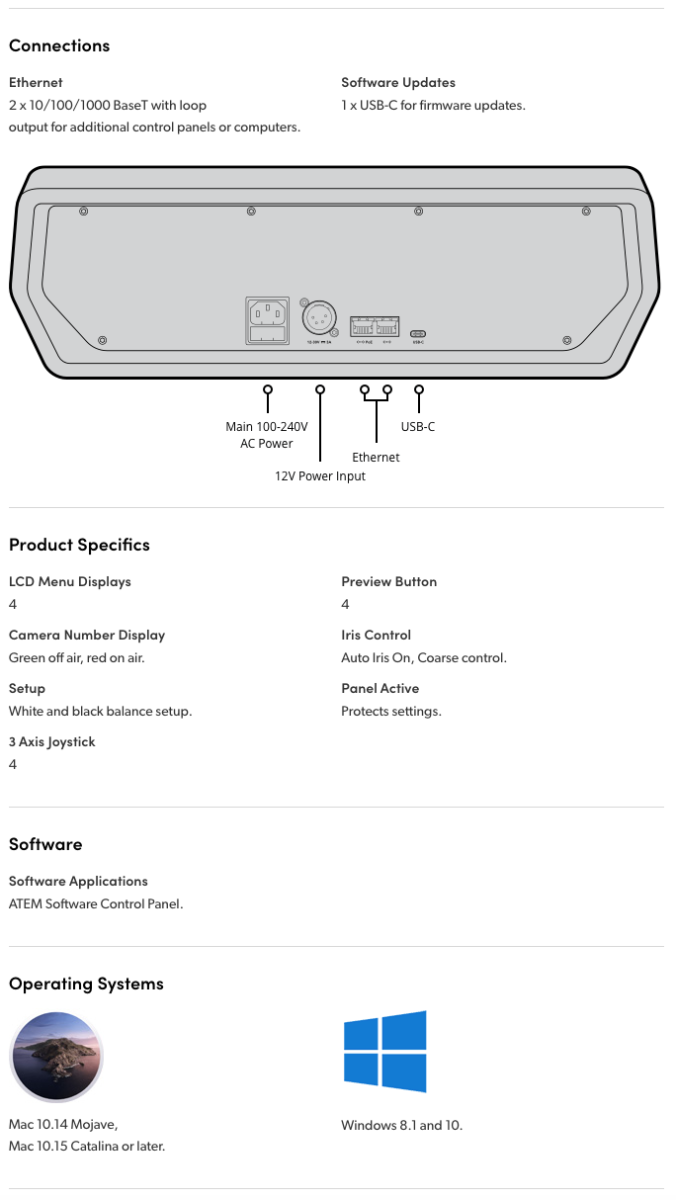
| Connectivity | Ethernet: 2 x RJ45 <br>Firmware: 1 x USB Type-C </br><br>DC Power: 1 x 4-pin XLR</br><br> Mains Power: 1 x IEC</b> |
-
Blackmagic ATEM Camera Control Panel
No creators have tagged this product yet.
Articles featuring this product
Post-Processing Software Showdown: Lightroom vs. Capture One vs. DxO PhotoLab
Aug 2, 2026
·
Unique Photo
Upgrading Your Kit for Indie Filmmaking: Blackmagic Pocket 6K Pro vs Sony FX30 Alternatives at Uniqu
Oct 3, 2026
·
Unique Photo
Community questions about this gear
Ask a question
0
votes
2
answers
382
How do I enable the Super Control Panel on the Olympus OM-D E-M5 and access it with one button?
Photography Stack Exchange contributor
14y ago
0
votes
2
answers
377
0
votes
2
answers
247
0
votes
2
answers
315
Are the colored specks in my night-sky footage stars or sensor noise?
Photography Stack Exchange contributor
7y ago
0
votes
2
answers
258
How do I reset the AF point to the center on an Olympus OM-D E-M10 Mark II?
Photography Stack Exchange contributor
8y ago
You may also like
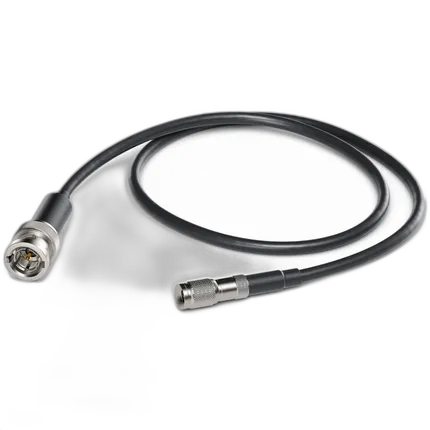
Blackmagic Cable - Din 1.0/2.3 to BNC Male
- 7.9" cable length
- DIN 1.0/2.3 connector to BNC Male
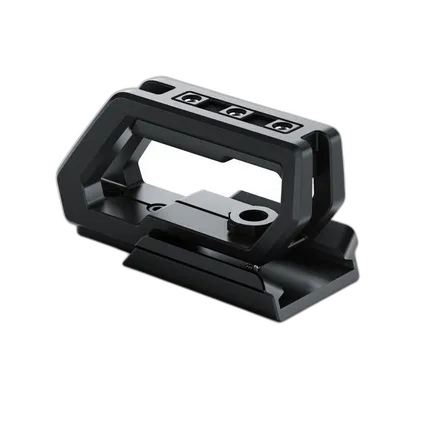
Blackmagic URSA Mini Shoulder Kit
- Includes Top Handle and shoulder pad for ENG/Doc-style shooting
- 15mm LWS Rod Clamps