Workflow-Friendly Storage and Editing Setups for 4K Video Projects
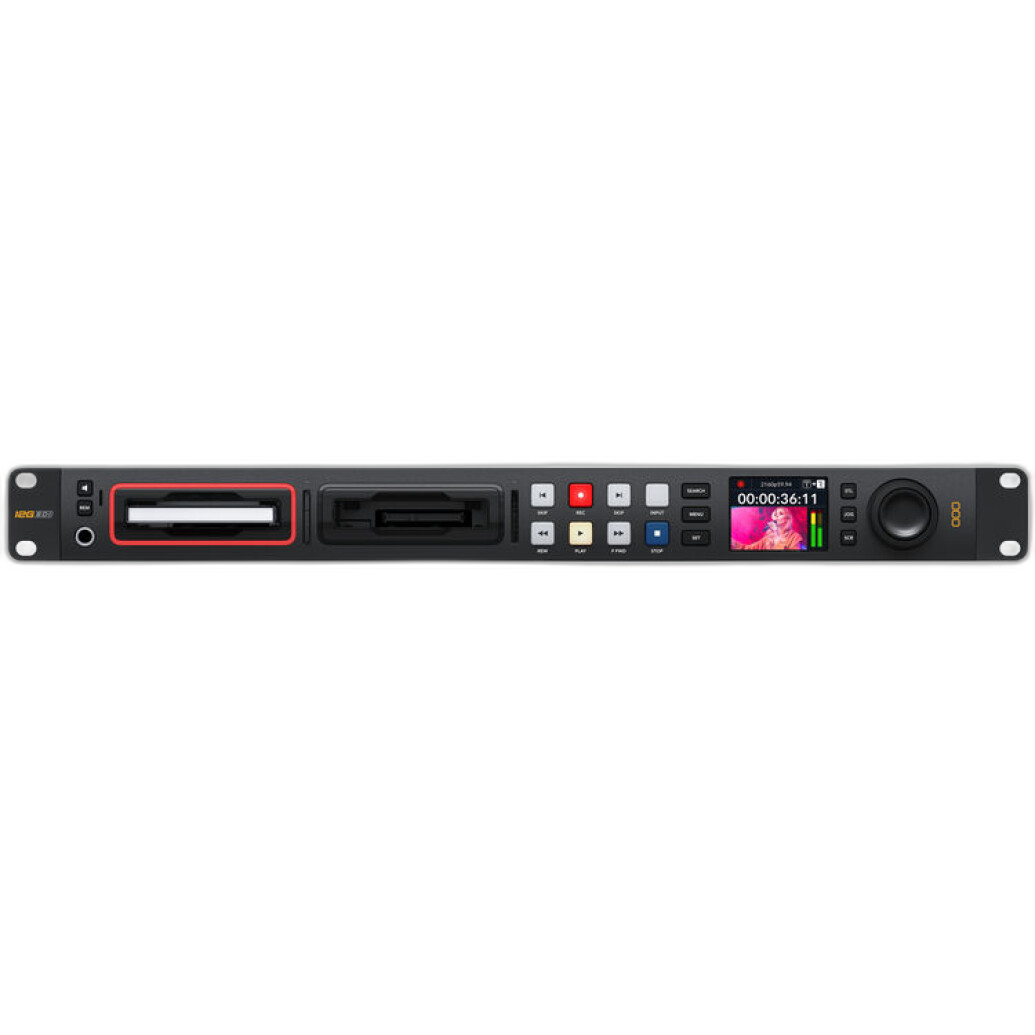
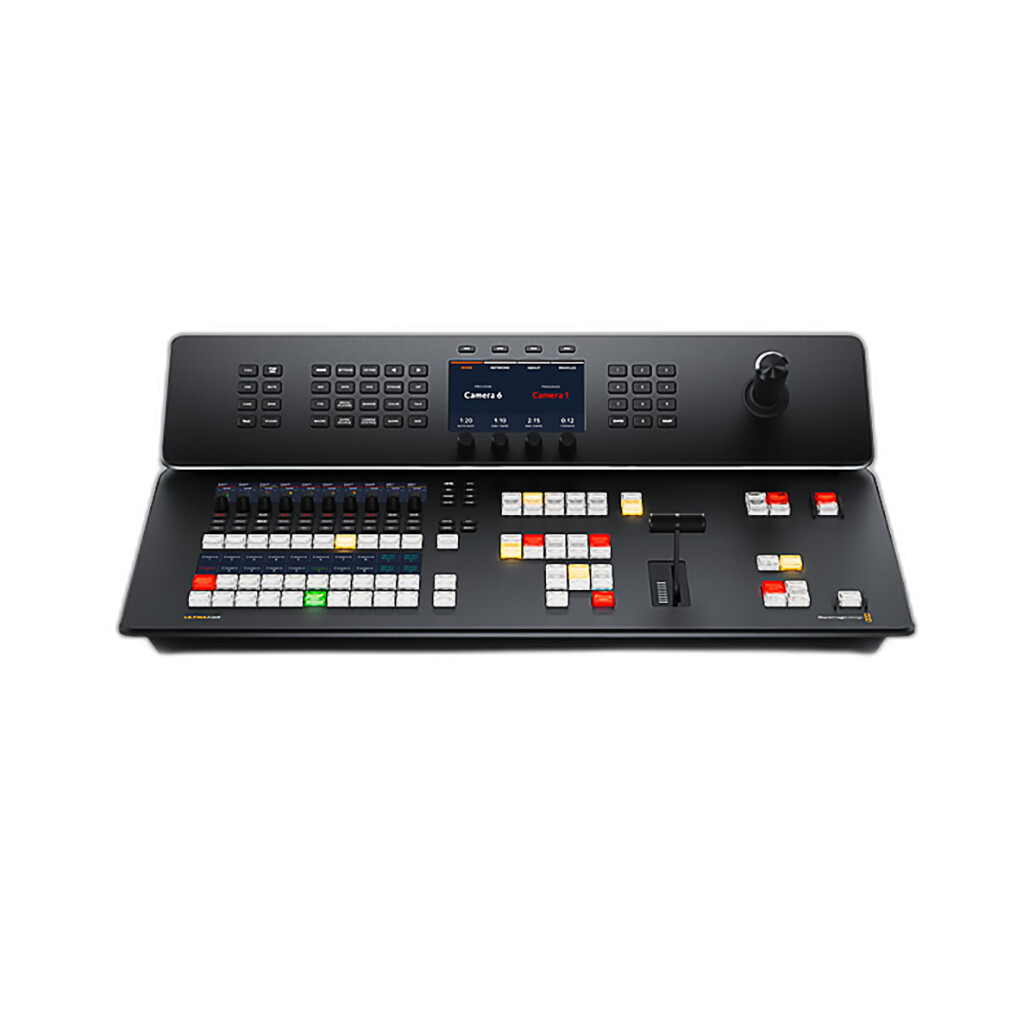
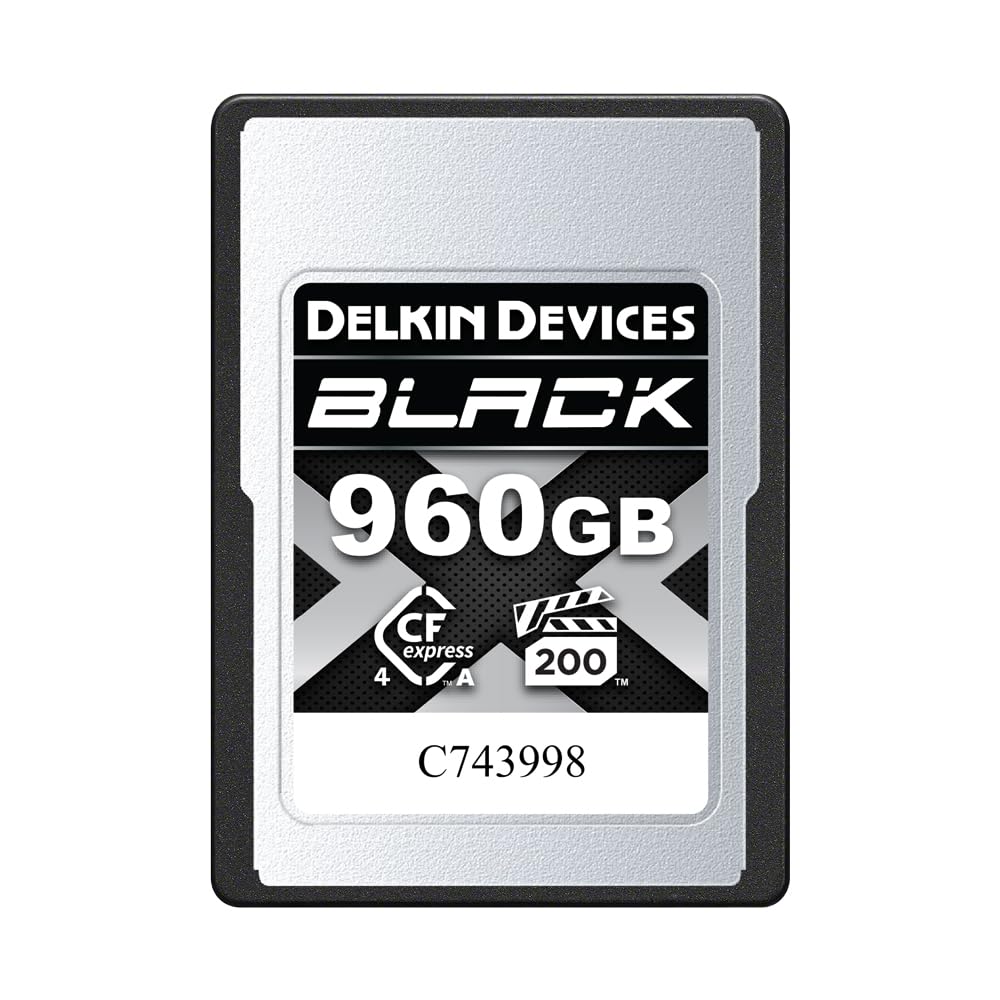
For 4K production, a smooth workflow depends on more than just the camera. Fast media, reliable recording hardware, and efficient switching or ingest tools can make the difference between an easy edit and a frustrating post-production bottleneck. In this comparison, we’re looking at three workflow-focused options that support very different parts of a 4K pipeline: the Blackmagic Design HyperDeck Studio 4K Pro for recording and playback, the Blackmagic ATEM Television Studio 4K8 for live production and multi-camera switching, and the Delkin Devices 960GB BLACK CFexpress Type A 4.0 Memory Card for high-speed in-camera capture.
If your goal is to build a workflow-friendly setup for 4K editing, these products represent three distinct approaches: capture media at the camera, record masters externally, or streamline live production with switching and integrated control. The best choice depends on whether your priority is solo shooting, studio production, or edit-ready acquisition.
Side-by-Side Comparison
| Product | Type | Best For | Workflow Role | 4K Project Advantage |
|---|---|---|---|---|
| Blackmagic Design HyperDeck Studio 4K Pro | Disk recorder / playback deck | External recording, ingest, playback, mastering | Centralized record and post-friendly playback solution | Helps create edit-ready recordings outside the camera body |
| Blackmagic ATEM Television Studio 4K8 | Live production switcher | Multi-camera 4K live production and studio control | Switching, production management, live workflow efficiency | Reduces post time by enabling live-switched program creation |
| Delkin Devices 960GB BLACK CFexpress Type A 4.0 Memory Card | Memory card | High-bitrate in-camera acquisition | Primary capture media for compact 4K shooting setups | Supports fast, high-capacity recording for camera-original files |
Which Type of 4K Workflow Are You Building?
These products are not direct substitutes in the strictest sense, but they are highly relevant comparisons because they solve adjacent workflow problems for 4K creators. If you’re building an efficient edit pipeline, you need to decide where to optimize:
- At capture with fast media like the Delkin CFexpress card
- At recording and playback with a deck like the HyperDeck Studio 4K Pro
- At production level with a live switcher like the ATEM Television Studio 4K8
That makes this comparison especially useful for videographers, content studios, event teams, and hybrid creators who need to balance flexibility with speed.
For In-Camera Recording: Delkin Devices 960GB BLACK CFexpress Type A 4.0
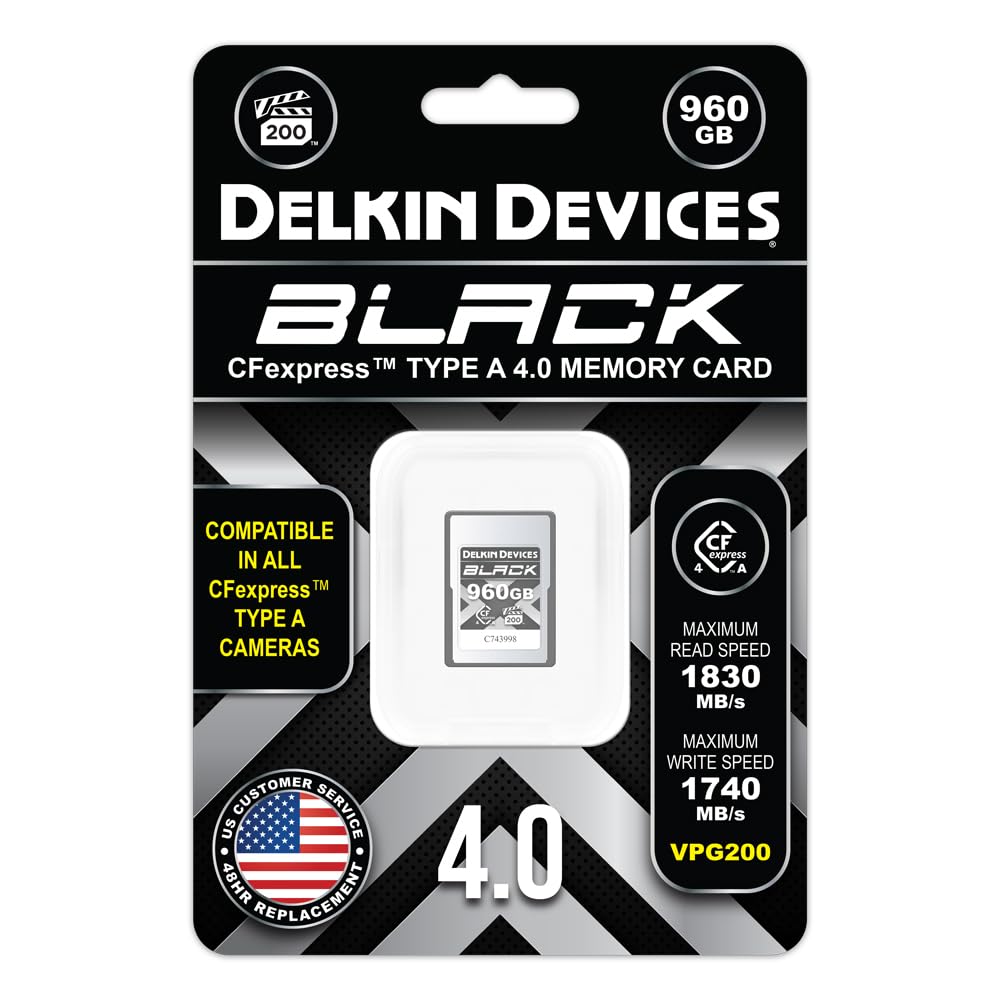
If your 4K editing workflow starts with compact mirrorless or cinema cameras that accept CFexpress Type A media, the Delkin 960GB card is the most direct route to a simple, mobile-friendly workflow. A high-capacity, high-speed card reduces media swaps and supports demanding codecs that generate large 4K files.
The biggest workflow benefit here is simplicity. Shoot to the card, ingest to your editing workstation, and begin organizing immediately. For solo shooters, documentary work, and run-and-gun production, this is often the most efficient way to keep post moving without adding extra hardware on set.
Choose this route if your priority is:
- Minimal rig complexity
- Fast acquisition in the field
- High-capacity media for longer recording sessions
- A straightforward handoff from camera to edit system
For External Recording and Playback: Blackmagic Design HyperDeck Studio 4K Pro
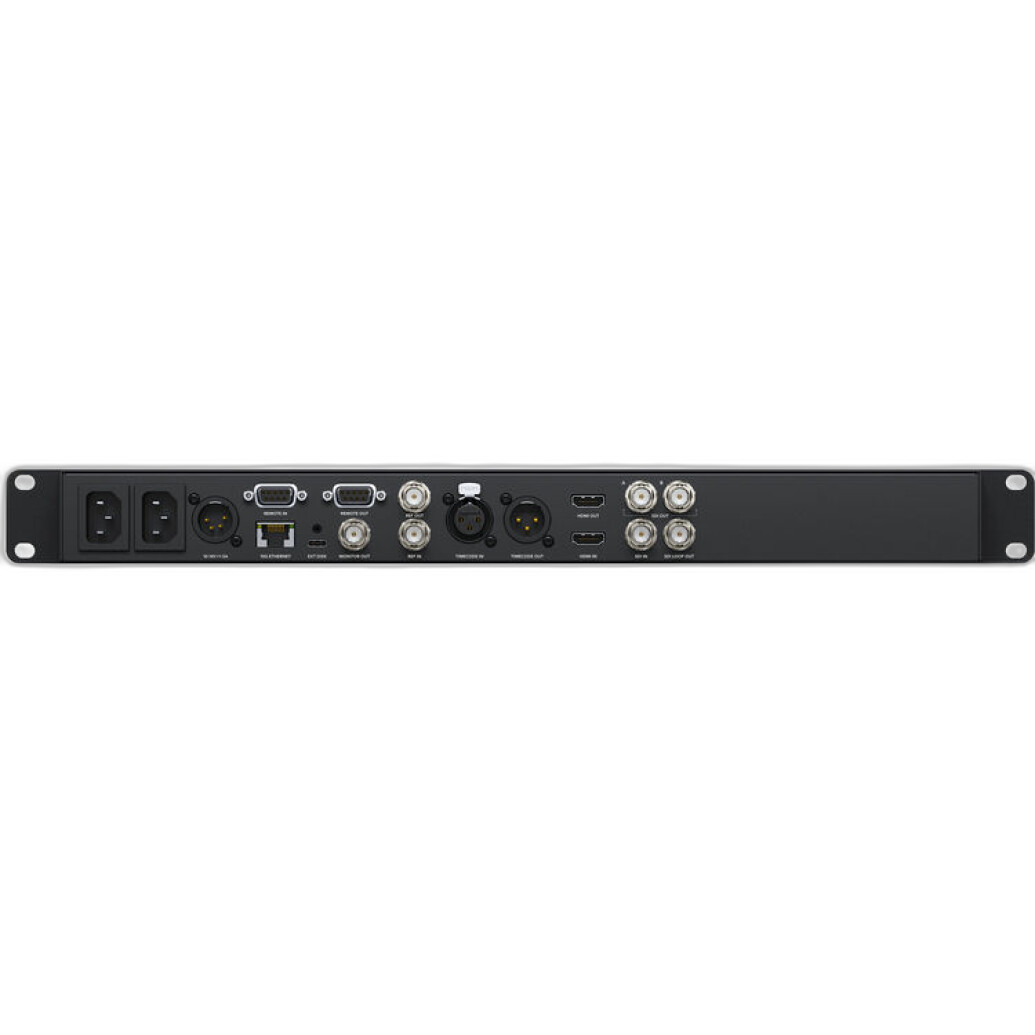
The HyperDeck Studio 4K Pro is the most workflow-specific product in this group for teams focused on recording, playback, and post-production efficiency. Rather than relying only on in-camera media, a dedicated recorder can help standardize recording practices across productions and create a cleaner path into editing or delivery.
For studio shoots, interviews, events, and controlled production environments, the HyperDeck can act as a reliable hub for capturing and replaying 4K content. It’s especially valuable when you want a more production-oriented infrastructure around your footage rather than treating every camera as an isolated capture device.
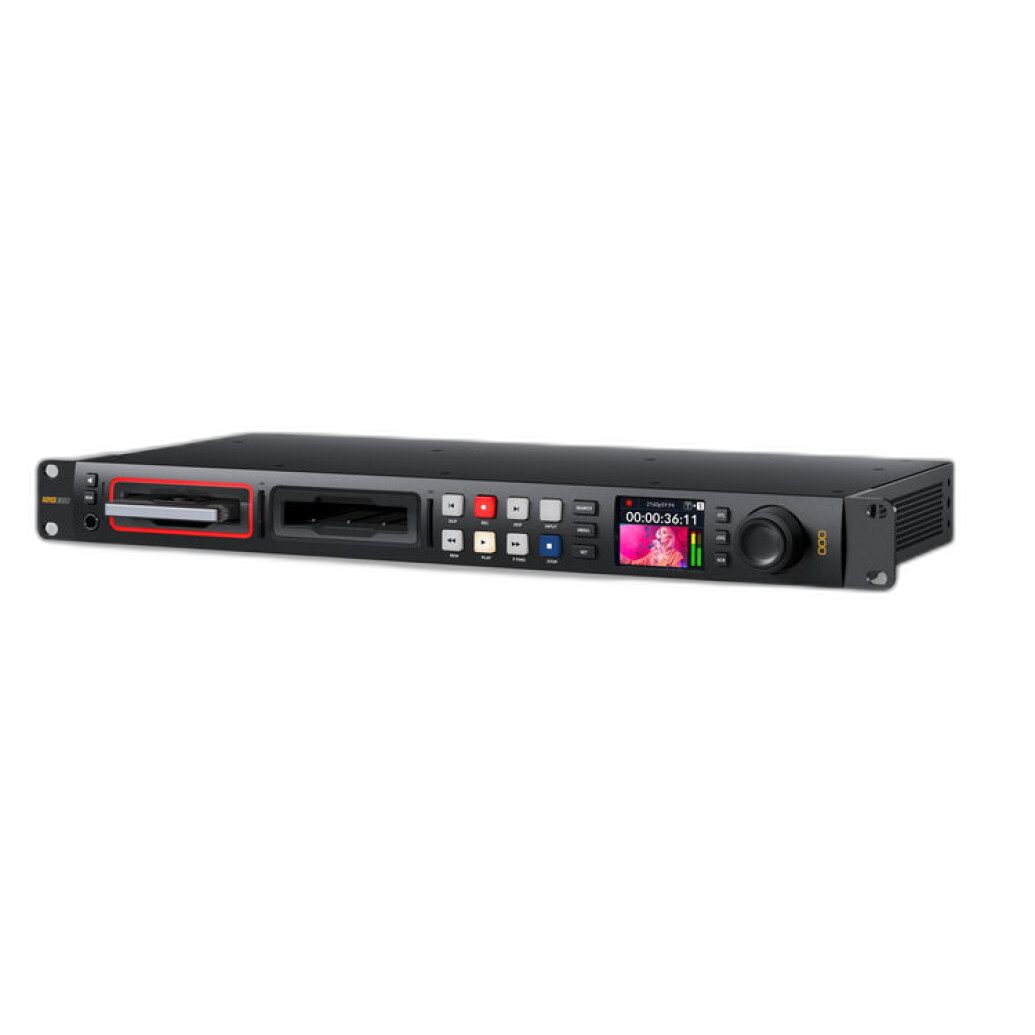
Its strengths in a 4K workflow include:
- Dedicated external recording for organized production pipelines
- Playback functionality for review, live integration, or mastering workflows
- A more scalable approach than relying purely on camera cards
- Better fit for edit suites, studios, and event environments
If your projects frequently move from acquisition to controlled editing and delivery, the HyperDeck Studio 4K Pro is the strongest pure workflow tool in this comparison.
For Live-Switched 4K Production: Blackmagic ATEM Television Studio 4K8
The ATEM Television Studio 4K8 is the best option here if your idea of an efficient editing workflow is reducing the need for post altogether. In multi-camera productions, one of the biggest time drains is syncing and cutting footage after the shoot. A live production switcher changes that equation by letting you create a polished program feed in real time.
For churches, corporate events, livestreams, educational productions, and studios, this can dramatically shorten turnaround times. Instead of spending hours assembling multicam edits, you can produce a live-switched result that is far closer to final delivery the moment production ends.
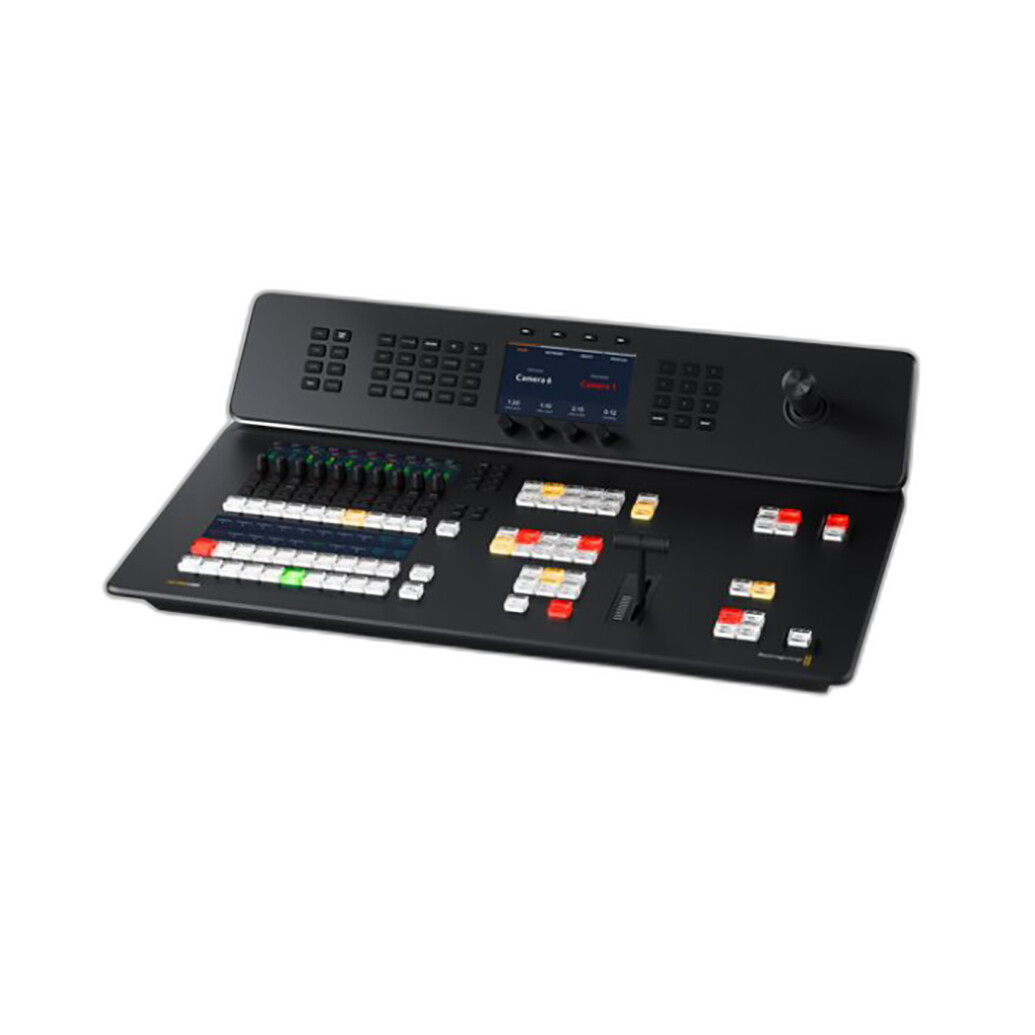
This approach is ideal when you need:
- Multi-camera 4K control in one system
- Faster turnaround for event or live content
- Less post-production assembly work
- A central production environment for teams
While it’s not a storage product in the traditional sense, it is one of the most workflow-friendly investments you can make if live switching is part of your 4K production model.
Category-by-Category Analysis
Ease of Ingest
Delkin CFexpress Type A: Best for direct camera-to-computer ingest. Simple and fast for individual shooters.
HyperDeck Studio 4K Pro: Excellent for production environments that benefit from centralized recording and playback.
ATEM Television Studio 4K8: Best when ingest is partially replaced by live-switched output, minimizing what needs to be edited later.
Scalability
Delkin CFexpress Type A: Scales well for solo or small-camera workflows, but expansion usually means buying more cards and managing more media.
HyperDeck Studio 4K Pro: More scalable for studios and dedicated video teams building a repeatable infrastructure.
ATEM Television Studio 4K8: The strongest option for scaling into larger, multi-camera productions.
Best Fit for Solo Creators vs Teams
Delkin CFexpress Type A: Best for solo creators and mobile shooters.
HyperDeck Studio 4K Pro: Great middle ground for serious creators, studios, and event teams.
ATEM Television Studio 4K8: Best for collaborative environments and productions with multiple camera sources.
Post-Production Efficiency
Delkin CFexpress Type A: Efficient, but still centered around traditional edit-first workflows.
HyperDeck Studio 4K Pro: Excellent for keeping recordings organized and integrating smoothly into post.
ATEM Television Studio 4K8: Potentially the fastest turnaround option because it reduces editing workload through live switching.
Our Pick
Our Pick: Blackmagic Design HyperDeck Studio 4K Pro
For the broadest range of workflow-friendly 4K video projects, the HyperDeck Studio 4K Pro is the most balanced choice. It directly addresses the recording, playback, and production handoff stages that often create bottlenecks in editing. Unlike a memory card, it offers a more infrastructure-focused solution, and unlike a live switcher, it fits both studio and non-live production scenarios more easily.
If you’re a solo shooter using compatible cameras and need compact, high-speed media, the Delkin 960GB CFexpress Type A is the practical choice. If your business revolves around live events or multicam studio production, the ATEM Television Studio 4K8 may be the smarter long-term investment. But for the most universally workflow-friendly 4K setup improvement, the HyperDeck stands out.
Conclusion
Building a workflow-friendly 4K editing setup means identifying where your current process slows down. If your bottleneck is media capture, a fast, high-capacity card like the Delkin CFexpress Type A makes sense. If it’s recording and playback organization, the Blackmagic HyperDeck Studio 4K Pro is the strongest all-around workflow upgrade. And if your biggest challenge is turnaround time on multi-camera productions, the Blackmagic ATEM Television Studio 4K8 can transform your process by shifting work out of post and into live production.
Whether you’re upgrading a solo kit or building a full production pipeline, Unique Photo offers tools for every stage of a modern 4K workflow.