Better video usually starts with better sound. If you are deciding whether to upgrade to an on-camera microphone or move to an external recorder workflow, the right answer depends on how you shoot, how fast you need to work, and how much control you want in post-production. For many creators, an on-camera mic is the fastest and most practical improvement. For others, a dual-system setup with separate recording makes sense once productions get more complex. Here are a few tips to help you choose the right path and build a smarter audio kit.
Start with the simplest upgrade that fixes your biggest problem
1. If your camera audio sounds thin or distant, an on-camera shotgun mic is often the fastest win
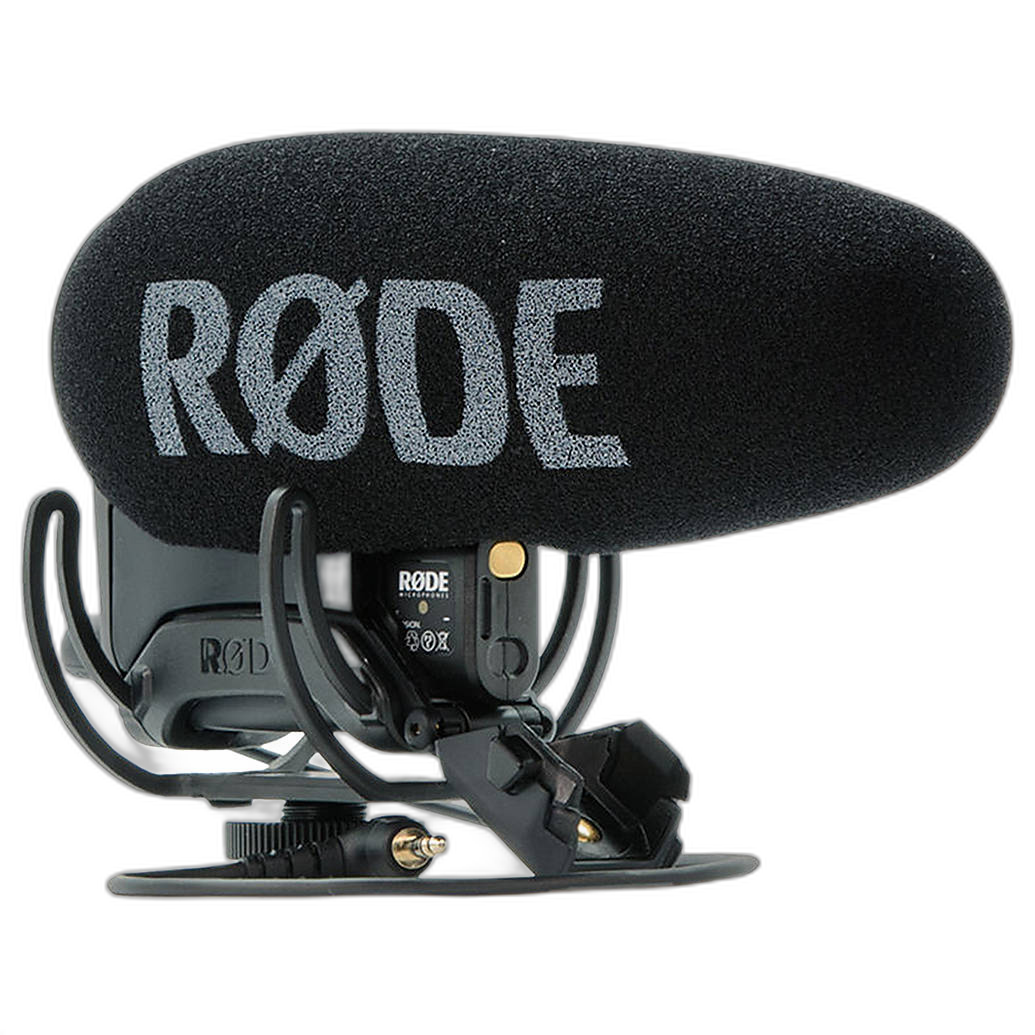
Built-in camera microphones pick up too much room sound and handling noise. A dedicated on-camera shotgun microphone can immediately give interviews, vlogs, and run-and-gun clips more directionality and presence without changing your workflow too much. Options like the Rode VideoMic Pro Plus On-Camera Shotgun Microphone are especially useful when you want better sound while keeping your setup compact and camera-mounted.
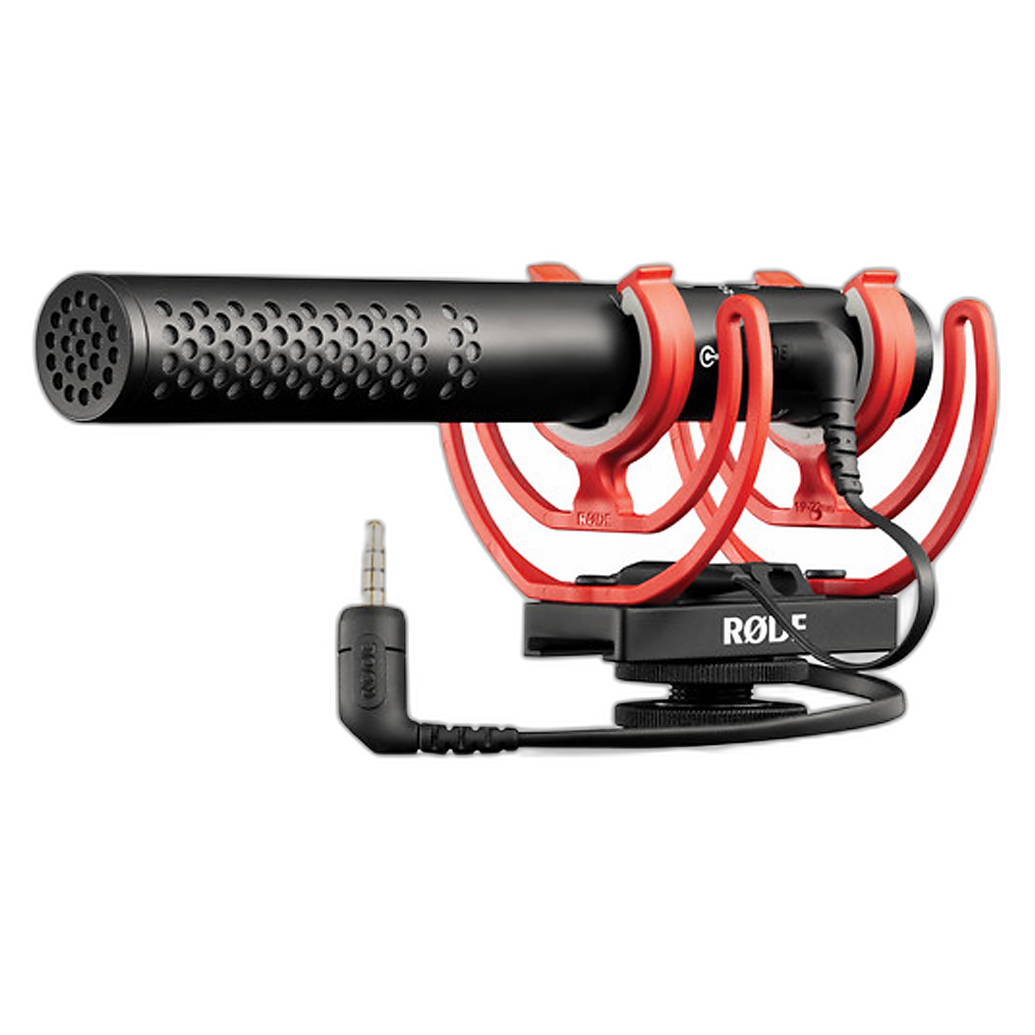
If you want something flexible for both camera use and desktop or USB-based recording, the Rode VideoMic NTG Hybrid Analog/USB On-Camera Shotgun Microphone gives you more versatility. It fits well for creators who shoot video one day and record voiceovers or streaming audio the next.
Think about how you shoot before committing to dual-system sound
2. Choose on-camera audio when speed matters more than maximum flexibility
If you shoot events, travel content, behind-the-scenes footage, or solo productions, on-camera microphones are usually easier to manage than a separate recorder. You mount the mic, plug it into the camera, monitor your levels, and your audio is already synced to your footage. That can save a lot of time in editing.
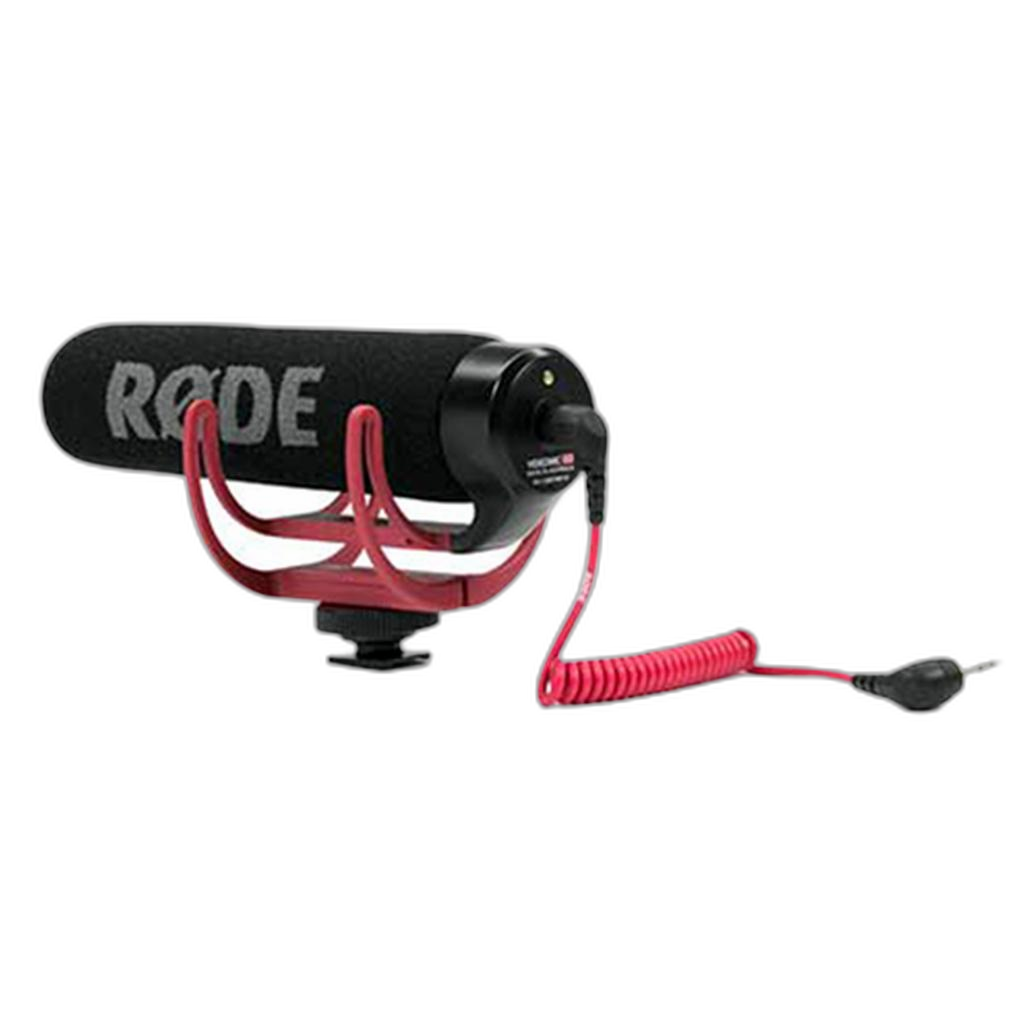
Budget-conscious creators can also get into improved camera audio without overspending. A model like the Used Rode VideoMic GO On-Camera Shotgun Microphone Rode - Excellent can be a practical entry point if you want cleaner sound than your camera can provide but are not ready for a more advanced setup yet.
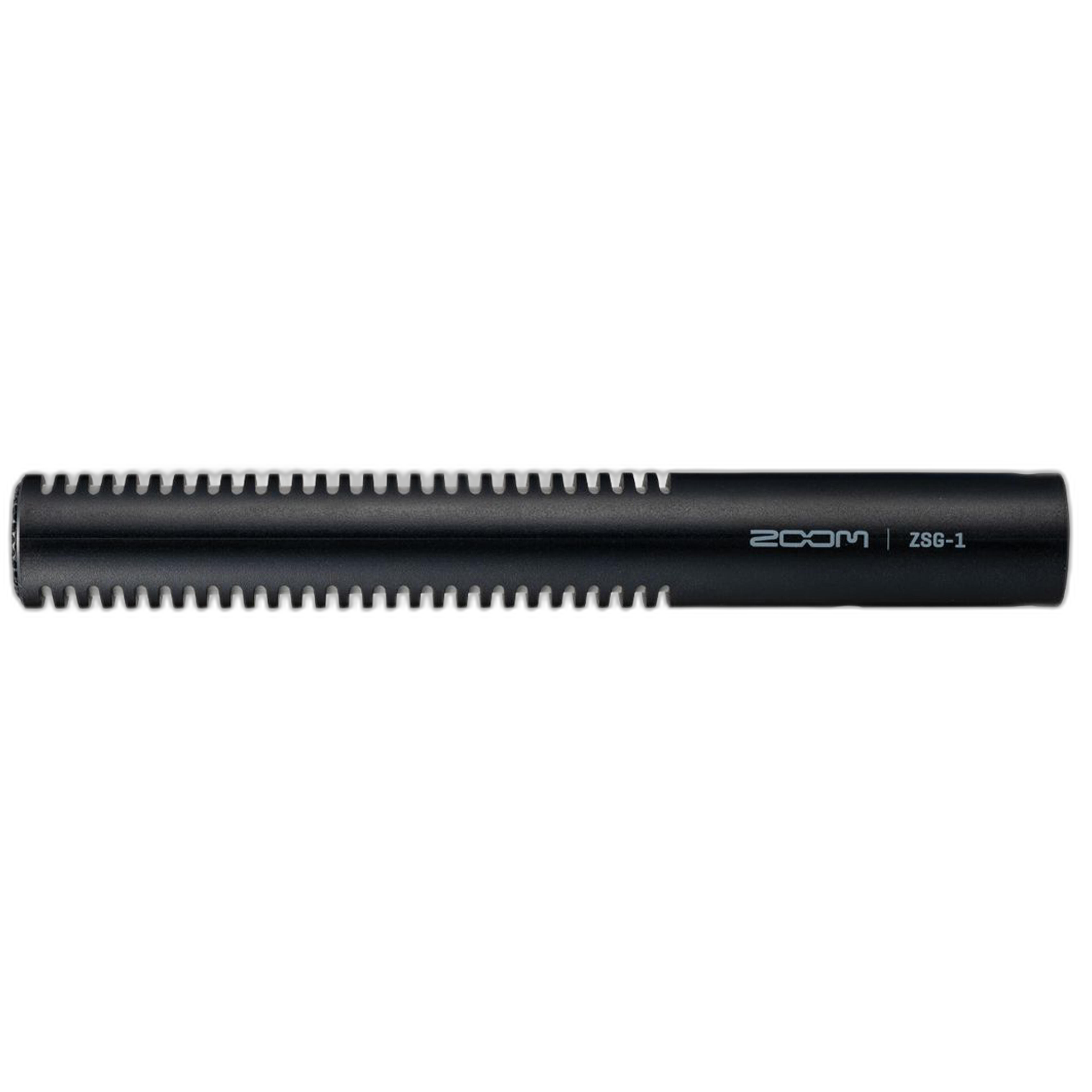
The Zoom ZSG-1 On-Camera Shotgun Microphone is another straightforward option for creators who want to stay mobile and keep their rig simple.
Use an external recorder when control is the priority
3. Separate recording makes more sense for interviews, narrative work, and multi-person audio
An external recorder workflow becomes more attractive when you need cleaner preamps, multiple inputs, safety tracks, or better placement options for microphones. While a recorder is not always necessary for everyday content, it is often worth considering when you are recording sit-down interviews, dialogue scenes, or any project where audio quality has to carry the final piece.
A good rule of thumb is this: if your microphone placement needs to be closer to the subject than your camera can get, or if you are managing more than one speaker, separate recording may be the better long-term move. But even then, many filmmakers still keep a quality on-camera mic mounted for scratch audio, backup sound, or quick pickup shots between more formal setups.
Monitoring matters as much as the microphone itself
4. Make it easier to watch framing and audio status at the same time
As your rig grows, it becomes more important to monitor confidently. An on-camera monitor can help you keep talent framed properly, check focus, and confirm that your camera interface is showing healthy audio levels. The Sony CLM-FHD5 Clip-On 5in Full HD LCD On-Camera Monitor is a useful addition for creators building out a more dependable video setup around camera-mounted audio.
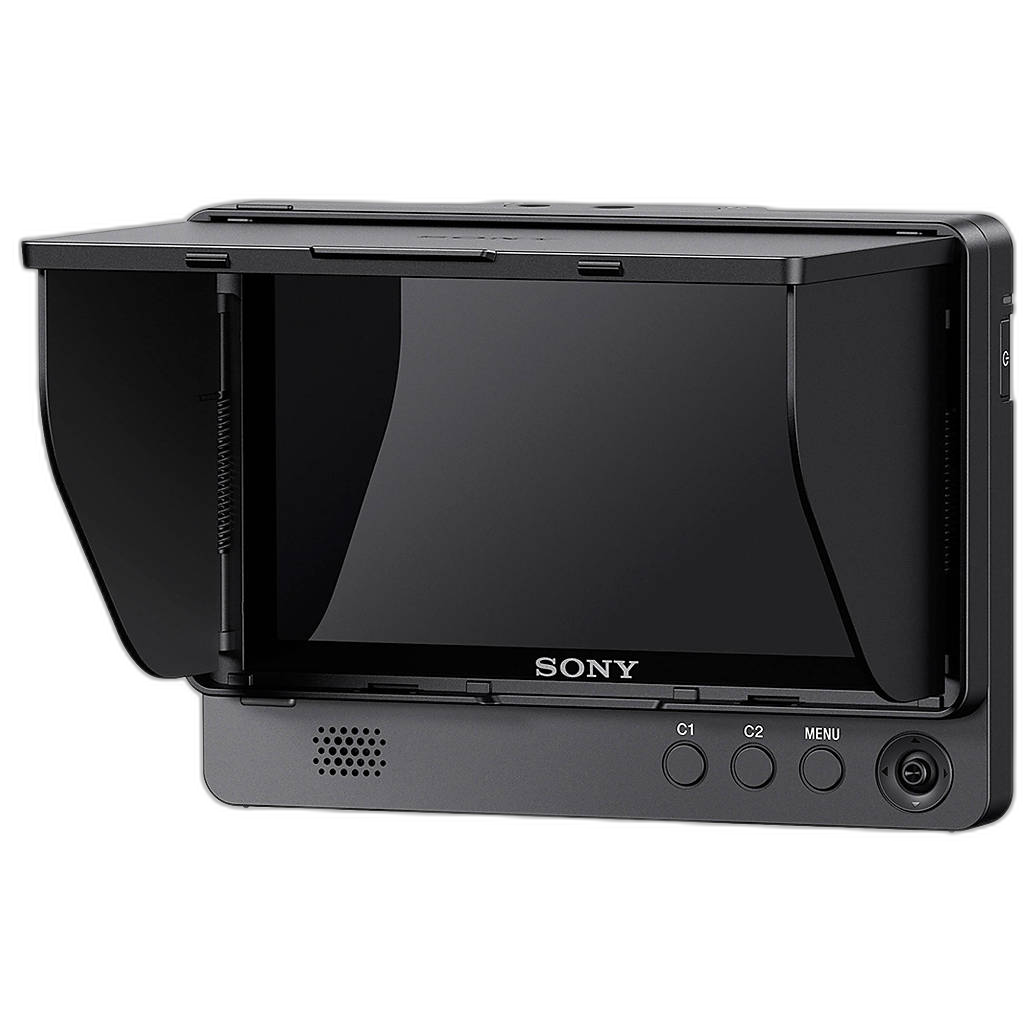
When you can clearly see your monitoring display, it is much easier to catch low levels, clipping, or settings mistakes before they ruin a take. That is especially valuable if you are shooting solo and cannot constantly stop to review footage.
Match the upgrade to your production level
5. Use this simple decision guide
- Pick an on-camera mic first if you shoot solo, need speed, want easier editing, or mostly create vlogs, documentary-style clips, events, and social content.
- Consider a hybrid mic like the Rode VideoMic NTG if you want one tool that can work on-camera and in USB-based recording setups.
- Move toward external recording if you regularly record interviews, scripted dialogue, multiple speakers, or need more control in post.
- Keep an on-camera mic anyway for reference audio, backup sound, and lightweight shooting days.
Build in stages instead of replacing everything at once
6. The smartest upgrade path is often mic first, recorder later
For most creators, the best path is not choosing one forever. It is upgrading in stages. Start with a strong on-camera microphone, improve your monitoring habits, and learn how your camera handles audio. Once your productions demand more complexity, add an external recorder to the workflow instead of jumping there too early.
This approach keeps your kit practical and helps you spend where it actually improves results. A camera-mounted solution like the Rode VideoMic Pro Plus, Rode VideoMic NTG, or Zoom ZSG-1 can deliver a major quality jump right away, while still fitting into a future, more advanced setup.
Conclusion
If you are wondering whether to upgrade to an on-camera mic or an external recorder, start by looking at your real shooting style. Fast-moving and solo productions usually benefit most from a good on-camera microphone, while more controlled productions often justify separate audio capture. Either way, improving your sound is one of the best upgrades you can make for your videos. If you are ready to refine your setup, Unique Photo has solid options to help you build an audio kit that matches how you actually create.