When the story breaks, minutes matter. Modern photojournalists need a pipeline that moves images from camera to desk in seconds—without sacrificing caption accuracy, image quality, or security. Use these field-tested tips to streamline your workflow, accelerate edits, keep files safe, and stay powered on through any assignment.
Pre-Assignment: Build a lightning-fast pipeline
-
Map your folder structure and file naming before you leave
Create a consistent hierarchy (YYMMDD_Assignment/Selects/Delivery/Raw) and a camera rename rule like YYYYMMDD_Slug_####. Preload IPTC templates (bylines, copyright, location) and code replacements for common names. This lets you ingest, caption, and export in seconds.
-
Shoot for speed: dual slots and delivery profiles
Set Slot 1 to RAW and Slot 2 to medium JPEG. Configure your camera’s FTP/Cell transfer profile where available, so JPEGs move in the background while RAWs stay on card for later. Keep JPEGs under 3–5 MB for rapid newsroom ingest.
-
Stage a tethered fallback for high-traffic venues
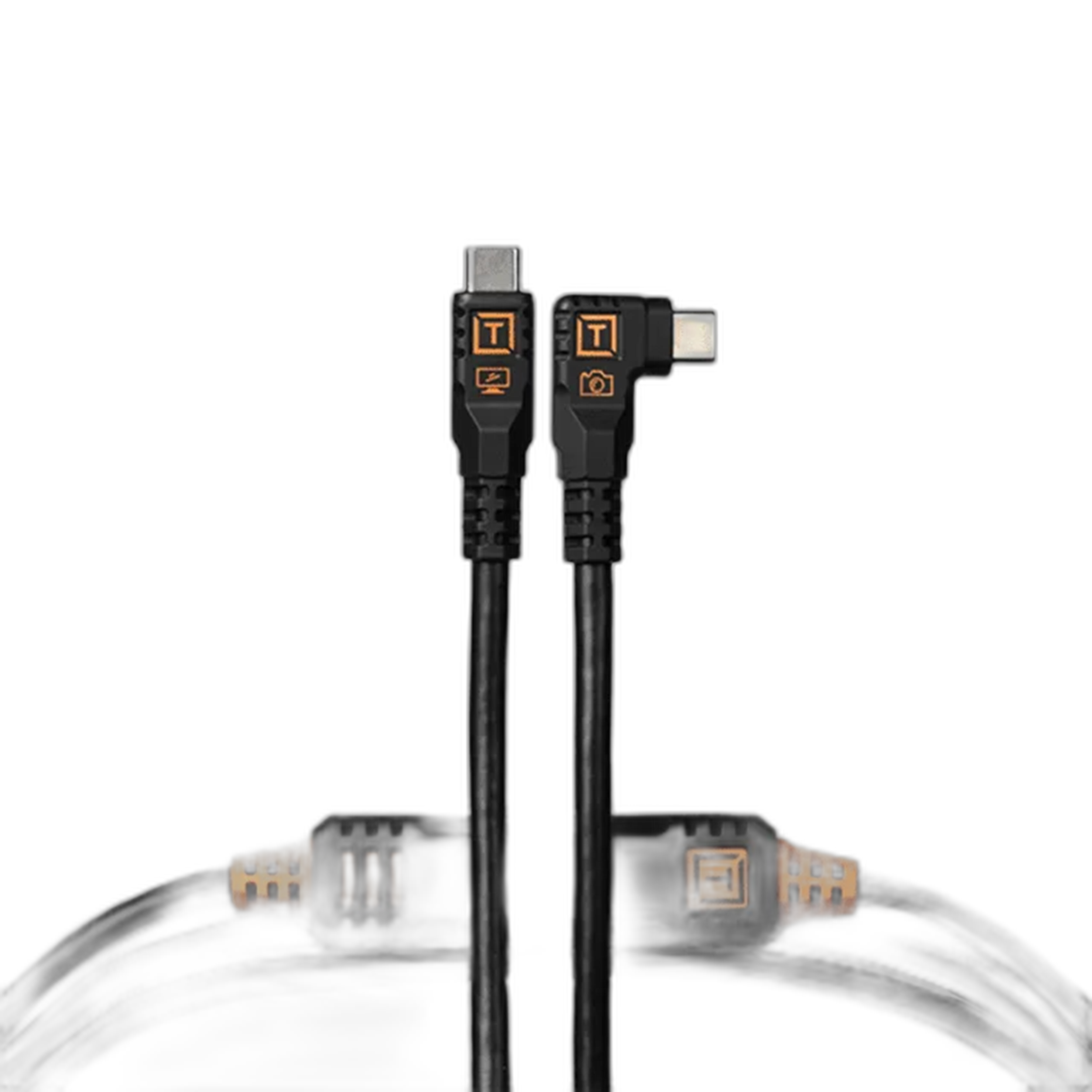
When RF is congested (arenas, conventions), a hardline to your laptop can be faster and more reliable. A robust, right-angle USB-C cable reduces strain in tight pits and keeps the link stable. The Tether Tools Optima 10G USB-C 15ft Straight to Right – Black offers high throughput and a low-profile connector that stays out of the way while you work.
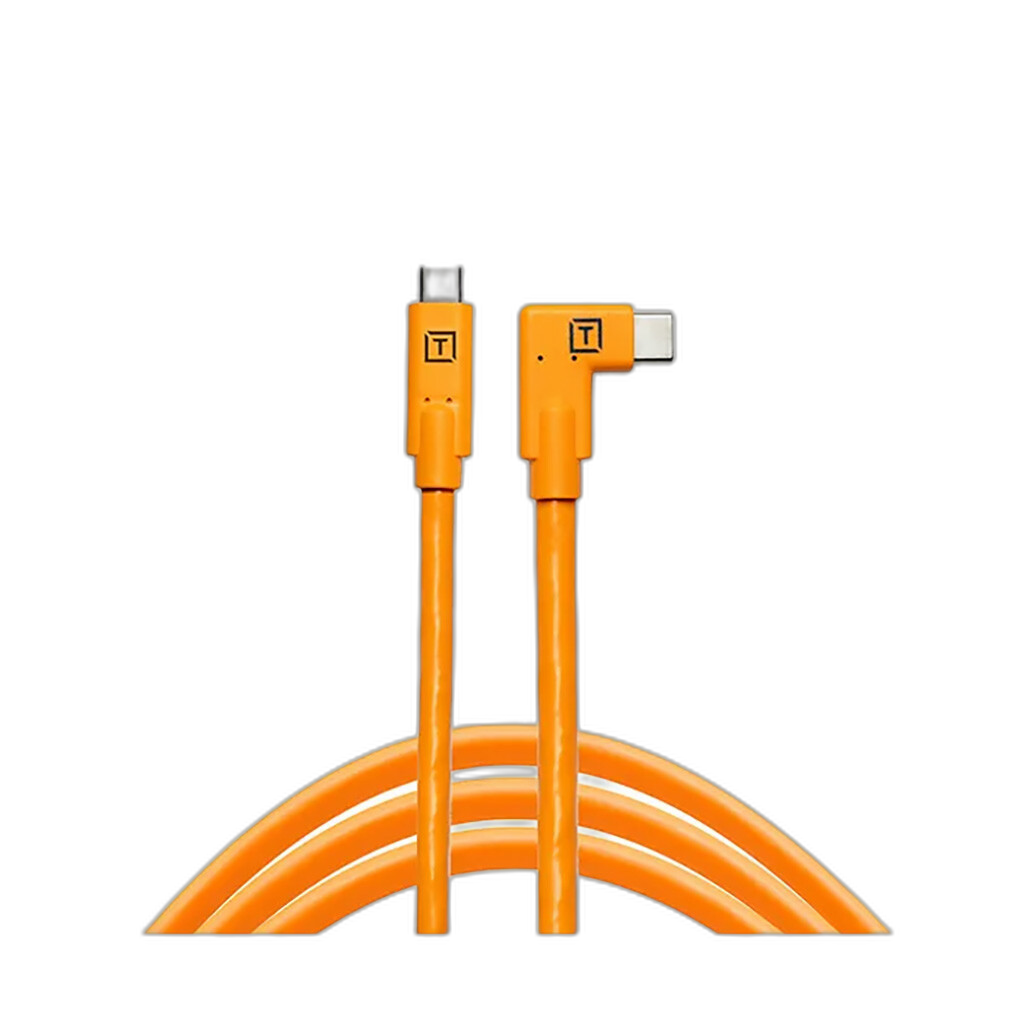
Prefer a bright, easy-to-find cable for dark press rooms? The Tether Tools TetherPro USB-C to USB-C Right Angle (15ft) with its high-visibility orange jacket helps you avoid trip hazards and cable confusion under pressure.
-
Pack small tools that save big time
Keep card readers, SIMs, short patch cables, and spare adapters in one grab-and-go case. A compact organizer like the Tenba Tools Tool Box 8 (7L x 8.5H x 3D) keeps your transmission kit tidy so you can deploy fast at a media table or curbside.
On Assignment: Capture, cull, and caption at speed
-
Use watch folders and hotkeys for rapid culling
Ingest to a “Hot” folder that your editor or automation monitors. In Photo Mechanic or your preferred browser, tag keepers only, apply a prebuilt IPTC template, and auto-export to sRGB JPEG. Assign hotkeys for crop ratios and common captions to reduce mouse travel.
-
Transmit while you shoot
If your camera supports background FTP or cellular app transfer, start pushing selects between bursts. For laptops, set an auto-uploader (SFTP/FTPS) on your Selects folder to minimize clicks and keep the pipeline flowing while you move locations.
-
Keep power stable to avoid dropped transfers
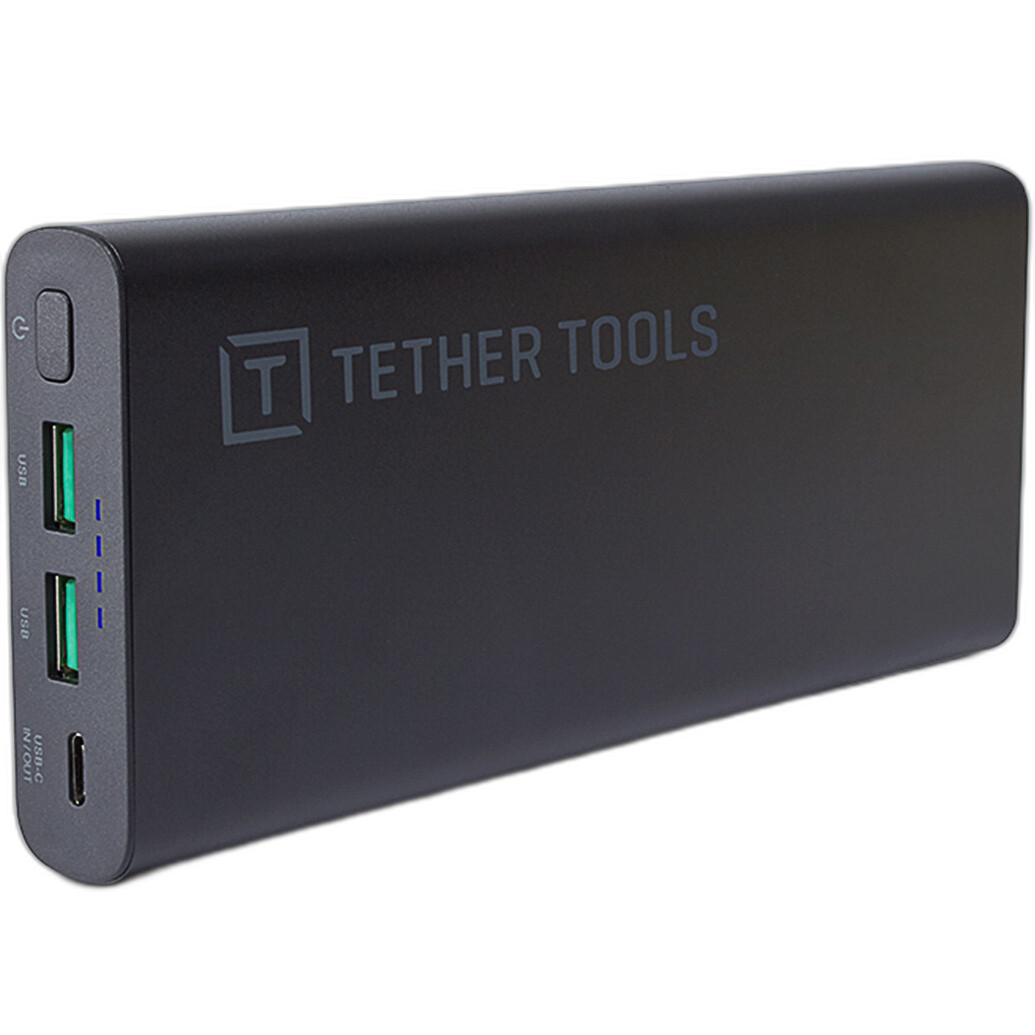
Unplanned battery swaps can kill momentum. A high-capacity USB-C PD battery keeps a laptop, phone, or hotspot running through deadlines. The Tether Tools ONsite USB-C 100W PD Battery Pack (26,800 mAh) is a field-friendly brick that powers most rigs all day.
Shooting from a fixed position with a compact Canon that uses LP-E12 batteries? A relay coupler provides continuous power so your camera can send files nonstop without swapping cells.
Connections & Redundancy: Beat congestion and outages
-
Prioritize wired first, then bonded or dual-SIM wireless
Venue Ethernet is king when available. Otherwise, carry two carriers (e.g., phone hotspot + dedicated modem) and set your transfer tool to retry on failure. Keep a short HDMI lead for cage-mounted encoders or on-camera monitors; a 1ft run reduces snags when space is tight.
-
Power network gear anywhere
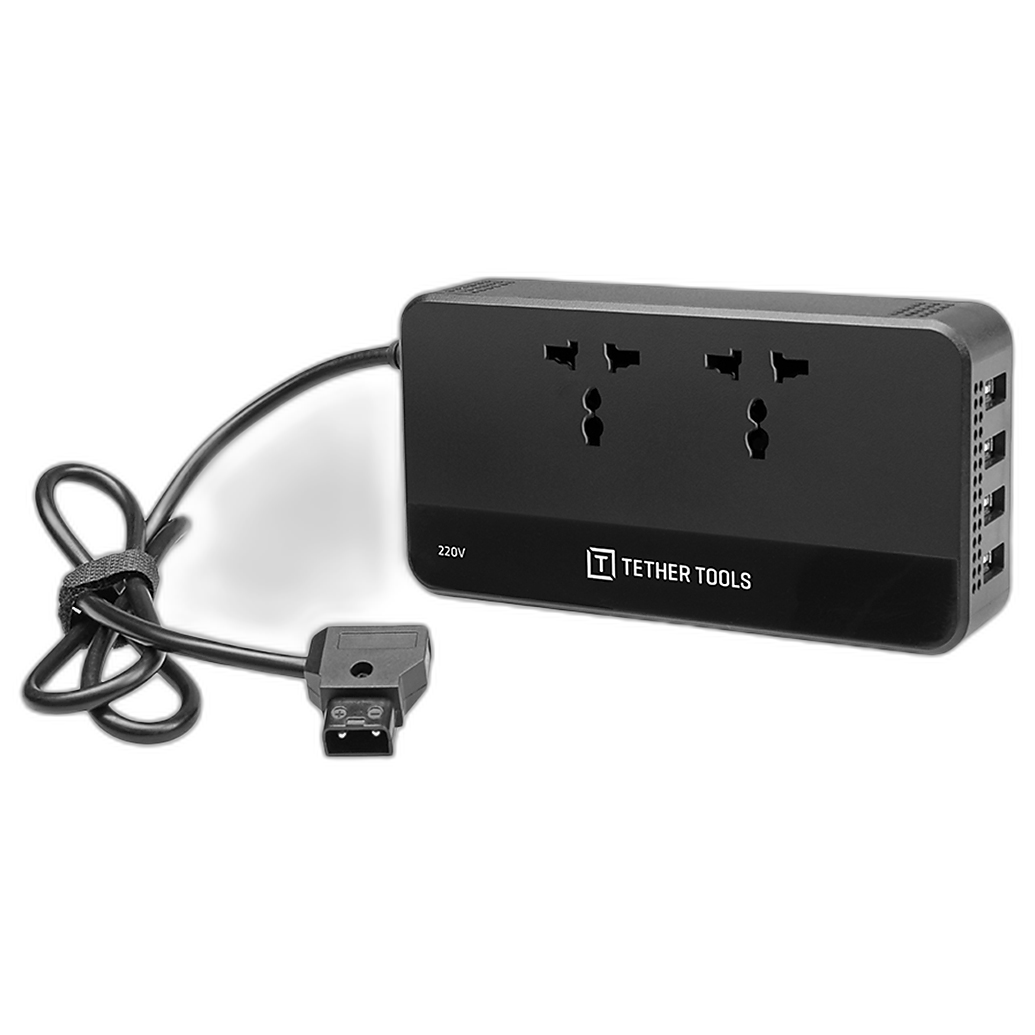
Need to run a small router or charger off a V- or Gold-mount battery? A D-Tap to AC solution can turn camera batteries into wall-style power for your transmission kit. The Tether Tools ONsite D-Tap to AC Power Supply (220V) is handy for international assignments where mains access is limited.
-
Stage a press-room “drop zone” workflow
When moving between positions, dump cards to your laptop at a designated table, push a first wave of selects to the desk, then head back out. Leave the machine exporting and uploading in the background while you’re back on the story.
Security: Protect your pictures, pipeline, and credentials
-
Use SFTP/FTPS with strong credentials
Avoid plain FTP. Favor SFTP or FTPS with unique, per-assignment passwords. Store credentials in a secure manager, not plaintext. If you must use public Wi‑Fi, wrap transfers in a reputable VPN.
-
Lock down devices and drives
Enable full-disk encryption on laptops and phones. Disable auto-join for open networks and block unknown USB accessories to prevent “juice jacking.” Use checksum verification on export so delivered files match what you edited.
-
Metadata matters: caption once, verify twice
Preload IPTC with byline, copyright, and contact. For fast accuracy, use code replacements for team names, titles, and locations. Before sending, spot-check date/time, GPS, and spelling—errors slow desks more than anything.
-
Physical security in the field
Keep small gear consolidated in a compact organizer so nothing gets left behind. Cable-manage tether leads to prevent accidental yanks. When you must leave a laptop, lock the screen and secure the workstation to the table.
Sharpen the edge: Keep learning and iterating
-
Practice the pipeline when it’s not a deadline
Run full drills: shoot, ingest, caption, export, upload. Measure time-to-publish and refine the slowest step. Hybrid assignments are increasingly common; foundational video skills can help you build parallel workflows for clips and reels.

-
Create a one-page field checklist
Include battery levels, network tests, folder templates, metadata presets, and client endpoints (SFTP, cloud links, backups). Tape a printout inside your kit so you never skip a step under pressure.
Wrap-up
Fast, reliable image transmission is a system—preparation, tight edits, resilient connections, and smart power all working together. Build your pipeline, test it often, and keep it secure. When you’re ready to gear up, Unique Photo carries the cables, power, and training that help keep your pictures moving when the news can’t wait.