Sharp Photos Showdown: Lighting Technique vs. Action-Cam Workflow
When members debate the best practices for achieving tack‑sharp photos, two schools of thought emerge: nail it in-camera with great light and technique, or refine clarity and detail in post. To help you choose the learning path that fits your shooting, we’re comparing two Unique Photo educational offerings head-to-head—one centered on lighting technique and one focused on editing and sharing action-cam content—and noting a third title that, while valuable, isn’t targeted at image sharpness.



Specs and Focus Comparison
| Feature | UUOnline: Share the Light Live Demo with Bob Davis and Westcott | NJCS: Edit and Share Your GoPro Content with Nick Berger (GoPro) | Best Business Practices for Photographers (John Harrington) |
|---|---|---|---|
| Brand | Unique Photo | Unique Photo | Rocky Nook |
| Format | Live demo / lighting education | Class on editing and sharing GoPro content | Photography business book |
| Primary relevance to sharpness | High (lighting and technique underpin in‑camera sharpness) | Moderate (post-production sharpening and delivery choices affect perceived sharpness) | Low (business guidance, not image sharpness) |
| Best suited for | Portraits, people, product, events where lighting control matters | Action, adventure, and compact‑camera creators prioritizing fast workflows | Photographers focused on pricing, contracts, and business operations |
| What you can apply | Use light to increase contrast and reduce motion blur; support steady shooting; exposure choices that preserve detail | Refine clarity in edit; export settings that protect detail; platform‑friendly delivery | Business best practices (not tied to capture sharpness) |
Category-by-Category Analysis
Sharpness at Capture: Light, Contrast, and Motion Control
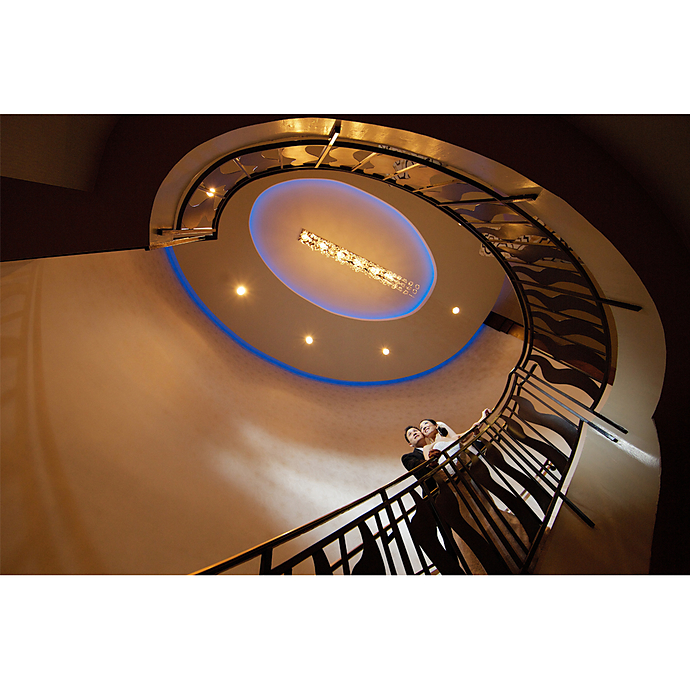
Sharp photos start with photons—directional, sufficient, and controlled light boosts micro-contrast, helping autofocus lock and allowing faster shutter speeds that freeze motion. A live lighting demo like UUOnline: Share the Light with Bob Davis and Westcott puts the emphasis where most shooters see the biggest gains: shaping light, managing subject movement, and balancing shutter speed, aperture, and ISO for maximum detail.
Core capture tips often reinforced in lighting-centric learning:
- Use more light (or higher ISO tolerance) to raise shutter speeds above 1/(2× focal length) for handheld stills.
- Stop down to the lens’s sharpness “sweet spot” (often 1–2 stops from wide open) while keeping shutter speed fast enough.
- Position and modify light to add contrast on edges, making details pop without over-sharpening later.
Post-Production Perceived Sharpness and Delivery
Perceived sharpness isn’t only captured—it’s also preserved (or lost) in edit and export. An editing- and sharing-focused class like NJCS: Edit and Share Your GoPro Content helps creators think about clarity in the workflow after capture. Typical considerations include when and how to apply sharpening, denoising before sharpening to avoid crunchy textures, and choosing export resolutions and bitrates that retain detail on social platforms.
- Sharpen late in the pipeline, at output resolution, to avoid halos.
- Apply mild, targeted sharpening to subjects; protect skies and skin.
- Export at platform-native resolutions to minimize resampling softness.
Stability and Settings: The Anti-Blur Checklist
Whether you shoot portraits or action, stability is the second pillar of sharpness:
- Support: Tripod/monopod for static scenes; brace elbows and use proper stance handheld.
- Shutter speed: For people and casual motion, start at 1/250–1/500; go faster for sports.
- Focus: Use single-point AF for stationary subjects; continuous AF with tracking for moving subjects.
- Aperture: Avoid extremes; balance depth of field with lens performance.
- Drive mode: Use burst to capture peak sharpness moments.
Autofocus Reliability Through Better Light
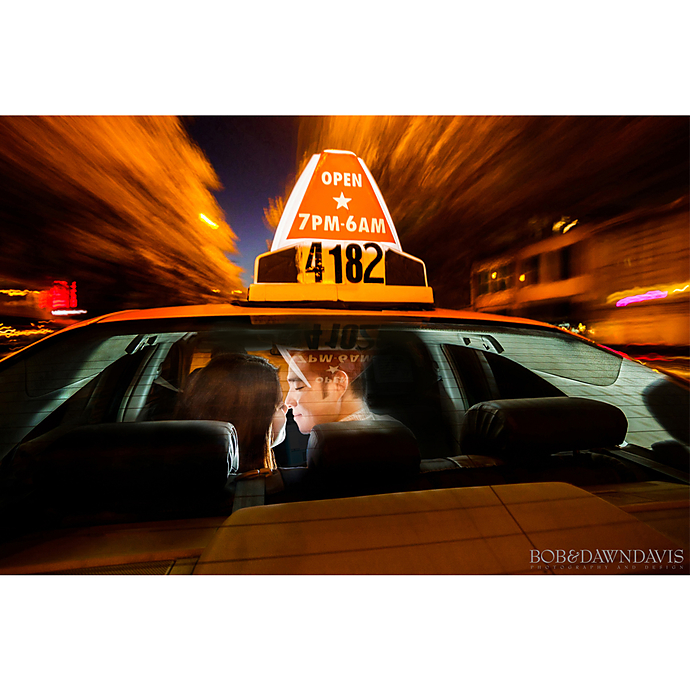
Good light improves AF acquisition and reduces hunting. Directional light establishes clear edges; adding a bit of fill prevents shadows from masking detail. Live demonstrations centered on lighting make these cause-and-effect relationships obvious, which is invaluable when your priority is consistent, reproducible sharpness in stills.
Format and Fit: Which Learning Path Suits You?
- UUOnline: Share the Light Live Demo with Bob Davis and Westcott — Best for still photographers who want sharper results by mastering light, exposure, and practical technique at the moment of capture.
- NJCS: Edit and Share Your GoPro Content with Nick Berger (GoPro) — Best for action‑cam and hybrid creators who need to preserve and present detail efficiently in post and on sharing platforms.
- Best Business Practices for Photographers (John Harrington) — A strong title for the business side of photography, but not a resource for image sharpness.
Our Pick
Winner for achieving sharper photos: UUOnline: Share the Light Live Demo with Bob Davis and Westcott. Getting sharp images is won first at capture, and lighting know‑how directly improves autofocus consistency, motion control, and micro‑contrast—foundational factors that post-processing can refine but rarely replace.
Conclusion
For most still photographers chasing reliably sharp images, investing in lighting technique delivers the biggest, fastest returns. If your workflow is action‑cam heavy, reinforcing good output and export practices will help you retain detail after the fact. Whichever path you choose, you can explore these learning options at Unique Photo and build a sharper, more dependable workflow from capture to share.