Introduction: Choosing the Right Film Digitizing Setup
Photographers debating how to digitize film negatives usually end up comparing three main approaches: dedicated film scanners, flatbed scanners, and camera-scanning setups. Each method has passionate supporters because each solves a different problem. Some photographers want the highest possible detail from medium format or 35mm archives. Others care more about batch speed, ease of use, or budget. In real-world use, the difference is not just technical resolution—it is workflow, consistency, dust handling, software support, and how quickly you can move from a sleeve of negatives to a finished file.
For photographers shopping at Unique Photo, this category includes everything from a quick-access consumer scanner to serious archival tools and camera-copy accessories. The strongest contenders in this discussion are the Epson Perfection V850 Pro Scanner, the Pacific Image PrimeFilm 120 Pro Plus Scanner, the Pacific Image Powerslide X Plus Scanner, and camera-scanning tools like the Nikon ES-2 Film Digitalizing Adapter Set and Lomography DigitaLIZA+ Scanning Kit. There is also the convenience-focused Pana-Vue Pana-Scan 22MP Slide and Film Scanner and document/photo hybrid options like the Canon imageFORMULA RS40, though these serve more specialized needs.
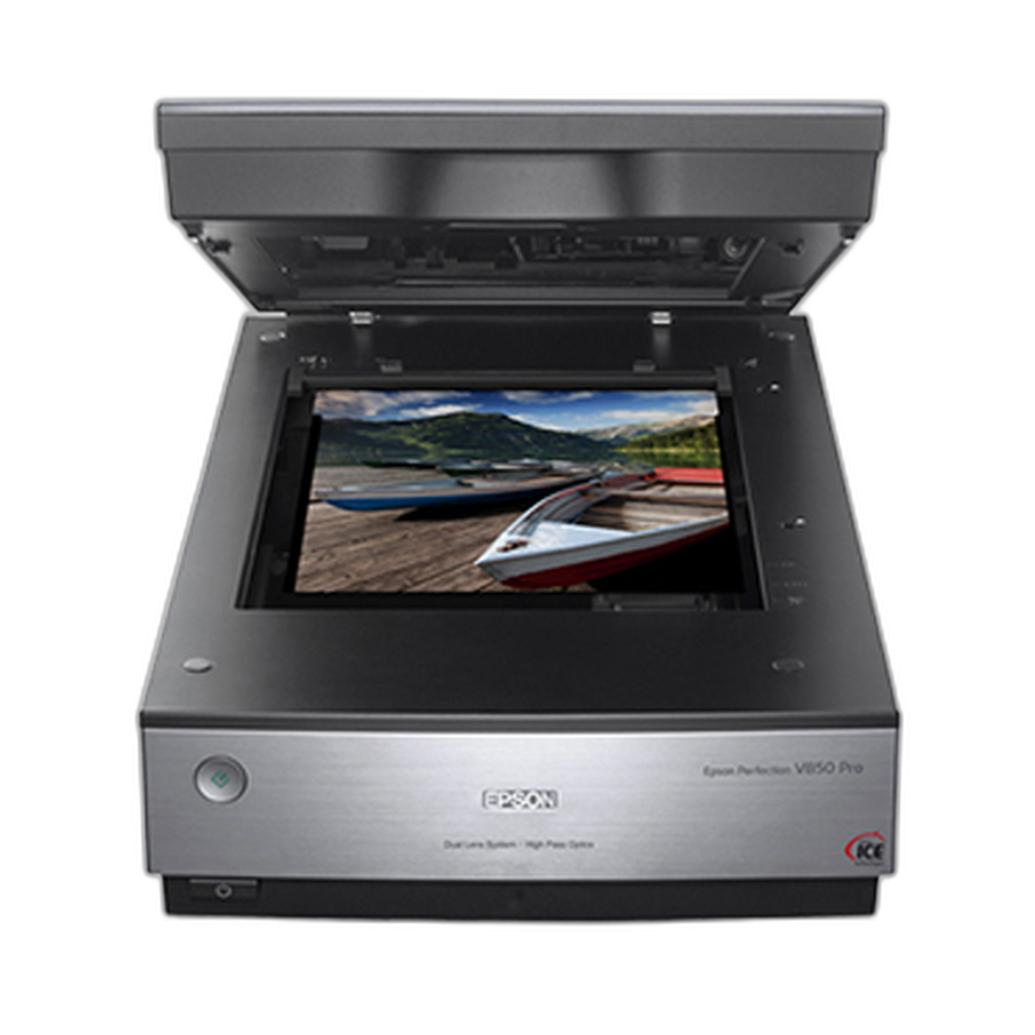
In practice, the best choice depends on what you shoot. If you scan mixed formats and want flexible archival quality, the Epson V850 Pro remains one of the most discussed flatbeds. If you want a dedicated film path with stronger sharpness expectations, the Pacific Image PrimeFilm 120 Pro Plus stands out. If throughput matters for mounted slides, the Powerslide X Plus is especially compelling. And if speed plus modern camera sensor quality is your priority, the Nikon ES-2 and Lomography DigitaLIZA+ point toward the camera-scanning workflow many photographers now prefer.
Scanner Types and What Real-World Users Actually Notice
Dedicated Film Scanners: Better Film-Specific Performance, Slower but Purpose-Built
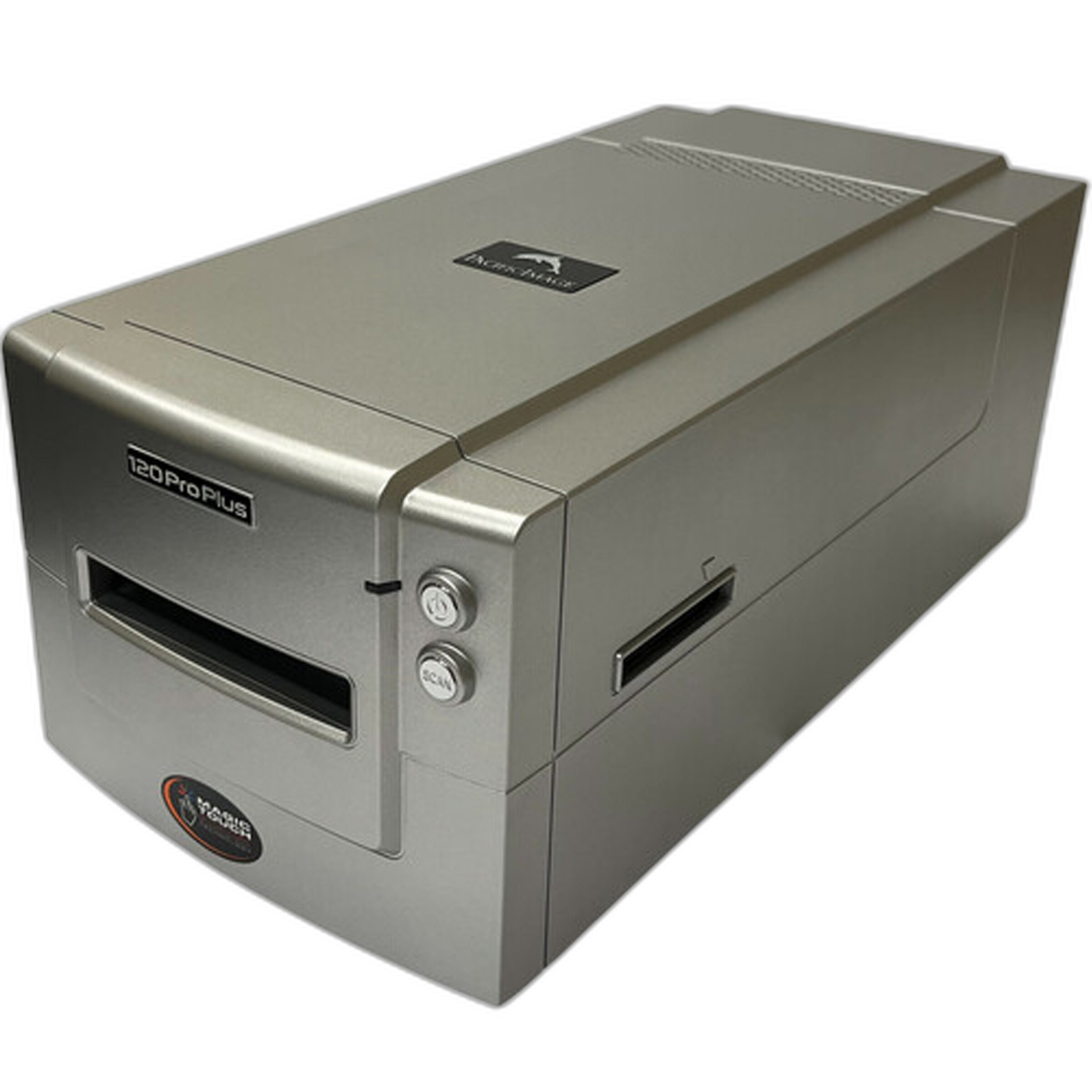
Dedicated film scanners are built around the dimensions and optical needs of film rather than documents. That usually means better focus on film grain, stronger apparent sharpness, and more film-centric handling than a flatbed. The Pacific Image PrimeFilm 120 Pro Plus Scanner is a prime example for photographers working with medium format and 35mm. Compared with generic scanning solutions, this class of scanner tends to produce files with better microcontrast and cleaner edge definition, especially when the holder alignment is solid and the software is dialed in.
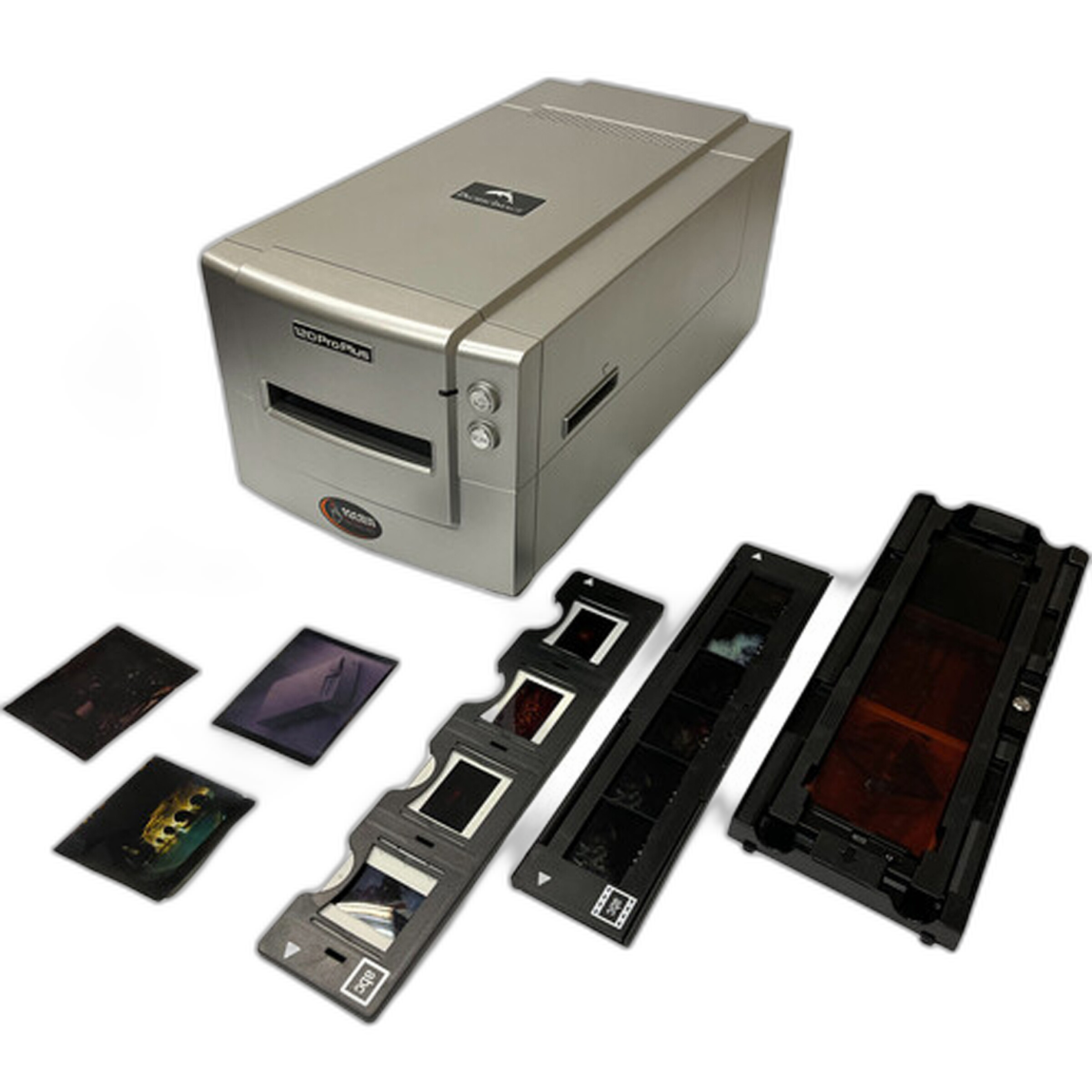
The tradeoff is speed and workflow complexity. Dedicated film scanners often reward patience. Many photographers accept slower scan times because the final files need less sharpening guesswork and hold up better for printing. For large archives, however, scanning frame by frame can feel punishing unless image quality is the main goal.
Flatbeds: Flexible and Format-Friendly, but Not Always the Sharpest
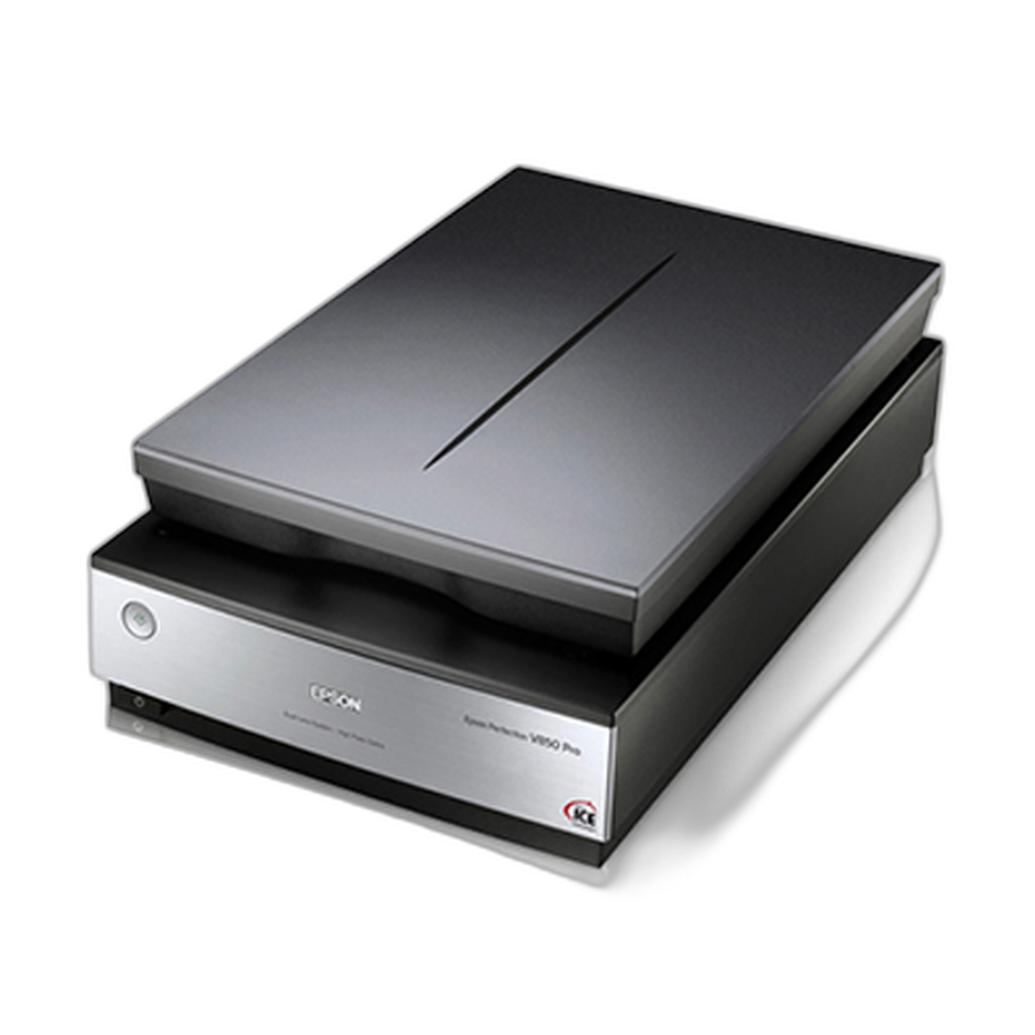
Flatbeds remain popular because they are versatile. The Epson Perfection V850 Pro Scanner can handle prints, contact sheets, and multiple film formats in one machine. For photographers with 35mm, medium format, and large format in the same archive, this flexibility is a major advantage. The V850 Pro is often chosen by photographers who want one scanner that can do nearly everything well enough for professional and enthusiast use.
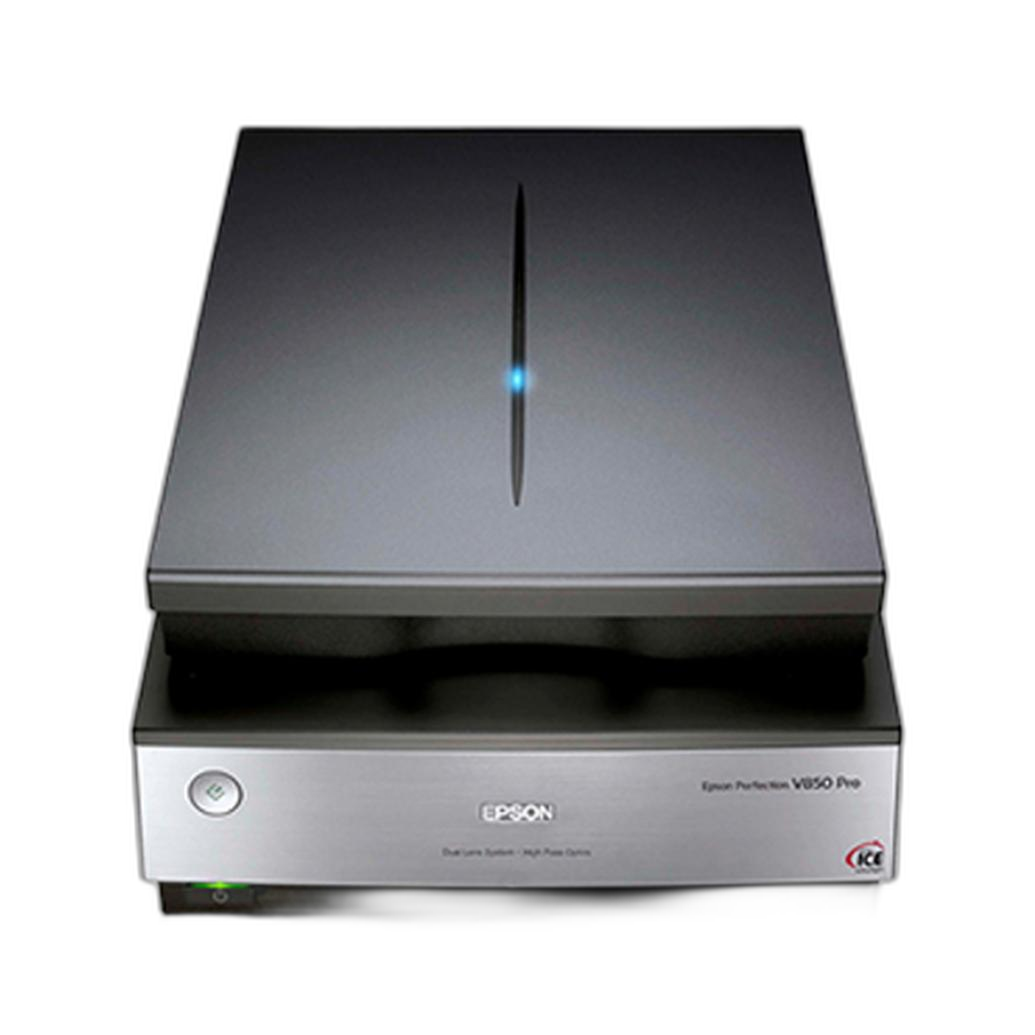
The real-world caveat is that flatbeds rarely deliver the same crispness as the best dedicated film scanners or an optimized camera-scanning rig. With careful holder setup, proper height adjustment, and good post-processing, the V850 can deliver impressive files, especially from medium format and large format. But many 35mm users eventually compare results and decide they want more acuity from a dedicated setup.
Camera Scanning: Fast, Modern, and Surprisingly High-End
Camera scanning has moved from DIY workaround to mainstream workflow. Using a macro lens, a stable copy setup, and a proper film holder, photographers can digitize negatives quickly while taking advantage of modern camera sensors. The Nikon ES-2 Film Digitalizing Adapter Set is one of the simplest turnkey ways to copy 35mm film with a Nikon camera and macro-compatible setup. For users wanting more flexibility across strips and formats, the Lomography DigitaLIZA+ Scanning Kit is a practical accessory-driven option.
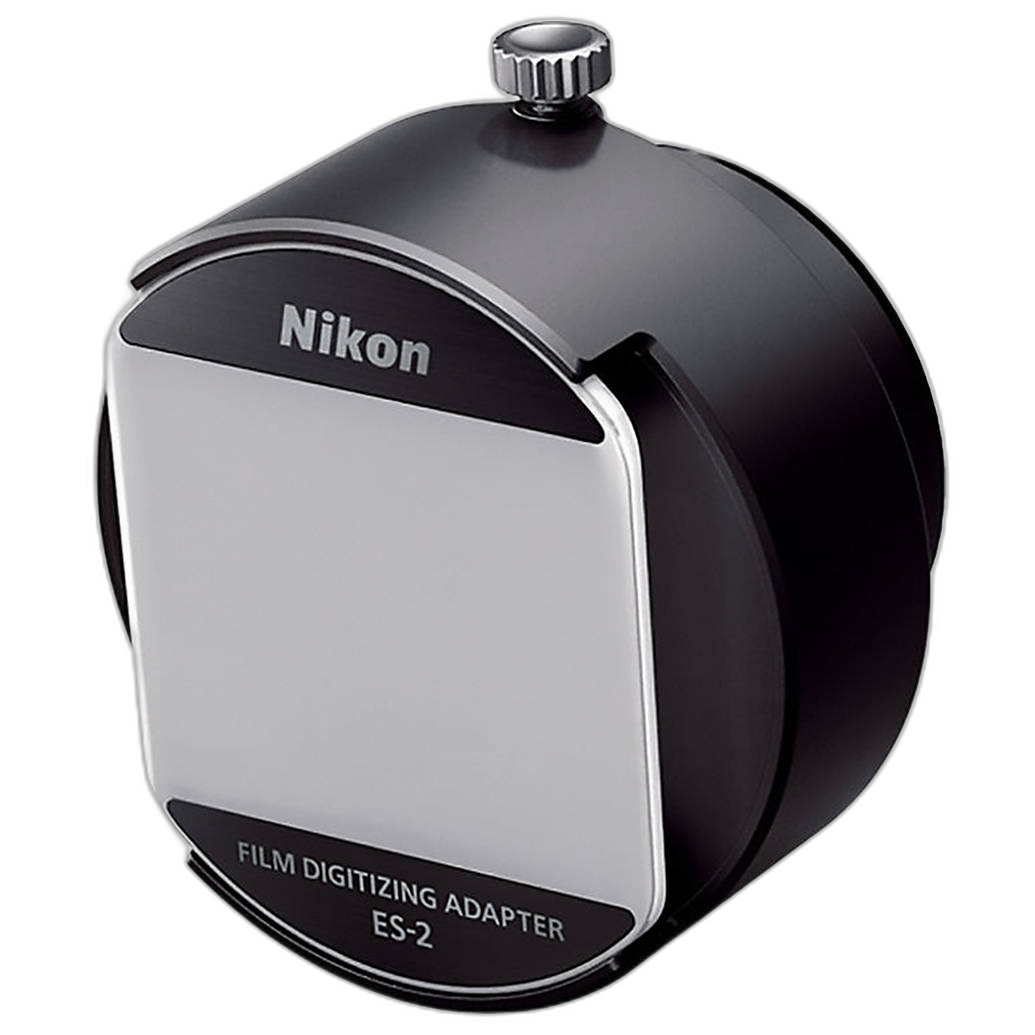
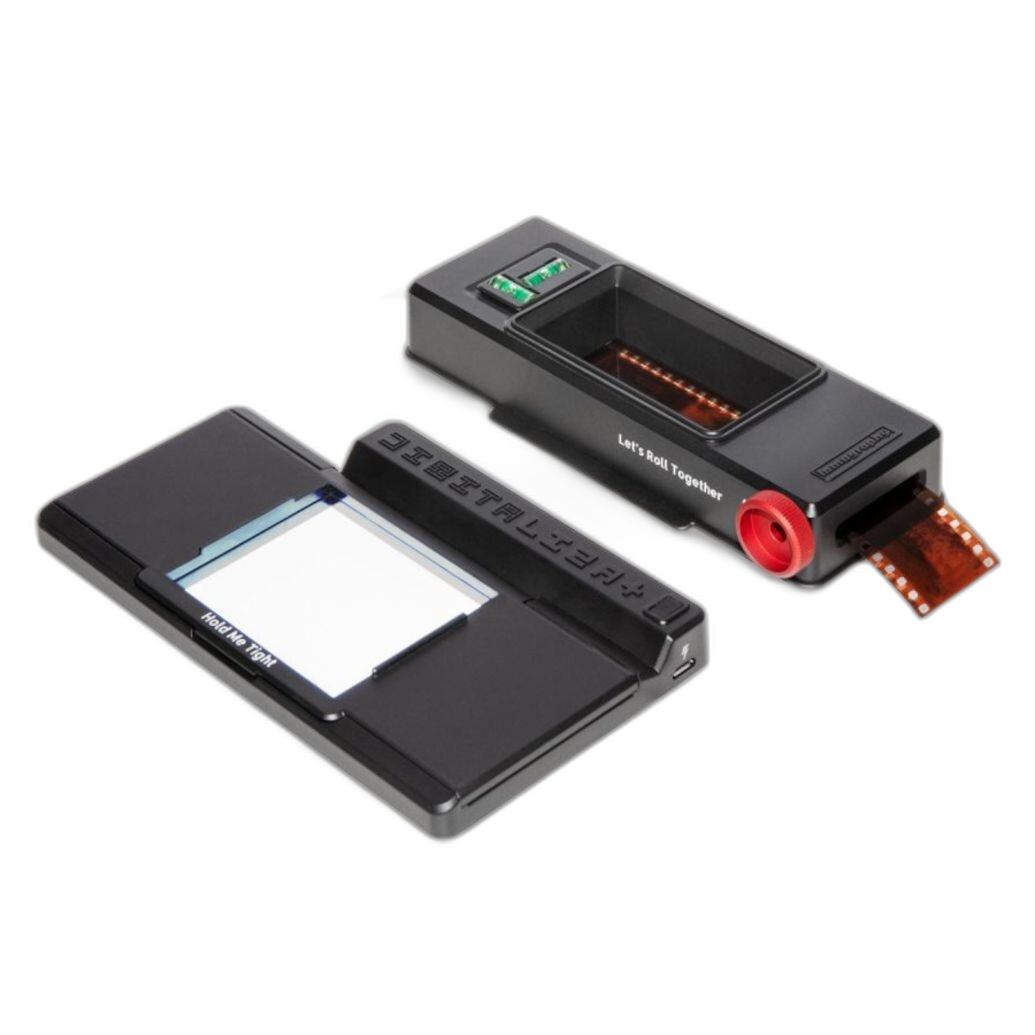
In actual use, camera scanning often wins on speed by a huge margin. A photographer can copy a full roll far faster than most traditional scanners can scan it. Results can be excellent, but consistency depends on setup discipline: even illumination, sensor alignment, film flatness, white balance control, and inversion workflow all matter. For photographers comfortable with editing software, this approach can be the most efficient of all.
Convenience Scanners: Fast Access, Lower Expectations
The Pana-Vue Pana-Scan 22MP Slide and Film Scanner sits in the convenience category. Products like this are attractive for quickly previewing old family slides, making social-media-ready copies, or handling casual projects without a more demanding scanning workflow. They are less about maximizing dynamic range and more about simplicity.
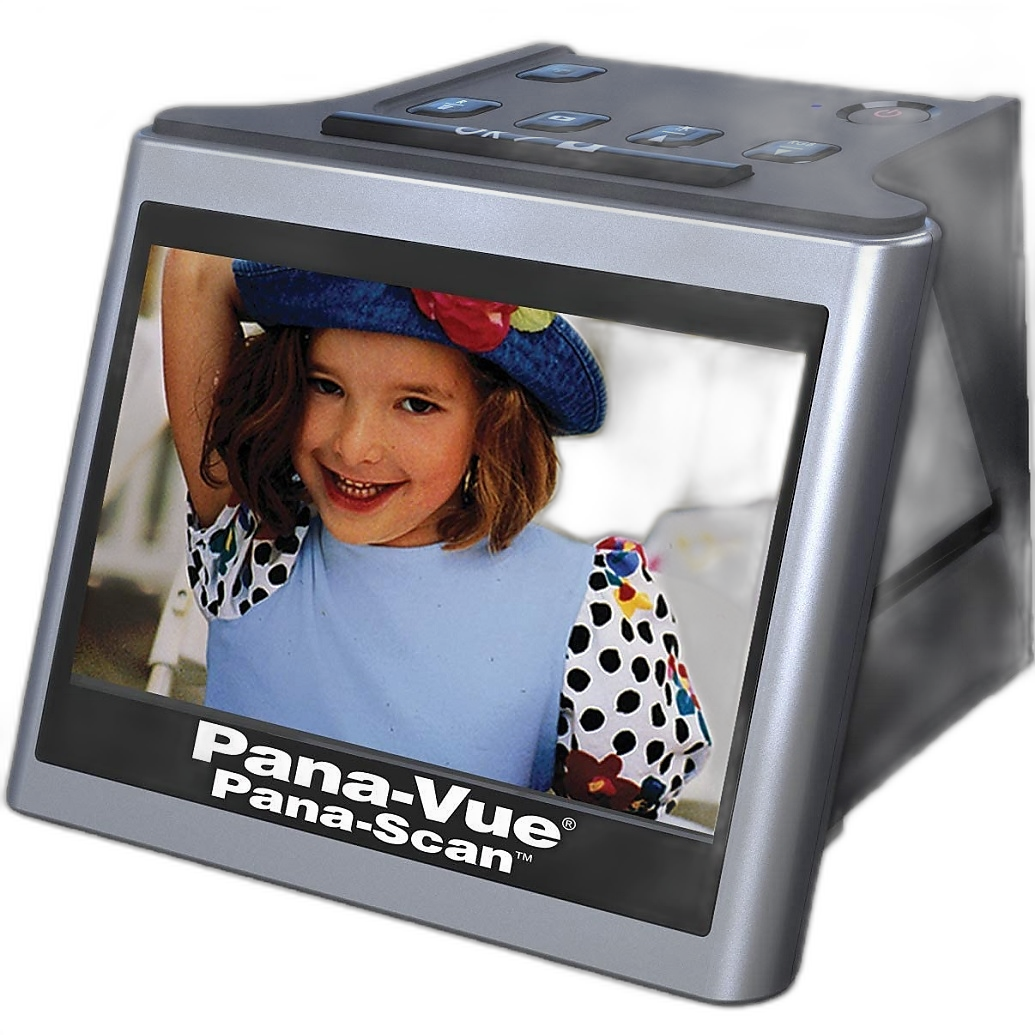
Photographers used to darkroom-quality scans or high-end digital capture should keep expectations in check. These devices can be useful, but they are not direct substitutes for a serious archival scanner or a refined camera-copy setup.
Brand-by-Brand Review and Use Case Analysis
Epson Perfection V850 Pro Scanner
The Epson V850 Pro is one of the safest recommendations for photographers who need broad format support and dependable quality. Its biggest strength is balance: it handles reflective and transmissive work, supports multiple film formats, and fits archival projects well. In real-world conversations, V850 owners often praise it for medium format and sheet film, where the scanner's strengths in tonal range and convenience become more apparent than any shortcomings in ultimate 35mm sharpness.
For users digitizing an entire archive, the V850's appeal is that it does many jobs in one place. You can scan old prints, family albums, contact sheets, and negatives without changing systems. That flexibility matters. If your archive is varied, the V850 often makes more sense than chasing absolute peak performance in one narrow format.
Pacific Image PrimeFilm 120 Pro Plus Scanner
The PrimeFilm 120 Pro Plus targets photographers who are more quality-focused and film-specific. This is the kind of scanner that enters the conversation when users say, "I want better scans than my flatbed is giving me." It is especially relevant to photographers who shoot medium format and want stronger detail retrieval and a more dedicated optical path.
Where this model makes sense is serious film work: portraits, fine-art negatives, black-and-white archives, and color negative files that will benefit from more careful extraction. It is less about general office versatility and more about extracting the most from the film itself.
Pacific Image Powerslide X Plus Scanner
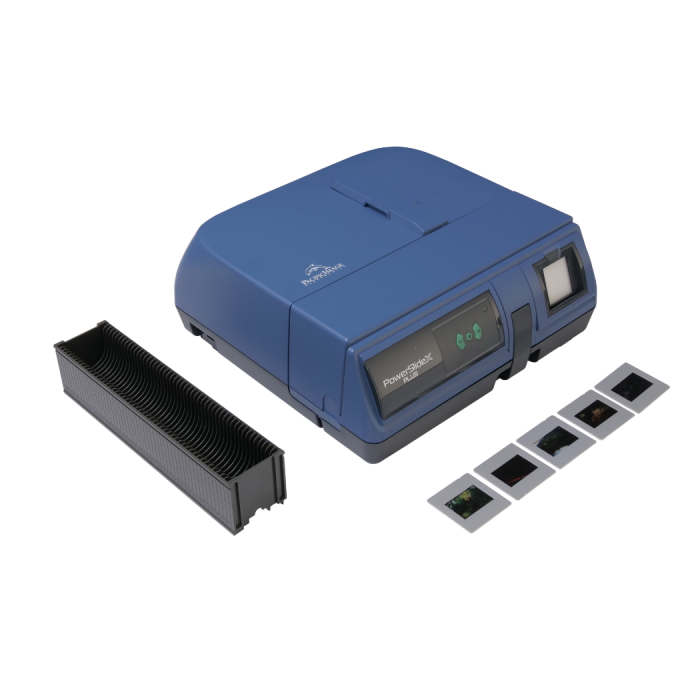
The Powerslide X Plus is the specialist of the group, particularly attractive for photographers with large slide collections. Batch-minded users often value systems like this because mounted slides are one of the most time-consuming film types to digitize manually. If your project is a large archive of transparencies, throughput can matter as much as image quality.
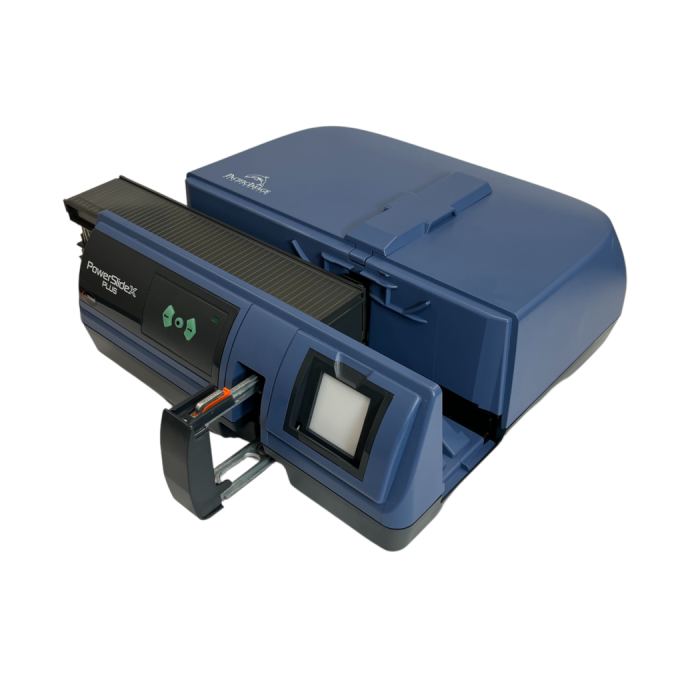
The real-world question here is simple: are you scanning slides occasionally, or are you facing boxes and boxes of them? If it is the latter, a slide-oriented scanner can save enormous labor over time.
Nikon ES-2 Film Digitalizing Adapter Set
The Nikon ES-2 is an elegant answer for Nikon users who already own a capable camera body and suitable lens. It turns the camera into the scanner, reducing the process to careful copying rather than traditional scan passes. This workflow is ideal for photographers who value speed and are comfortable finishing files in post.
The ES-2 is especially appealing for 35mm shooters. It keeps the setup compact and repeatable, and it avoids the slower cadence of desktop scanners. If your camera already exceeds the quality threshold you need, this can be one of the smartest investments in the category.
Lomography DigitaLIZA+ Scanning Kit
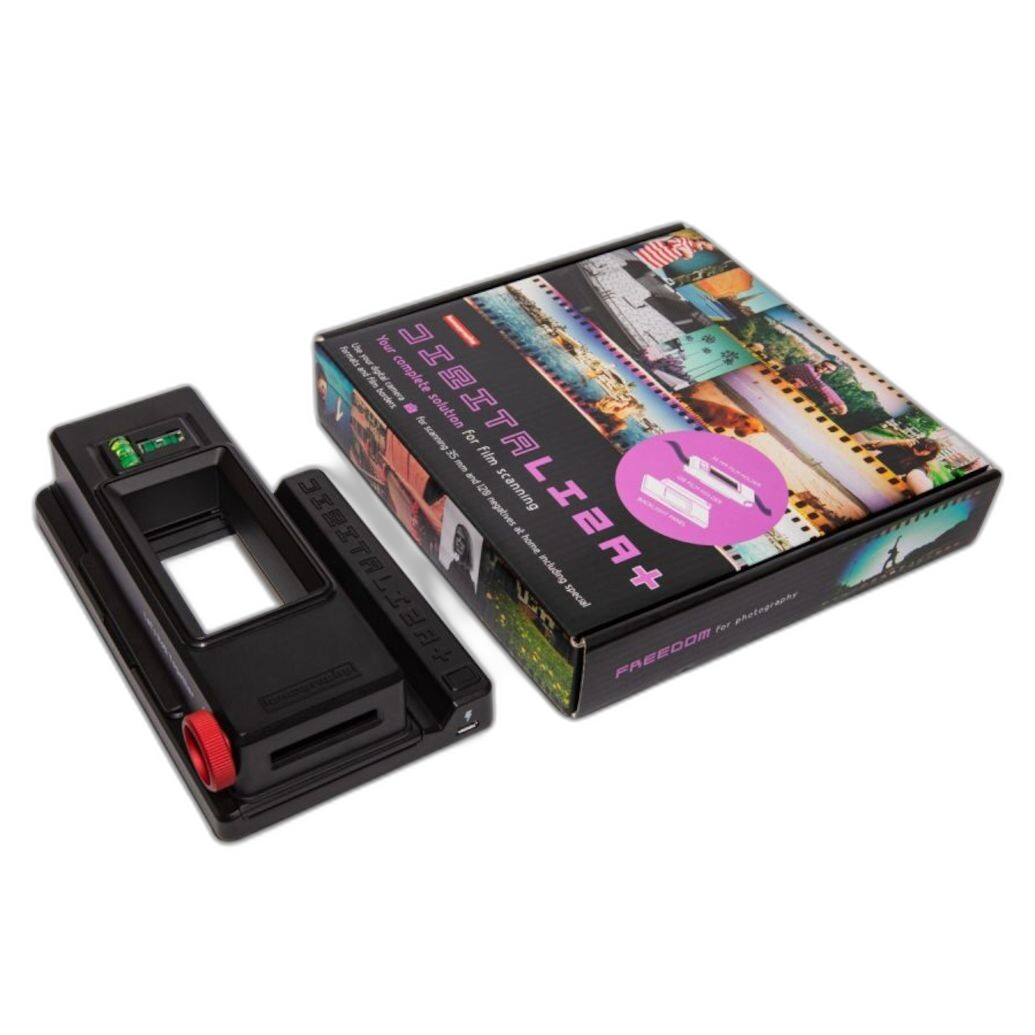
The DigitaLIZA+ is a more open-ended solution. Rather than assuming a single camera ecosystem, it supports a broader DIY-style camera scanning workflow. Photographers often like products like this because they can be integrated into an existing copy stand or light source setup and adapted to multiple film types.
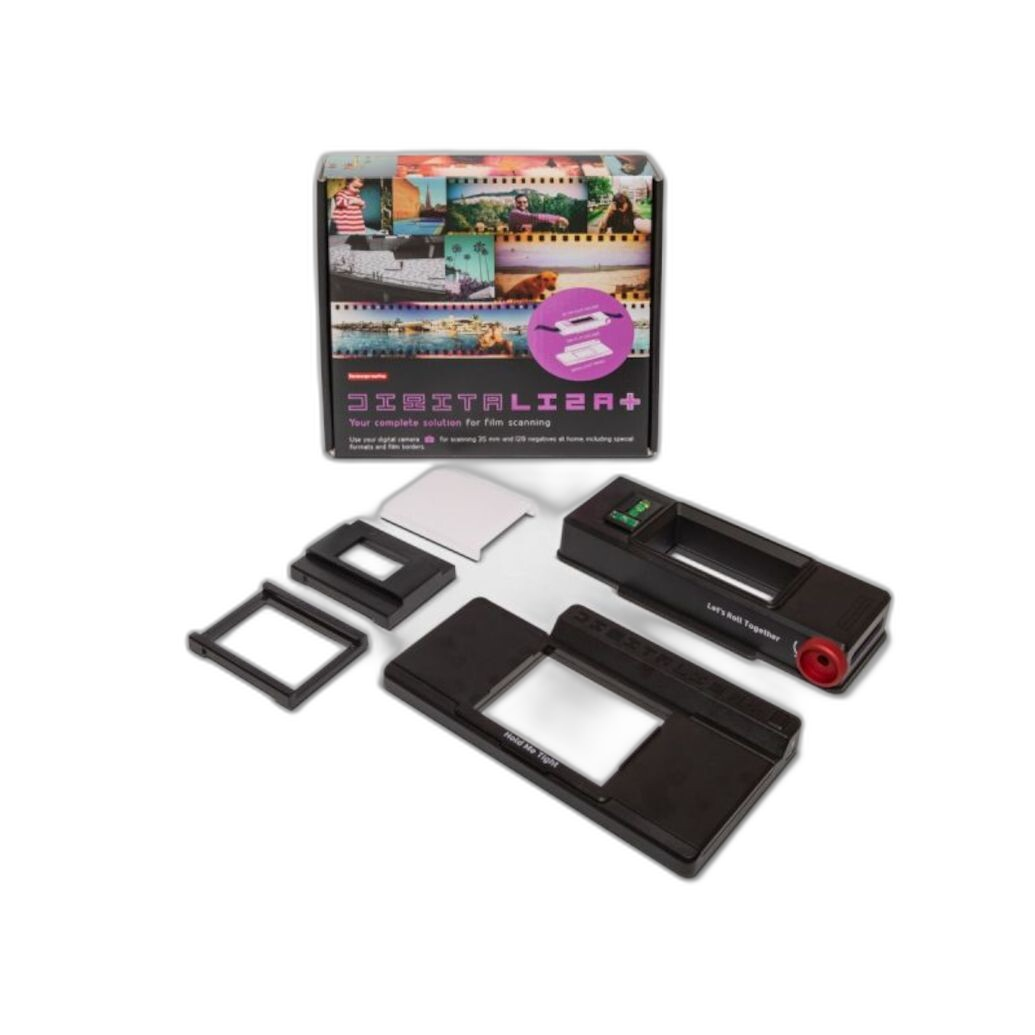
Its value is flexibility. Its weakness, relative to a more locked-down setup, is that flexibility can require more user refinement. But for photographers who enjoy controlling each part of the process, that is a benefit, not a drawback.
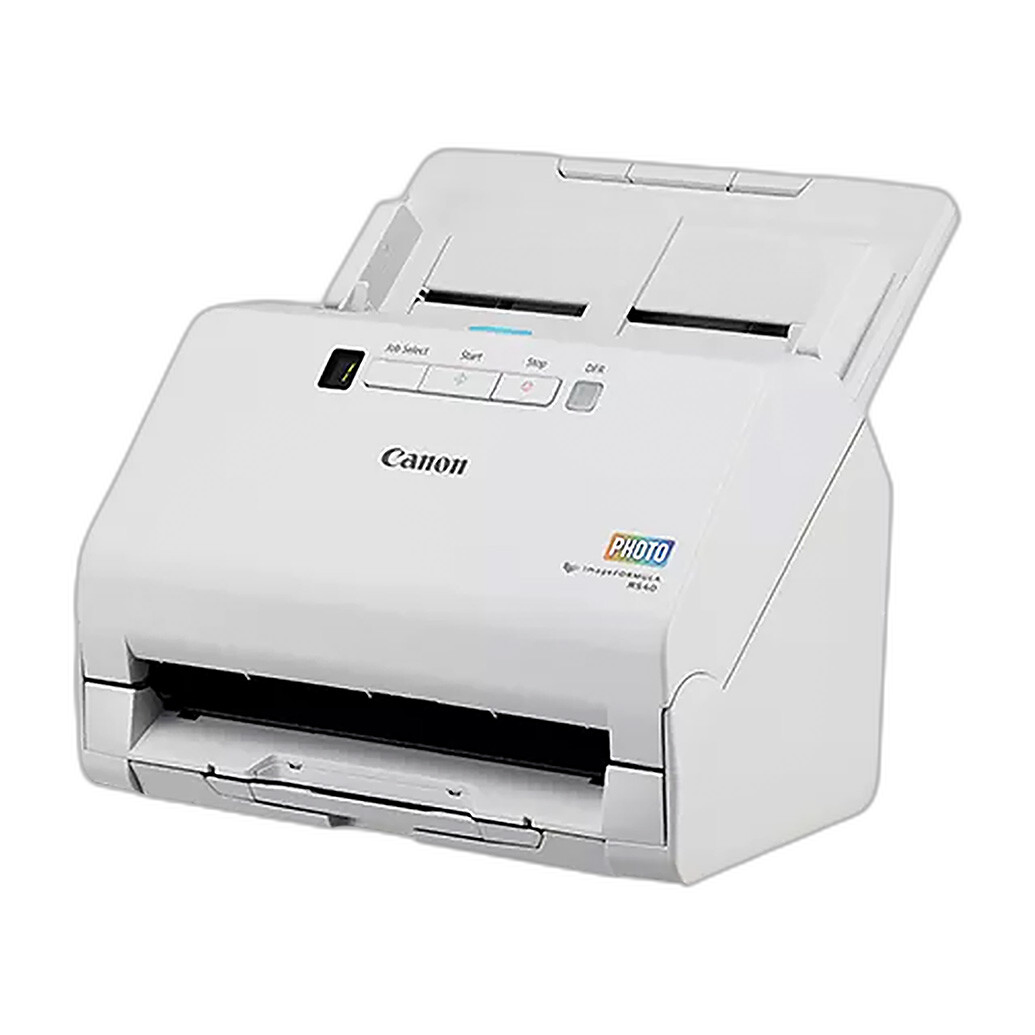
Canon imageFORMULA RS40 Photo and Document Scanner
The Canon imageFORMULA RS40 is not a traditional film scanner, but it deserves mention in broader digitizing conversations because many photographers also need to digitize prints, paperwork, notes, and family photo collections. It is a workflow scanner for mixed media rather than a negative-first solution.
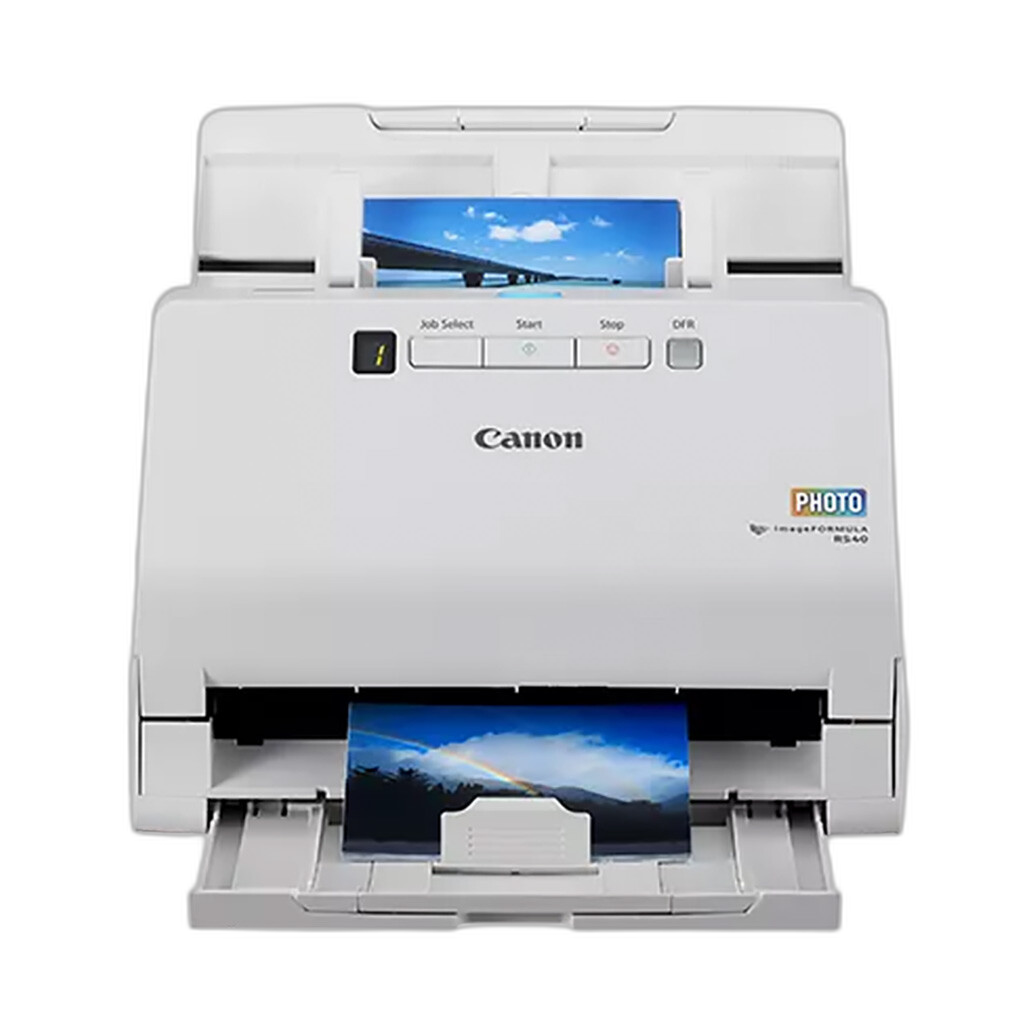
If the project is a complete family archive with prints and documents alongside film, a hybrid workflow using an RS40 for reflective materials and a separate film-specific solution for negatives can be very effective.
Pana-Vue Pana-Scan 22MP Slide and Film Scanner
The Pana-Vue Pana-Scan is best understood as a convenience-first choice. For quick conversion of slides and negatives without a deep learning curve, it can be useful. It is especially relevant for casual home archiving or one-time projects where speed and simplicity outrank critical image quality.
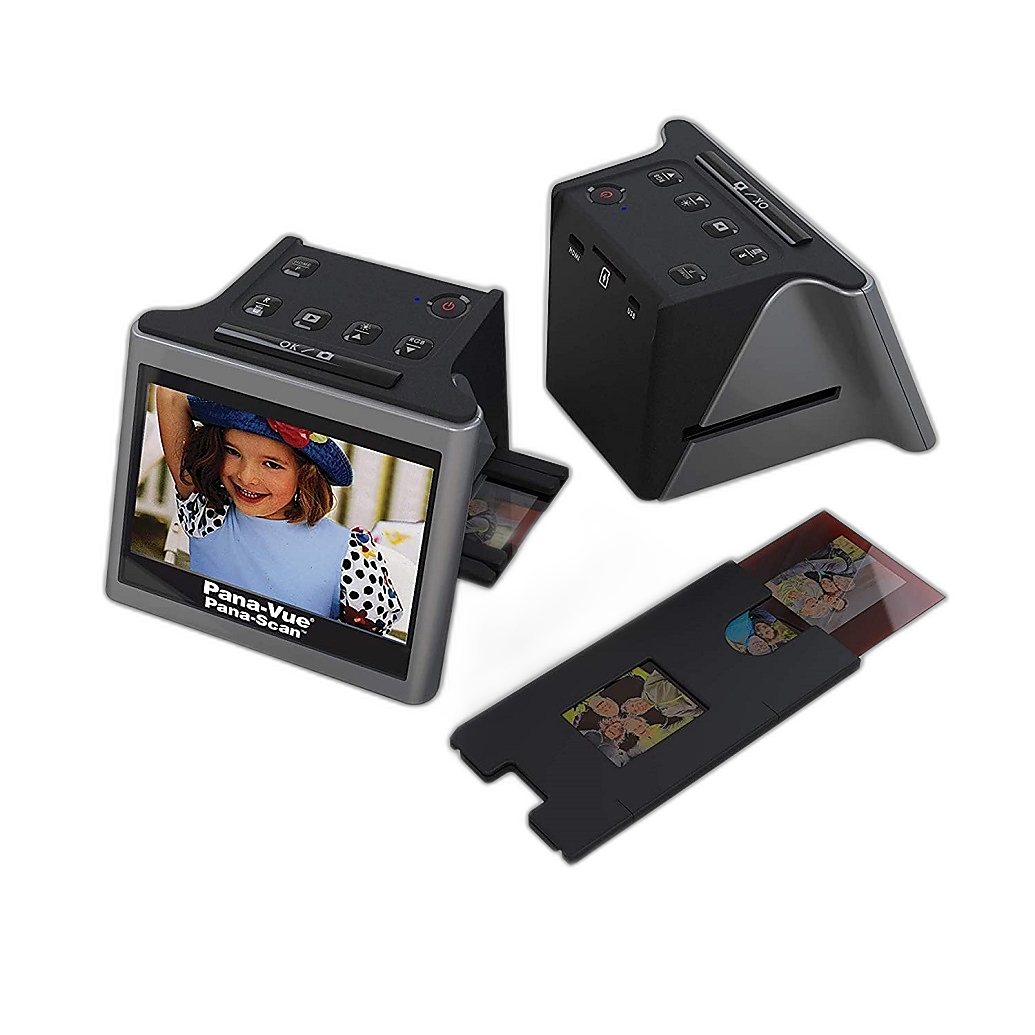
As an open-box option, it may also appeal to budget-conscious shoppers. But photographers expecting darkroom-level tonal subtlety or maximum file flexibility will likely want to move up to Epson, Pacific Image, or a camera-scanning system.
Workflow and Software Tips That Matter More Than Spec Sheets
Film Flatness and Alignment
One of the biggest quality differences photographers see in sample scans comes from film flatness and alignment. A scanner with impressive specifications can still disappoint if the negative bows or sits out of the focus plane. This is one reason dedicated holders and camera-scanning kits remain so important.
Dust Handling and Cleanup
Dust removal is a major practical factor. Traditional scanners with infrared-based dust reduction can save a lot of retouching time on color film, though black-and-white silver-based film often requires manual cleanup. Camera scanning can be faster overall, but dust spotting may become a larger part of post-processing if your setup or film handling is not meticulous.
Negative Inversion Software
For camera scanning especially, inversion software and color workflow are critical. Photographers often underestimate how much the final look depends on inversion, white balance, and curve control. Even a technically sharp capture can look poor if the inversion step is weak. The better your software workflow, the better your results will seem regardless of hardware.
Batching vs Perfection
A recurring reality in film digitizing is that the “best” scanner often loses to the “scanner you will actually use consistently.” If your archive is massive, batching and speed matter. If you are scanning a portfolio or exhibition negatives, quality may take priority over time. Matching the tool to the project is smarter than chasing universal superiority.
Pros and Cons
Pros
- Dedicated film scanners like the Pacific Image PrimeFilm 120 Pro Plus offer strong film-specific sharpness and detail.
- Flatbeds like the Epson V850 Pro handle multiple formats and reflective materials in one flexible system.
- Camera scanning with the Nikon ES-2 or Lomography DigitaLIZA+ can be dramatically faster than traditional scanning.
- Slide-focused solutions like the Pacific Image Powerslide X Plus can improve throughput for large transparency archives.
- Convenience options like the Pana-Vue Pana-Scan are approachable for casual users and quick projects.
- Photographers can build a workflow around quality, speed, or budget depending on their priorities.
Cons
- Dedicated film scanners can be slow for large archives.
- Flatbeds typically do not maximize 35mm sharpness the way dedicated scanners or camera scanning can.
- Camera scanning requires careful setup, inversion software, and consistent technique.
- Convenience scanners may fall short in dynamic range, tonal subtlety, and file flexibility.
- No single scanner type is best for every film format and archive size.
- Software, dust control, and film handling can influence results as much as the hardware itself.
Verdict: Which Type Is Best?
If you want the most balanced all-around archival scanner, the Epson Perfection V850 Pro Scanner is the most broadly recommendable option in this group. It is the best fit for photographers with mixed film formats and print materials who want one serious workstation. If your priority is dedicated film quality and you want a more film-centric machine, the Pacific Image PrimeFilm 120 Pro Plus Scanner is one of the strongest choices here. If speed matters most and you already own a good digital camera, the Nikon ES-2 Film Digitalizing Adapter Set or Lomography DigitaLIZA+ Scanning Kit can deliver outstanding real-world efficiency and excellent image quality with the right workflow.
For large slide collections, the Pacific Image Powerslide X Plus Scanner deserves special attention. For casual use, the Pana-Vue Pana-Scan 22MP may be enough. And for print/document-heavy archiving, the Canon imageFORMULA RS40 can be a useful companion tool.
Bottom line: the debate over scanner types is not really about one universal winner. It is about choosing the right balance of detail, speed, and usability. For shoppers ready to invest in the right digitizing workflow, Unique Photo is an excellent place to buy these scanners and accessories, whether you need a professional flatbed, a dedicated film scanner, or a camera-scanning solution.