Preparing Your Photo Entries: Sizing, Formats, and Metadata Tips
Getting a photo entry ready for a contest, portfolio review, exhibition, class critique, or final print submission often comes down to three things: correct sizing, the right output format, and clean metadata. In this comparison, we’re looking at tools and resources from Unique Photo that support different parts of that workflow—from learning how to prepare stronger images, to making exhibition-ready prints, to organizing physical selections for presentation and archiving.
Rather than comparing identical products, this article compares complementary options: educational experiences that help you make better image selections, print hardware and media for final output, and albums or refill pages for storing and reviewing finished photographs.

Side-by-Side Comparison
| Product | Type | Best For | Key Relevance to Entry Prep | Image |
|---|---|---|---|---|
| Macro and Landscape Photography at Duke Farms with Michael Downey | Workshop / Class | Improving capture and image selection skills | Helps photographers create stronger files before export, resizing, and submission | |
| EXPO: Stories from the Road - Photography Across Worlds w. Matthew Borowick | Presentation / Educational Event | Developing narrative, sequencing, and project cohesion | Useful when choosing which images to submit and how metadata supports the story | 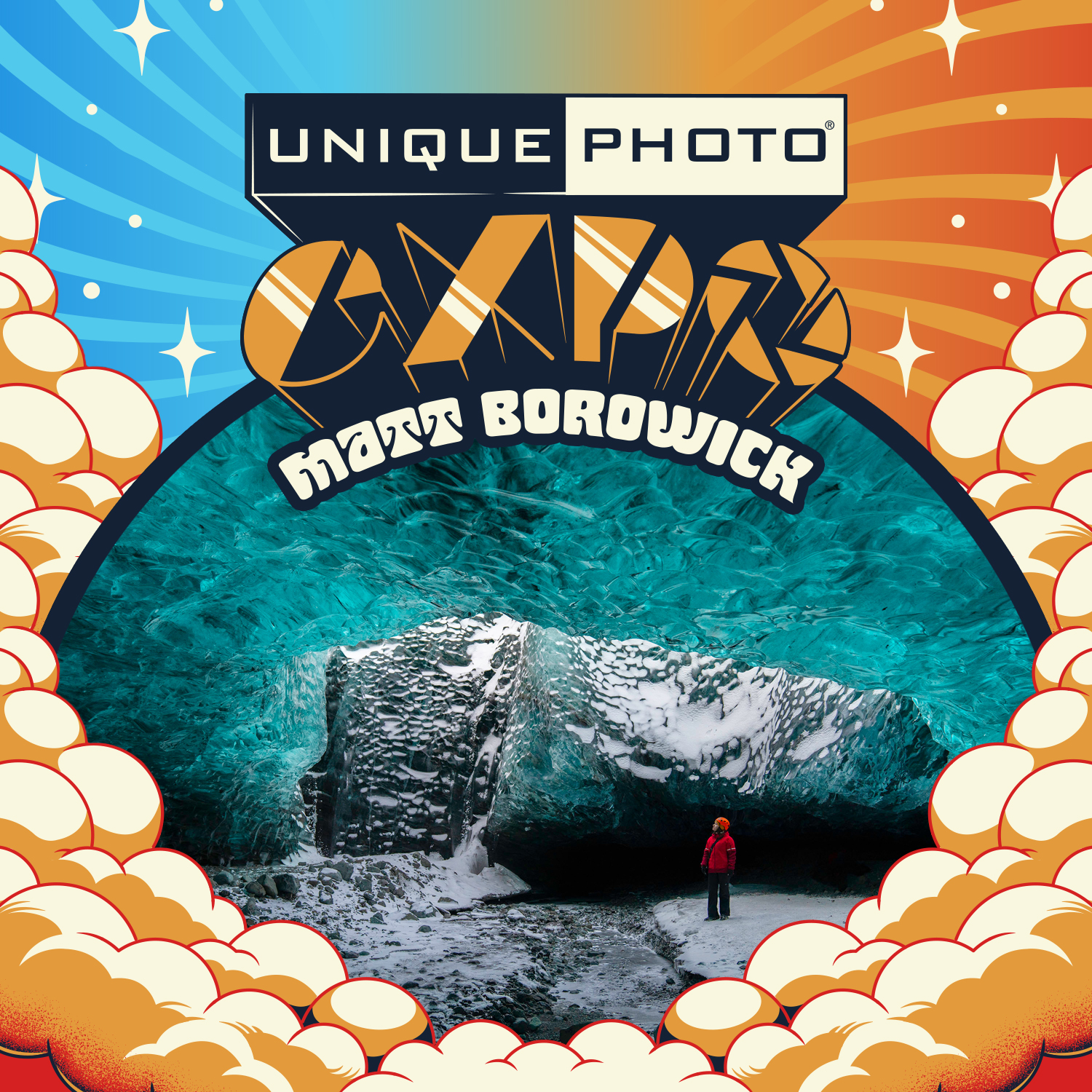 |
| Photograph Fluorescent Zinc Ore at Sterling Hill Mine | Excursion / Field Experience | Building unique portfolio material | Strong subject matter can make sizing and format decisions easier because the source material is distinctive |  |
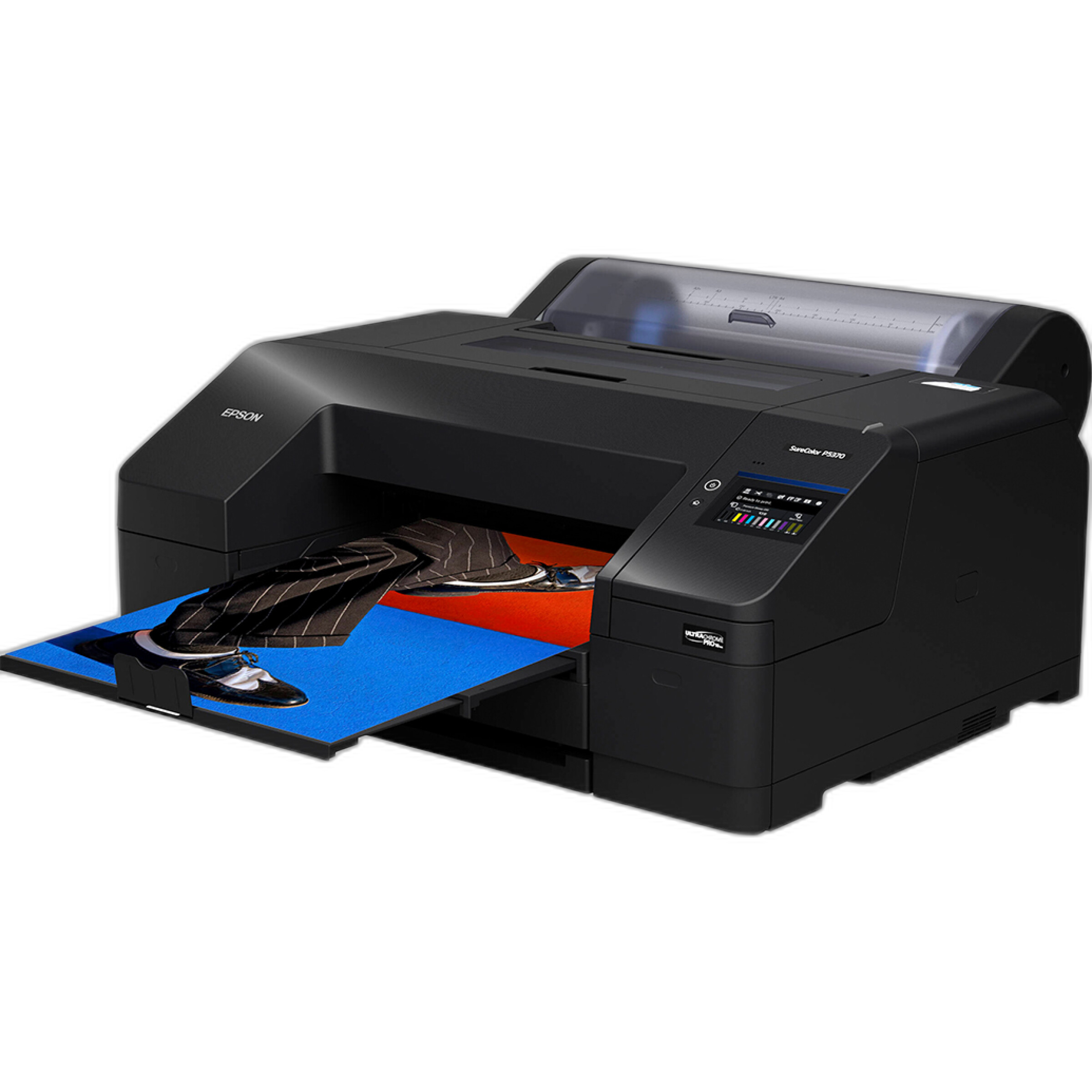
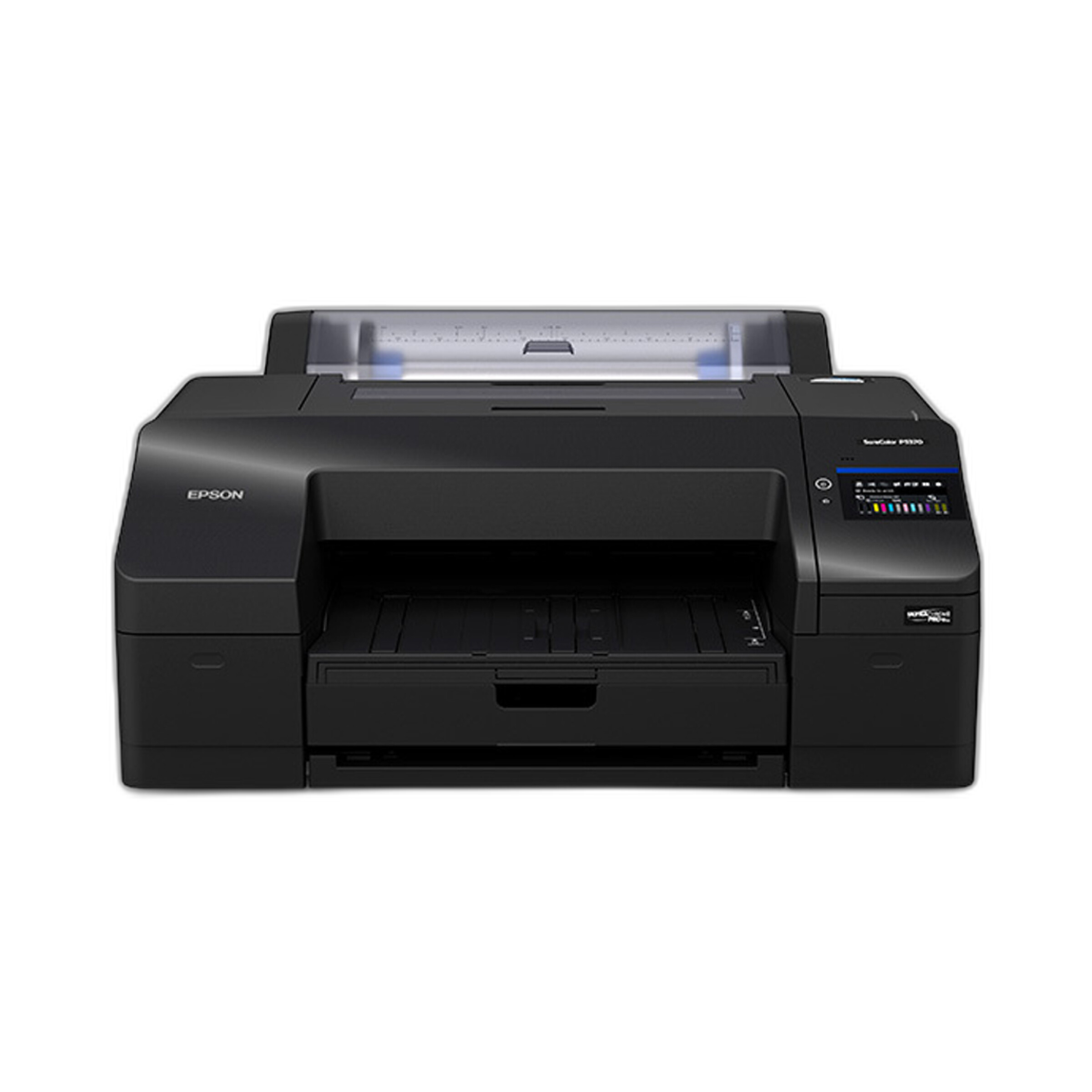
| Epson SureColor P5370 17-Inch Professional Photographic Printer | Printer | Producing submission prints and proofs | Critical for color-managed, accurate final output when entries require physical prints | |
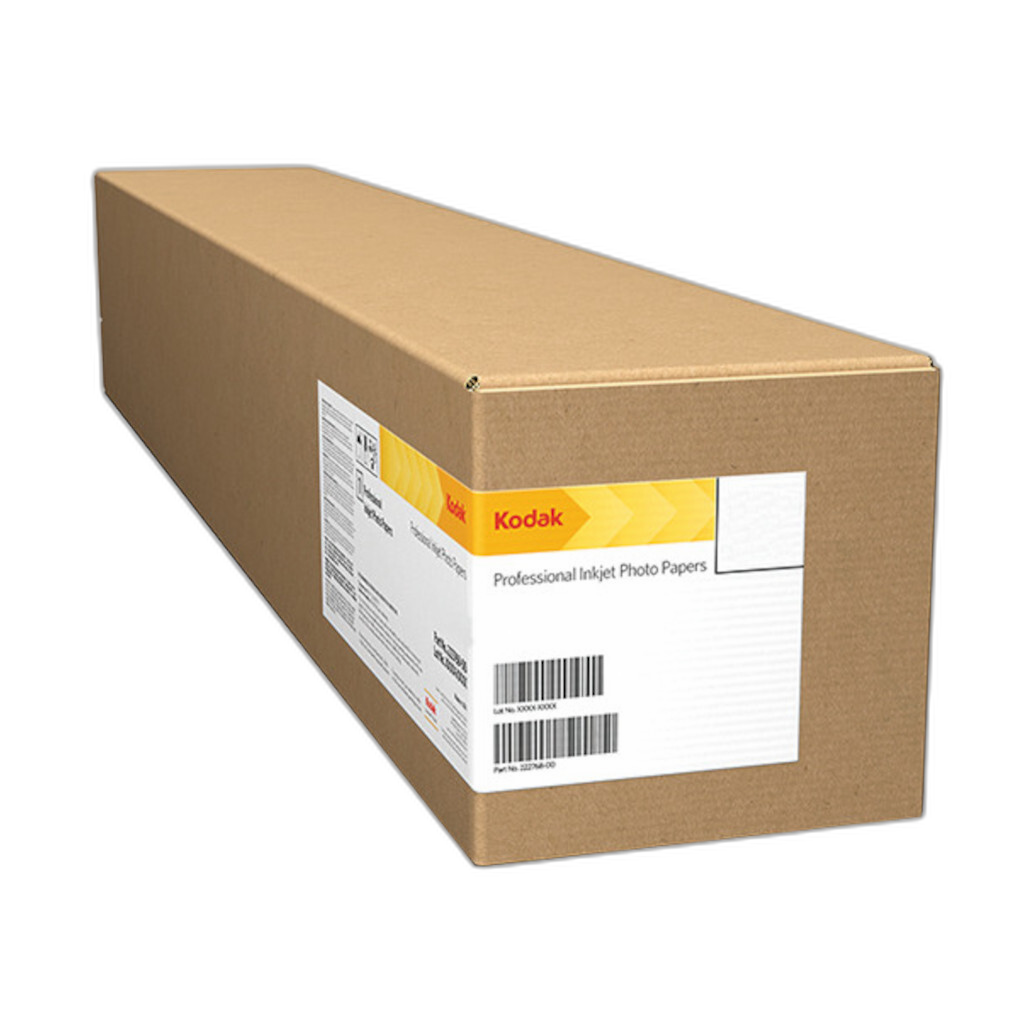
| Kodak Professional Metallic Photo Inkjet Paper 44 x 100 Roll | Inkjet Paper | High-impact display prints | Ideal for dramatic presentation when your contest or exhibition favors glossy, metallic visual punch | |
| Pioneer 4 x 6 In. Bi-Directional Memo Photo Album (200 Photos) - Black | Album | Organizing small prints, edits, and captions | Useful for sequencing, reviewing print sets, and keeping title or caption notes beside images |  |
| Pioneer Album Refill Pages for BP-200 Album (30 Photos) | Refill Pages | Expanding physical edit and review systems | Helpful when your submission workflow includes multiple rounds of printed proofs | 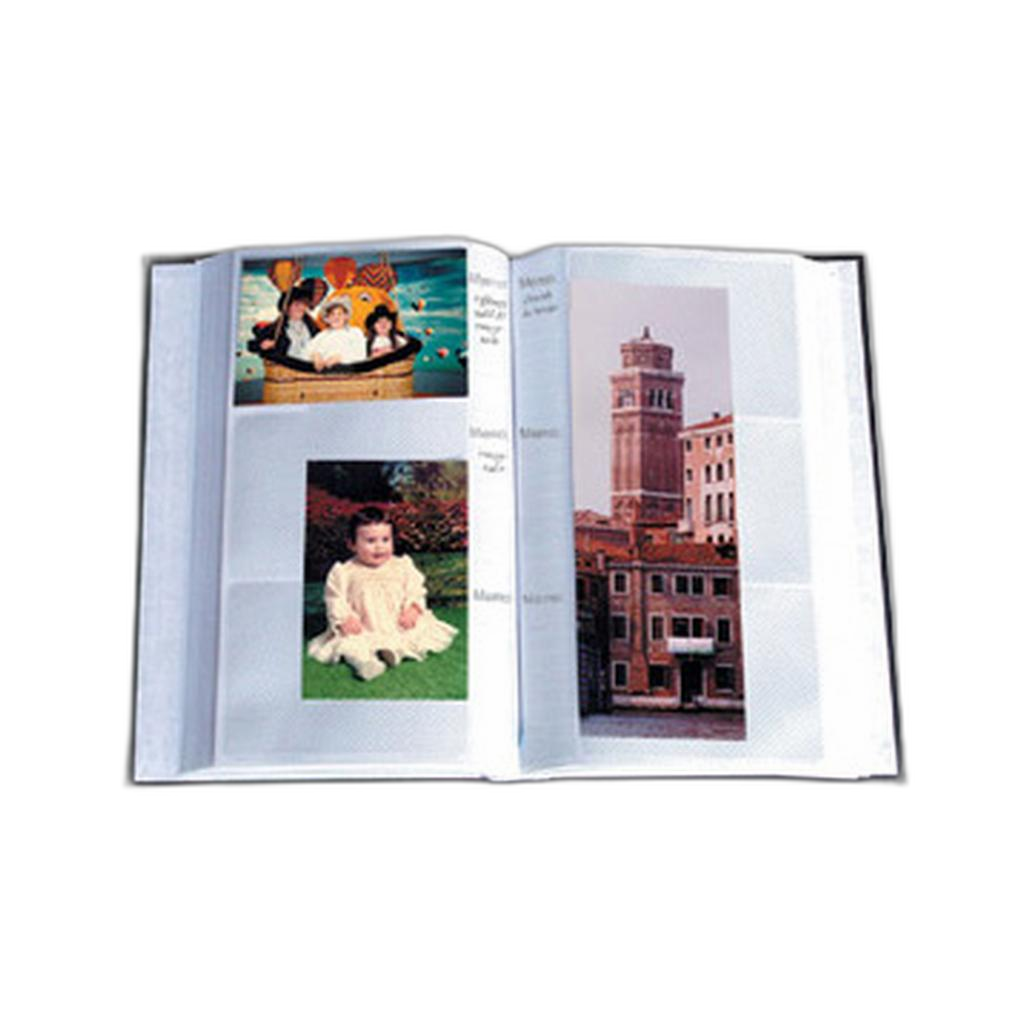 |
How Sizing, Formats, and Metadata Affect Your Entries
Before choosing tools, it helps to understand the workflow. Sizing determines whether your file meets submission rules and prints cleanly. Formats affect compatibility, image quality, and whether a file is intended for digital review or physical output. Metadata carries your title, copyright, author information, captions, keywords, and sometimes location details—all of which can matter in editorial, juried, and archival contexts.
Educational events can improve the quality and coherence of the images you prepare. Printers and paper shape the final physical presentation. Albums help you review, sequence, and annotate your work before sending it off.
Best Option for Learning What Makes an Entry Strong
If you’re still refining your eye for what should actually be submitted, the educational options are the most relevant starting point.
Macro and Landscape Photography at Duke Farms with Michael Downey is best suited to photographers who want stronger raw material. For entry preparation, this matters because the better the source image, the less compromise you make when resizing for online portals or producing a final print.
EXPO: Stories from the Road - Photography Across Worlds w. Matthew Borowick is especially useful if your submission is project-based. Narrative cohesion often matters as much as technical perfection. That makes this a smart comparison pick for photographers entering series-based contests or portfolio reviews.

Photograph Fluorescent Zinc Ore at Sterling Hill Mine stands out for those looking to generate unusual, memorable work. Distinctive subject matter can help your entry stand apart, especially when many submissions are technically solid but visually familiar.
Best Option for Print Output and Proofing
When the submission requires a print—or when you simply want to evaluate your work physically before submitting digitally—the printer and paper become the real head-to-head comparison.
Epson SureColor P5370 17-Inch Professional Photographic Printer is the core tool for photographers who need control. For entry prep, that means making accurate proofs, checking sharpness at actual output size, and producing polished final prints with consistent color management.
Kodak Professional Metallic Photo Inkjet Paper 44 x 100 Roll is more specialized. It’s not the universal answer for every submission, but it can be the right choice for images that benefit from luminous highlights, deeper apparent contrast, and a more dramatic presentation style. Travel, automotive, cityscape, and some landscape entries may gain extra visual punch on metallic media.
In pure comparison terms, the Epson printer is the more essential product because it enables the output process itself. The Kodak paper is the enhancement layer—best when your subject matter and judging context suit a more striking finish.
Best Option for Organizing Titles, Captions, and Physical Edits
Metadata often starts digitally, but many photographers still benefit from a physical review process—especially when narrowing down a set of finalists.
Pioneer 4 x 6 In. Bi-Directional Memo Photo Album (200 Photos) - Black is especially practical for this stage. Because it’s a memo album, it works well for pairing small proof prints with notes such as image title, capture date, location, category, or alternate crop ideas. That makes it surprisingly relevant to metadata preparation.
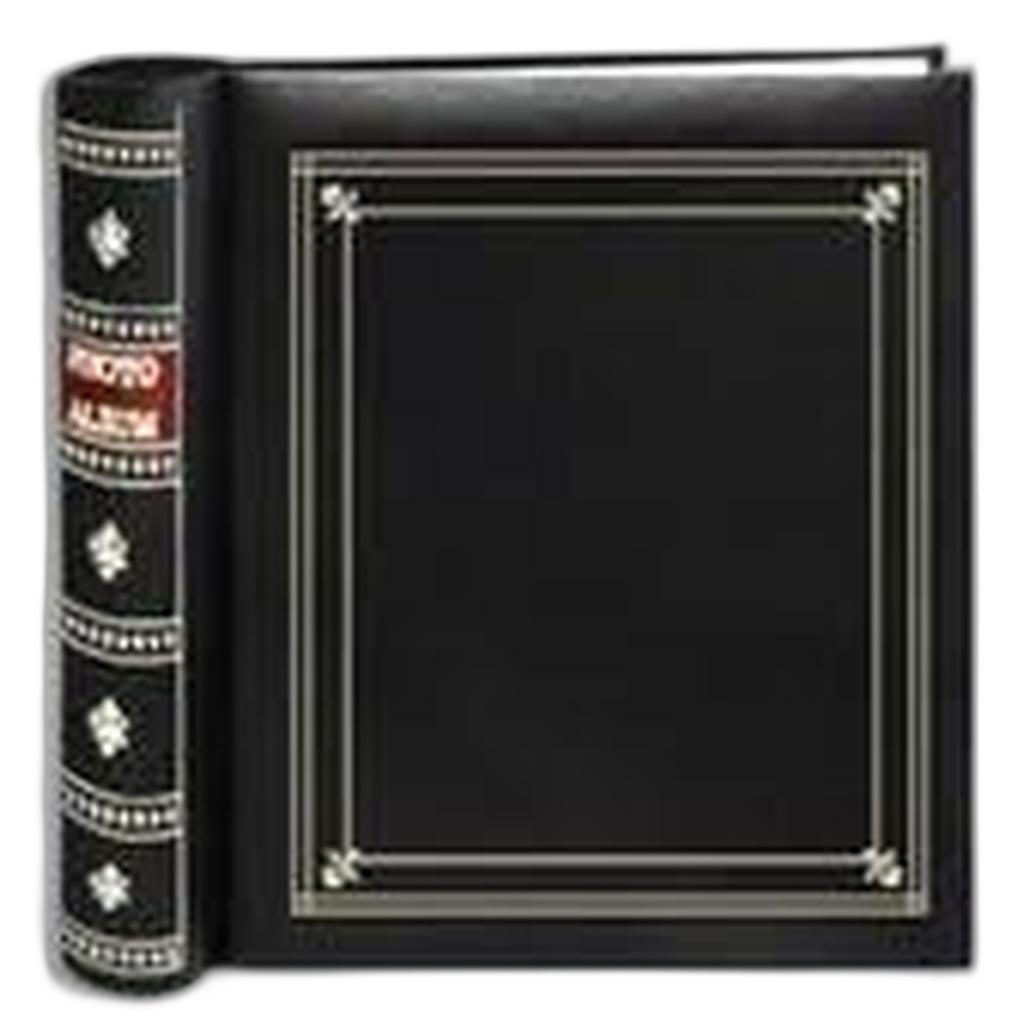
Pioneer Album Refill Pages for BP-200 Album (30 Photos) are the add-on choice if your workflow already depends on physical proofing. If you print many candidates and like to compare them in sequence, refill pages keep the system expandable and organized.
For most photographers, the complete memo album is the better starting point than refill pages, simply because it creates the organizational structure from scratch.
Sizing Tips: Which Product Category Helps Most?
For digital entries, sizing usually means matching the longest-edge requirement, keeping file size under portal limits, and preserving enough resolution for judging. Educational products help indirectly by improving composition and technical capture so downsized images still look strong. The Epson SureColor P5370 helps most when you need to verify print dimensions and sharpening before committing to a final output.
If you’re preparing print entries, always test at the actual intended size. A print that looks excellent on screen may reveal oversharpening, weak shadow detail, or softness once output. That makes a dedicated printer far more valuable than relying on screen-only review.
Format Tips: JPEG vs. Print-Ready Output
Most digital contests want JPEG files in sRGB, while exhibitions and galleries may request TIFFs, high-resolution JPEGs, or physical prints. The Epson printer naturally supports the print side of the workflow, while the Kodak metallic paper influences the visual character of the final output. If your entry destination is purely online, the workshops and educational events may offer more practical value than print hardware.
For many photographers, the real comparison is this: invest first in improving image quality and selection, or invest first in final output. Beginners often benefit most from education; advanced photographers entering print competitions often benefit most from printer control.
Metadata Tips: Where Organization Matters Most
Metadata is easy to overlook, but it can make your files more professional and easier to manage. Include your name, copyright notice, image title, caption, keywords, and contact details when appropriate. Be consistent in spelling and title style across your files and submission forms.
The Pioneer memo album is unexpectedly useful here because it lets you physically pair proof prints with written information. That can help you catch title inconsistencies, duplicate captions, or sequencing problems before final submission. For project-based work, that kind of analog review can be extremely effective.
Our Pick
Our Pick: Epson SureColor P5370 17-Inch Professional Photographic Printer
If we have to recommend one product from this comparison for preparing photo entries, the Epson SureColor P5370 is the strongest overall choice. It has the broadest impact on submission readiness because it lets you proof, evaluate, and produce final prints with a high degree of control. Even when your final submission is digital, print proofing can reveal problems that screen review misses.
If your needs are more educational than technical, the best alternative pick is EXPO: Stories from the Road - Photography Across Worlds w. Matthew Borowick for photographers building stronger series and story-driven submissions.
Conclusion
Preparing your photo entries well means more than exporting a file at the last minute. It involves selecting the right images, matching submission size requirements, using the correct format, and keeping your metadata clear and consistent. Educational opportunities can sharpen your eye, printers and paper can elevate your final presentation, and albums can help you organize edits and captions with more confidence.
Whether you’re refining a competition image, building a portfolio set, or producing final prints for exhibition, Unique Photo offers the classes, printing tools, and presentation accessories to support the entire process.