Photo Contest Rules FAQ: How to Avoid Disqualification
Entering a photography contest can be exciting, but even strong images can be rejected when submission guidelines are overlooked. Understanding the technical and editing rules before you upload is one of the easiest ways to protect your entry and present your work professionally.
Below, our team at Unique Photo breaks down common contest-rule questions, from aspect ratio and file size to editing limits and final pre-submission checks.
How closely do I need to follow aspect ratio requirements?
You should follow aspect ratio requirements exactly as stated. If a contest asks for a specific format such as 3:2, 4:5, square, or 16:9, treat that as a hard requirement rather than a suggestion. A small mismatch can lead to automatic cropping, unexpected framing changes, or outright disqualification if the organizer uses automated screening tools.
When preparing a contest file, crop intentionally instead of relying on the platform to do it for you. Precise measuring tools can help when planning prints, trims, or presentation boards for contests with physical submission components. For photographers who want more control over measurements and clean formatting, a rule extension accessory can be useful in a studio or print workflow.
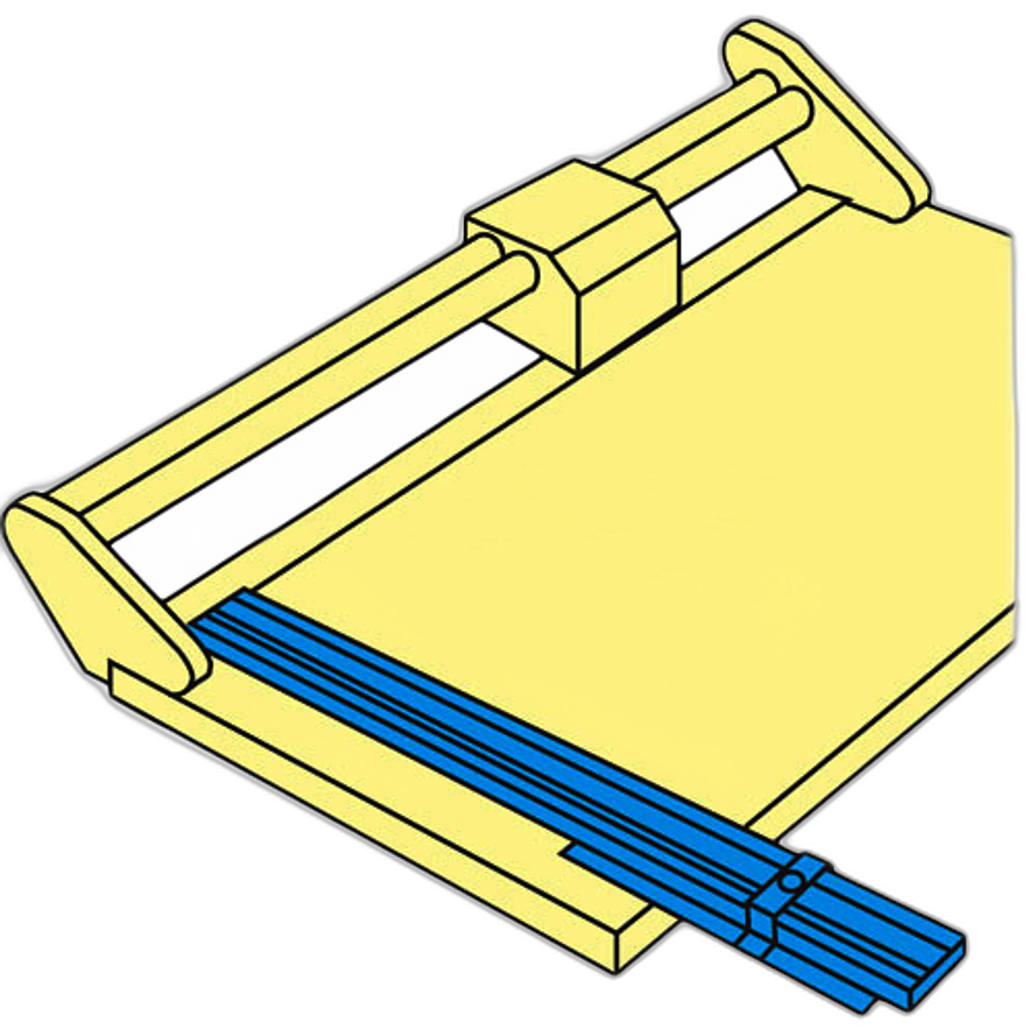
The Rotatrim 24 Rule Extension Professional Series is a practical option for photographers who want accurate alignment and measuring support while preparing presentation materials.
How important are file size and resolution limits?
They are extremely important. Many contests specify both pixel dimensions and maximum file size, and those are not interchangeable. For example, a contest may ask for a file that is 3000 pixels on the long edge and under 5MB. If your image meets one requirement but not the other, it may still be rejected.
Before submitting, export a dedicated contest version of your image. Check width, height, resolution if requested, file format, embedded color profile, and total file size. JPEG quality settings often need adjustment to reduce size while preserving detail. It is also wise to inspect the exported file at 100% magnification to make sure compression artifacts have not damaged important textures or gradients.
What are the most common mistakes that lead to disqualification?
Some of the most frequent issues are surprisingly simple: submitting the wrong aspect ratio, exceeding file size limits, including visible watermarks, entering after the deadline, uploading to the wrong category, or failing to provide requested captions and metadata. Another common problem is sending a heavily sharpened or oversaturated version that no longer matches the contest's standards for authenticity.
Physical-entry contests can introduce additional errors, including inaccurate trimming, incorrect mounting, or mismatched print dimensions. If your contest requires careful layout preparation, a larger measuring accessory may help maintain consistency across multiple entries.
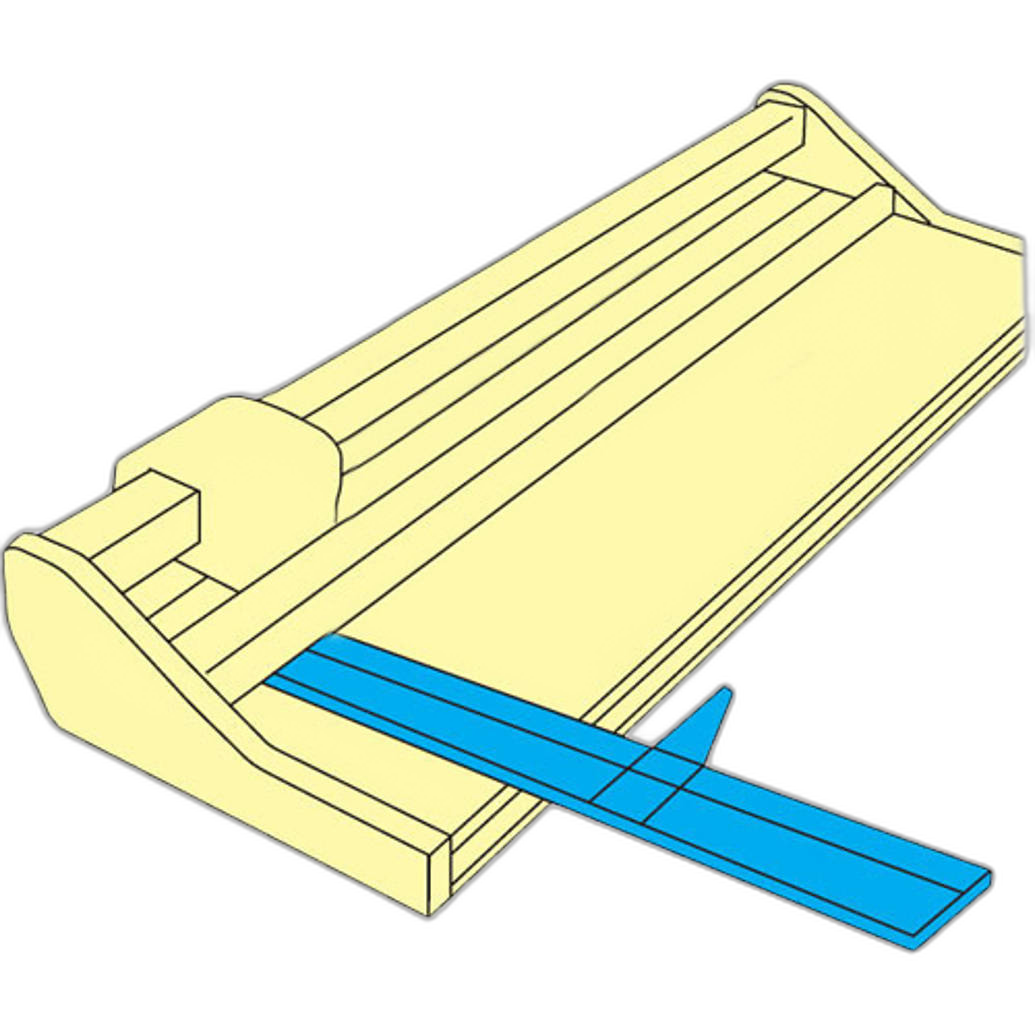
The Rotatrim 36 Rule Extension Technical can support precise setup when you need larger-format measuring accuracy for prints or display materials.
How can I make sure my edits do not violate contest rules?
Start by reading the editing section line by line. Some contests allow standard global adjustments such as exposure correction, white balance, contrast, sharpening, and dust-spot removal. Others restrict local adjustments, compositing, object removal, AI-generated content, or sky replacement. In wildlife, documentary, and photojournalism categories, the editing rules are often especially strict.
A good best practice is to keep your original RAW file and maintain an edit history. If a contest asks for proof of authenticity, being able to show the original capture and your workflow can be essential. If the rules are unclear about cloning, content-aware fill, or AI-assisted tools, assume caution and contact the organizer before submitting.
Should I keep the original RAW file and export versions?
Absolutely. Many contests reserve the right to request the original RAW file, an untouched JPEG, or layered edit files to verify compliance. Deleting or overwriting your originals can create unnecessary risk, especially for high-value competitions or juried exhibitions.
Organizing your files clearly also helps prevent accidental submission mistakes. Create separate folders for original captures, selects, edited masters, and contest-specific exports. Name your files carefully so you do not upload the wrong version at the last minute.
Can metadata, watermarks, or borders cause problems?
Yes. Some contests require metadata to remain intact, while others want all identifying information removed for blind judging. Watermarks, signatures, decorative borders, and branded frames are frequently prohibited unless explicitly allowed. Even subtle overlays can violate the rules.
Review the guidelines for anonymity, copyright information, and file naming. If the competition uses blind review, remove visible identifiers and make sure your file name does not include your personal or business name unless the rules say otherwise.
Does capture method matter when entering specialized categories?
It can matter a great deal. Nature, sports, portrait, street, and documentary contests may each have different expectations regarding lens choice, timing, subject interaction, and post-production. For example, a sports or wildlife image captured with a long telephoto lens may be ideal for certain categories, but the same contest may still enforce strict editing and authenticity standards.
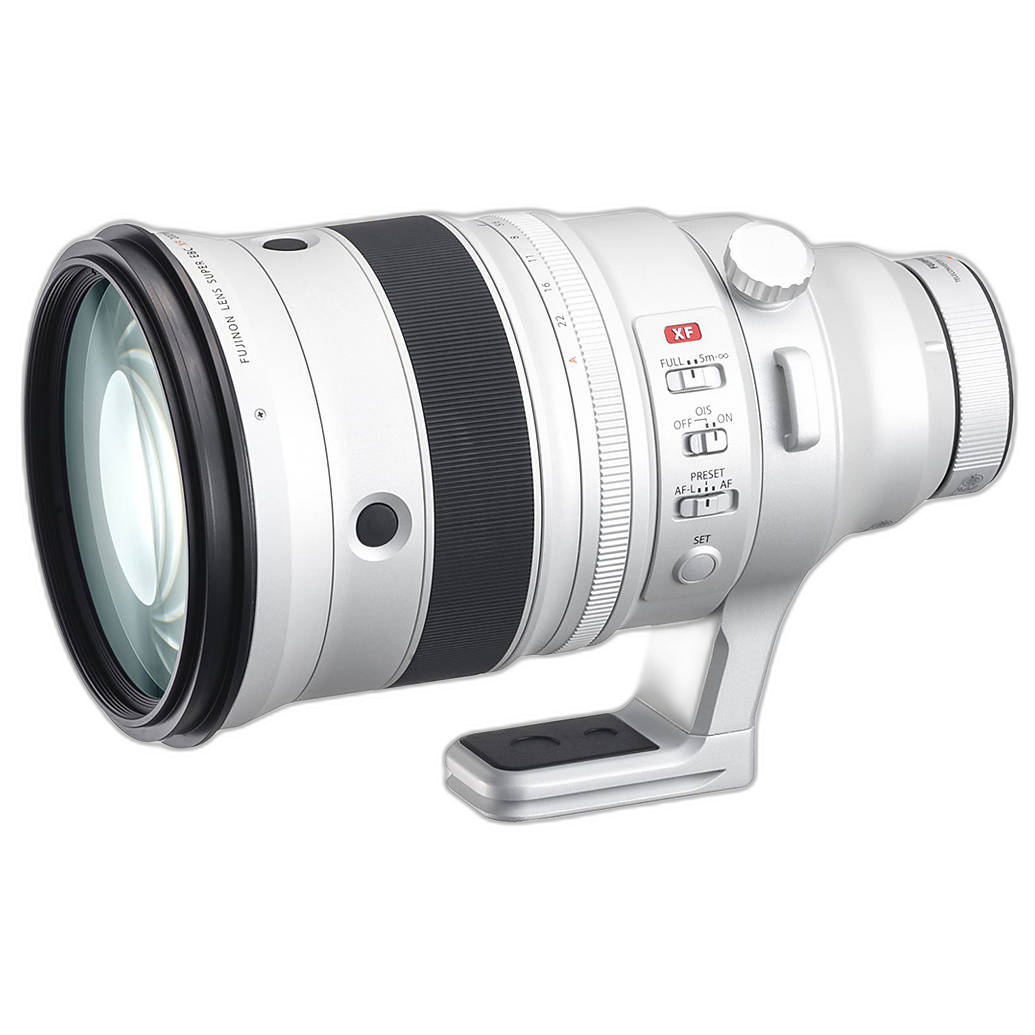
If you are building a contest-ready kit for action or wildlife work, the Fujifilm FUJINON XF 200mm f/2 R LM OIS WR Lens with XF1.4x Teleconverter offers impressive reach, speed, and optical quality for photographers who need crisp subject isolation and strong low-light performance.
What matters most, though, is that your final submission still fits the contest's file, category, and editing requirements.
What is the best way to prepare a contest submission from start to finish?
Use a checklist. First, confirm eligibility, deadline, category, and region restrictions. Next, verify the image was captured within any required date range. Then prepare the file to the exact aspect ratio, pixel dimensions, color space, and file size requested. Review whether the contest allows retouching, compositing, or AI tools. Finally, double-check the upload preview before pressing submit.
For photographers creating new work specifically for contests, a capable camera kit can make the process smoother by giving you high-quality source files with room for cropping and careful post-processing. The Canon EOS R7 Content Creator Kit is a versatile option for hybrid creators who want strong image quality and flexibility for a wide range of subject matter.
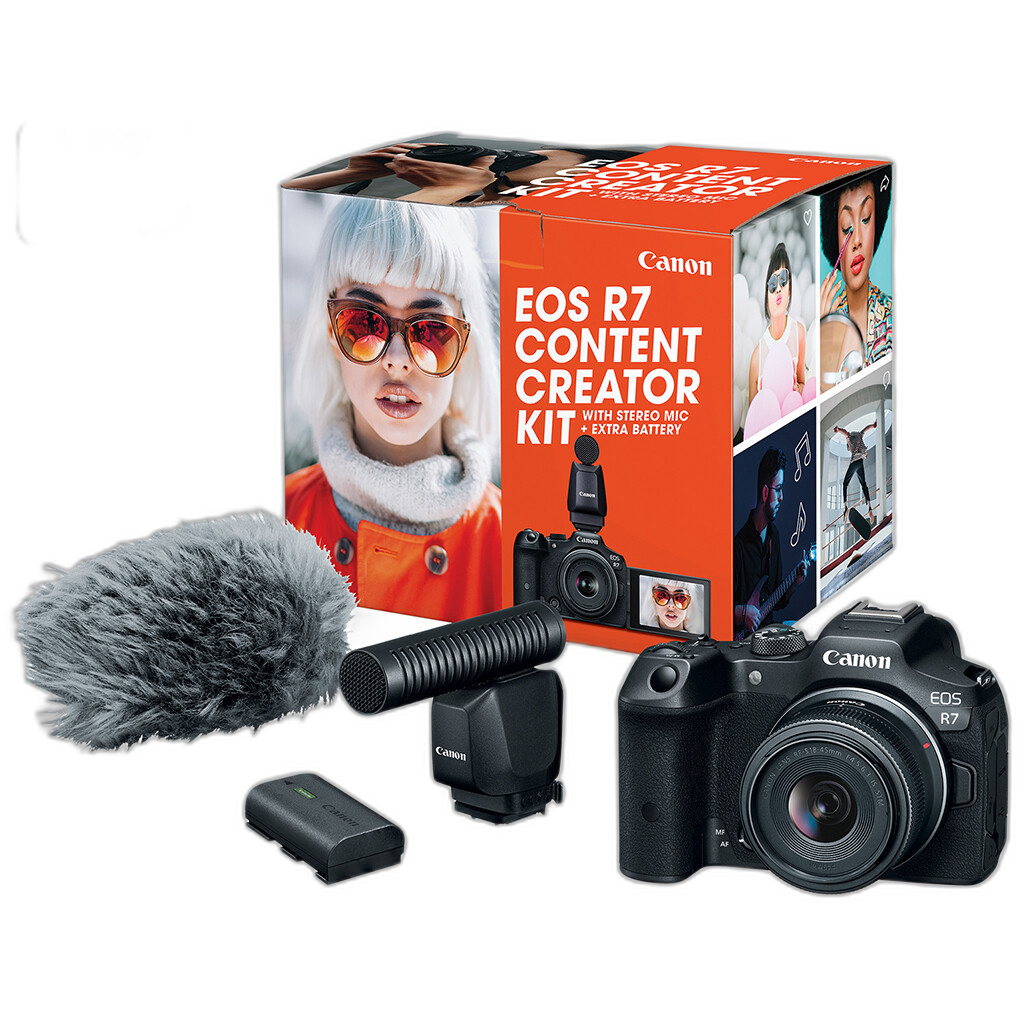
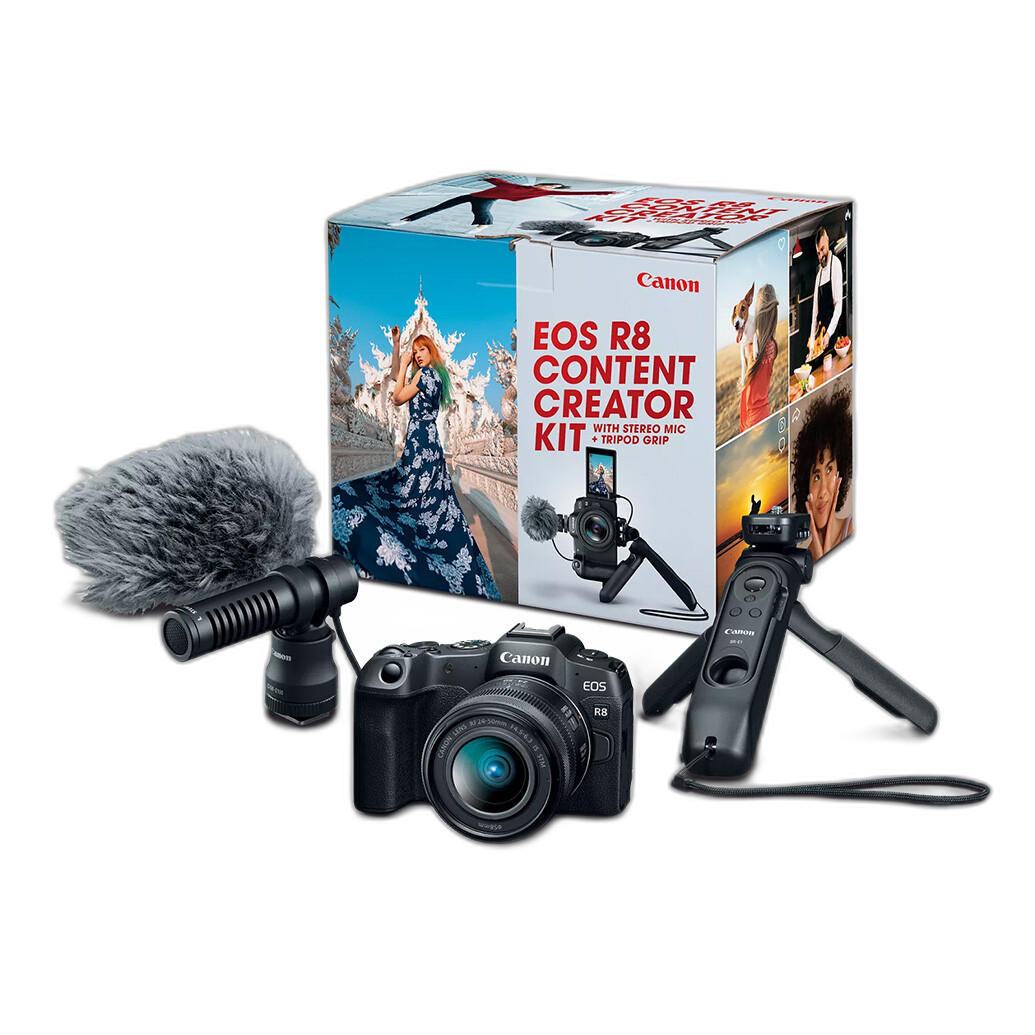
If you prefer a full-frame option for excellent image quality and low-light performance, the Canon EOS R8 Content Creator Kit is also worth considering for contest shooting and polished portfolio work.
Are there tools that help when reviewing submissions or live presentations?
In some cases, yes. If you are presenting your work remotely, reviewing content with collaborators, or preparing educational critiques before entering a competition, a connected monitor can streamline the workflow. Seeing your work on a dedicated display and sharing it clearly can help you catch framing, color, or export mistakes before submission.
The Atomos ZATO CONNECT 5-inch Network Connected Monitor and Encoder can be a useful addition for creators who want a more connected review and streaming workflow while evaluating entries or discussing edits with clients, peers, or instructors.

What should I do right before I hit submit?
Open the final file and compare it against the rules one last time. Confirm category, title, caption, aspect ratio, file size, export format, and whether metadata or watermarks are allowed. If the contest has a usage-rights clause, read it carefully so you understand how your image may be used after entry.
It is also smart to submit before the deadline day whenever possible. That gives you time to correct an upload error, replace a file, or resolve a technical issue without risking a missed entry.
Following contest rules does not limit your creativity; it protects your work and gives your image the best chance to be judged on its merits. If you are building a more reliable capture, editing, or print-prep workflow, Unique Photo can help you choose the right gear and accessories to support your next competition entry.