Online Photo Contest Submission FAQ: Editing, File Prep, and Presentation
Entering an online photography contest is about more than choosing a strong image. The way you edit, export, and present your file can influence how your work is perceived before a judge even considers the story, composition, or technical execution.
At Unique Photo, we recommend approaching contest prep with the same care you bring to shooting. A thoughtful workflow helps you stay within the rules, preserve image quality, and submit work that looks polished without feeling overworked.
How much should I edit my photos before submitting them to contests?
The best approach is to edit enough to strengthen the image, but not so much that the processing becomes the subject. Global adjustments such as exposure correction, white balance refinement, contrast control, highlight and shadow recovery, sharpening, and modest noise reduction are typically appropriate for most contests. Cropping is also common, provided the contest rules do not restrict it.
Where photographers sometimes run into trouble is with heavy retouching, aggressive compositing, object removal, or effects that change the scene beyond what the contest allows. Some competitions welcome digital art techniques, while others expect documentary-style authenticity. Always read the rules closely before you finalize your file.
If you want to improve your post-processing workflow before submitting, a class such as Unique Photo's Editing and Enhancing Landscape and Nature Photography with Photoshop can help you make stronger edits while keeping your images natural and competition-ready.

What file type should I submit for an online contest?
For online contests, JPEG is usually the safest and most widely accepted file format. It offers broad compatibility, manageable file sizes, and excellent image quality when exported carefully. Most judges are not expecting TIFF or RAW uploads unless the contest specifically requests them for verification or final-round review.
When exporting a JPEG, use high quality settings to avoid visible compression artifacts. Save in the color space requested by the contest; if nothing is specified, sRGB is usually the best choice for online viewing because it displays consistently across browsers and devices.
Keep your original RAW file and your fully layered edit archived. If your image advances, organizers may request a higher-resolution file or proof of capture, and having your originals properly stored can save you time and stress.
What resolution and image size do judges prefer?
Judges usually want a file that is large enough to show detail clearly, but not so large that it exceeds upload limits. Many online contests publish a preferred pixel dimension, such as a long edge between 2000 and 4000 pixels. If the rules specify exact dimensions, follow them precisely rather than guessing.
If there is no guidance, export a clean, high-quality JPEG with enough resolution to preserve fine detail on modern displays. Avoid excessive upscaling, which can make images look artificial, and avoid undersized files, which may appear soft or unimpressive when viewed full-screen.
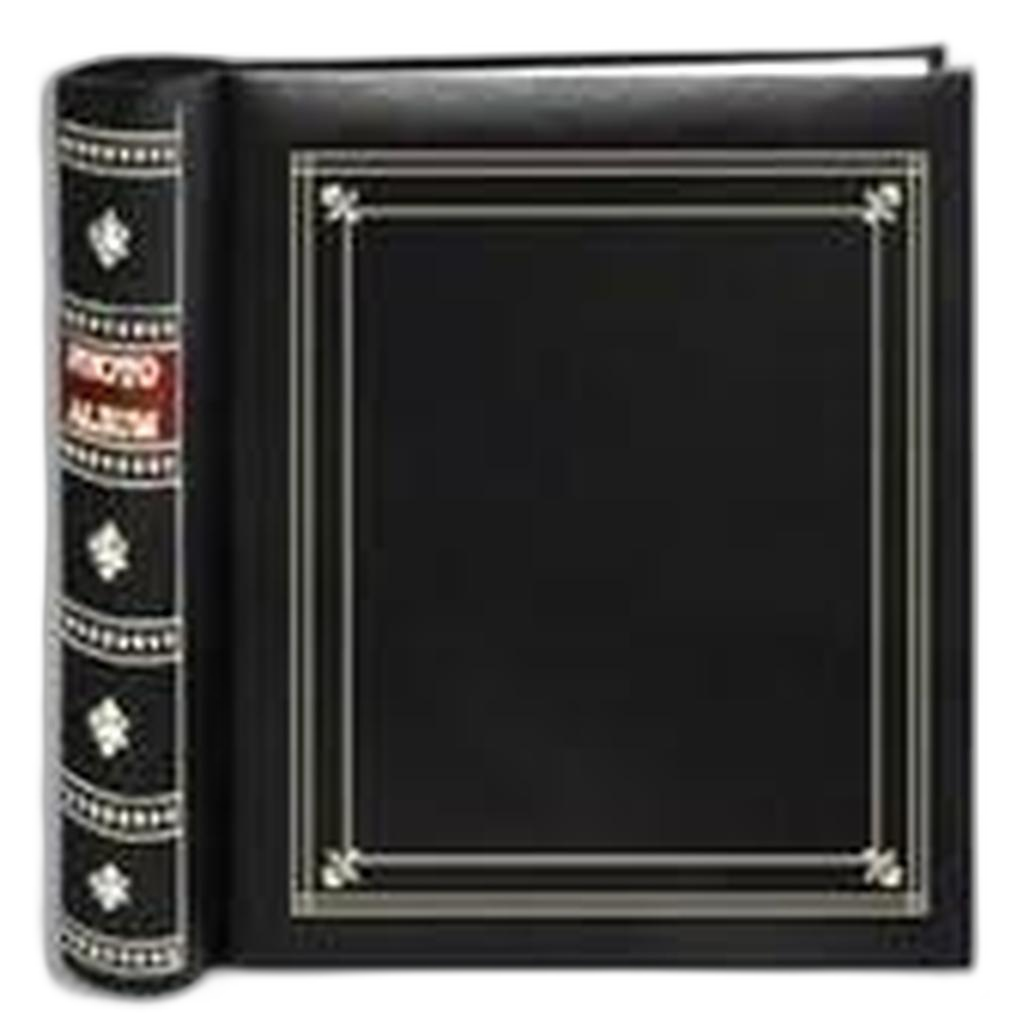
It is also smart to prepare multiple versions of your image: a full-resolution master, a contest-sized JPEG, and a backup version with the original crop intact. Good organization matters, especially if you submit to several contests over time. For photographers who like to keep printed references of their strongest frames and sequence ideas, a physical archive can still be useful during image selection. The Pioneer 4 x 6 In. Bi-Directional Memo Photo Album offers a practical way to review favorites away from the screen.
Should I submit color or black-and-white images?
Neither color nor black-and-white is automatically better. The right choice depends on what best serves the image. Color can strengthen atmosphere, realism, mood, or graphic impact. Black-and-white can simplify distracting scenes, emphasize shape and light, and add emotional weight when color is not essential to the story.
The important thing is intentionality. A black-and-white conversion should feel purposeful, with strong tonal separation and controlled contrast. A color image should have believable, well-managed hues rather than oversaturated tones that distract from the subject.
If the contest has separate categories for color and monochrome, evaluate your photo with those distinctions in mind. Sometimes the same image can work in both treatments, but usually one version will feel more convincing. Reviewing printed 4x6 proofs in an album can help you compare different edits objectively. A classic option for organizing alternate versions is the Pioneer 4 x 6 In. Embossed Leather Frame Photo Album.
Should I add a watermark to protect my work?
In most cases, no. Watermarks can distract judges, interfere with composition, and make an otherwise polished submission look less professional. Many contests explicitly ask entrants not to watermark images, and adding one when it is prohibited could lead to disqualification.
That does not mean copyright protection is unimportant. Instead of visible watermarks, rely on metadata, registration where appropriate, and careful reading of the contest terms and licensing language. Make sure you understand whether the organizer is asking only for display rights related to the competition or something broader.
If you are concerned about misuse, submit only the file size required by the contest rather than a much larger version. This gives judges what they need for review while limiting unnecessary distribution of a full-resolution master.
How should I choose the final image if I have several strong options?
Start by matching your image to the contest theme and category before thinking about technical perfection. A photograph that fits the brief clearly often performs better than a beautiful image that feels only loosely related to the prompt. After that, look for impact at first glance, clarity of subject, and emotional or visual staying power.
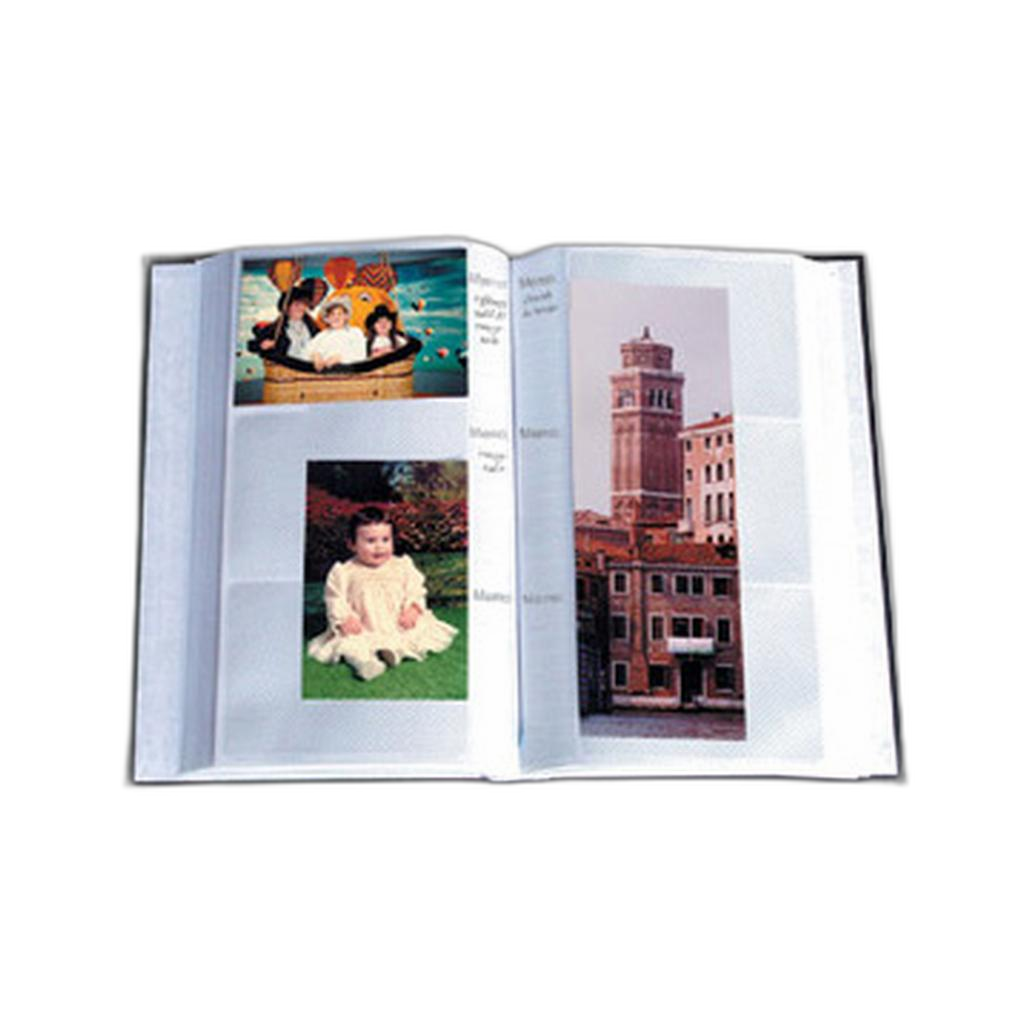
It also helps to step away from the screen and review your work in a different format. Printed proofs or small reference prints can reveal which image holds attention best over time. If you maintain a physical edit library, refill pages like the Pioneer Album Refill Pages for BP-200 Album can help you expand an existing selection system and keep contest candidates organized by theme, year, or genre.
What common mistakes hurt contest submissions?
Some of the most common problems are avoidable: oversharpening, heavy-handed HDR effects, muddy black-and-white conversions, poor cropping, color casts, visible sensor dust, and failing to follow file naming or sizing instructions. Another frequent mistake is ignoring category rules, especially around AI use, compositing, or documentary ethics.
Photographers also sometimes submit images that are technically strong but emotionally flat. A contest image should usually do more than demonstrate competence; it should communicate mood, timing, story, or a distinctive point of view.
Sharpening your eye through education can be just as valuable as improving your export settings. Unique Photo classes and events, such as Macro and Landscape Photography at Duke Farms with Michael Downey or EXPO: Stories from the Road - Photography Across Worlds, can help you refine both your image selection instincts and your visual storytelling.

Should I keep records of my submissions and edits?
Yes. A simple archive can make future submissions much easier. Keep track of the contest name, deadline, submitted category, file version, crop, caption, and whether the image has won or been published elsewhere. This is especially useful because many contests have restrictions on prior publication or repeat entries.
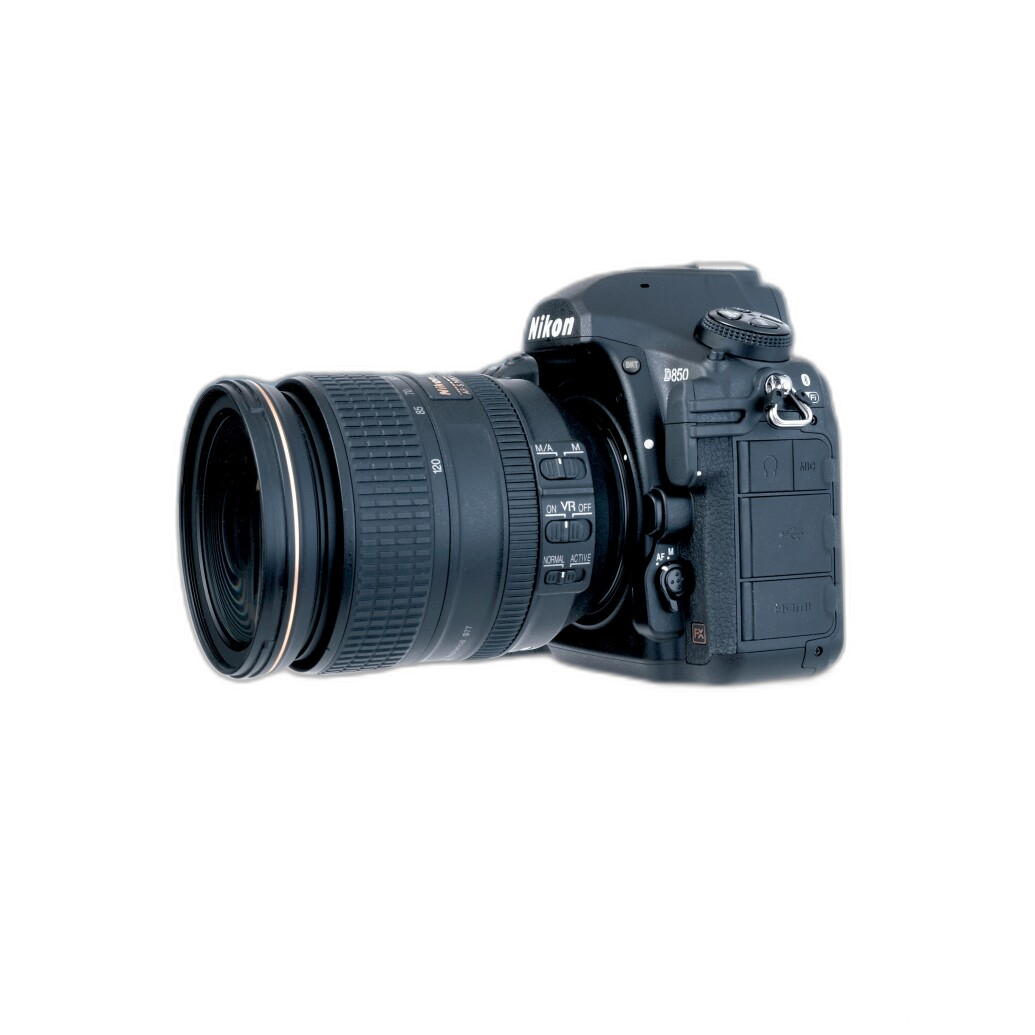
You should also save your original capture, edited master, and final exported file in clearly labeled folders. For camera-specific workflow guidance, educational resources such as the Nikon D850 Guide to Digital SLR Photography by David Busch can be helpful for photographers who want to get the most from high-resolution files before they reach the editing stage.
Do captions, titles, and metadata matter in online contests?
Absolutely. Even when judging is image-first, a sloppy title or incomplete metadata can leave the impression that the submission was rushed. Use a clear filename, provide only the caption information requested, and avoid overly dramatic titles unless they genuinely support the image.
If the contest asks for capture details, make sure they are accurate. If anonymity is required, remove identifying information as instructed. Following these details carefully shows professionalism and ensures your image is judged on its merits without avoidable administrative issues.
Preparing photos for online contests is a blend of creative judgment and technical discipline. Edit with restraint, export to the required specs, skip the watermark unless specifically allowed, and choose the version that best supports your subject and the contest theme. If you want help refining your workflow, building your portfolio, or improving your post-processing skills, Unique Photo offers classes, educational resources, and practical tools to help you submit your strongest work with confidence.