Lightroom Presets for Portrait Photography: Are They Worth It?
Lightroom presets can speed up portrait editing dramatically, but they are not magic one-click solutions. The best results come from understanding when a preset helps, when it needs adjustment, and how lighting, exposure, and skin tone all affect the final look.
If you are building a portrait workflow, presets can be a smart starting point for consistency and efficiency. At Unique Photo, we recommend treating presets as part of a bigger editing and shooting process that includes strong lighting, accurate exposure, and thoughtful retouching.
Are paid Lightroom presets worth it for portrait editing?
Paid presets can be worth it if they solve a real problem in your workflow. A well-designed portrait preset pack may give you a consistent starting point for skin tones, contrast, color grading, and black-and-white conversions, which is especially helpful if you edit large sets from portrait sessions, weddings, or headshots. The value is usually not in getting a finished image instantly, but in reducing repetitive adjustments and helping you maintain a recognizable style.
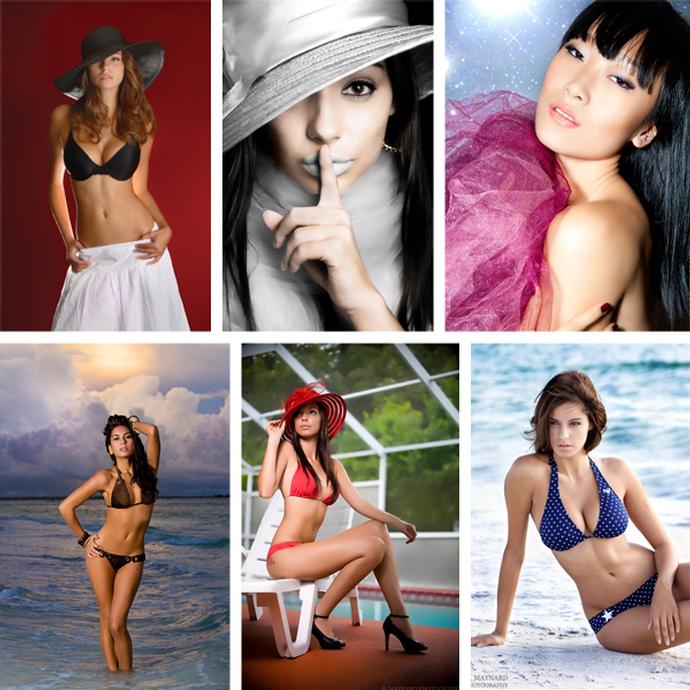
That said, paying for presets only makes sense if the underlying photos are already strong. If your lighting is harsh, white balance is off, or skin tones are inconsistent, even expensive presets will need significant correction. For photographers who want better portraits before they ever reach Lightroom, education can be more valuable than another preset pack. Unique Photo classes like Stunning Portraits Workshop with David Maynard and ExpoImaging can help you improve light, posing, and exposure so your edits start from a better file.
Likewise, Portrait Lighting Made Easy with Joel Grimes (Westcott) is a strong complement to any editing workflow because better lighting often reduces the need for heavy preset-based corrections.
Can free Lightroom presets look natural for portraits?
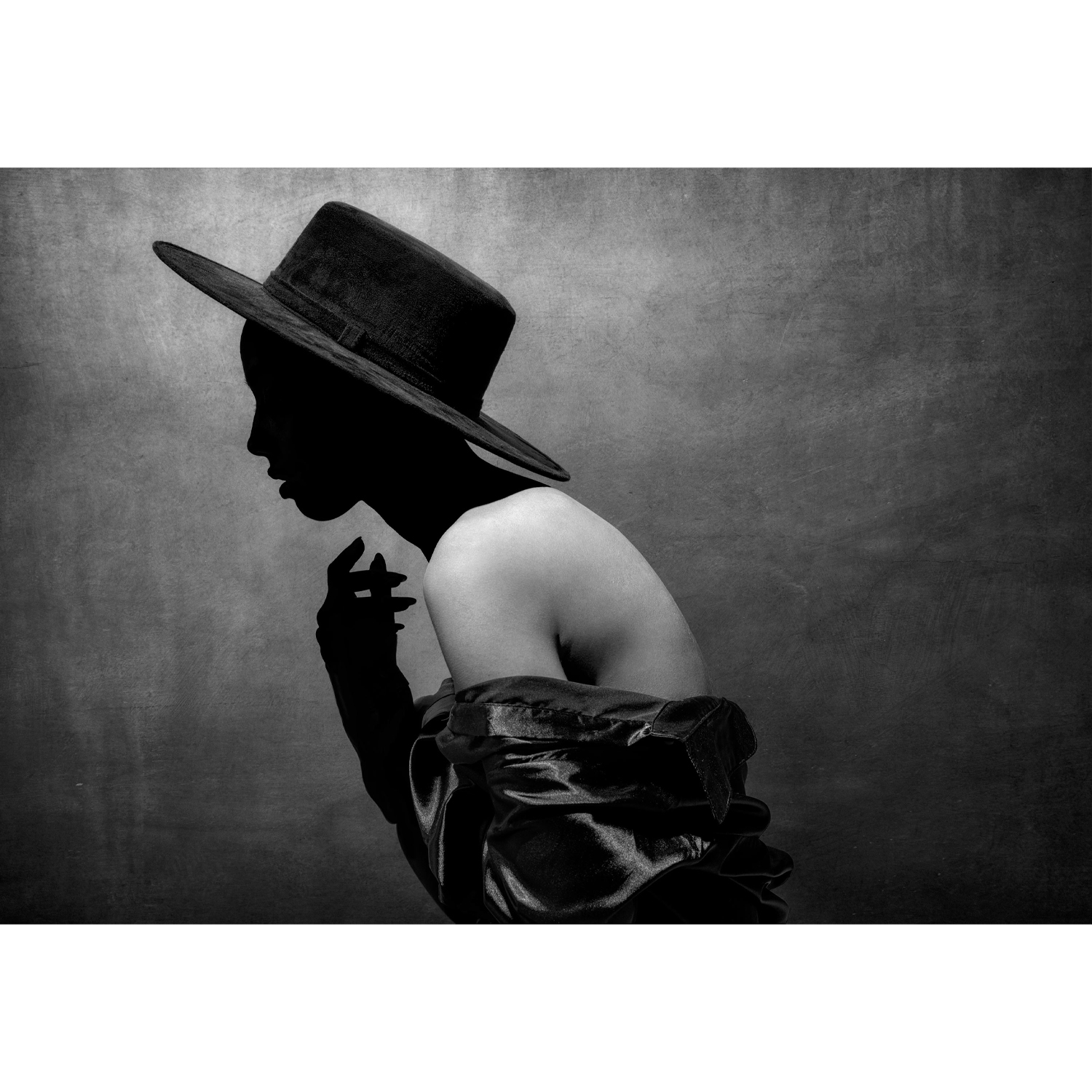
Yes, but you need to be selective. The most natural-looking free presets are usually subtle. They make restrained adjustments to exposure, contrast, tone curve, and color rather than pushing clarity, saturation, or split toning too far. Portraits tend to fall apart quickly when presets overemphasize orange skin, crush shadows, or add too much texture to faces.
A good test is to apply a preset and immediately check skin tone, whites of the eyes, background color, and shadow detail. If the image looks noticeably stylized before you make any edits, the preset may be too aggressive for general portrait work. Natural presets should preserve believable skin and simply move the file in a polished direction.
Free presets can be useful for learning, too. Applying one and then studying each slider can help newer photographers understand how contrast, HSL, and calibration choices influence a portrait. If you want to deepen your editing knowledge beyond presets, a post-production class such as Product Photography and Post Production Editing with Blake Taylor can reinforce core editing principles that transfer well to portrait workflows.

How much should I tweak a preset versus starting from scratch?
In most cases, you should expect to tweak a preset every time. Portrait files vary too much in lighting direction, camera profile, skin tone, wardrobe color, and background for any preset to work perfectly without adjustment. A practical approach is to use a preset as a base, then fine-tune exposure, white balance, highlights, shadows, and skin-related color channels to match the specific image.
Starting from scratch can be better when the image has unusual lighting, mixed color temperatures, or a creative goal that does not match your saved looks. But for many portrait photographers, presets save time on the repetitive first 70 to 80 percent of the edit. The final 20 to 30 percent is where personal judgment matters most.
Think of presets as templates, not finished recipes. The more you understand your own process, the more effectively you can decide when to use one and when to build the edit manually.
What makes a portrait preset pack actually good?
The best portrait preset packs do a few things well: they maintain realistic skin tones, offer flexibility across different lighting conditions, and avoid destructive default settings. A useful pack often includes options for soft color, clean black-and-white, warm natural light, studio flash, and lower-contrast edits for retouching-heavy work. It should also behave predictably across multiple images from the same session.
Look for presets that do not rely on extreme clarity, heavy dehaze, or dramatic color shifts. Those effects may look impressive in a sales demo but often become problematic on close-up portraits. Good portrait presets also leave room for local adjustments and retouching rather than trying to force every image into the same style.
Just as importantly, good presets are built on a strong understanding of light. If you want to improve that foundation, educational resources can be as valuable as any preset pack. Portrait Lighting Made Easy with Joel Grimes (Westcott) is especially relevant for portrait shooters who want cleaner files and more consistent edits.
Do presets help beginners, or do they slow down learning?
They can do either, depending on how you use them. For beginners, presets are helpful when they reduce overwhelm and reveal what an edited image can look like. They can speed up confidence-building and provide a visual reference for color and tone. However, relying on presets without understanding exposure, white balance, or color correction can slow long-term progress.
The best way to use presets as a beginner is to apply one, then inspect and adjust the settings manually. Over time, you will recognize what the preset is doing and build your own editing instincts. If you pair that learning with hands-on portrait instruction, your results improve much faster. Unique Photo workshops like Stunning Portraits Workshop with David Maynard and ExpoImaging can help newer photographers connect in-camera technique with post-production decisions.
Why do presets look great on one portrait and terrible on another?
This usually comes down to differences in the original file. Presets respond to the data already in the image, so changes in white balance, exposure, camera brand, lens contrast, lighting quality, and background color can all alter the result. A preset designed around soft window light may look completely different on a portrait shot under mixed indoor lighting or hard midday sun.
Camera profiles also matter. If two photographers use the same preset on different cameras, the colors may not match closely at all. Even within the same camera system, variations in skin tone, makeup, clothing, and environment can change the effectiveness of a preset. That is why professional editors usually build a workflow around repeatable shooting conditions first, then use presets to streamline consistent batches.
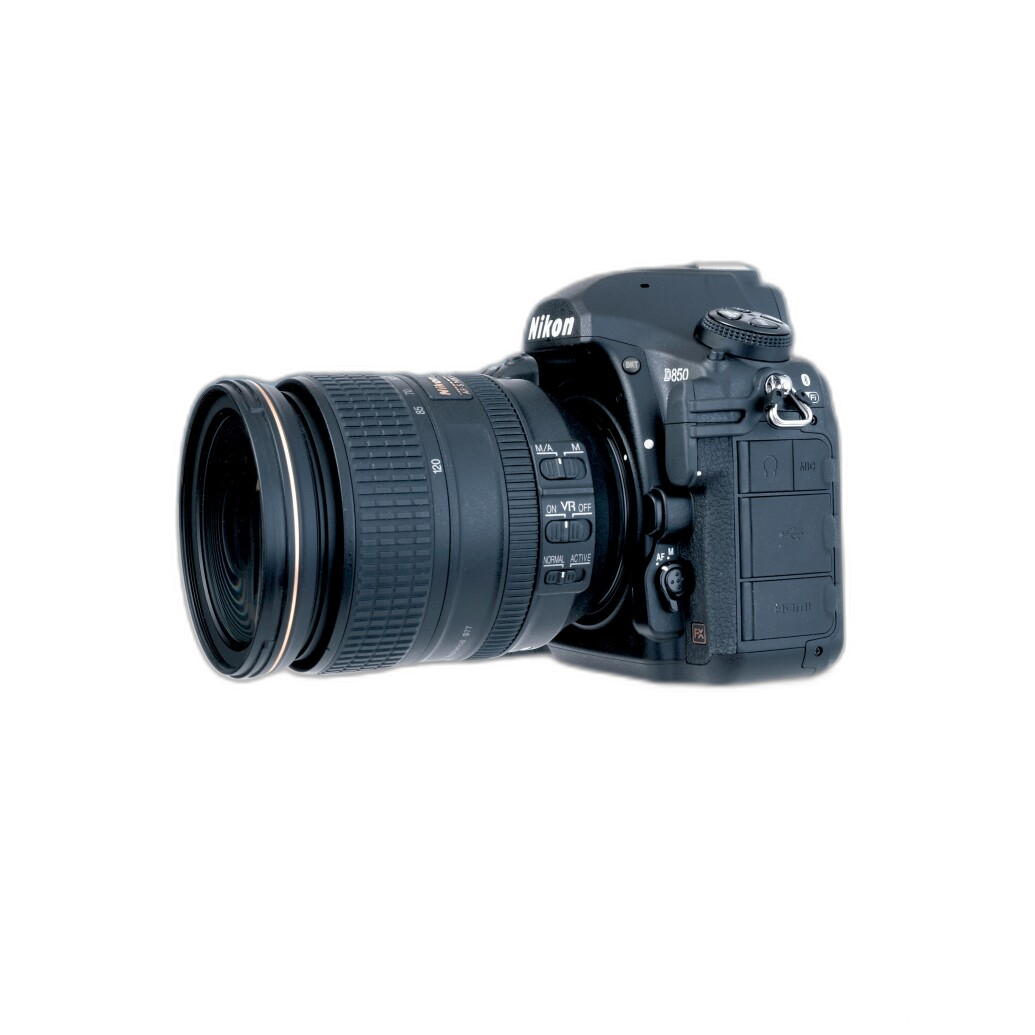
For DSLR users who want to understand their camera more deeply before refining their Lightroom workflow, a guide like the Nikon D850 Guide to Digital SLR Photography by David Busch can help connect capture settings to editing outcomes.
Should portrait photographers build their own presets?
Yes, especially once you have edited enough sessions to recognize your preferences. Building your own presets is often the best way to create a repeatable look that matches your camera, lighting style, and client expectations. You do not need to save every possible adjustment, either. Many photographers create partial presets for tone, color, black-and-white conversion, or soft proofing, then combine them as needed.
Custom presets are particularly useful for photographers who regularly shoot in the same studio setup or with the same natural light conditions. They can speed up culling and first-pass edits while keeping your work consistent. If you are not ready to build full presets yet, start by saving a few favorite adjustments and refining them over time.
Are presets enough to create professional-looking portraits?
No. Presets can enhance a good portrait, but they cannot replace strong fundamentals. Professional-looking portraits come from a combination of flattering light, clean composition, intentional posing, lens choice, and careful editing. If the capture is weak, presets may only disguise problems temporarily rather than solve them.
That is why many photographers get more value from improving their shooting and editing knowledge together. Unique Photo offers educational options that can support both sides of the process, from portrait-focused instruction to broader editing classes. The combination of stronger capture technique and a smart preset workflow is what delivers polished, repeatable results.
Whether you are experimenting with free Lightroom presets or deciding if a paid pack fits your workflow, the key is to use presets as tools rather than shortcuts. Explore classes, workshops, and learning resources at Unique Photo to sharpen both your portrait technique and your editing process so every preset works harder for you.