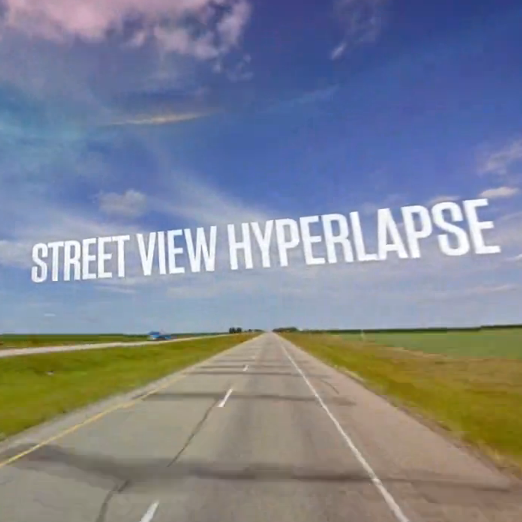
Before we delve into this amazing free tool for your browser, let's get one thing clear: hyperlapses are hard. They're essentially time lapse videos, except the camera moves great distances in between shots to create epic video pieces (more on hyperlapses here). Now, though, a crack team of software developers have utilized Google Street View to create these hyperlapses from the comfort of your office chair, couch, tree stump, or whatever else you happen to be sitting on at the moment. Using some sort of code that goes far beyond my programming knowledge (of nothing), you can now plug in an address, drag an "A" and "B" pointer to two different spots, and create a moving hyperlapse of your own using Street View.
Admittedly, you can't adjust such important variables as frame rate and camera angle without going into the source code, but I'm holding out hope that these developers will start taking donations to fund a more controllable version of the plugin. Also, the Google watermarks are literally everywhere on the images; how did they get them out of their video? If these issues are sorted, this could be a pretty powerful tool not only for personal work but commercial endeavors as well.
Click here to make your own. Post what you create in the comments, we'd like to see what you come up with!