Photo competitions can be inspiring, career-building, and occasionally confusing—especially when it comes to editing rules. If you've ever wondered whether basic color correction is acceptable, if sky replacement crosses the line, or how to prepare a competition-ready print that stays true to the spirit of the category, this guide is for you. While every contest has its own rulebook, there are a few consistent principles: disclose what matters, preserve credibility, and present your work as accurately and professionally as possible. This buying guide is for photographers who want to enter contests with confidence, evaluate their edits carefully, and prepare polished submissions for print judging or portfolio review.
To help, we’ve paired practical competition advice with a few useful products from Unique Photo that support honest presentation, strong craftsmanship, and clean final output.
Understanding What "Allowed Editing" Usually Means
Most photo competitions divide editing into three broad levels:
- Basic global adjustments: Exposure, white balance, contrast, sharpening, noise reduction, and color correction are usually allowed.
- Moderate retouching: Cropping, dust spot removal, minor dodging and burning, and subtle local adjustments may be allowed depending on the category.
- Manipulation or compositing: Adding or removing subjects, replacing skies, combining frames, AI-generated content, or extensive retouching is often restricted unless the category explicitly permits it.
The key is context. A fine art or open category may welcome heavy creative editing. A documentary, photojournalism, wildlife, or nature category often expects the image content to remain fundamentally truthful. Before entering, read the rules line by line and assume nothing.
How to Judge Your Own Edit Before You Submit
A smart way to evaluate an image is to ask three questions:
- Does the edit change the factual content of the scene?
- Would I be comfortable explaining every edit to a judge?
- Does this version still match the category’s intent?
If your answer to any of those gives you pause, revisit the rules. Many disqualifications happen not because the image is bad, but because the photographer assumed a common workflow was universally acceptable.
Printing your work can also reveal overediting. Halos, oversharpening, unnatural saturation, and heavy noise reduction often look more obvious on paper than on a monitor. That’s why print review is one of the best ethics checks you can do before entering a competition.
Our Pick
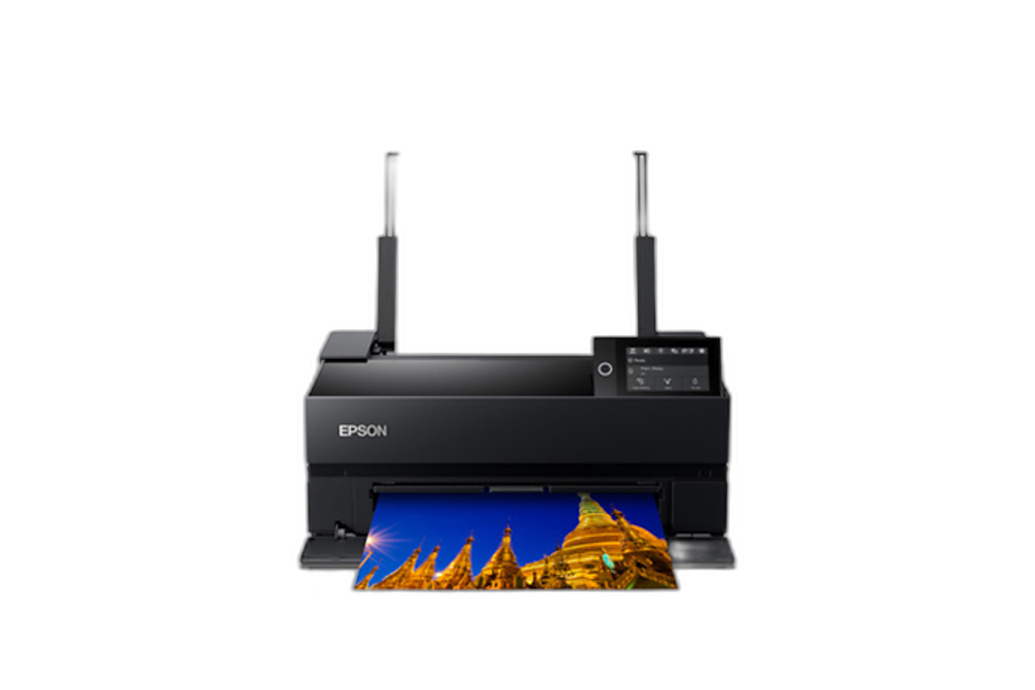
Epson Surecolor P700 13-Inch Standard Edition Printer is our pick for most competition photographers. It gives you a practical way to review your images in print, catch overprocessing before submission, and prepare polished entries for contests that accept or require physical prints. For many photographers, 13-inch printing hits the sweet spot between professional output and manageable studio footprint.
Best Products for Competition-Ready, Ethical Presentation
Epson Surecolor P700 13-Inch Standard Edition Printer
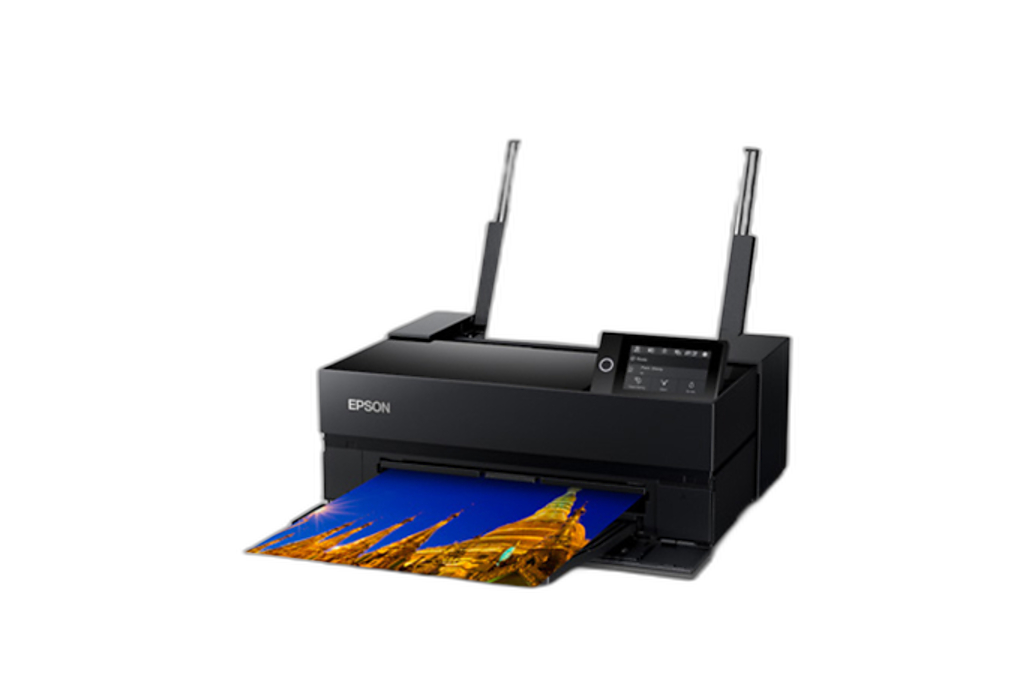
If you want to check whether your edits hold up in the real world, a dedicated photo printer is one of the best tools you can buy. The Epson P700 is ideal for photographers entering local salons, club competitions, portfolio reviews, and print-based juried shows. It helps you see whether your contrast is too aggressive, your shadows block up, or your skin tones and colors drift beyond what feels credible.
Best for: Serious enthusiasts and advanced hobbyists who want competition-ready prints at home.
Why it fits this guide: Ethical competition editing is not just about what software lets you do—it’s about how honestly and professionally the final image presents. Printing is a reality check.
Epson Surecolor P900 17-Inch Standard Edition Printer
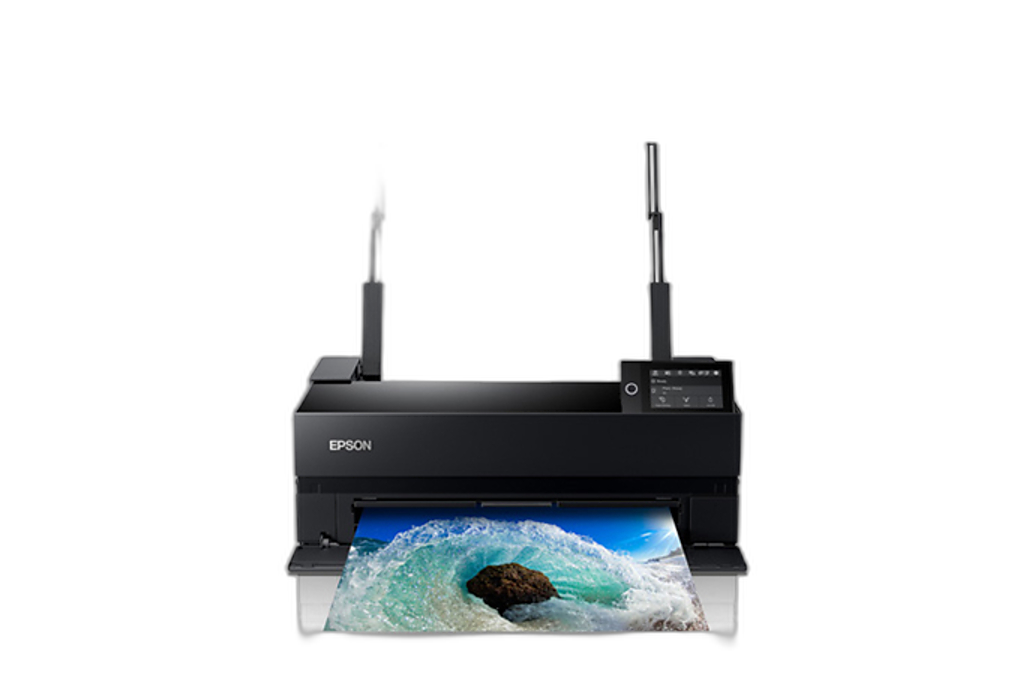
If you regularly enter exhibitions, larger print competitions, or gallery-style juried calls, the Epson P900 gives you more flexibility for presentation size. Larger prints can make subtle tonality and fine detail stand out, but they also expose sloppy retouching and heavy-handed edits. That makes the P900 a strong tool for photographers who want to refine both their technique and their competition workflow.
Best for: Advanced photographers, fine art entrants, and anyone preparing larger presentation prints.
Why it fits this guide: Bigger prints make it easier to evaluate whether your editing enhances the image or distracts from it.
Used Epson Surecolor P700 13-Inch Standard Edition Printer - Excellent Condition
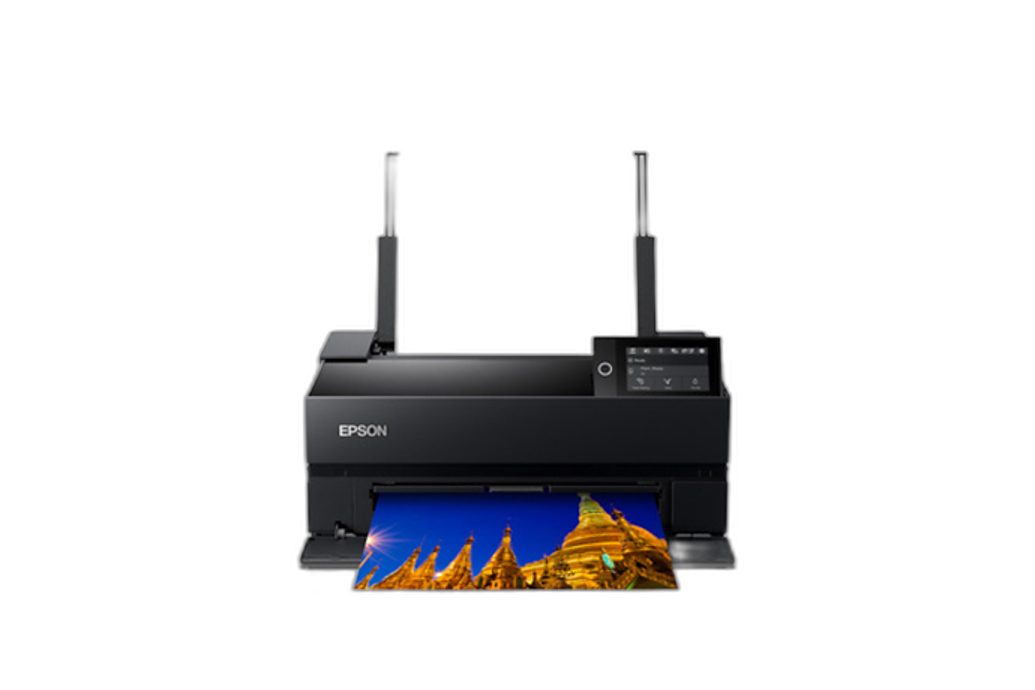
If you're building a competition workflow on a tighter budget, a used P700 can be a smart way to start printing your own entries without compromising too much on output quality. It’s especially useful for photographers who are transitioning from social-media-first editing to more disciplined contest submission standards.
Best for: Budget-conscious competitors and first-time print entrants.
Why it fits this guide: It lowers the barrier to doing test prints, which is one of the easiest ways to catch edits that feel overcooked.
Hahnemuehle Photo Rag Ultra Smooth 305gsm 64x39 Roll 3 inch core
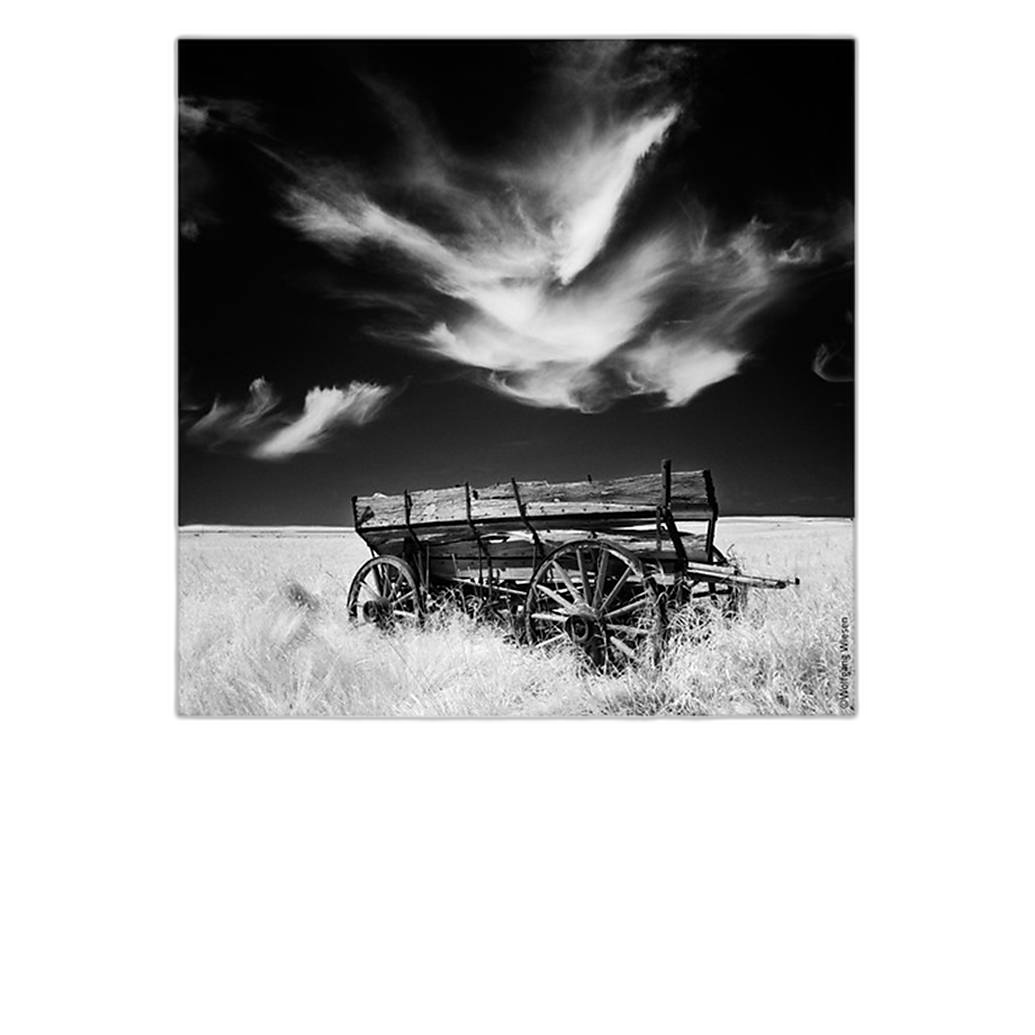
Paper choice matters in competitions. A premium fine art paper like Hahnemuehle Photo Rag Ultra Smooth can elevate presentation while preserving subtle tonal transitions and clean detail. That’s especially important for monochrome work, portraiture, and nature images where judges are looking closely at craftsmanship. Good paper won’t make an ethically questionable edit acceptable, but it will help a carefully processed image look its best.
Best for: Fine art, monochrome, portrait, and gallery-oriented competition entries.
Why it fits this guide: Professional presentation supports the credibility of your work and ensures the final print reflects your intended look.
The Enthusiasts Guide to Composition by Khara Plicanic
One of the best ways to avoid overediting is to strengthen what happens in-camera. Better composition reduces the temptation to rely on heavy crops, aggressive cleanup, or dramatic post-production fixes just to make an image work. This book is a great reminder that strong competition images often begin with visual discipline rather than software tricks.
Best for: Photographers who want stronger submissions with less dependence on manipulation.
Why it fits this guide: Ethics in editing often start with confidence in your capture.
Rotatrim 24 Rule Extension Professional Series
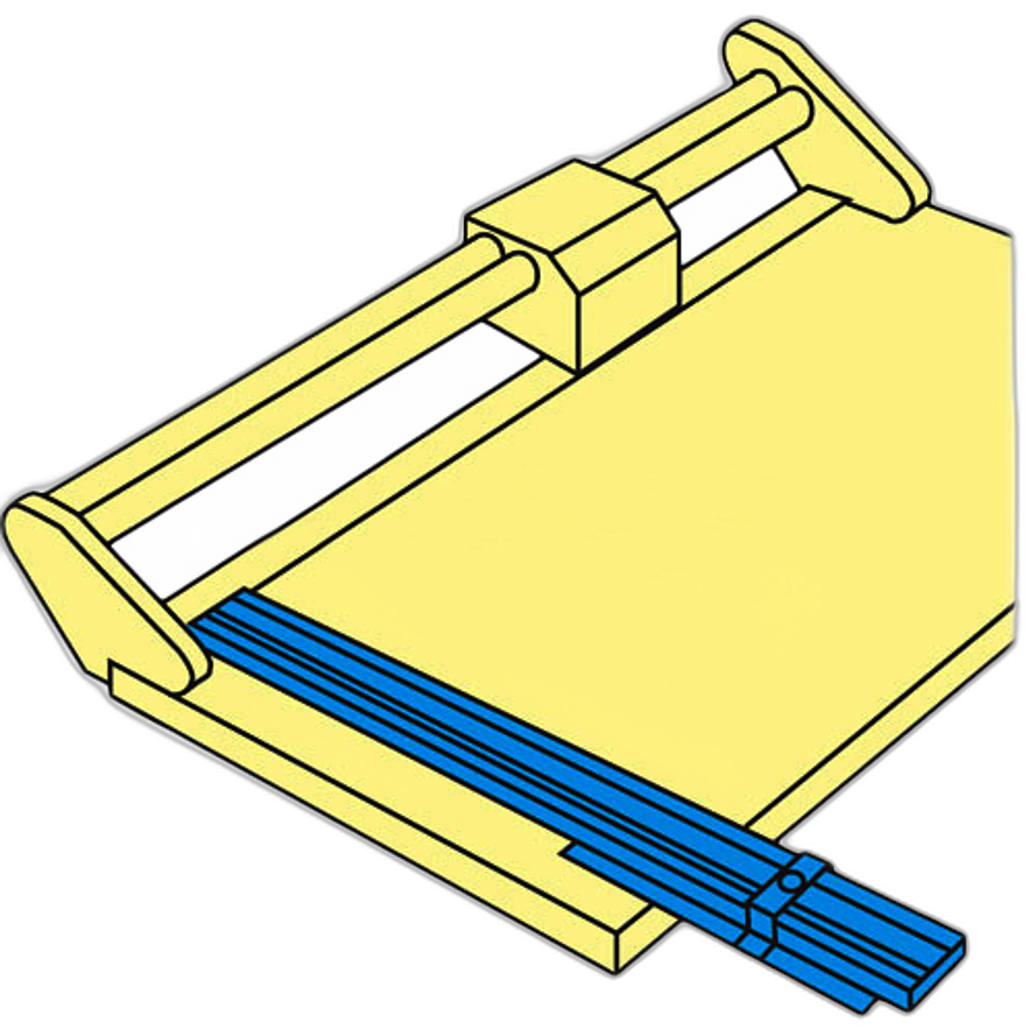
For print competitions, clean trimming and presentation matter. This Rotatrim rule extension supports accurate finishing when preparing mounted or trimmed prints. It’s not glamorous, but details like square edges and consistent borders can improve how professional your entry feels.
Best for: Photographers preparing smaller print entries or portfolio pieces.
Rotatrim 36 Rule Extension Professional Series
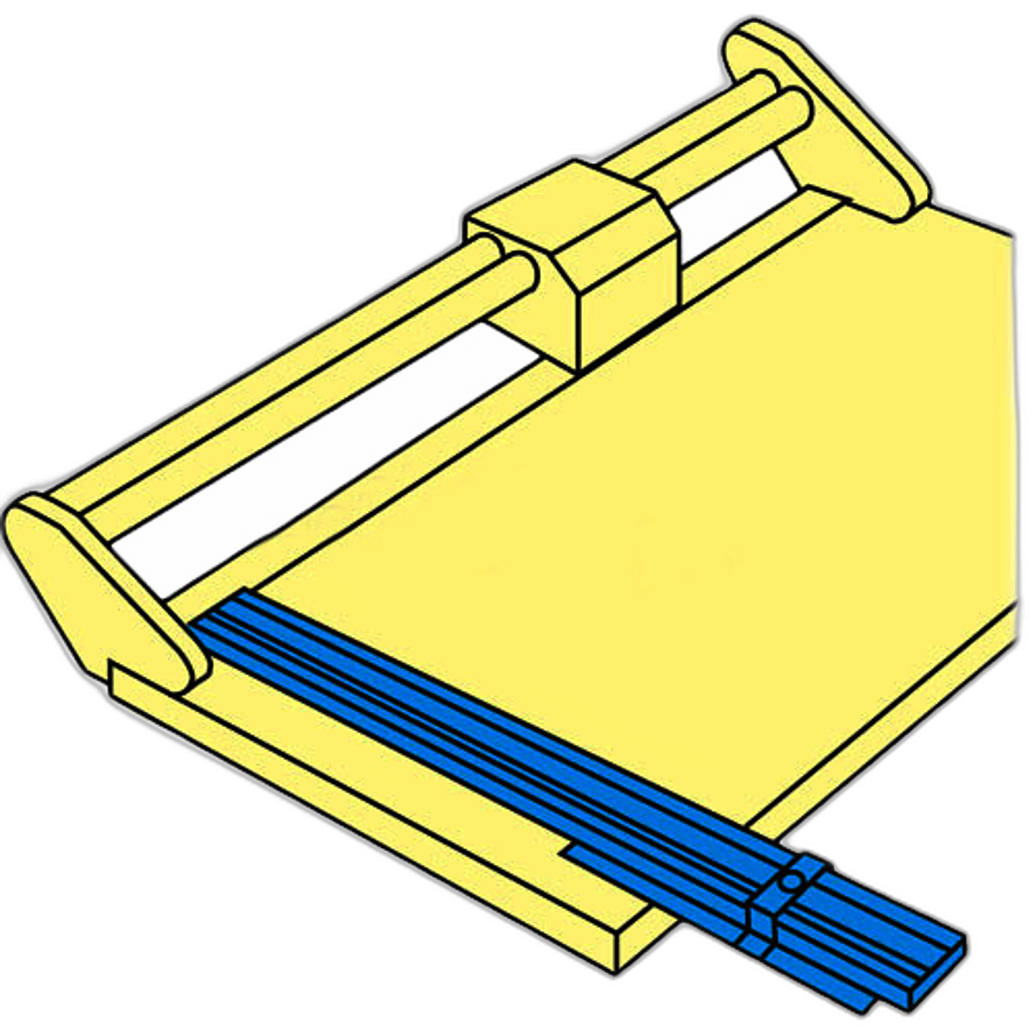
If you work with larger prints, this professional-series extension gives you more support for precise finishing. It’s useful when your competition workflow includes custom trimming or presentation prep at home.
Best for: Larger competition prints and exhibition prep.
Rotatrim 36 Rule Extension Technical
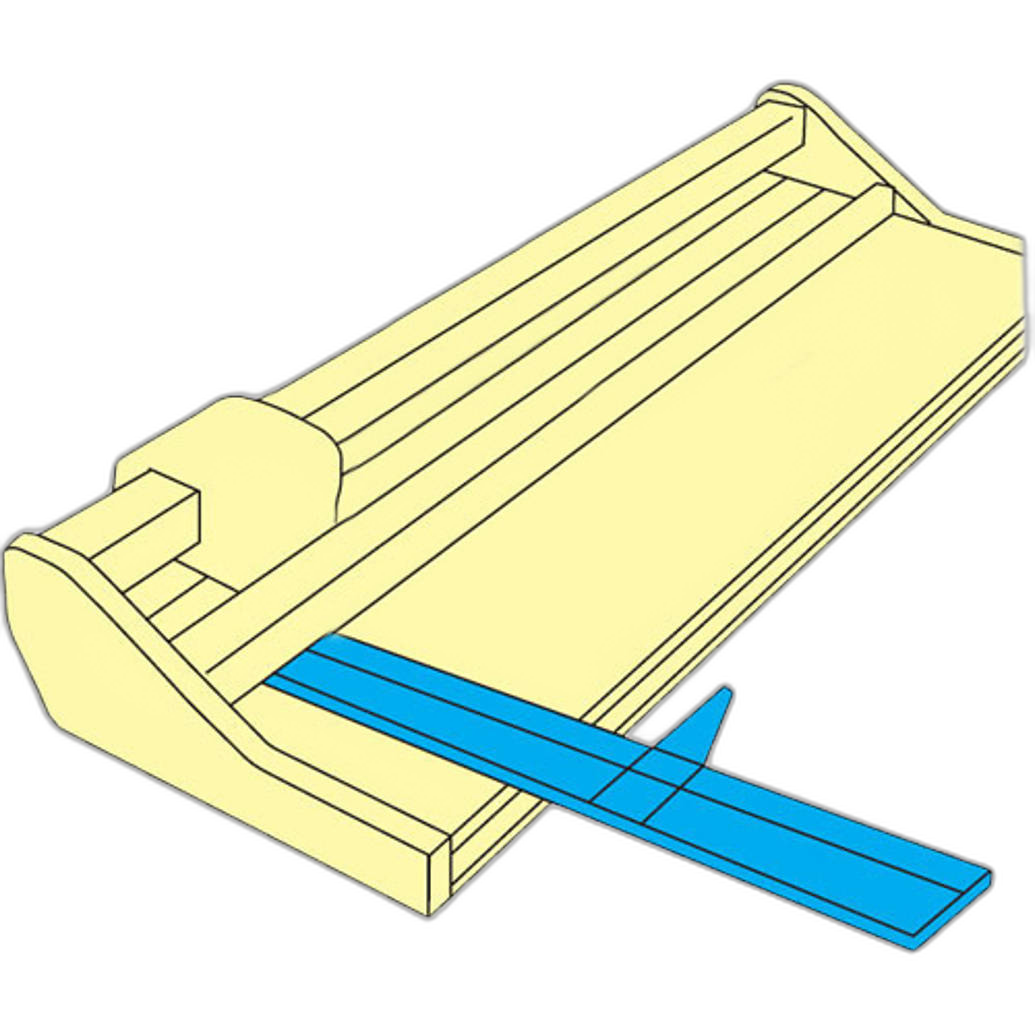
This option serves a similar role for photographers who need added support in the finishing stage. Clean presentation won’t override contest rules, but it does show care and professionalism—two qualities judges notice.
Printer Comparison for Competition Workflows
| Product | Best For | Why It Helps With Competition Entries |
|---|---|---|
| Epson Surecolor P700 | Most photographers entering print competitions | Excellent home print review, manageable size, strong balance of quality and convenience |
| Epson Surecolor P900 | Larger exhibition and fine art submissions | Supports larger prints that reveal detail, tonality, and editing issues more clearly |
| Used Epson Surecolor P700 | Budget-minded entrants | Makes test printing more accessible for first-time competitors |
Common Competition Editing Mistakes to Avoid
- Assuming social media editing standards apply to juried contests
- Removing distracting elements in documentary or nature categories
- Overusing clarity, saturation, HDR effects, or AI tools
- Failing to keep the original RAW file or edit history
- Ignoring print review before submission
- Submitting to the wrong category for the level of manipulation used
What to Do Before You Enter
Before you upload or print your final file, do this checklist:
- Read the rules for the exact category.
- Confirm whether compositing, object removal, or AI tools are allowed.
- Keep your RAW file and layered edits in case the contest requests proof.
- Make a test print to check realism, detail, and overall finish.
- Choose paper and presentation that match the image style.
- When in doubt, disclose your process or contact the organizer.
Conclusion
How much editing is allowed in photo competitions depends on the contest—but honesty, category fit, and professional presentation always matter. For most photographers, the safest and smartest approach is simple: make strong foundational edits, avoid changing the factual content unless the category allows it, and review your work in print before submitting. If you’re building a reliable competition workflow, the Epson Surecolor P700 is our top recommendation, while the P900 is an excellent step up for larger exhibition prints. For paper, finishing tools, and educational resources that help you present your work with confidence, Unique Photo is a great place to start.