Editing Workflow for Feature Photography: Pro FAQ on Consistency & Delivery
Long-form features and photo essays demand an editing workflow that’s organized, consistent, and publication-ready. At Unique Photo, we help photographers build repeatable systems—from ingest to export—that keep stories cohesive and editors happy.
1) What software should I use to organize large numbers of images for a feature project?
Most pros lean on a combination: a fast culling app plus a catalog-based editor. A common pairing is Photo Mechanic for lightning-fast selects and Adobe Lightroom Classic or Capture One for cataloging, developing, and output. Bridge can work if you prefer a file-browser approach. Whichever you choose, stay consistent across the project and standardize keywords, color labels, and collections/albums per chapter or scene. For smooth ingest, a reliable high-speed reader helps—our Lexar Professional Workflow Dual-Slot SD UHS-II Reader (LRD1116) is a staple for large imports and dual-card workflows.
2) How should I design my import, file naming, and folder structure?
Use a project-first structure so everything stays grouped as the story evolves. A proven approach:
- Folders: ProjectName/01_Capture/2026-05-12_Location_Subject
- File renaming on import: ProjectCode_Date_Sequence (e.g., RIVER_20260512_####)
- Apply metadata presets: creator, copyright, contact, project keywords
- Add color labels or keywords for sequences (e.g., “Prologue,” “Interview A,” “Night Ext.”)
- Back up on import to a second drive (and verify). Keep sidecar/XMP files with RAWs if not using a catalog.
Hardware tip: Ingest from both cards simultaneously with a dual-slot reader to cut waiting time and reduce bottlenecks on big days.
3) What’s the best way to maintain a consistent look across a series?
Start with color management, then build a base adjustment set:
- Calibrate your display and stick to consistent ambient lighting.
- Shoot a gray card or color target in each lighting scenario; set one custom white balance per scene.
- Create a baseline preset: profile/curve, white balance, contrast, midtone shaping, gentle color palette, and lens corrections.
- Sync in batches by scene, not across the whole project. Fine-tune locally after syncing.
- Use a reference image panel: pin 3–5 “hero” frames and match others against them.
Want to sharpen tonal and color control? Our class, Editing and Enhancing Landscape and Nature Photography with Photoshop, dives deep into selective contrast, color harmonies, and natural-looking detail work.

For color-critical sets (products, environments with mixed light), techniques from Product Photography and Post Production Editing with Blake Taylor translate perfectly to feature consistency—precise color, controlled contrast, and repeatable retouching.

4) Should I use selective color grading to emphasize the story?
Yes—selectively and ethically. For narrative/editorial features, subtle local adjustments (dodging, burning, gentle hue shifts) can guide the eye without misrepresenting reality. For strict journalism, keep transformations minimal and globally consistent. Favor:
- Local contrast and exposure shaping over heavy color shifts
- Small HSL nudges to unify mixed lighting
- Radial and linear masks to lead attention, not rewrite the scene
Looking to strengthen visual storytelling decisions? Join EXPO: Stories from the Road - Photography Across Worlds with Matt Borowick for perspective on how processing choices support narrative flow.
5) How do I build a custom look (preset) without over-processing?
Create it from representative scenes, not a single image. Steps:
- Pick 10–12 frames spanning key lighting conditions.
- Develop to a quiet baseline: neutral-to-gentle curve, balanced color, controlled highlights.
- Add subtle signature elements (slight color harmony in mids, soft roll-off in highlights).
- Save as a preset with only the relevant checkboxes (avoid syncing crop, spot removal, or aggressive local masks).
- Version it by scenario (Day, Tungsten, Mixed, Night). Name clearly and date it.
Apply, then refine per sequence. Keep a “Reset + Baseline” snapshot so you can revert quickly if the look drifts.
6) Any tips for exporting images for online feature submission and portfolios?
Editors want clean, consistent files with complete metadata. A safe default set:
- Color space: sRGB (unless your editor requests Adobe RGB)
- Resolution: 2500–3500 px on the long edge for online; keep a separate 4000–6000 px set for print
- Format: JPEG, Quality 80–92 (balance sharpness/size)
- Output sharpening: Screen – Low/Standard
- Metadata: Include copyright, contact, caption, location, and usage terms
- File names: Keep your project code + sequence order (e.g., RIVER_01_Prologue_####)
Deliver a tight edit first (12–25 images) plus an optional extended set. If a publication has a spec sheet, make a preset that matches it exactly so every submission is consistent.
7) How do I handle black‑and‑white sets consistently?
Think tonality first, grain second. Convert with a filmic or neutral profile, then shape your midtones and highlights before adding grain. Build a B&W base preset with:
- Profile/curve that preserves highlight detail
- Moderate global contrast, then local dodging/burning for depth
- Unified grain settings appropriate to output size
If you’re exploring a classic B&W aesthetic, our Film Lovers Event: Intro to Film Photography (Philly) offers a great foundation in tonal relationships that translate beautifully to digital conversions.

8) What capture decisions make post-production easier for long-form features?
Consistency starts in-camera:
- Use a single picture profile (neutral/flat) and set custom white balance by scene.
- Expose for highlight retention; keep ISO consistent within a sequence when possible.
- Synchronize camera clocks across bodies; log locations and subjects with voice notes or captions.
- Shoot a quick gray card at each lighting change as a color anchor for editing.
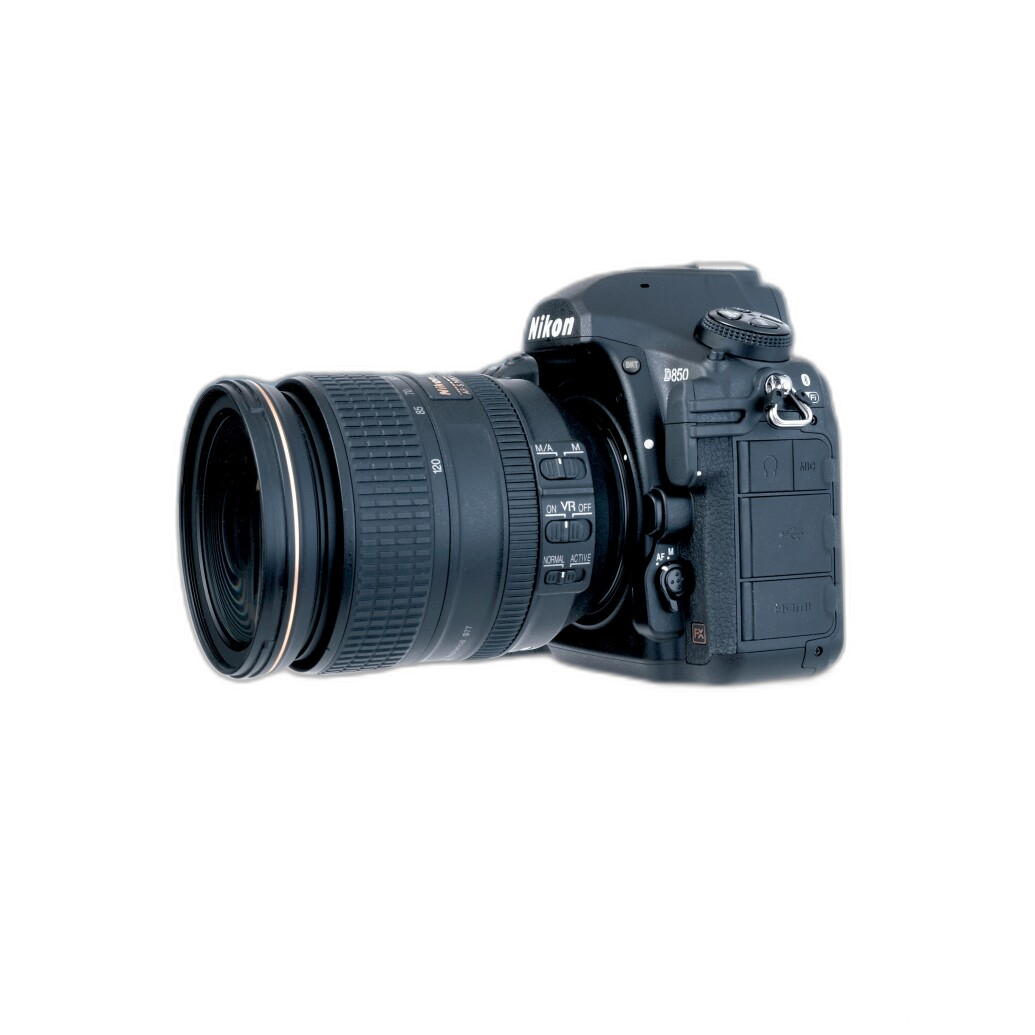
Need help dialing in your camera for reliable, edit-friendly files? Nikon shooters will appreciate Nikon D850 Guide to Digital SLR Photography by David Busch for practical setup strategies that pay off in post.
Field craft matters too—practice consistent exposure and scene planning in workshops like Macro and Landscape Photography at Duke Farms with Michael Downey to hone repeatable capture habits that streamline the edit.
Ready to refine your entire workflow? Visit Unique Photo online or in-store for expert advice, education, and gear—from fast card readers to hands-on classes—that help you deliver cohesive, publication-ready features every time.